
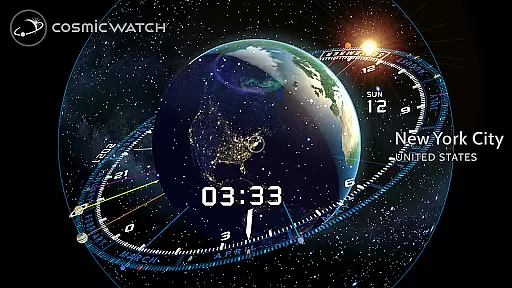
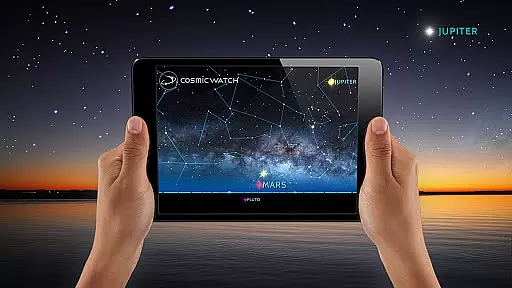
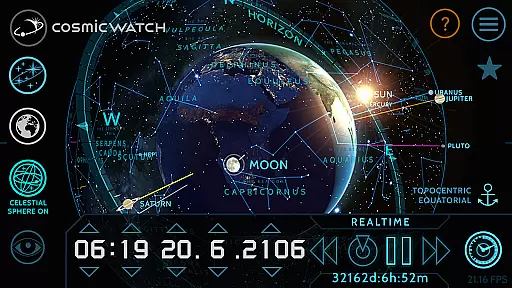
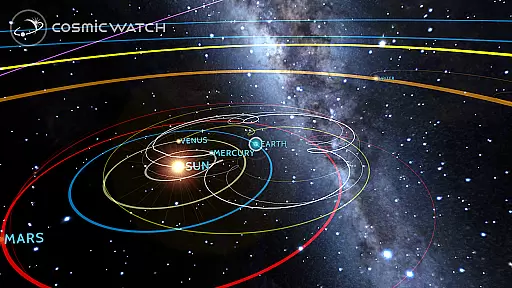
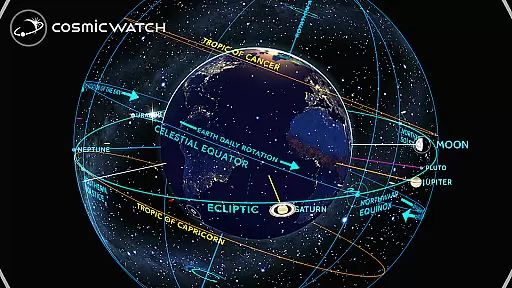
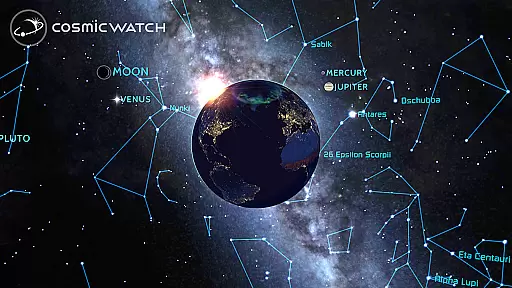
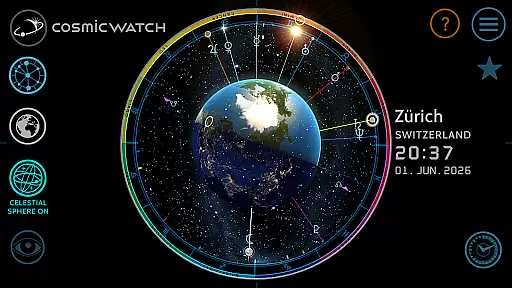
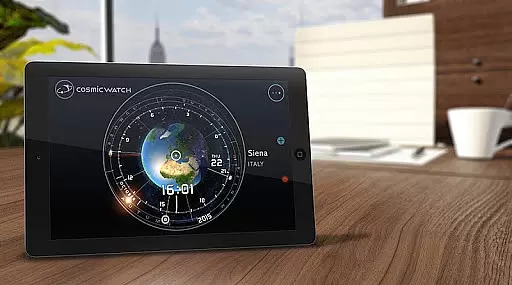
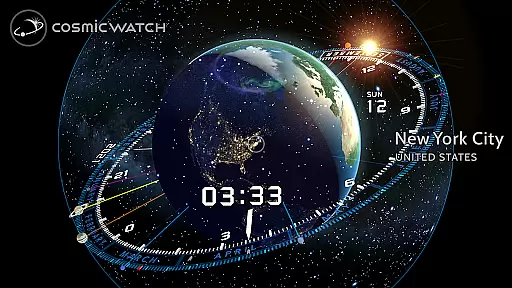
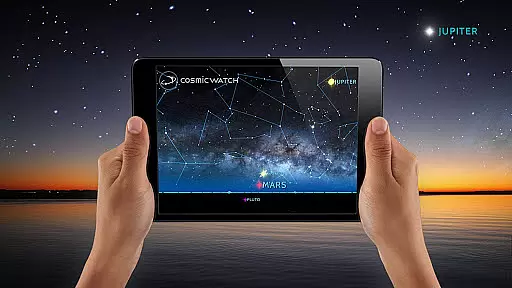
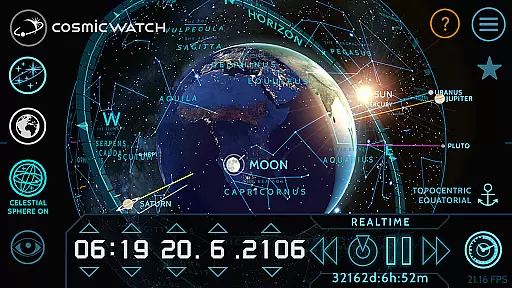
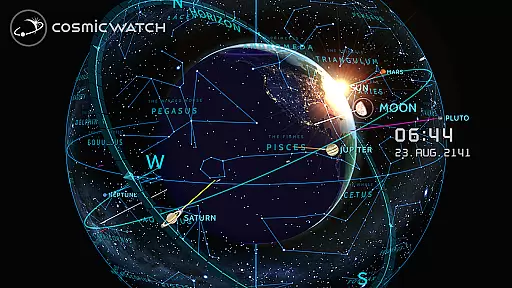
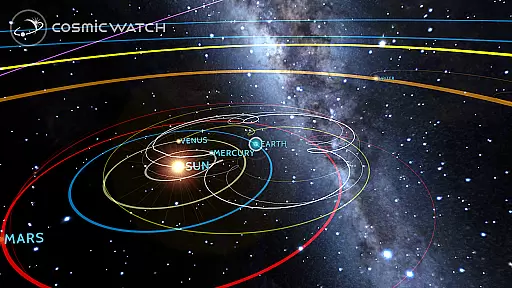
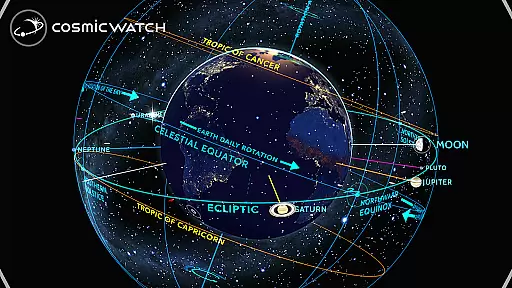
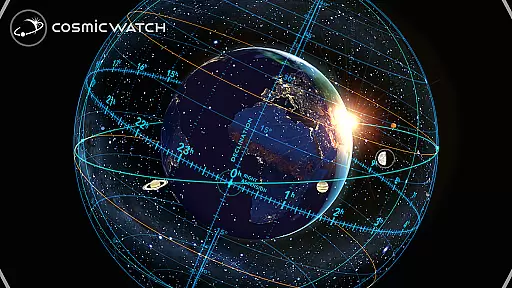
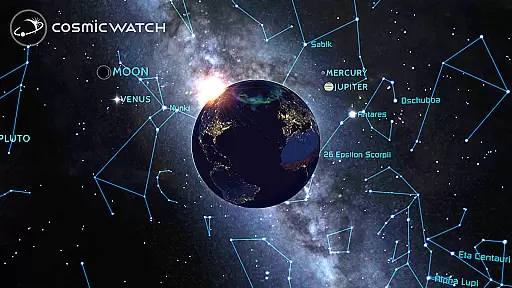
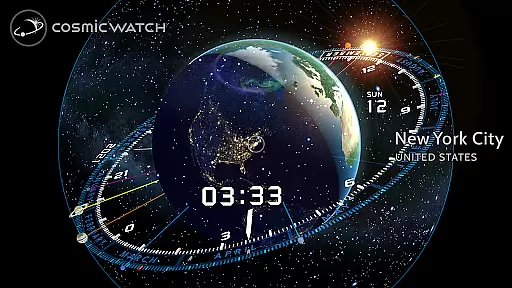
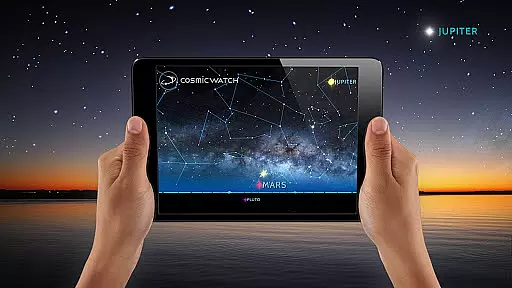
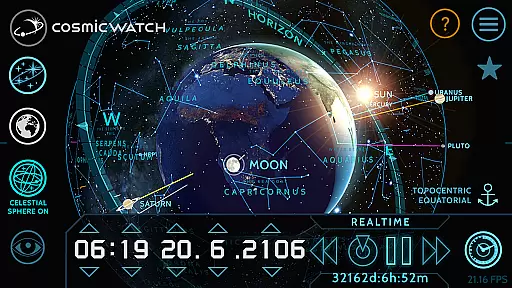
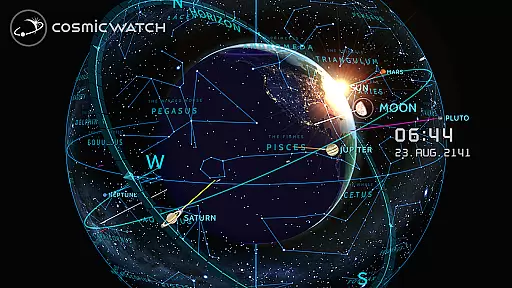
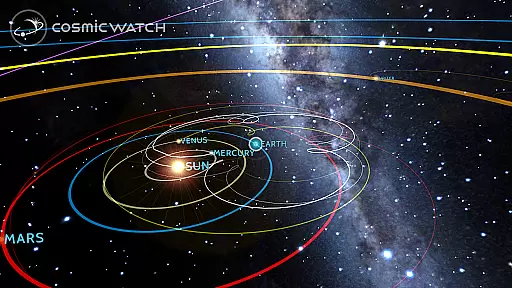
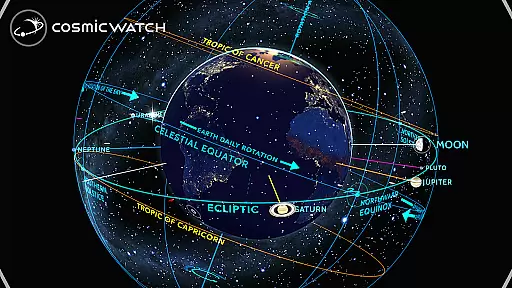
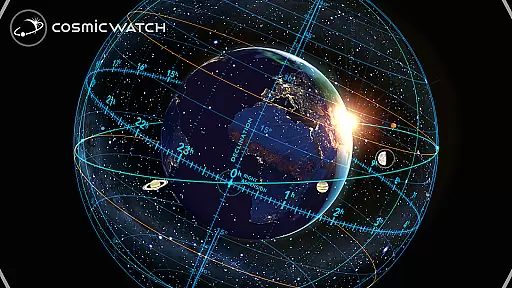
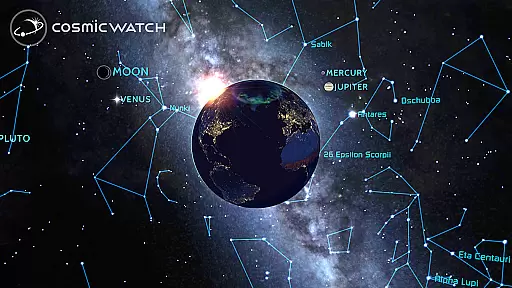
COSMIC WATCH is an innovative educational app that combines a 3D planetarium, augmented reality sky guide, and astronomical clock into one powerful tool. This app allows users to explore the solar system, identify constellations, stars, and planets in real-time, and even travel through time to observe celestial movements. With its stunning graphics and precise astronomical calculations, it serves as both an engaging introduction to astronomy and a sophisticated resource for advanced stargazers.
The app's unique features include geocentric and heliocentric views of the solar system, a digital compass, and notifications about important astronomical events. Whether you're an amateur astronomer, a science enthusiast, or simply someone who appreciates beautiful design, COSMIC WATCH offers a captivating way to connect with the cosmos. Its ability to visualize your position within the universe makes it an invaluable companion for anyone seeking to understand the relationship between time and celestial motion.
COSMIC WATCH stands out with its diverse range of features designed to enhance astronomical exploration. The app includes a 3D celestial sphere that provides an overview of the entire sky, complete with star maps, constellations, and detailed astronomical event predictions. Users can switch between different viewing modes such as sky view, earth view, and solar system view, offering multiple perspectives on cosmic phenomena.
One of the most impressive aspects of COSMIC WATCH is its augmented reality functionality, which lets users point their device at the sky to experience real-time celestial navigation. Additionally, the interactive astronomical clock not only displays time but also demonstrates how it correlates with planetary movements. Informative layers provide extra context, while the app's retrograde analysis helps users better understand complex planetary motions. These robust features make COSMIC WATCH a must-have for educators, students, and astronomy enthusiasts alike.
The Cosmic Watch app stands out for its commitment to content accuracy and authority, which are crucial in the realm of educational applications. This app provides a 3D planetarium experience that is not only visually stunning but also grounded in scientific principles. It meticulously renders graphics of celestial bodies in real time, ensuring that users receive an authentic representation of astronomical phenomena.
One of the core strengths of the Cosmic Watch is its ability to calculate and display important astronomical events. By integrating basic astronomy principles with time measurement, it offers users accurate visualizations of their position within the cosmos. Whether observing constellations, tracking planetary movements, or exploring the solar system, users can trust the precision of the information presented.
This dedication to accuracy extends to its augmented reality feature, allowing users to point their device towards the sky and access real-time data about stars, planets, and constellations. Such features make learning interactive and engaging while maintaining a high standard of educational value. The app's recognition through prestigious awards like the WEBBY AWARD for Best Educational App further underscores its authoritative standing in the field.
While the Cosmic Watch app may not follow traditional personalized learning paths seen in other educational tools, it offers unique customization options that cater to individual exploration and discovery. Users have the freedom to navigate through space and time, tailoring their journey according to personal interests and curiosity. This flexibility allows learners at any levelu2014from beginners to advanced astronomersu2014to engage with content that matches their current understanding and desired depth.
The app includes various informative layers and views such as geocentric and heliocentric perspectives of the solar system, digital compass functionality, and comprehensive representations of planet retrogrades. These features enable users to focus on specific areas they wish to explore more deeply, effectively creating a personalized learning environment driven by user interest rather than predefined pathways.
Moreover, the Cosmic Watch supports diverse learning styles by offering both visual and interactive elements. Its 3D interactive astronomical clock and world clock provide hands-on experiences that encourage self-paced learning. By blending rigorous scientific data with intuitive design, this app empowers users to chart their own courses through the cosmos, making each learning journey uniquely tailored to individual preferences and goals.
Stunning 3D graphics
Real-time AR sky guide
Comprehensive astronomy tool
User-friendly interface
No in-app purchases
High battery consumption
Complex for beginners
Limited offline functionality
Heavy app size
Frequent updates needed

FAR/AIM, FAR for Flight Crew and FAR for Aviation Maintenance Technicians
 3.80
3.80
Childcare Management App: Daily sheets, sign in-out, billing and learning tools
4.70
A 2024 digital study guide for the Expert Infantryman and Expert Soldier's Badge
4.1
One of the most engaging and innovative ABC apps on the market.
4.30
Hebrew Vocab
4.90
The official CCM Glossary app, including 700+ terms and definitions.
2.90
Stack the Countries makes learning world geography fun!
4.50
Animals pop up and make sounds—learn names and noises in Peekaboo Barn!
4.3
Train, track, and reward potty training using Potty with Pull-Ups® ft. Disney®
4.70
Short Lessons for Better Finances, Health, Skills, Jobs & Relationships.
4.80
Learn Words Daily in Just Minutes - Boost Your Language Skills Fast!
4.60
Turn scrolling hours into improving your knowledge, communication, intelligence
4.50
Latest TLC Practice Questions! Multiple languages available!
4.50
The Fighter Verses Bible memory system helps you memorize God's Word.
4.50
Astronomy app ? Discover the universe scope, explore solar system model in 3D.
4.20
A magical world of fun, building, and learning with Mickey Mouse and more!
4.20
Our most popular app series returns, better than ever!
3.90
THE MOST COMPREHENSIVE JUMPMASTER STUDY RESOURCE AVAILABLE.
3.40
Visit Daniel's house & make believe. Play doctor, make music, & feed fish.
3.20
Honest Pingo AI review—conversation practice, voice recognition issues, subscription costs, and how it compares to Duolingo and tutors.



User Reviews