
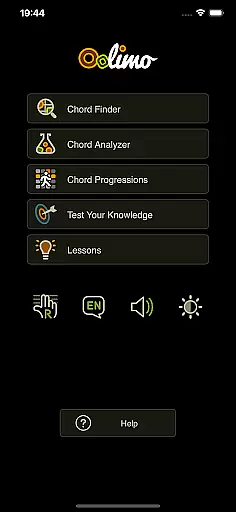
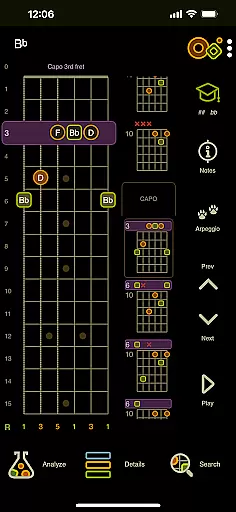
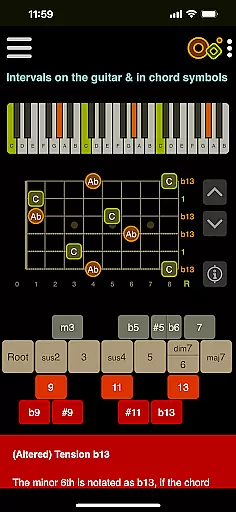
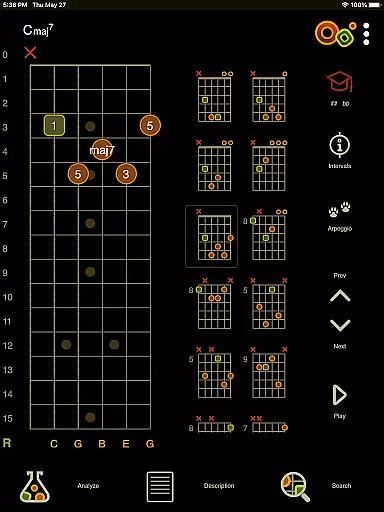
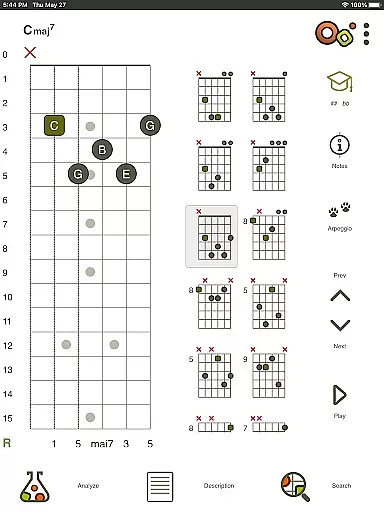
Oolimo Guitar Chords is an innovative educational app designed specifically for guitar enthusiasts who want to deepen their understanding of chord theory. This app serves as both a learning tool and a comprehensive reference guide, helping users make sense of chord symbols, names, and harmonic relationships on the guitar.
Created by guitarist and developer Oliver Mochmann, Oolimo combines musical depth with clarity and usability. It features interactive modules like the Chord Finder, Chord Analyzer, and Theory Lessons that turn complex music theory into something you can see, hear, and understand. Whether you're a beginner or an experienced player, this app provides lasting insights rather than just fragmented tips.
The app's standout feature is its structured approach to teaching guitar harmony. With 22 interactive lessons, quizzes, and visual aids, users can explore everything from basic intervals to advanced altered chords. The app also supports multiple languages and offers practical tools such as playback functionality, day/night mode, and left-handed mode, making it adaptable to various learning styles and preferences.
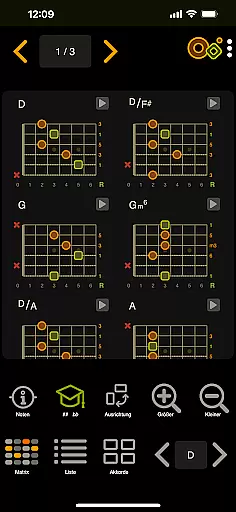
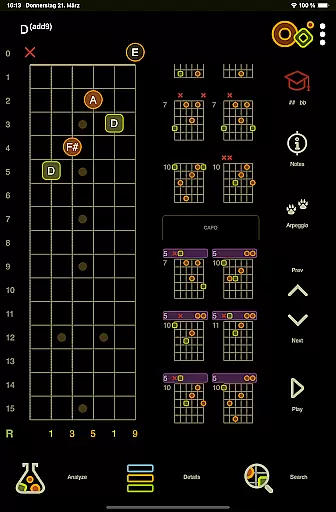
Oolimo Guitar Chords stands out due to its unique combination of interactive learning tools and detailed reference materials. One of its key features is the Chord Finder, which uses a curated database of usable voicings and intelligent algorithms to help users discover chords that make musical sense. Each chord adapts automatically to the selected key, providing a seamless learning experience.
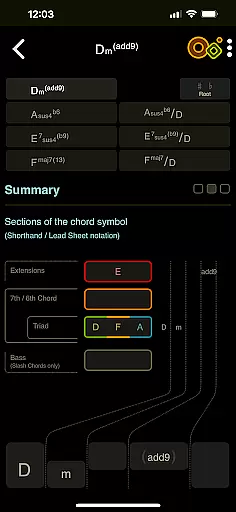
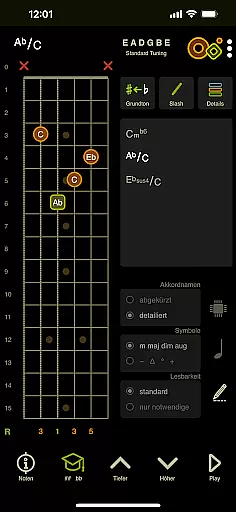
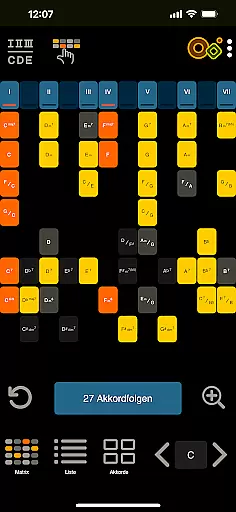
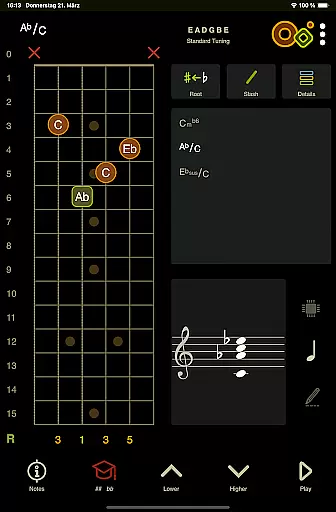
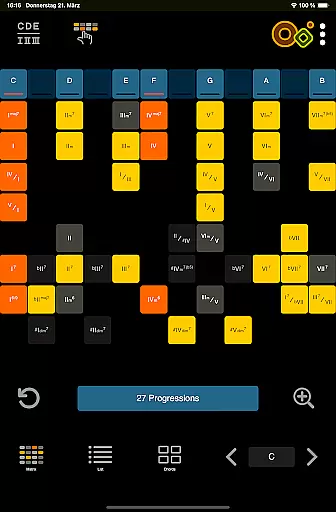
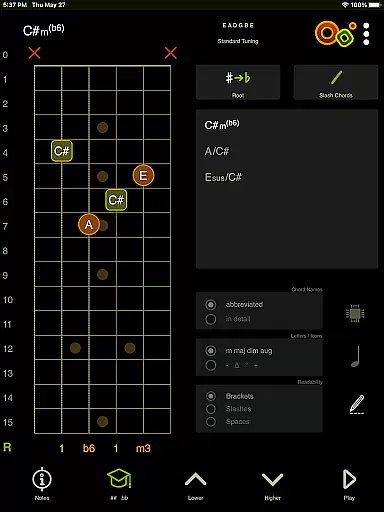
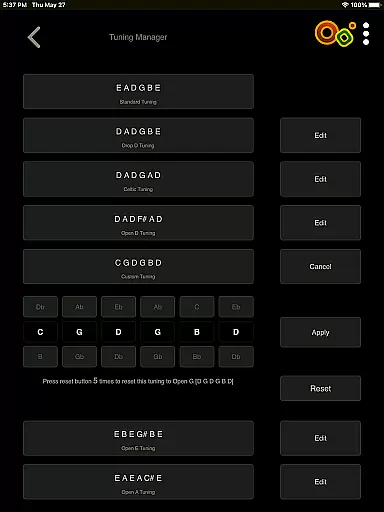
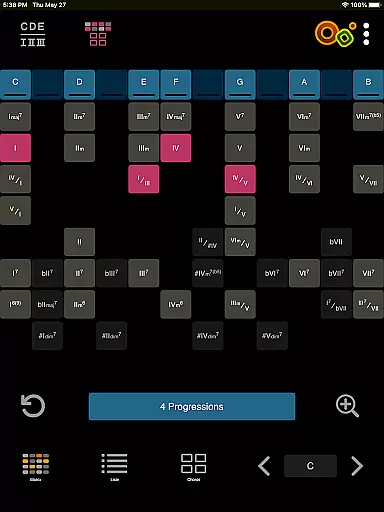
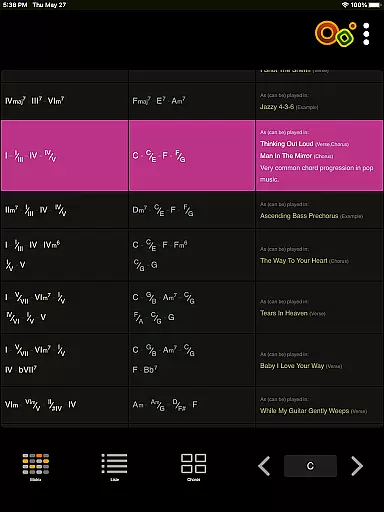
The Chord Analyzer is another powerful tool that allows users to enter any fingering on a virtual fretboard and instantly get the correct chord name. This feature supports standard and open tunings and includes advanced notation options like slash chords and double accidentals. Additionally, the app offers an innovative matrix for exploring chord progressions, helping users visualize harmonic functions and relationships.
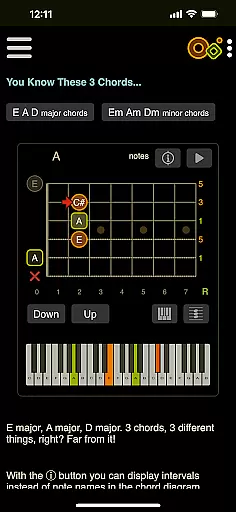
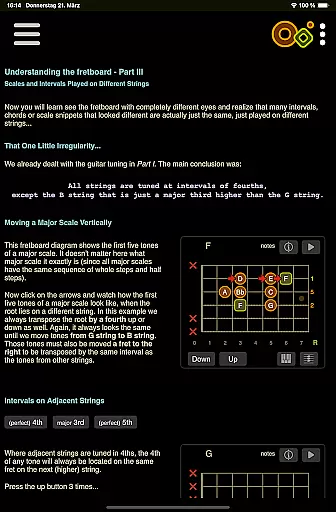
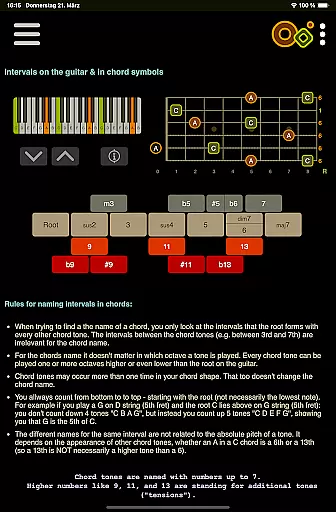
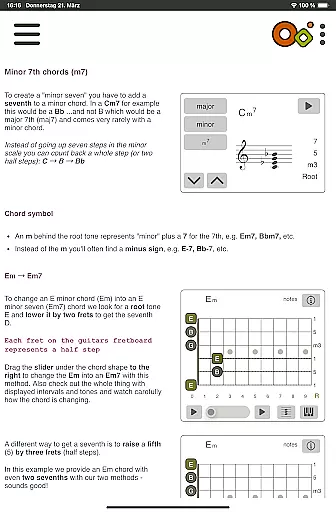
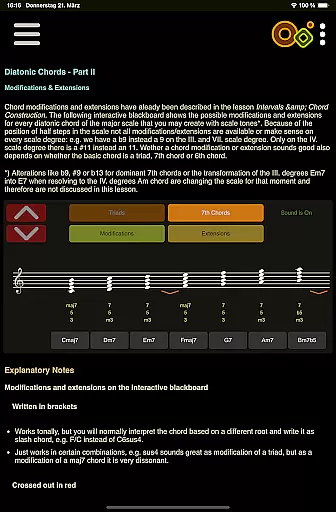
Beyond these core features, Oolimo provides 22 interactive theory lessons with smart visualizations, quizzes for testing knowledge and training the ear, and general features like an interactive fretboard, note and interval display, and playback of chords or single notes. These elements work together to create a holistic learning environment that caters to guitarists at all levels.
When it comes to learning guitar chords, the accuracy and authority of the content are paramount. Oolimo Guitar Chords stands out by offering a meticulously curated database of chord voicings that are not only comprehensive but also grounded in real-world musical theory. This ensures that every chord you learn is both musically correct and practically applicable.
The app's Chord Analyzer feature exemplifies this commitment to precision. Unlike other tools that might leave you with an 'unknown chord' message, Oolimo provides instant and accurate chord names for any fingering you input on its virtual fretboard. It supports various tunings and includes advanced notation options, making it an indispensable tool for guitarists who demand correctness in their practice.
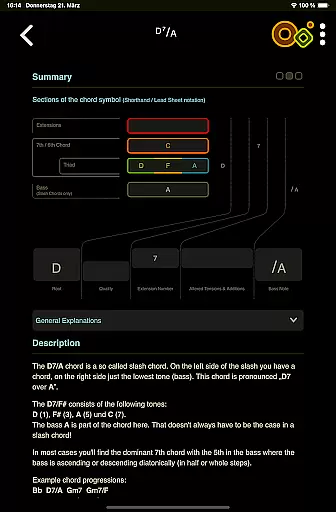
Furthermore, Oolimo's Theory Lessons offer 22 interactive sessions that cover essential topics such as intervals, chord construction, and diatonic harmony. These lessons use smart visualizations to explain complex concepts clearly, ensuring that users gain a deep understanding of music theory. By combining these educational resources with practical exercises, Oolimo establishes itself as a trustworthy guide in your journey to mastering guitar chords.
Oolimo Guitar Chords doesn't just provide information; it offers personalized learning paths tailored to enhance each user's unique musical journey. Through its innovative modules like the Chord Finder and Progressions Matrix, learners can explore chords and progressions that adapt intelligently to their selected key, facilitating a customized learning experience.
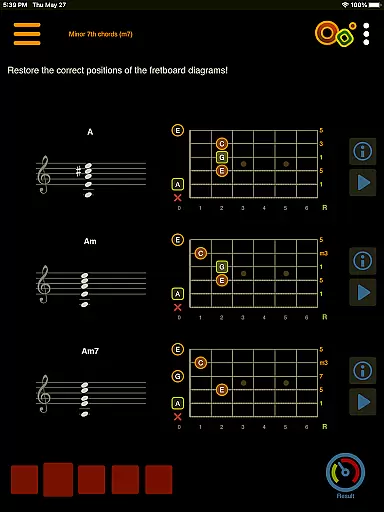
The appu2019s Quizzes module further enriches this personalization by allowing users to test their knowledge across various aspects of music theory. From chord construction to harmonic context, these quizzes help identify areas where additional focus may be needed, effectively guiding users along their individual learning curves.
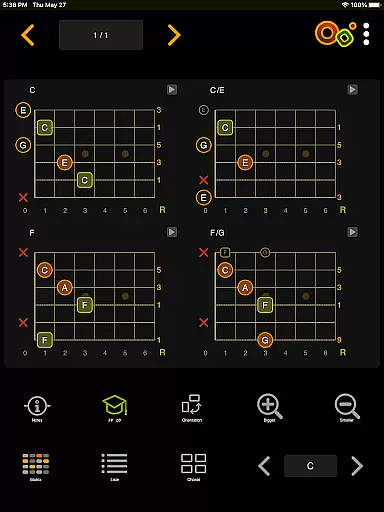
Moreover, Oolimo supports different learning styles through its interactive fretboard and chord diagrams, which display notes and intervals visually while also providing audio playback. Whether you're a beginner or an experienced player, Oolimo adapts to your level, offering detailed or compact chord names based on your preference. With features like day/night mode and left-handed mode, the app ensures accessibility for all users, truly embodying the concept of personalized education.
Comprehensive chord database
Interactive learning modules
Supports multiple languages
User-friendly interface
Advanced notation options
Limited to guitar chords
No real-time collaboration
Some features may overwhelm beginners
Premium content requires purchase
Occasional performance lags

An animated storybook app to help ease your child through toilet training.
 3.70
3.70
Learn and joke with the Silly Turkey!
4.2
Universe simulator: Find & explore planets system, outer space, astronomy events
4.60
Dinosaurs coloring book game. Drawing and painting dinos.
4.50
AI Language tutor: Speak fluently with Lucy’s personalized coaching
4.70
Explore numbers the Starfall way!
4.00
An interactive enhancement of the Sesame Street classic.
4.50
An aviator’s preparation, study and test tool for FAA Knowledge Exams.
3.80
Memorize anything efficiently with AnkiDroid! Many pre-built decks available.
4.80
Short Lessons for Better Finances, Health, Skills, Jobs & Relationships.
4.80
Gain new skills in 10 minutes
4.70
Discover Your Place in the Universe
4.70
Stargazing Guide App. Stars and constellations map. Solar system planets finder.
4.60
Stack the Countries makes learning world geography fun!
4.50
Monkey Preschool Lunchbox: 7 exciting educational games for your preschooler.
4.30
A magical world of fun, building, and learning with Mickey Mouse and more!
4.20
Master note reading with StaffWars….
4.00
MONOPOLY JUNIOR brings Hasbro's classic the board game to life.
3.00
Animals pop up and make sounds—learn names and noises in Peekaboo Barn!
4.5
Honest Pingo AI review—conversation practice, voice recognition issues, subscription costs, and how it compares to Duolingo and tutors.



User Reviews