

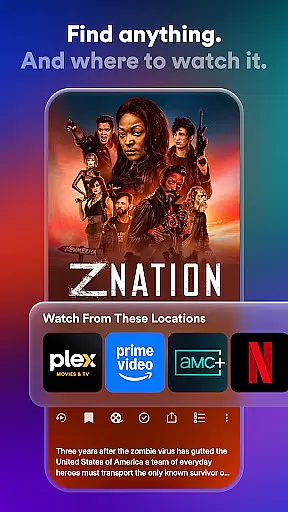
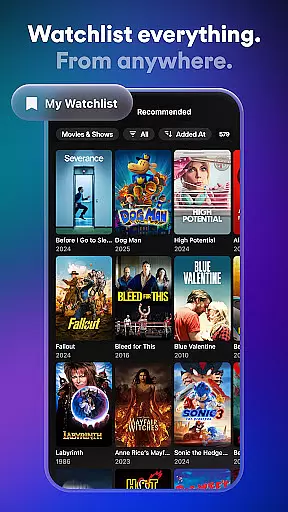
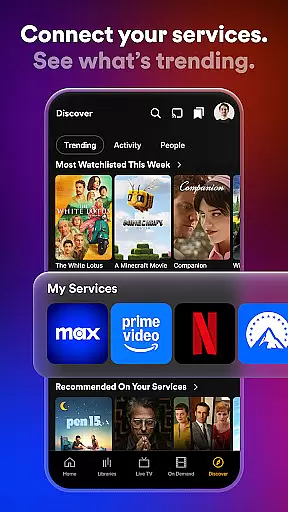
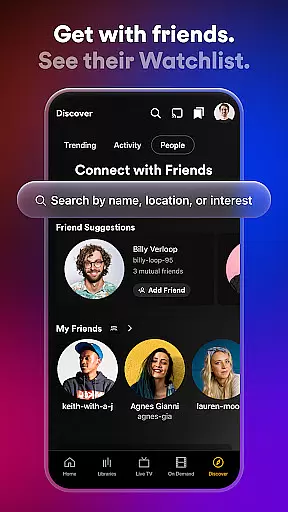

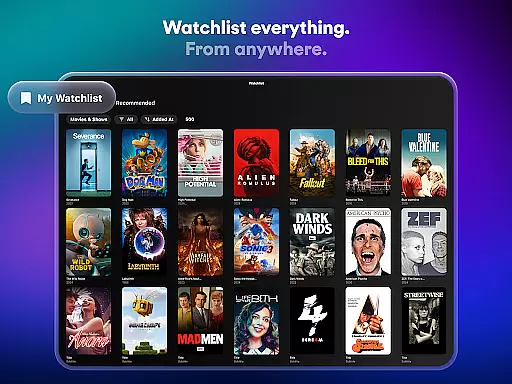
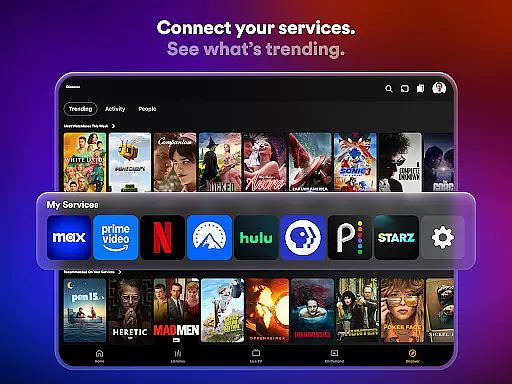
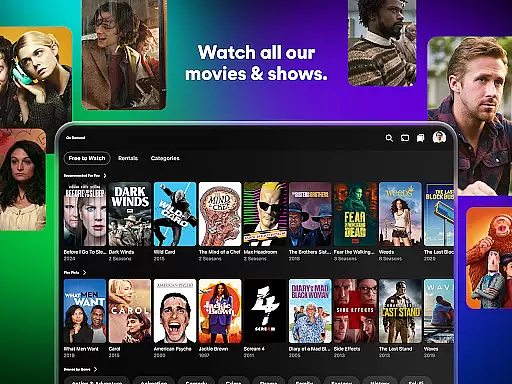
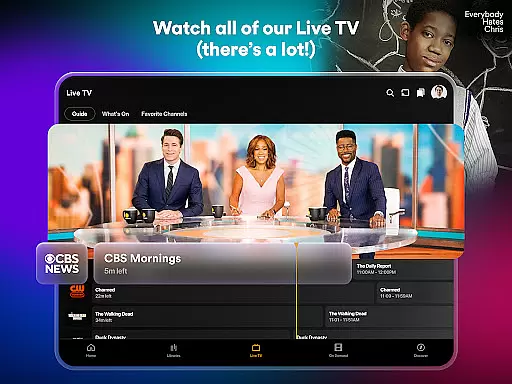

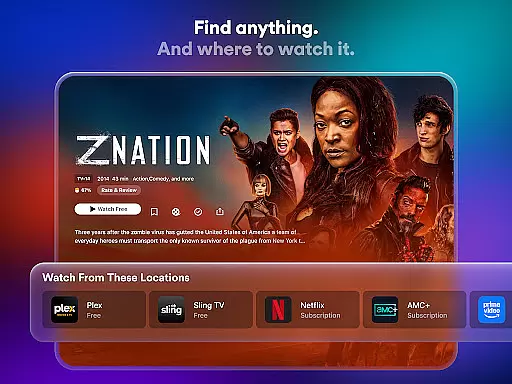
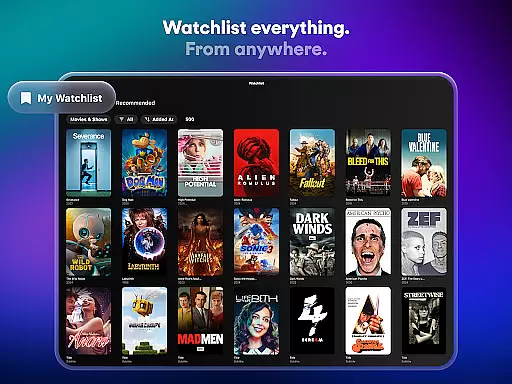
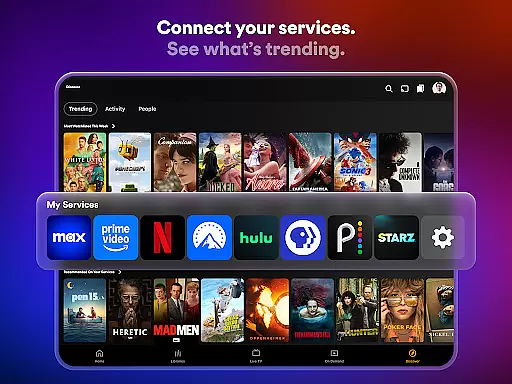
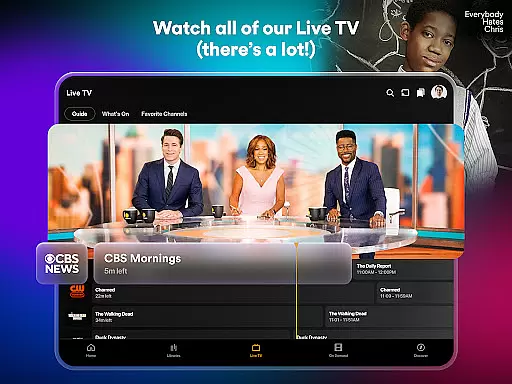
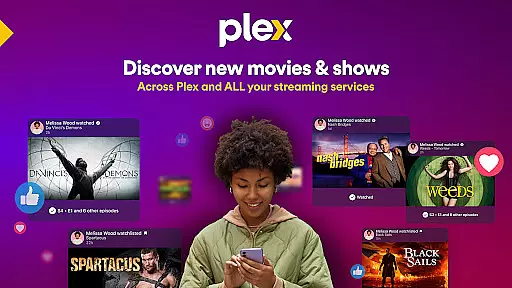
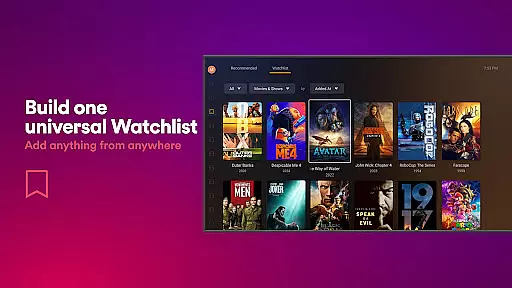
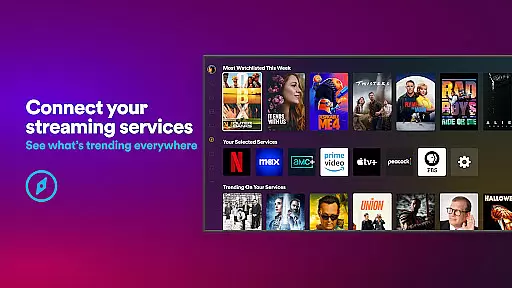
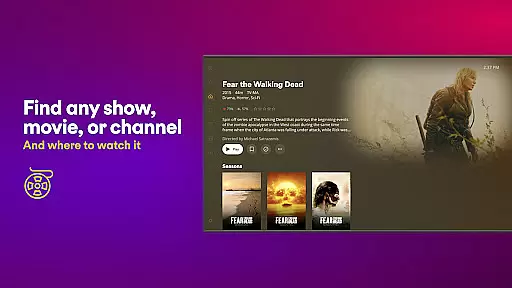
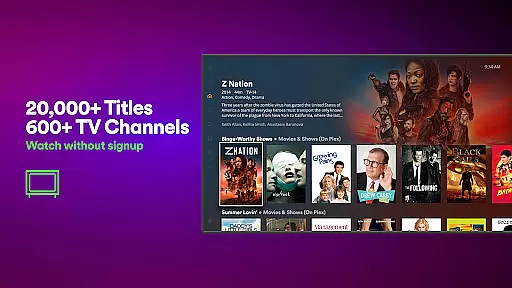
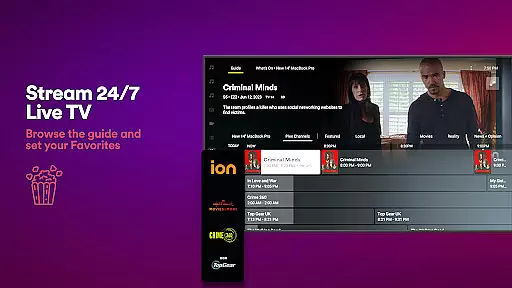
Plex is an all-in-one entertainment app that simplifies media streaming, organization, and sharing. It allows users to discover what to watch next by providing a universal Watchlist for shows and movies across multiple streaming platforms. With access to over 600 free TV channels and thousands of free movies, Plex offers a subscription-free experience while also supporting personal media management through its media server.
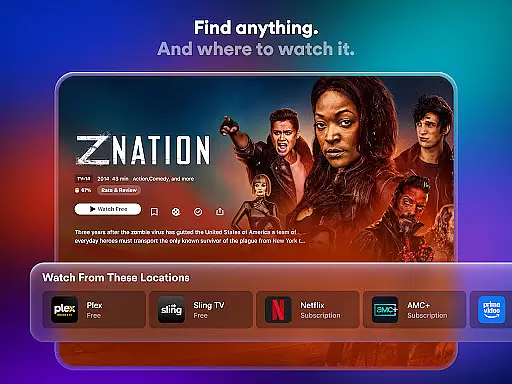
The app's key features include the ability to connect various streaming services into one interface, create a centralized Watchlist, and enjoy Live TV with popular channels like The Hallmark Channel, FOX Sports, and more. Additionally, Plex supports movie rentals and integrates social features such as leaving reviews and connecting with friends. Whether you're looking for live sports, kids' shows, or critically acclaimed films, Plex delivers a seamless experience on any device.
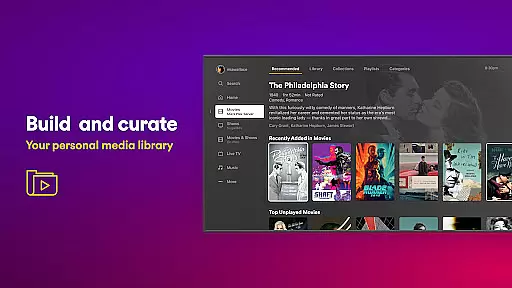
For users who want to organize their personal media libraries, Plex acts as a personal media server, automatically sorting and categorizing movies and TV shows. This functionality ensures easy access to your favorite content without needing constant internet connectivity. By combining professional-grade streaming options with robust personal media management tools, Plex stands out as a versatile solution for modern entertainment needs.
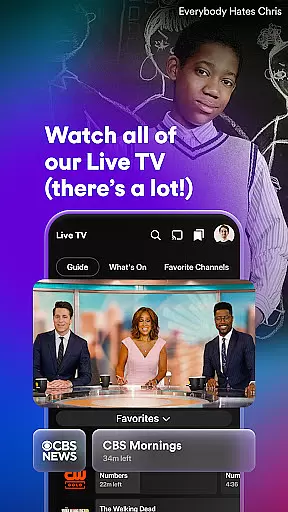
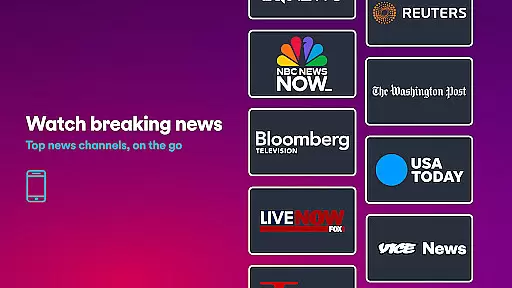
Plex distinguishes itself with several standout features designed to enhance user convenience and flexibility. One of its most notable capabilities is the universal Watchlist, which lets users save shows and movies from different platforms in one place, making it easier to track desired content regardless of where it streams. Another highlight is the integration of 600+ free live TV channels, offering diverse categories such as sports, news, and kids' programming—all accessible directly within the app.
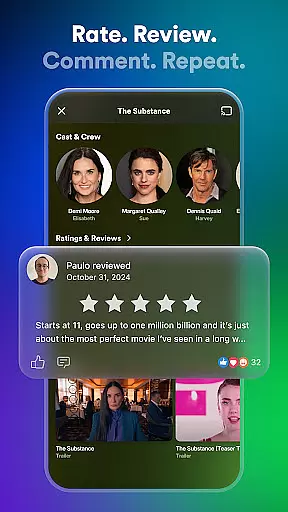
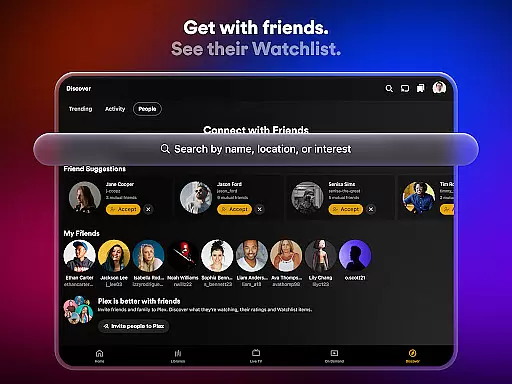
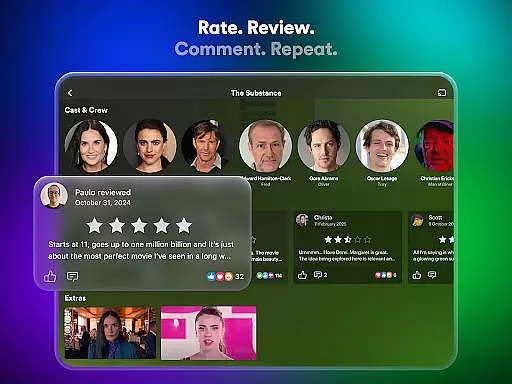
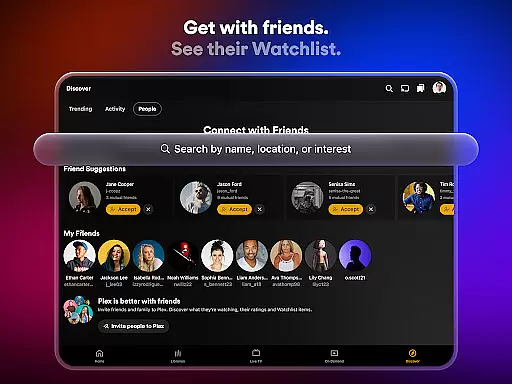
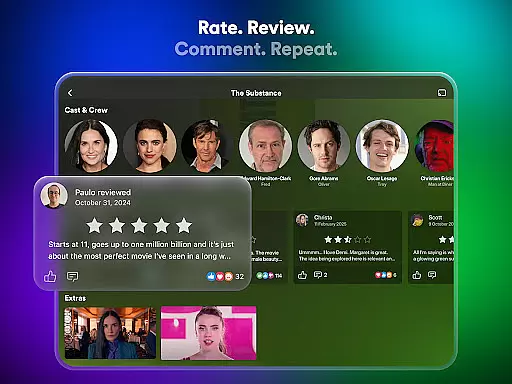
In addition to its streaming prowess, Plex includes a powerful personal media server feature. This tool scans, organizes, and sorts users' private media collections, presenting them in an intuitive format optimized for quick navigation. Users can store their personal videos, download them for offline viewing, and even stream stored content across multiple devices. Furthermore, Plex enhances social engagement by allowing users to leave reviews, share recommendations, and interact with friends about their viewing habits.
Another innovative aspect of Plex is its rental service, Plex Rentals, which provides affordable access to newly released blockbusters and timeless classics. Starting at just $3.99 per rental, this feature caters to those seeking fresh cinematic experiences. Combined with its streamlined interface and cross-platform compatibility, these features make Plex a comprehensive hub for both mainstream and personalized entertainment.
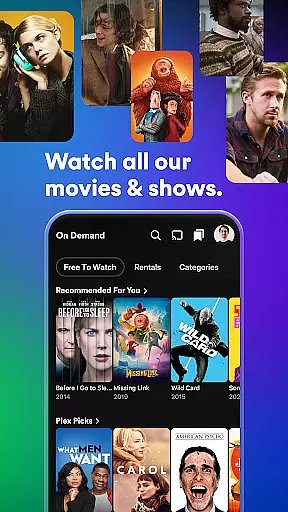
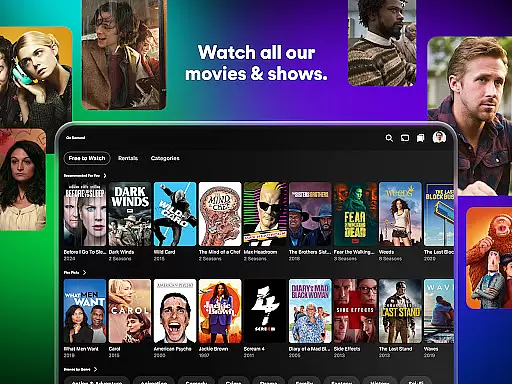
Plex stands out in the entertainment category by offering an extensive range of content that caters to diverse tastes. With over 600 channels and thousands of free movies and TV shows, users can explore a vast library that includes everything from live sports and news to kids' programming and classic films.
The platform's strength lies in its ability to aggregate content from various sources, providing a centralized location for media consumption. Users can access popular titles from major studios like A24, Paramount, AMC, and Lionsgate, ensuring they have the latest releases and timeless classics at their fingertips.
Moreover, Plex frequently updates its offerings, keeping the content fresh and engaging. The addition of new rental options allows users to enjoy recent theatrical releases or revisit beloved favorites, all within the same ecosystem. This constant evolution ensures that there is always something new to discover on Plex.
User engagement is a critical factor for any entertainment platform, and Plex excels in this area by creating a compelling environment that encourages prolonged usage. By integrating social features such as movie reviews, shared watchlists, and friend activity feeds, Plex fosters a sense of community among its users.
The universal Watchlist feature plays a significant role in retaining users by helping them keep track of their viewing interests across different streaming services. This functionality eliminates the frustration of losing track of desired content and provides a seamless way to pick up where they left off, regardless of the platform.
Additionally, Plex's offline viewing capabilities and personal media server integration contribute to higher retention rates. Users can download content for later viewing without WiFi, making it convenient for travel or areas with limited connectivity. These thoughtful features demonstrate Plex's commitment to enhancing user experience and maintaining long-term engagement.
User-friendly interface
Wide range of free content
Powerful media organization
Social sharing capabilities
Affordable rental options
Limited advanced playback controls
DRM-protected files unsupported
Requires separate server setup
Ads in free version
Occasional buffering issues

Ultimate VR movie player for android mobile videos
 4.2
4.2
Tarot & Oracle Card Readings
4.50
Exclusive Short Drama Video! All in HD. Bringe trending reels & enjoy drama time
3.80
Heroclix search units with multi filter , team builder, collection manager.
4.40
Create melty bead designs by numbers, photos or your imagination
4.40
Best of icon for christmas
4.30
Earn gift cards for playing games. Become a real game tester!
4.40
Your choice of 350+ networks plus movies and full TV series on-demand.
3.70
Christmas Globe: Transform your Wear OS device into a festive timekeeper!
4.2
Watch Reels, Drama Shorts & TV Series Anytime. Download DramaWave Now!
4.70
Create, chat & bond with AI souls who truly listen.
4.50
Rain and lightning effects for your Philips Hue lights
4.30
Create and play realistic-looking mock Emergency Alert System messages.
4.30
Binge-worthy short dramas on DramaRush—engaging stories that fit your day.
3.90
Watch New Episodes & Live TV
3.80
Connect. Discover. Control.
3.60
Create your Songs. Cover Maker with any Voice, Song Generator
3.30
A wonderful collection of the most beautiful sounds of animals and birds
4.4
EVP Recorder / Voice Recorder for ghost hunting, to communicate with ghosts.
4.3


User Reviews