
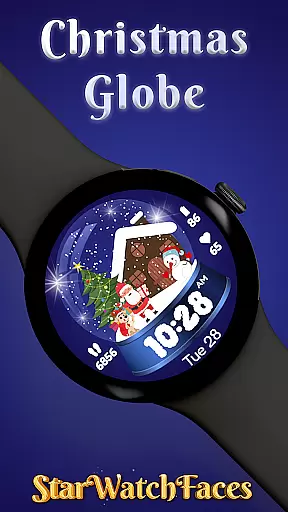
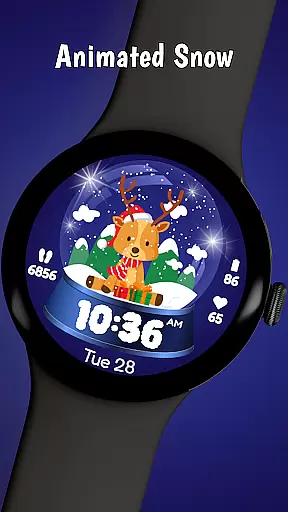
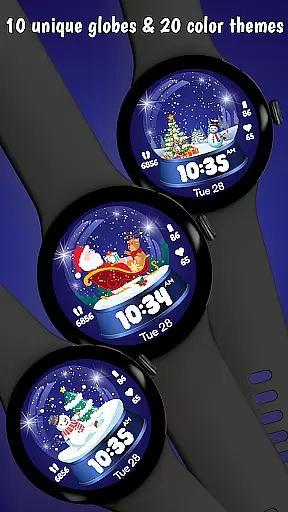
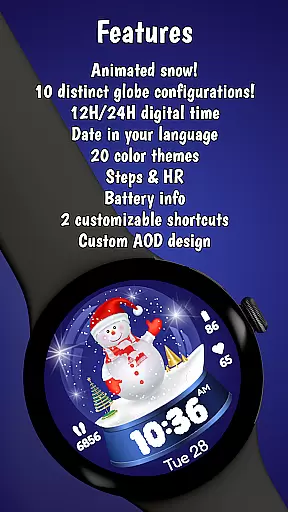
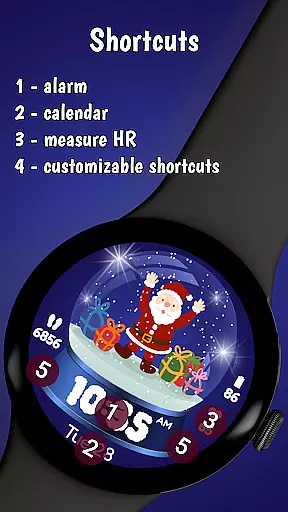
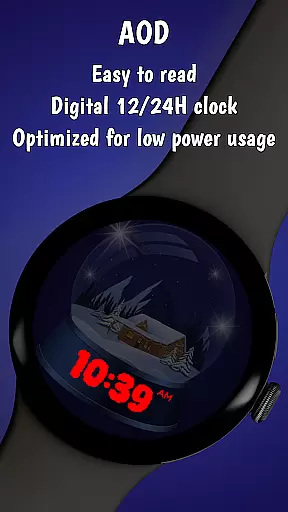
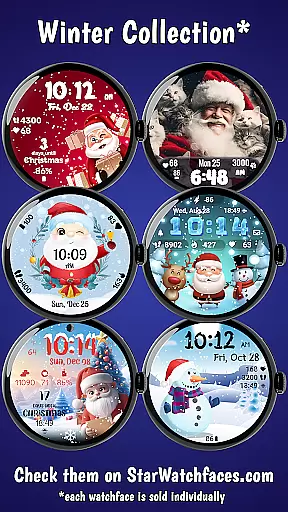
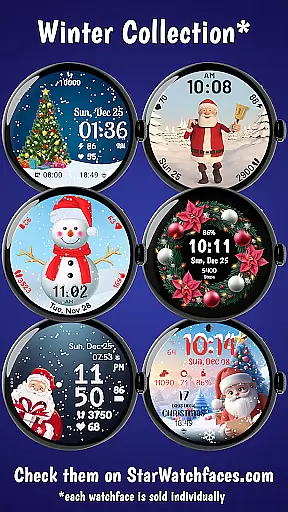
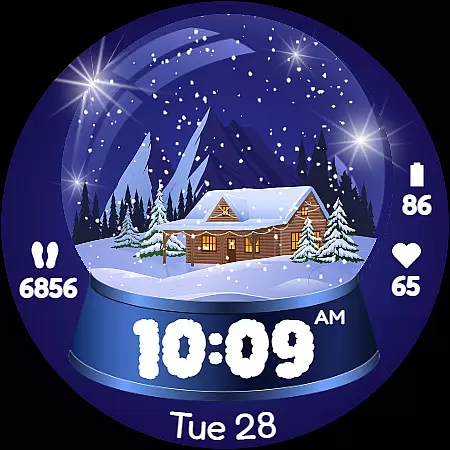
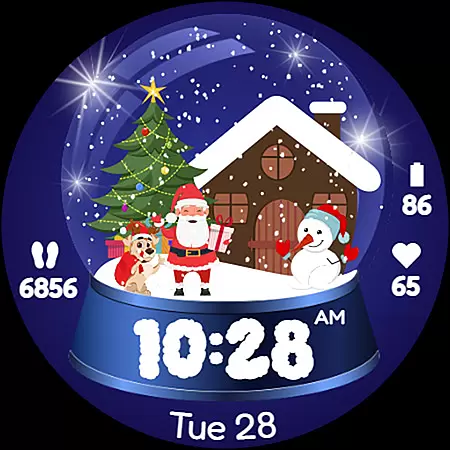
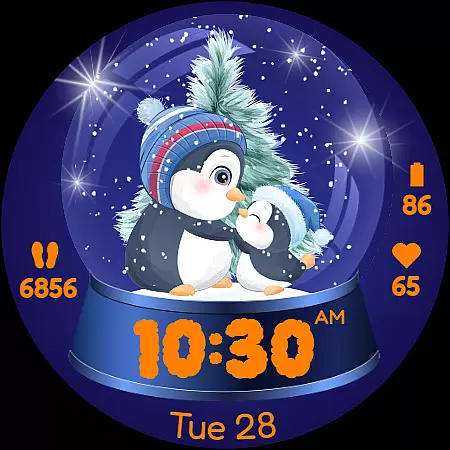
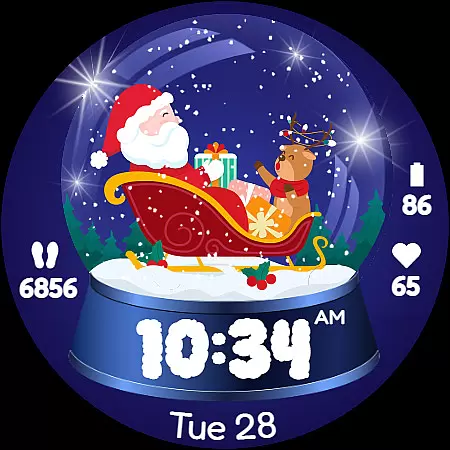
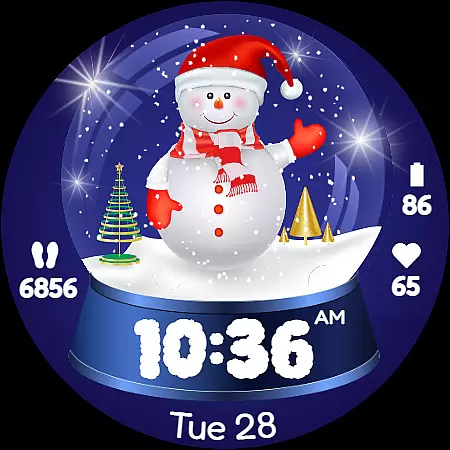
Christmas Globe Watch Face for Wear OS brings holiday cheer to your smartwatch with its unique snow globe design. This festive watch face allows users to personalize their device with 10 different holiday-themed backgrounds, ranging from Santa Claus to serene winter landscapes. Beyond its charming appearance, the watch face offers practical features such as 20 customizable color themes, supporting both 12 and 24-hour time formats, displaying the current date in English, and including health-focused functionalities like a step counter and heart rate monitor.
The app is designed not only to spread holiday joy but also to provide essential information at a glance. Users can track their daily steps and monitor their heart rate, ensuring they maintain an active lifestyle during the indulgent holiday season. Additionally, the battery level indicator helps users manage their device's power efficiently. Whether you're a Christmas enthusiast or simply looking to add a touch of whimsy to your smartwatch, Christmas Globe Watch Face combines functionality with festive spirit, making it a must-have accessory for the holiday season.
Christmas Globe Watch Face stands out with its rich set of features tailored for the holiday season. The app offers 10 beautifully animated festive backgrounds, allowing users to choose from various designs such as Santa Claus, sparkling Christmas trees, and cheerful snowmen. Each background adds a unique charm to your smartwatch, making it a delightful accessory for the holidays. Beyond aesthetics, the app provides 20 unique color themes, enabling users to customize the look to match their personal style or outfit of the day.
In addition to its customization options, the watch face ensures that users stay informed and healthy. It supports both 12-hour and 24-hour time formats, catering to global preferences, and displays the current date in English for easy schedule tracking. Fitness enthusiasts will appreciate the built-in step counter and heart rate monitor, which help maintain an active lifestyle even during the busy holiday season. Furthermore, the battery level indicator ensures that users are always aware of their device's power status, preventing unexpected shutdowns. These comprehensive features make Christmas Globe Watch Face a perfect blend of festivity and functionality.
The Christmas Globe Watch Face for Wear OS offers an impressive variety of content options that ensure users can enjoy a personalized and festive experience. With 10 unique festive backgrounds, ranging from jolly Santa Claus to serene winter landscapes, the watch face provides diverse visual themes to match different moods and preferences during the holiday season.
In addition to background choices, the watch face also features 20 distinct color themes. This extensive customization allows users to tailor their smartwatch's appearance to complement their outfit or express their personal style, whether they prefer classic Christmas colors like red and green or cooler tones such as blue and silver for a wintery look.
Moreover, the watch face is not just about aesthetics; it includes practical functionalities that are updated regularly. Users can view essential information at a glance, including time in both 12 and 24-hour formats, the current date displayed in English, step count, heart rate monitoring, and battery level indication. These dynamic elements ensure that the content remains fresh and relevant throughout the day.
By combining engaging visuals with useful features, Christmas Globe keeps its interface lively and functional, making sure that every glance at your wrist feels like a new discovery while staying connected to what matters most during the busy holiday season.
User engagement is a critical factor for any application, and the Christmas Globe Watch Face excels in this area by offering features that encourage prolonged interaction. The ability to personalize the watch face with various festive backgrounds and color themes ensures that users remain engaged as they explore different combinations to suit their daily attire or mood.
Beyond customization options, the watch face provides essential health and timekeeping features that promote regular use. A built-in step counter motivates users to maintain an active lifestyle even during the holiday season, while the heart rate monitor helps them keep track of their well-being amidst festivities. By integrating these practical tools, the watch face becomes an indispensable part of users' daily routines.
Retention is further enhanced by the watch face's commitment to maintaining up-to-date information on screen. Displaying the current date in English and showing real-time battery levels ensures that users consistently rely on their smartwatches for important updates throughout the day. This ongoing utility fosters a habit of frequent check-ins, increasing overall user retention rates.
Ultimately, Christmas Globe creates an engaging experience that combines fun with functionality, ensuring that users not only download but continue to interact with it over timeu2014spreading holiday cheer every time they glance at their wrists.
Festive Designs
Customizable Themes
Health Tracking
Battery Indicator
Global Time Formats
Limited to Wear OS
No Advanced Widgets
Holiday Niche
Premium Features Locked
Requires Companion App

Ultimate VR movie player for android mobile videos
 4.1
4.1
Rain and lightning effects for your Philips Hue lights
4.30
Simulation of Dashboard / Touch Screen for Tesla. (Works without actual Tesla).
4.1
Browser for Chromecast to stream webvideos, online movies, IPTV & HD livestreams
4.40
Colorful flows will relax and calm you down, or get you trippy and creative!
4.90
Chat with AI characters! Anime, games, roleplay & more.
4.50
The classic game of rock, paper, scissors
4.1
Stream, Watch, Chat. Live.
4.00
World's largest dedicated anime collection
4.70
Open-source, fast, simple and powerful IPTV app
4.90
Catalog & tracker of your DVD, Blu-ray & Digital Movie and TV Collection Library
4.80
Companion app for Elden Ring to track quests, bosses, progress and more.
4.70
Watch Reels, Drama Shorts & TV Series Anytime. Download DramaWave Now!
4.70
Triple A is a highly complex, kinetic, and interactive visualizer.
4.50
Underrated short-drama gems that hit hard and keep your heart hooked.
4.50
* Multiple Matches * Intuitive UI * Scoring Made Easy!
4.40
Atomus is a 10-finger multi-touch interactive visualizer.
4.30
Create your Songs. Cover Maker with any Voice, Song Generator
3.30
With the Steam Mobile App, you can take Steam with you anywhere.
3.00


User Reviews