
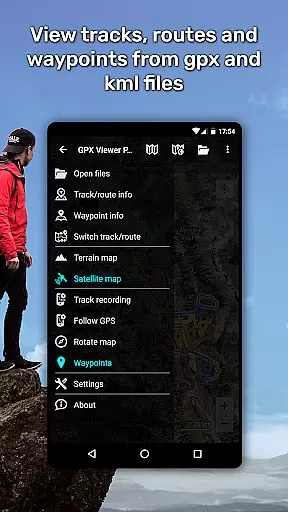
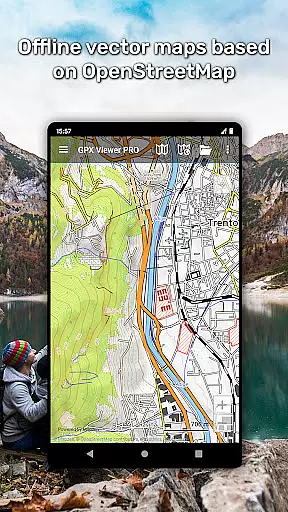
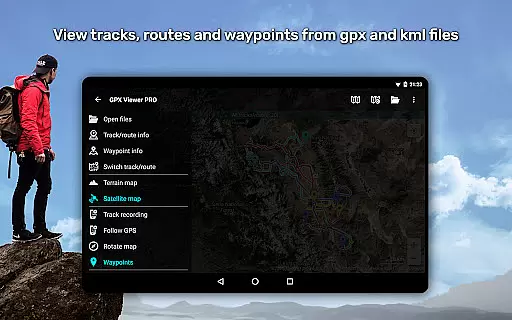
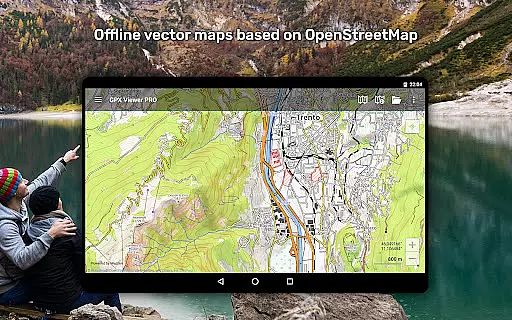
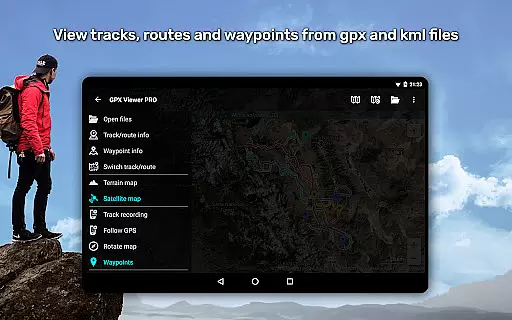
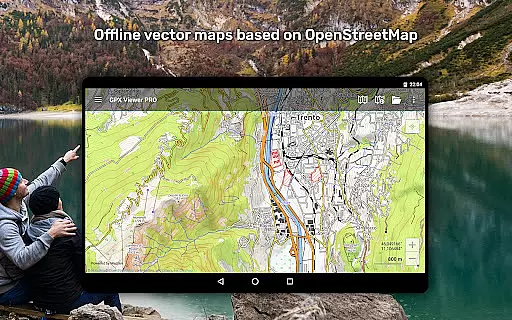
GPX Viewer PRO is a comprehensive GPS navigation and mapping application designed for outdoor enthusiasts and travelers. This app allows users to view various file formats including GPX, KML, KMZ, and LOC, providing detailed trip statistics and analysis tools. With offline vector maps based on OpenStreetMap data, it ensures reliable access even without internet connectivity.
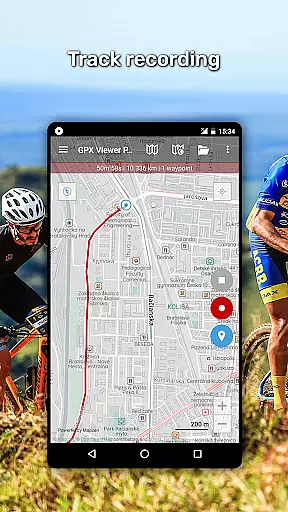
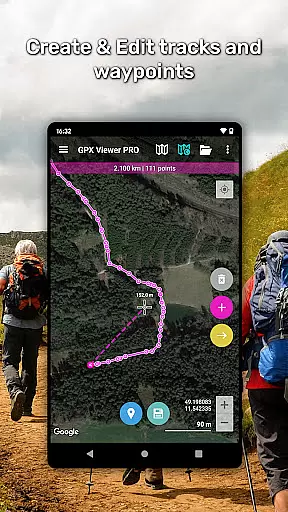
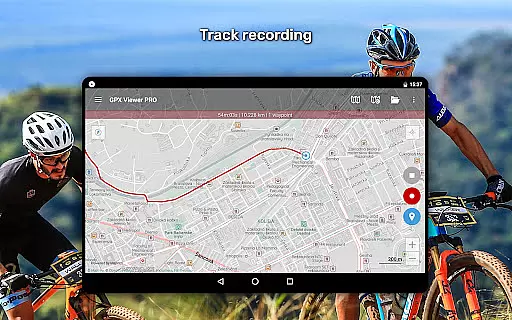
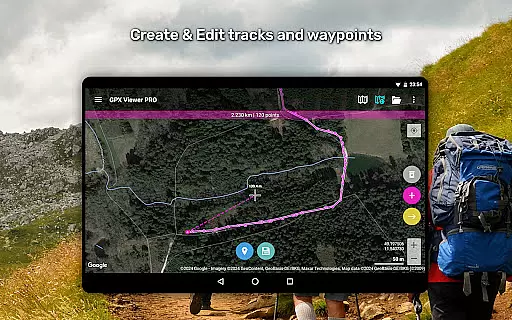
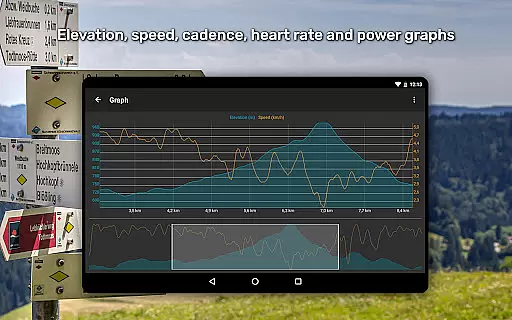
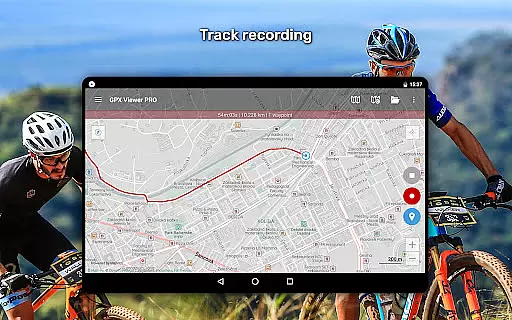
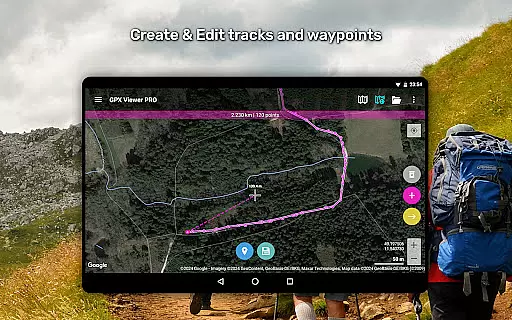
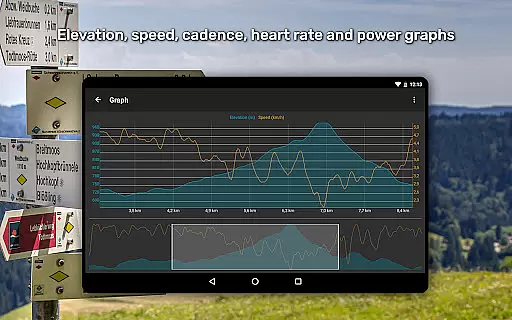
The application serves as an all-in-one GPS locator, track viewer, analyzer, recorder, and tracker. It supports advanced features such as graph visualization of elevation profiles, speed profiles, and other track data like cadence and heart rate. Users can customize map styles, create and edit tracks, and utilize simple navigation tools that adjust to device orientation or GPS movement direction.
Whether planning trips or engaging in outdoor activities, GPX Viewer PRO offers valuable functionalities like weather layers, custom online maps, and track recording with export options. Its detailed worldwide offline maps and monthly updates make it an essential tool for adventurers seeking precision and reliability in their navigational aids.
One of the standout features of GPX Viewer PRO is its ability to handle multiple file formats such as GPX, KML, KMZ, and LOC. The integrated file browser supports favorite files and history, allowing users to compress GPX files into GPZ and KML files into KMZ formats effortlessly. This functionality simplifies file management and enhances user convenience.
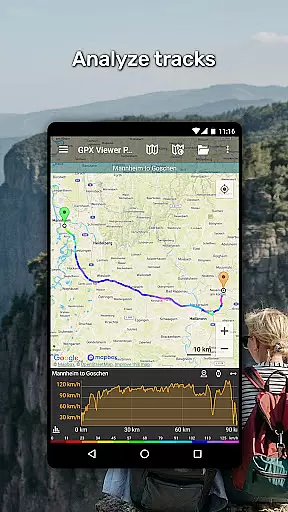
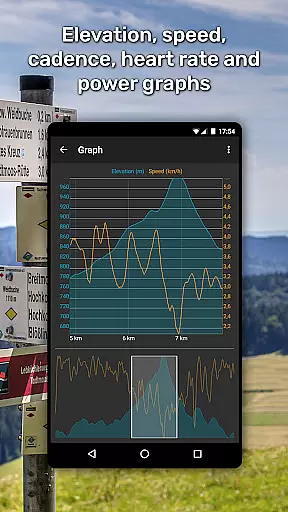
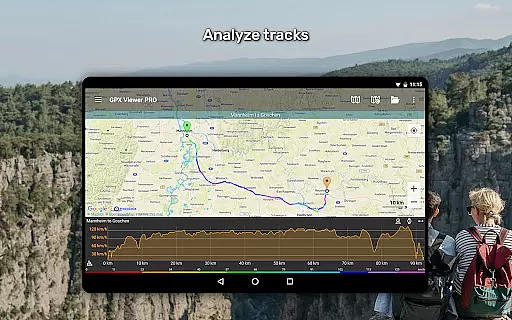
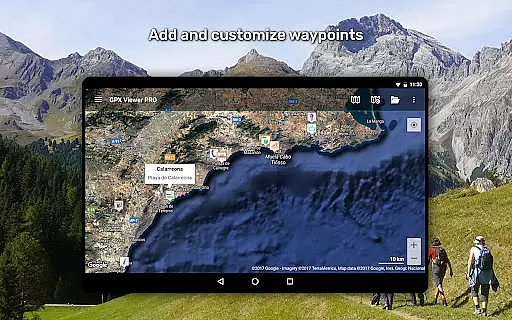
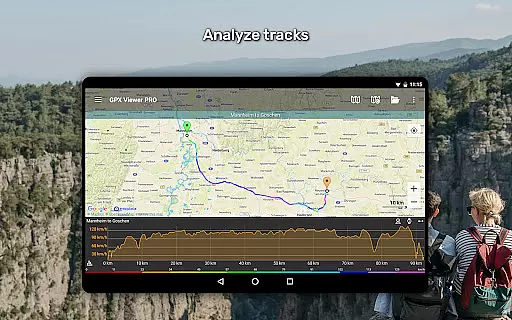
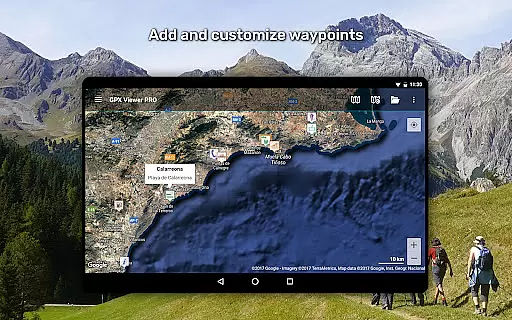
Another remarkable aspect is the detailed trip statistics and graph visualization capabilities. Users can analyze information through elevation and speed profile graphs, alongside other track data like cadence and heart rate. The app also provides extensive customization options for track colors and icons, ensuring personalized and visually informative presentations of travel data.
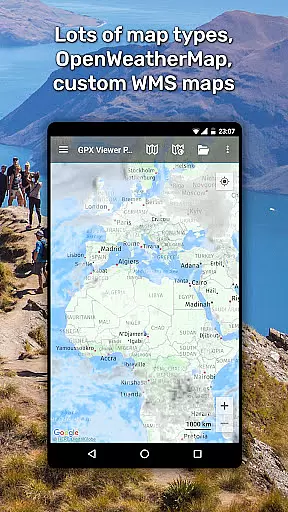
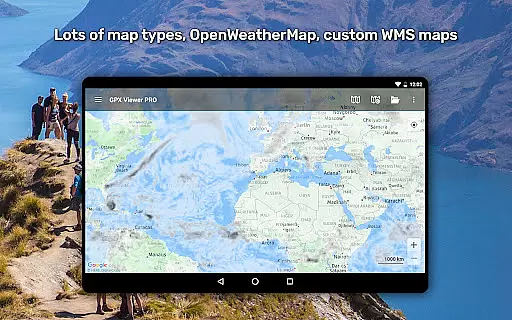
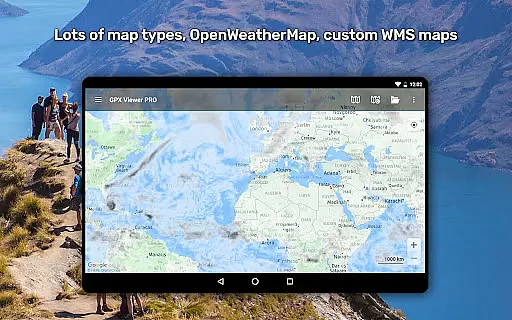
Additionally, GPX Viewer PRO offers robust online and offline mapping solutions. It includes access to various online maps like Google Maps, Mapbox, HERE, and Thunderforest, complemented by OpenWeatherMap weather layers. For offline use, the app provides detailed vector maps with diverse styles tailored for different environments, from urban settings to outdoor terrains. These features collectively enhance the overall user experience by combining versatility with practical utility.
Map accuracy is a critical feature for any navigation app, and GPX Viewer PRO excels in this area. The application provides highly detailed offline vector maps based on OpenStreetMap data, ensuring users have access to precise geographical information even without an internet connection. These maps are available in a wide variety of styles, ranging from city-oriented to outdoor-focused designs, catering to different user preferences and needs.
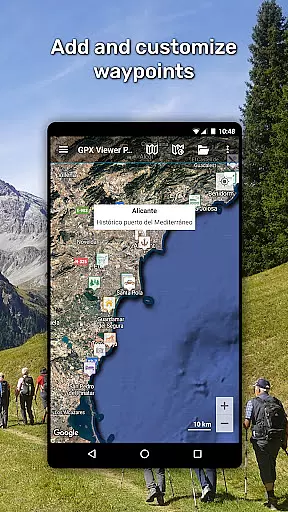
The app supports multiple map file formats including GPX, KML, KMZ, and LOC, allowing users to view tracks, routes, and waypoints with impressive clarity. Additionally, the inclusion of online maps such as Google Maps, Mapbox, HERE, and Thunderforest ensures that users can cross-reference their location data with popular mapping services. This dual capability enhances the overall accuracy and reliability of the maps provided by GPX Viewer PRO.
For users who require up-to-date information, the app offers monthly updates to its offline maps, incorporating the latest improvements and corrections. This commitment to maintaining current and accurate map data means that adventurers, travelers, and outdoor enthusiasts can rely on GPX Viewer PRO for their navigation needs, whether they're exploring urban landscapes or remote wilderness areas.
Route planning is an essential aspect of any journey, and GPX Viewer PRO offers robust tools to assist users in creating efficient and well-organized travel plans. With the ability to analyze information and statistics for tracks and routes, users can gain valuable insights into their planned journeys. The app provides detailed graphs and charts, such as elevation profiles and speed profiles, which help users understand the terrain and conditions they will encounter along their routes.
One standout feature of GPX Viewer PRO is its capability to colorize track and route lines based on various parameters like elevation, speed, cadence, heart rate, or air temperature. This visualization tool allows users to quickly identify sections of their route that may require special attention or preparation, enhancing the safety and enjoyment of their trips. Furthermore, the app's integration with online mapping services ensures that users have access to real-time data overlays, such as weather layers from OpenWeatherMap, aiding in more informed decision-making.
Additionally, GPX Viewer PRO functions as a simple yet effective navigation tool. It continuously follows the user's GPS position, adjusting the map view accordingly and providing notifications when approaching waypoints. This functionality not only simplifies the process of sticking to planned routes but also adds a layer of security by keeping users aware of their surroundings. Whether you're planning a casual hike or a complex expedition, GPX Viewer PRO equips you with the necessary tools to execute your route plans confidently and efficiently.
User-friendly interface
Comprehensive file support
Detailed analytics
Offline map availability
Customizable features
Premium version required
Complex for beginners
Limited free features
Occasional bugs
High storage usage

Explore the world with Live Satellite View, 3D Maps, GPS Navigation & Earth Map.
 2.90
2.90
This app is military GPS coordinate systems helper. (MGRS, UTM & DMS Maps)
4.80
Find trails, organize your locations and navigate with offline maps.
4.60
Phone Tracker and GPS Location Sharing
4.20
Drive safe with real-time speed camera radar, police, and traffic alerts
3.80
GPS Navigation: Get map directions and find the shortest routes to avoid delays!
4.00
Explore offline maps with radar, satellite view, and real-time alerts.
3.60
Neshan: map & navigation app with 20M+ monthly active users
4.50
Lets explore the world's famous places by using Live Cams, GPS & Satellite View.
4.20
Bolt is a ride-hailing app for requesting fast, safe, and affordable transport
4.80
Order a cab online. An affordable taxi ride and driver in no time. What a bolt!
4.80
Plan routes, share locations, and set custom alert zones
4.40
Use GPS maps or search by property owner, address or parcel to view parcel data
4.30
Route schedules, maps, and real-time tracking of MTA buses in New York City.
4.20
Find radar, speed camera, flight tracker. Use hud, location tracker, speedometer
4.20
TACNAV-X: Precision MGRS navigation, built specifically for the military.
4.00
Discover over 800 points of interest along the canal.
3.70
Get route map navigation with 3D satellite view, and live earth camera streaming
3.70
Compass is an accurate compass and a great tool for any outdoor activities
4.3


User Reviews