
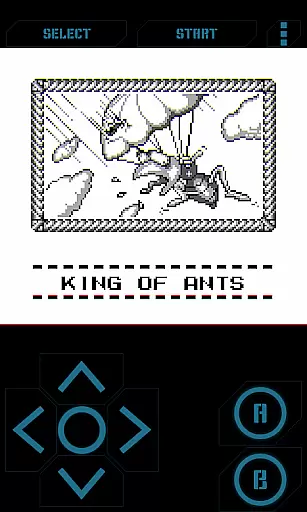
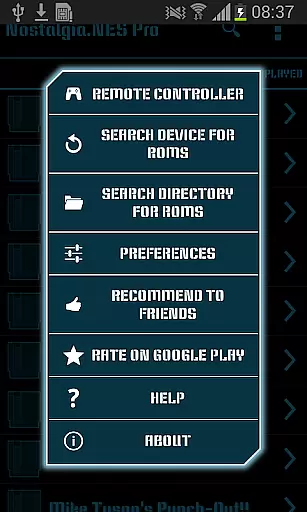
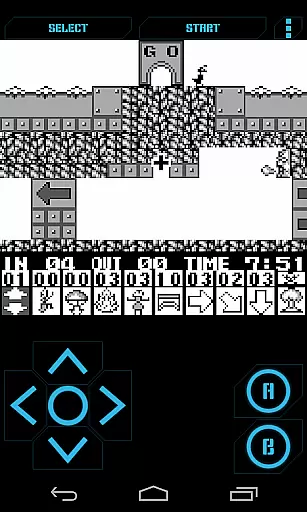
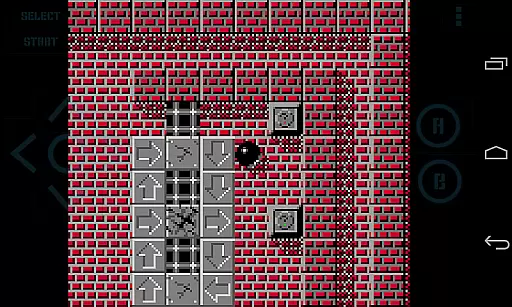
Nostalgia.GBC Pro is a premium Game Boy Color emulator that brings classic gaming to modern devices. This ad-free version offers an enhanced emulation experience based on the latest gambatte core, ensuring accurate performance and compatibility with GB and GBC ROMs.
The emulator features advanced functionality including save state management, rewinding capabilities, and customizable controls. Users can enjoy their favorite retro games with modern conveniences like turbo buttons, cheat code support, and hardware-accelerated graphics through OpenGL ES. Its comprehensive feature set makes it ideal for both casual gamers and dedicated retro enthusiasts.
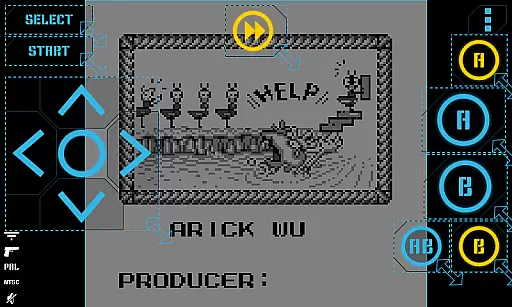
This emulator distinguishes itself through its sophisticated feature set designed for optimal user experience. The interface combines modern aesthetics with user-friendly navigation, while offering highly customizable virtual controls that can be adjusted in size and position.
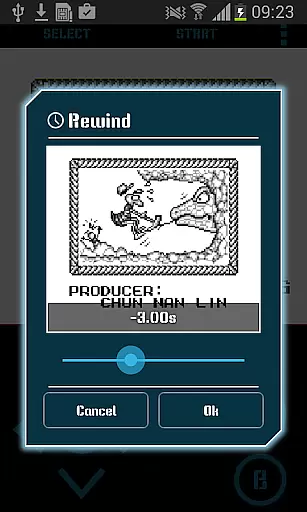
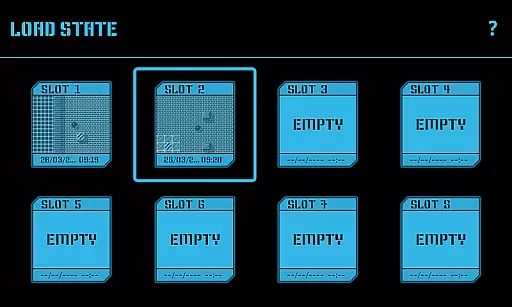
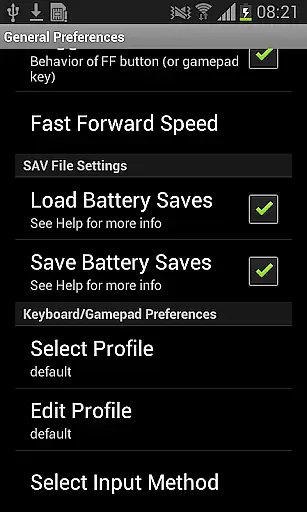
Gameplay enhancements include multiple save slots with screenshot previews, rewinding functionality for up to several seconds back, and various control options like Quick Save/Load and Turbo buttons. The app supports external controllers including HID Bluetooth gamepads and hardware keyboards, providing versatile control options. Additional features like cheat code implementation and screenshot capture further enrich the gaming experience.
Arcade authenticity and nostalgia are essential elements for any retro gaming experience. Nostalgia.GBC Pro (GBC Emulator) captures the essence of classic Game Boy Color games, offering users a trip down memory lane with its accurate emulation based on the latest revision of gambatte.
This emulator doesn't just replicate the gaming experience; it enhances it with modern features while maintaining the original feel. The user-friendly interface combines cool aesthetics with functionality, ensuring that players can relive their favorite moments without losing the authentic arcade touch.
Players will appreciate the attention to detail, from hardware-accelerated graphics utilizing OpenGL ES to support for GB, GBC, and ZIP files. These features ensure that each game feels as it did when first released, providing an immersive nostalgic experience.
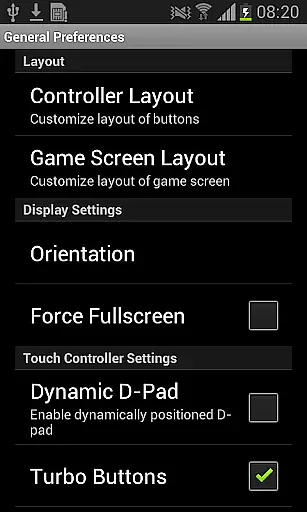
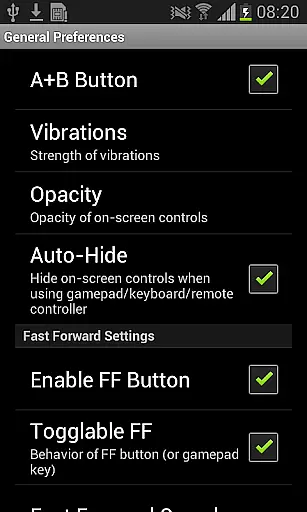
Control responsiveness is crucial in arcade gaming, where every millisecond counts. Nostalgia.GBC Pro offers highly customizable virtual controllers, allowing gamers to adjust button sizes and positions for optimal performance tailored to individual play styles.
The inclusion of turbo buttons and an A+B button adds another layer of control precision, enabling complex maneuvers with ease. Whether you're executing quick saves or rewinding gameplay, these responsive controls make all actions seamless and immediate.
Additionally, support for HID Bluetooth gamepads like MOGA and 8bitdo ensures that players have options beyond touchscreen controls. This flexibility not only enhances responsiveness but also caters to personal preferences, making each gaming session more enjoyable and true to the arcade spirit.
High-quality emulation
Customizable controls
Save state sharing
Rewind feature
Hardware acceleration
No games included
Paid version
Complex setup
Requires ROMs
Advanced features

GBA Emulator
 4.40
4.40
Three awesome new levels for The Impossible Game.
4.30
Mine planets, upgrade your space ship, battle others, and dominate the galaxy!
3.90
Slice up a juicy storm!
4.20
John GBC is GB/GBC emulator. This emulator is easy to use.
3.80
Dad doesn’t let you go out, can you outwit your parents and escape?
4.00
The precise emulator of 8 bit handheld... Now even better!
4.50
John GBA is GBA emulator. This emulator is easy to use.
3.10
Jump and fly your way through danger in this rythm-based action platformer!
4.50
*Try for free.* Survive alone in a Roguelike Reverse Bullet Hell.
4.80
Jump and fly your way through danger in this rythm-based action platformer!
4.70
Master the hills in this extreme downhill racing game!
4.60
Motorcycle racing games! Prove your paperboy can win in the bike race 3D!
4.50
Jump and fly your way through danger in this rythm-based action platformer!
4.50
Granny keeps you locked in her house.
4.30
Genesis/Mega Drive/CD & Master System/Mark III Emulator
4.30
Welcome back to Vice City. Welcome back to the 1980s.
3.30
Monster Run its a game for relax.
4.5
Sharpen your mind and reflexes while playing 4Way Dash
4.3


User Reviews