
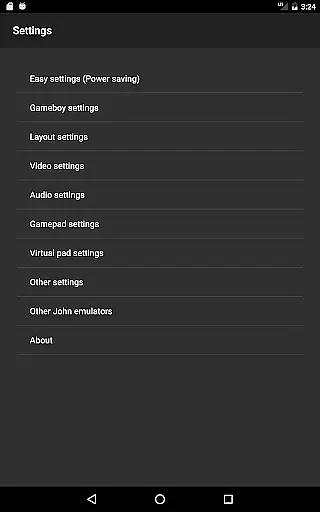
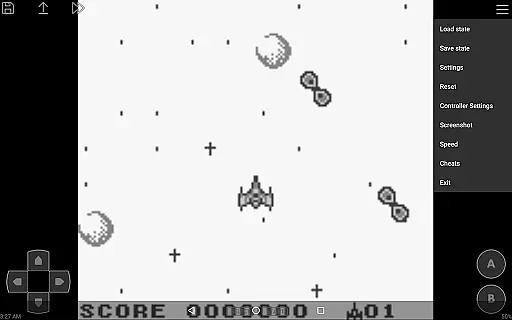
John GBC is a high-performance Game Boy and Game Boy Color emulator designed for Android 6.0 and above. This app offers an authentic emulation experience through its original GBC engine, allowing users to play classic games on modern devices. With support for high-quality rendering and fast performance, it ensures smooth gameplay.
The emulator supports various essential features such as save states with previews, customizable keys, and turbo buttons. It also includes advanced functionalities like cheat code support and compatibility with Bluetooth controllers. Users can enjoy their favorite retro games without interruptions or ads, making it an ideal choice for arcade gaming enthusiasts.
One of the standout features of John GBC is its powerful emulation capabilities. The app's original GBC engine provides accurate game emulation, while its high-quality rendering ensures crisp visuals. The emulator runs very fast, supporting speeds from 0.25x to 16x, which allows users to either slow down or fast forward gameplay as needed.
Additionally, John GBC offers extensive file support, including zipped files, and can search for game files across both internal storage and SD cards. The virtual on-screen keypad and customizable controls enhance user interaction, while features like screenshots, save states, and cheat code support add to the overall gaming experience. With no ads or internet connection required, users can enjoy uninterrupted gameplay sessions.
Arcade authenticity is a crucial aspect of any arcade-style game or emulator, ensuring that the experience mirrors the original arcade games. John GBC, as a GB/GBC emulator for Android, captures this essence by emulating the original GBC engine with high-quality rendering and support for zipped game files. This allows users to relive classic gaming moments with accuracy and fidelity.
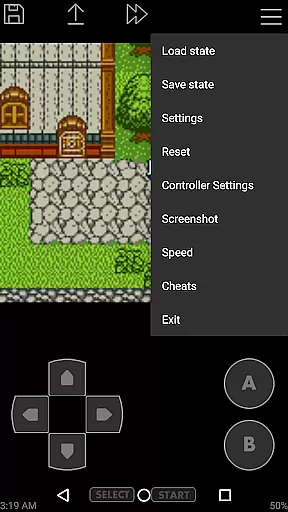
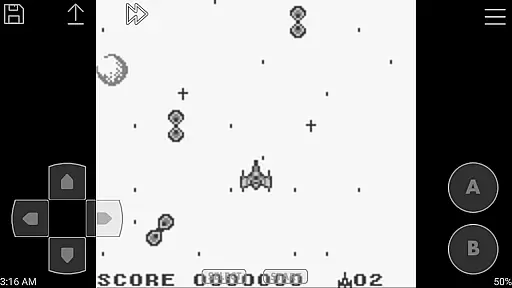
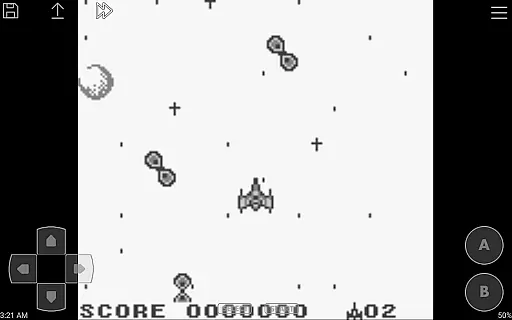
The emulator goes beyond just replicating the gameplay by offering features like Super Gameboy borders and a virtual on-screen keypad. These elements enhance the nostalgic experience, making it feel as if you are playing on the original hardware. The attention to detail in mimicking the physical controls and aesthetic presentation underlines the dedication to preserving the arcade authenticity.
For enthusiasts who appreciate the golden era of arcade gaming, John GBC delivers an immersive experience. With turbo buttons, customizable keys, and fast forward/slow down capabilities ranging from x0.25 to x16, the app ensures that players can tweak their experience while maintaining the nostalgic feel. Such features not only preserve but often enhance the original gameplay, providing both comfort and convenience to modern gamers.
Control responsiveness is vital for an optimal gaming experience, especially in arcade games where precision and timing are key. John GBC excels in this area by offering highly responsive controls through its virtual on-screen keypad. Players can expect immediate feedback and smooth interaction, which is essential for executing complex maneuvers and strategies within their favorite games.
In addition to the standard touch controls, John GBC supports external controllers such as Bluetooth and MOGA devices. This flexibility enhances control responsiveness, catering to different preferences and play styles. Whether you're at home or on the go, the ability to switch between touch and physical controllers ensures that your gaming experience remains seamless and enjoyable.
Furthermore, the emulator's support for save states with previews adds another layer of control over your gaming sessions. You can save your progress at any point and return to it without losing momentum. Combined with features like screenshots and cheat support, John GBC provides a comprehensive suite of tools that empower players to manage their gaming experience with precision and ease.
High-quality rendering
Fast emulation speed
Customizable controls
No ads or in-app purchases
Save states with previews
Requires game files
No iOS version available
Paid app
Limited to GB/GBC games
Needs John DataSync for Dropbox

Monster Run its a game for relax.
 4.1
4.1
R-TYPE game
4.60
Get into your tractor to cut grass and harvest the crops in our mowing simulator
4.10
Use superpower in your magic hands. Defeat the enemies in a fun elemental game.
4.50
Reach high, and shine in the neon world in 3D!
4.3
Absorb, or be absorbed...
4.70
John GBA is GBA emulator. This emulator is easy to use.
3.10
Premium version. Save the galaxy from alien shooter in this classic game
4.50
Crazy games: Kick your buddies, beat the boss, and turn the office into chaos!
4.40
Bomb the communists back to 1916!
4.70
Create your restaurant story & make food on a crazy kitchen in this cooking game
4.70
Gameboy Color Emulator
4.60
Payback 2 includes everything from tank battles to high speed helicopter races!
4.50
Playing venom RPG alien games? Set spider alien isolation base, with no survivor
4.30
Mine & Craft Block Mini World! Survival Crafting and Building & Creative Online.
4.30
Stack the blocks as high as you can!
4.30
Slice up a juicy storm!
4.20
NEOGEO's masterpiece game is now available in the app!
4.10
You are a Black Hole, escaping the darkness trying to swallow you!
3.60


User Reviews