
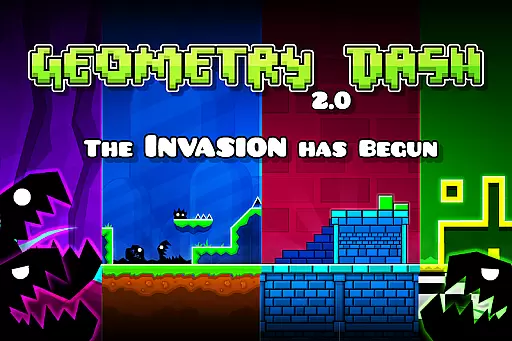
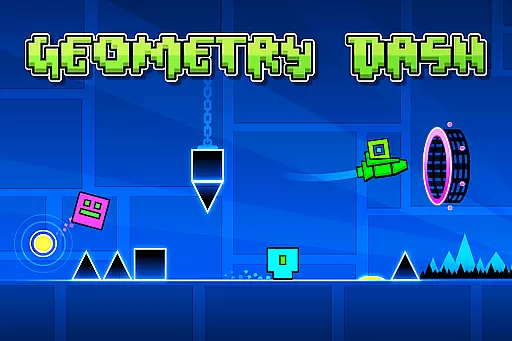
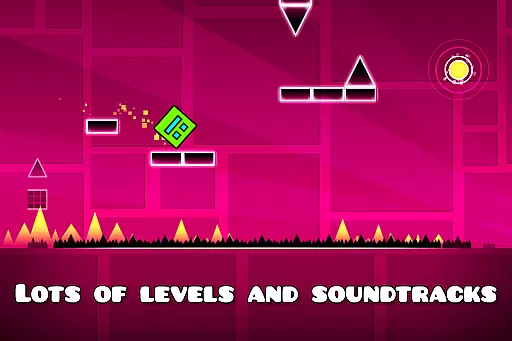
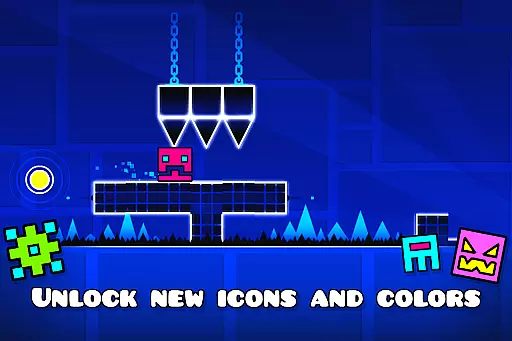
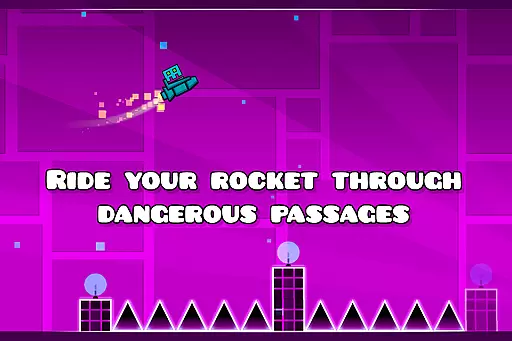
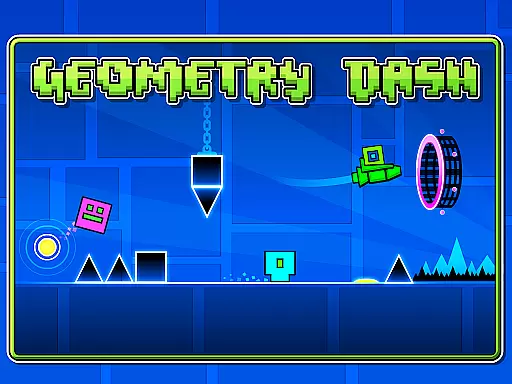
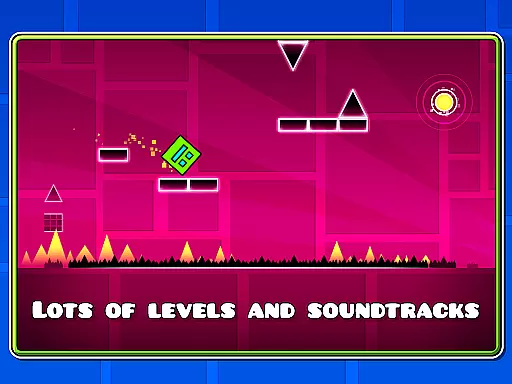
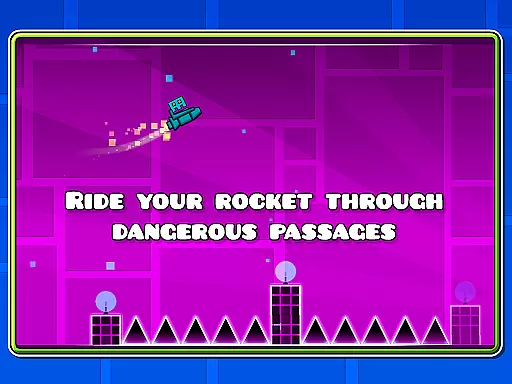
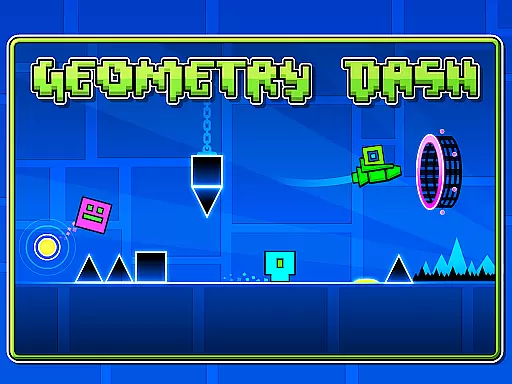
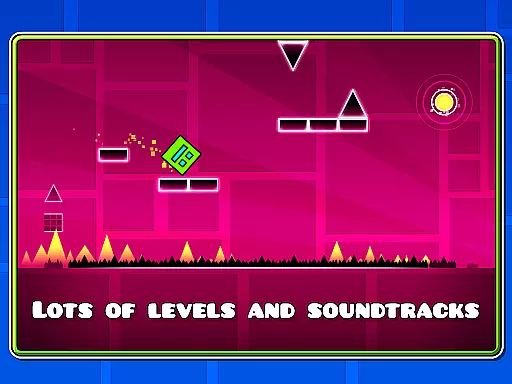
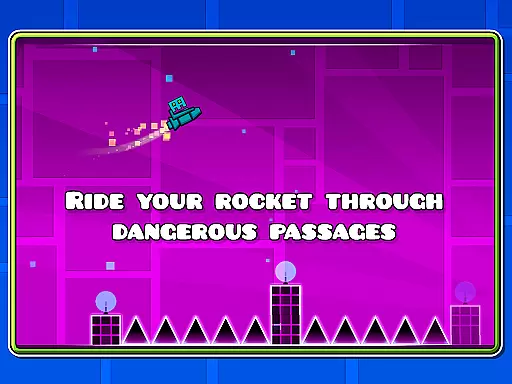
Geometry Dash is a rhythm-based action platformer that challenges players with near-impossible jumps and flips through dangerous passages. With simple one-touch gameplay, it offers an engaging experience across numerous levels, each featuring unique soundtracks.
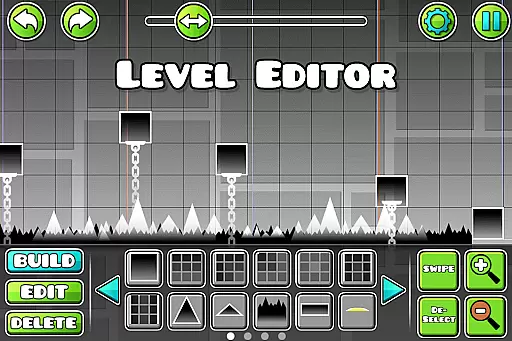
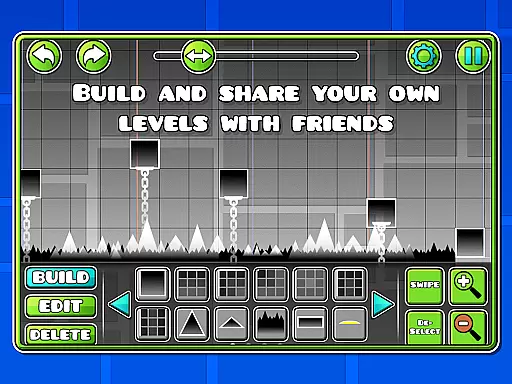
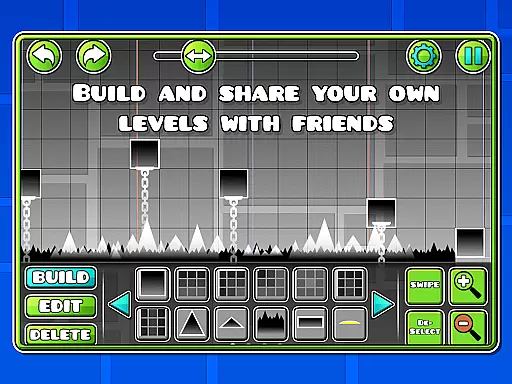
The game stands out with its level editor, allowing players to build and share custom levels. Suitable for arcade gaming enthusiasts who enjoy mastering complex patterns and rhythms while customizing their characters with unlocked icons and colors.
Geometry Dash boasts rhythm-based action platforming with lots of levels, each having unique soundtracks. The game allows players to build and share their own levels using the level editor, providing endless creativity opportunities.
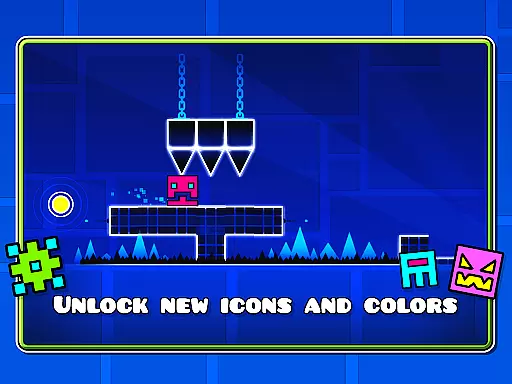
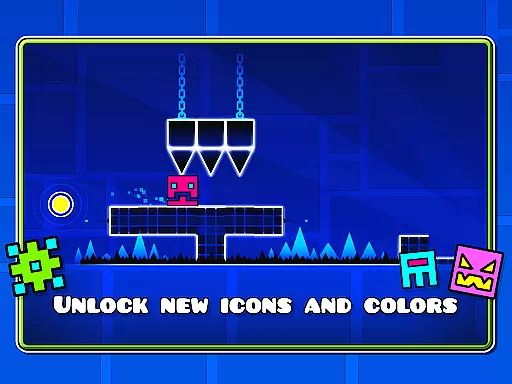
Players can unlock new icons and colors for character customization, fly rockets, flip gravity, and use practice mode to sharpen skills. With achievements and rewards, alongside the absence of in-app purchases, this game ensures a fair and challenging experience for all players.
Arcade authenticity in Geometry Dash is embodied through its rhythm-based action platforming, offering a genuine arcade-style experience. The game challenges players with near-impossible levels filled with spiky obstacles and dangerous passages, reminiscent of classic arcade games that demand precision and quick reflexes.
Geometry Dash pays homage to the arcade era by incorporating simple one-touch gameplay, which ensures accessibility while maintaining the difficulty curve that keeps the challenge fresh and engaging. This blend of simplicity and complexity captures the nostalgic essence of arcade gaming where mastering the controls is key to progression.
Players benefit from an ever-growing library of user-generated content thanks to the level editor feature, allowing them to relive the golden age of arcade games. This not only extends the game's lifespan but also fosters a community-driven ecosystem that continually refreshes the arcade experience with new and inventive levels.
Control responsiveness in Geometry Dash is critical as it directly impacts the player's ability to navigate through complex levels successfully. The game employs a one-touch control scheme that ensures immediate response to player inputs, which is essential for executing precise jumps and flips required to avoid obstacles.
The intuitive controls are designed to be easily mastered yet challenging to perfect, providing a responsive interface that reacts instantly to touch commands. This immediacy allows players to perform gravity-defying maneuvers and rocket flights seamlessly within the rhythm-based environment, enhancing their overall gaming experience.
With practice mode available, players can refine their skills and improve their control over the character's movements. This feature underscores the importance of responsive controls by giving players a dedicated space to sharpen their reflexes and timing, ensuring they have full command when tackling the main game's demanding courses.
Engaging gameplay
Variety of levels
Creative level editor
No in-app purchases
Customization options
High difficulty
Repetitive music
Limited audience
Outdated graphics
Steep learning curve

Turn-based pixel game where jumping is the only weapon!
 4.4
4.4
Play retro games with ease – NES, SNES, PSX, PSP & more supported
4.2
A Ball Bouncer With Depth
4.00
Amid the vastness of the universe, you are a Black Hole about to be swallowed!
5.00
Dad doesn’t let you go out, can you outwit your parents and escape?
4.00
Jump and fly your way through danger in this rythm-based action platformer!
4.50
This is an emulator for a certain 64 bit console with online cloud backup.
4.80
Draw your legs to win the race!
4.20
Original Space Adventure Experience
4.60
Meet Snake Run Race! Slither through an obstacle course in our fun running game!
4.70
Cool car builder & racing simulator: make a car to win the obstacle course race!
4.60
Jump and fly your way through danger in this rythm-based action platformer!
4.50
Nostalgia.GBA Pro is a high quality GBA emulator.
4.40
Granny keeps you locked in her house.
4.30
Running game: dance in a twerk battle and become the twerk hero in our fun race!
4.30
Enter Double Dragon Trilogy, a compilation of the beloved arcade series
4.10
Mine planets, upgrade your space ship, battle others, and dominate the galaxy!
3.90
A fast, full-featured GB/GBC emulator with link cable emulation.
3.80
Infinite Arcade
4.0


User Reviews