
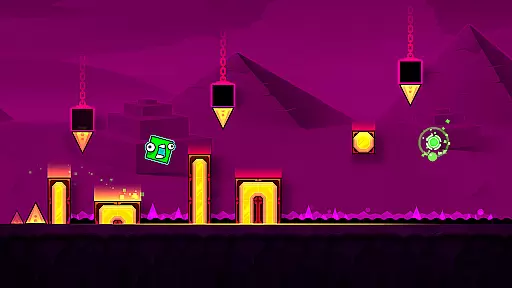
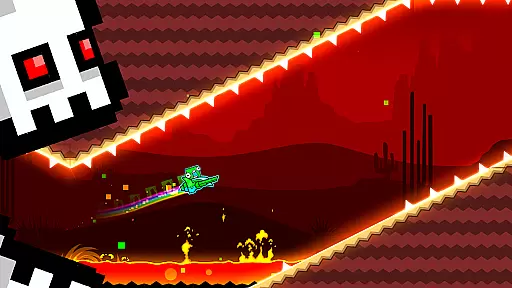
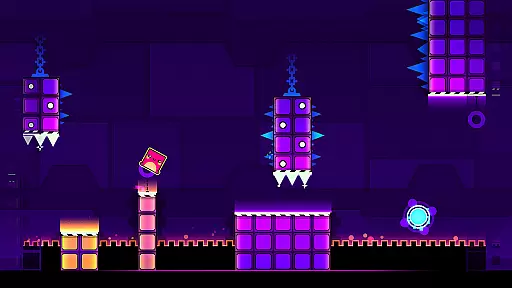
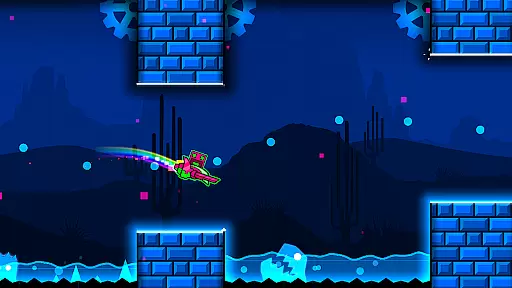
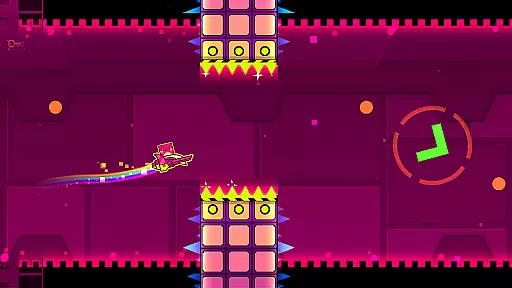
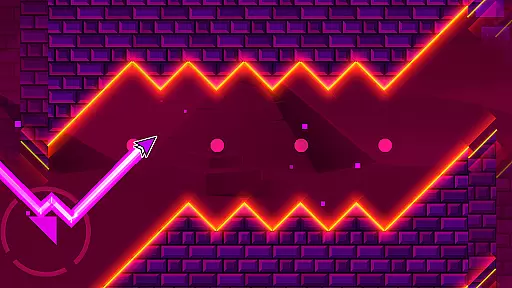
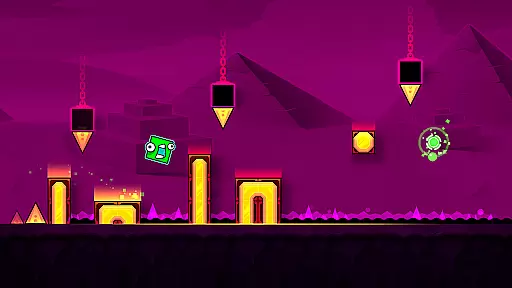
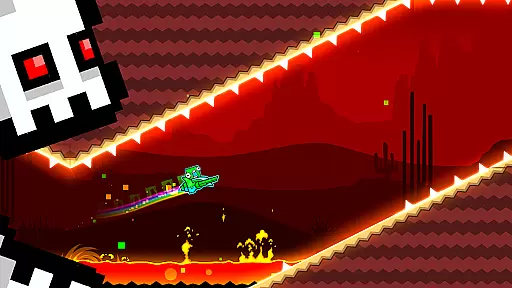
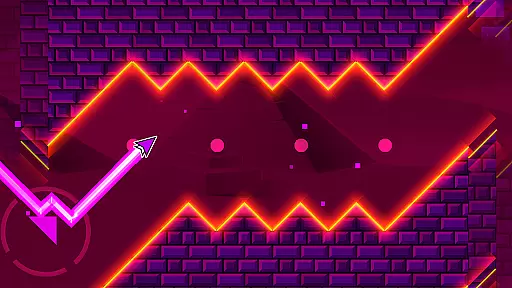
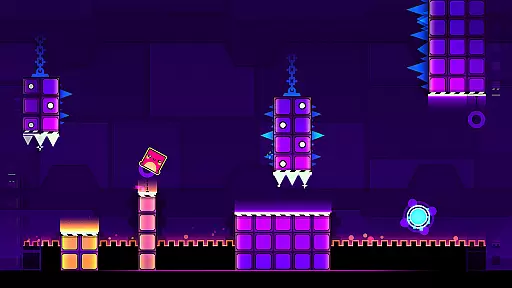
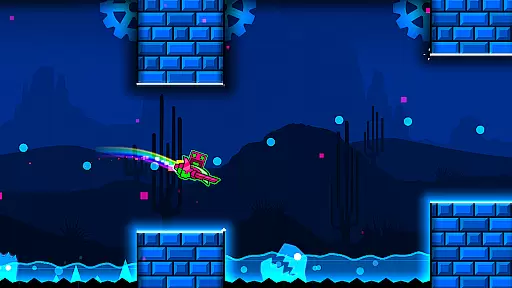
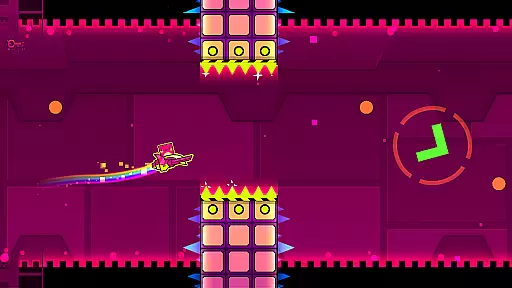
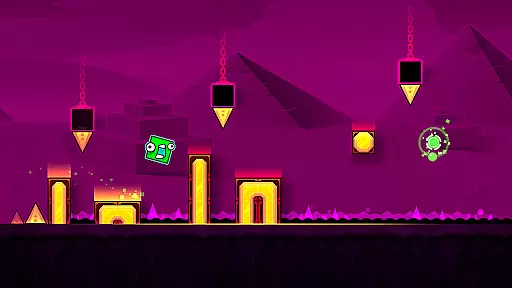
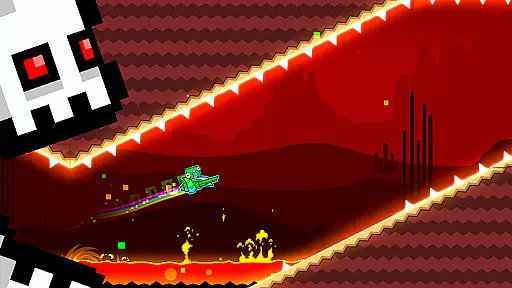
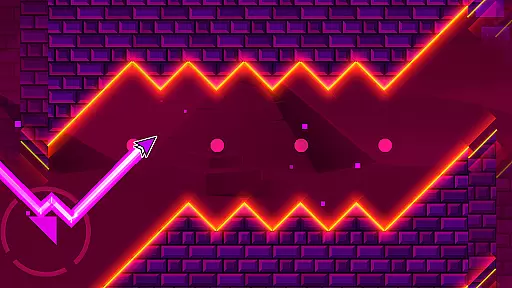
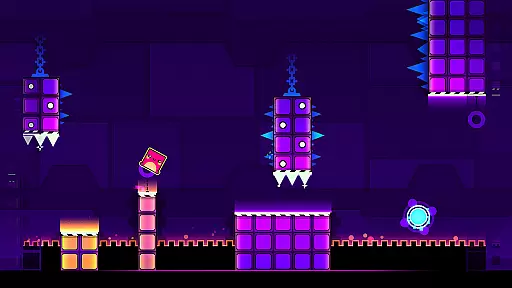
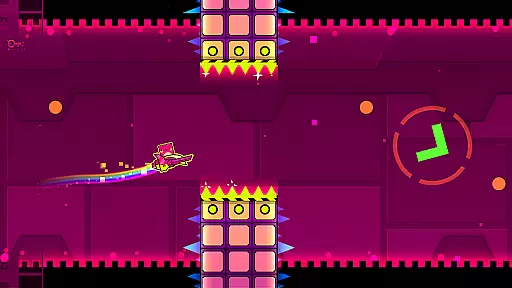
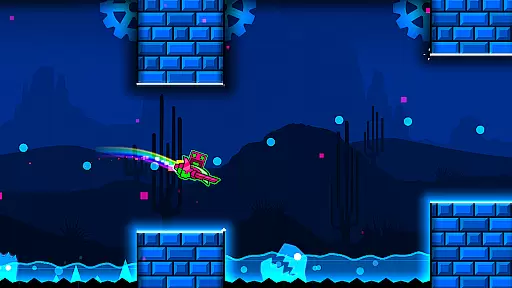
Geometry Dash SubZero is an arcade game that brings a fresh take on the classic Geometry Dash experience. This edition features rhythm-based action platforming, challenging players to navigate through three unique levels with music from MDK, Bossfight, and Boom Kitty. The game tests your skills with near-impossible challenges while offering a practice mode to refine your abilities. Players can also unlock exclusive SubZero icons for character customization.
The app provides an engaging experience for fans of the original and newcomers alike. With its combination of fast-paced gameplay and customizable options, it offers both challenge and personalization. Whether you're looking to push your limits or simply enjoy some rhythmic platforming fun, Geometry Dash SubZero delivers an exciting adventure.
Geometry Dash SubZero stands out with its rhythm-based action platforming, providing a unique blend of music and challenging gameplay. The game includes three distinct levels, each with incredible soundtracks that enhance the gaming experience. Players must time their movements perfectly to the beat to progress, making it an intense test of skill and timing.
In addition to the challenging levels, the game offers unlockable SubZero icons, allowing players to customize their characters. A practice mode is available for players to hone their skills before attempting the more difficult sections. These features combine to create a compelling experience that encourages repeated playthroughs and continuous improvement.
Arcade authenticity in Geometry Dash SubZero is evident through its commitment to delivering a classic arcade experience with a modern twist. The game incorporates rhythm-based action platforming, a hallmark of arcade games, while integrating new features that enhance gameplay.
Players will find the three unique levels paired with music from MDK, Bossfight, and Boom Kitty to be an engaging throwback to the golden days of arcade gaming. This nostalgic journey is not just about reliving the past but experiencing the evolution of arcade games.
The inclusion of practice mode and the challenge of near-impossible tasks bring a fresh dimension to the arcade genre. These elements ensure that players can refine their skills while still facing demanding challenges that are characteristic of true arcade experiences.
Control responsiveness in Geometry Dash SubZero is crucial for navigating the fast-paced levels that require precise timing and accuracy. Players need to react instantly to the rhythm-based obstacles, which is only possible with highly responsive controls.
The game delivers on this front by ensuring that every tap or swipe translates immediately into in-game actions. Whether jumping over obstacles or dodging through tight spaces, the controls are designed to be intuitive and instantaneous.
This level of responsiveness not only enhances the overall gaming experience but also allows players to fully immerse themselves in the challenging world of Geometry Dash SubZero. It ensures that success or failure is determined by player skill rather than input lag, providing a fair and rewarding challenge.
Challenging gameplay
Great soundtrack
Customizable icons
Practice mode included
Engaging levels
Difficult for beginners
Limited level variety
No multiplayer option
Repetitive over time
Requires precision

Neogeo MVS/AES Emulator
 3.30
3.30
Enter Double Dragon Trilogy, a compilation of the beloved arcade series
4.10
Welcome back to Vice City. Welcome back to the 1980s.
3.30
Snake Legacy, sans pub, repensé pour une expérience fluide et élégante.
4.0
Fruit is waiting to be sliced, ninja. Play the hit mobile game !
4.50
A Ball Bouncer With Depth
4.00
John GBC is GB/GBC emulator. This emulator is easy to use.
3.80
Play fun multiplayer games with friends on one device! Two, Three, Four players!
4.60
NEOGEO's masterpiece game is now available in the app!
4.10
Gameboy Color Emulator
4.60
Master the hills in this extreme downhill racing game!
4.60
Flip and flail a rag doll through endless levels and plunge into outlandish fun!
4.60
Eat & evolve your shark in the ultimate shark survival game!
4.50
GBA Emulator
4.40
Genesis/Mega Drive/CD & Master System/Mark III Emulator
4.30
Sit back and relax! Tap to move the black hole, and swallow weapons to win.
4.20
A fast, full-featured GB/GBC emulator with link cable emulation.
3.80
This app is a very fast emulator
3.40
Sharpen your mind and reflexes while playing 4Way Dash
4.2


User Reviews