
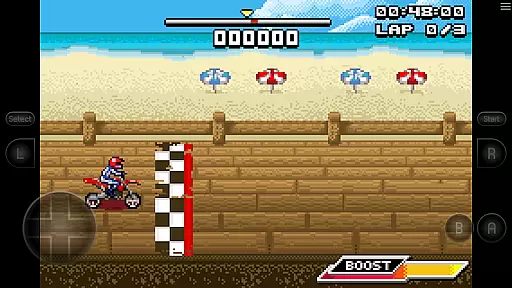
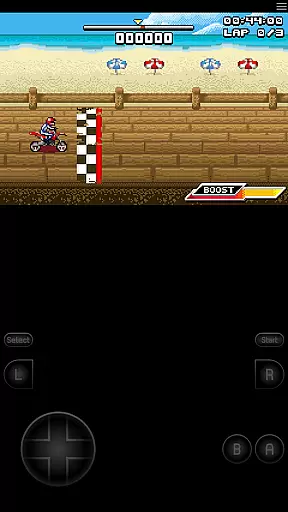
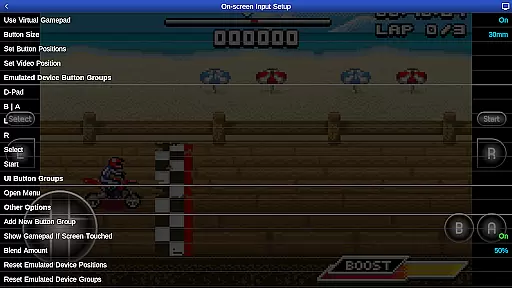
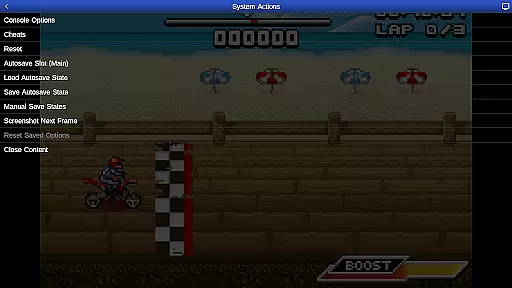
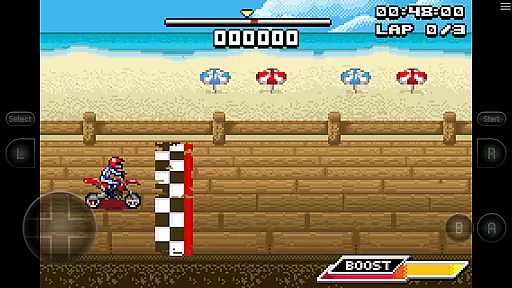
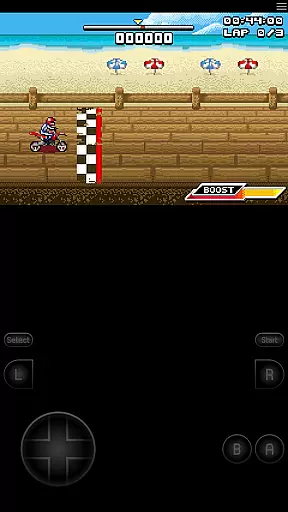
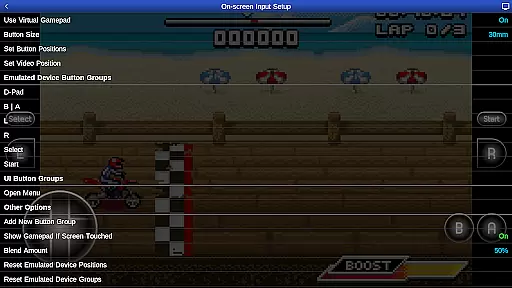
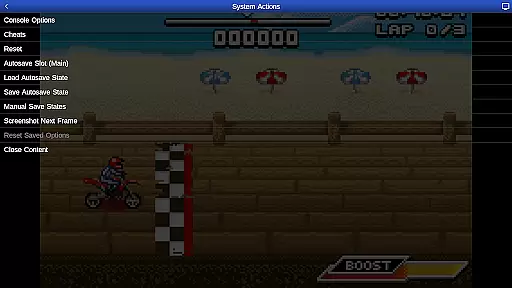
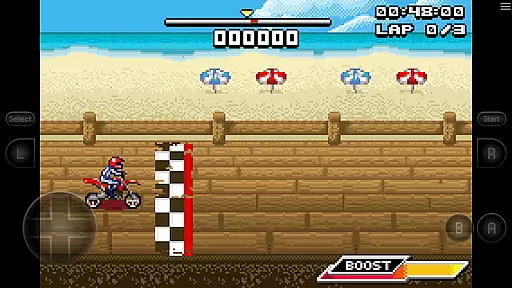
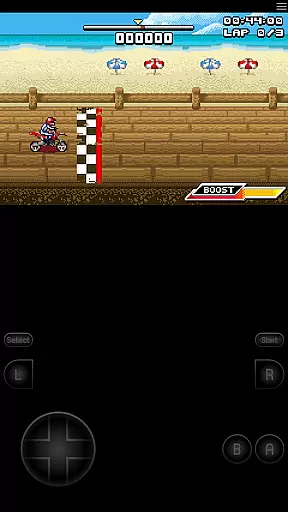
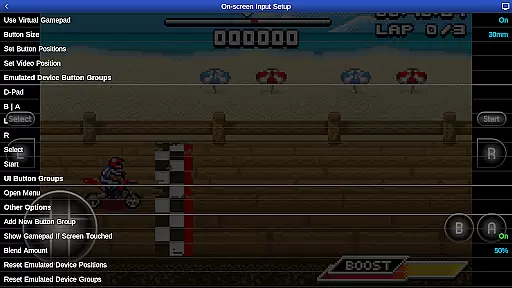
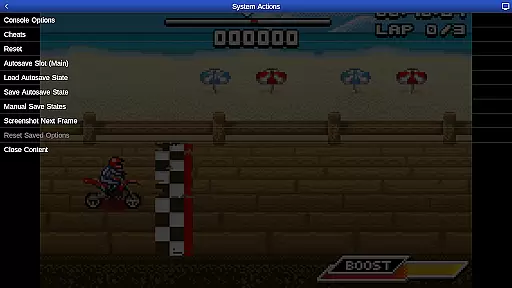
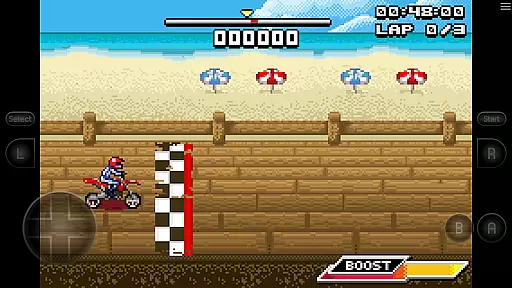
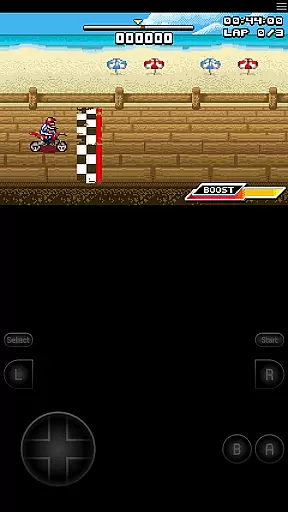
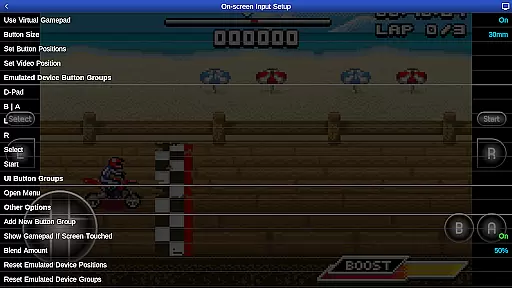
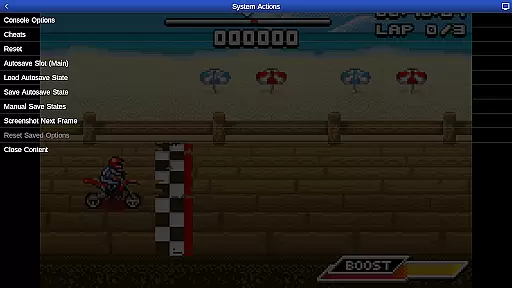
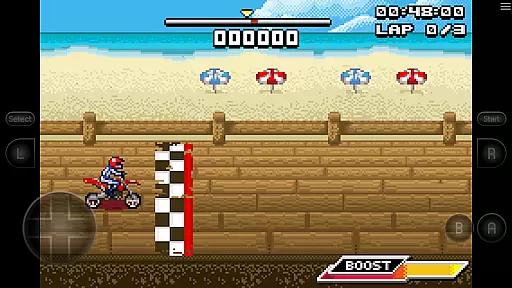
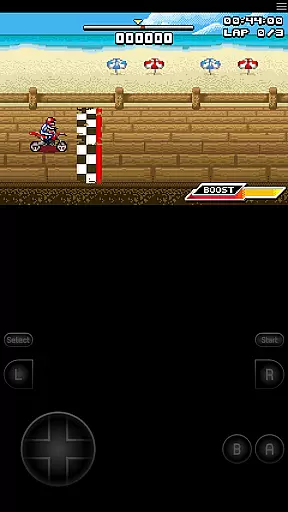
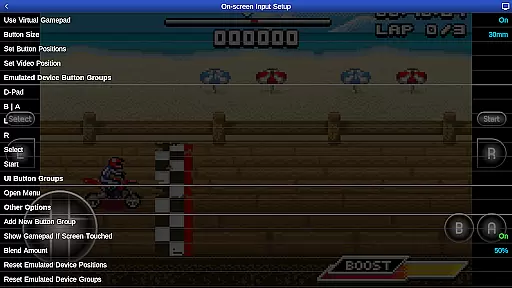
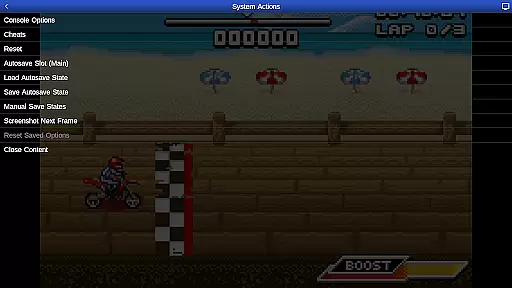
GBA.emu is an advanced open-source Gameboy Advance emulator that offers a minimalist UI with a focus on low audio and video latency. It supports a wide range of devices, from the original Xperia Play to modern devices like the Nvidia Shield and Pixel phones. The app provides high-level BIOS emulation without the need for a BIOS file and supports .gba file formats, optionally compressed with ZIP, RAR, or 7Z.
One of its standout features is the support for hardware sensors such as the accelerometer, gyroscope, and light sensors, which enhances gameplay experiences. Configurable on-screen controls and Bluetooth/USB gamepad & keyboard support make it versatile for different gaming preferences. Additionally, the bike racing game Motocross Challenge is included, offering immediate entertainment upon installation.
GBA.emu boasts several key features that set it apart from other emulators. Firstly, it includes high-level BIOS emulation, eliminating the need for a BIOS file, and supports .gba file formats, including those compressed with ZIP, RAR, or 7Z. This flexibility allows users to enjoy a vast library of games without worrying about compatibility issues.
The app also supports cheat codes using VBA-M-compatible files (.clt extension) and does not require any 'Master' codes. Hardware sensor support, including the accelerometer, gyroscope, and light sensors, adds another layer of immersion to compatible games. Configurable on-screen controls and support for Bluetooth/USB gamepads and keyboards ensure a personalized and comfortable gaming experience across various devices.
GBA.emu brings authentic arcade experiences to your mobile device by emulating the beloved Gameboy Advance system. This emulator is meticulously crafted to recreate the original gaming experience, ensuring that classics feel just as they did on their native hardware.
The app achieves this authenticity through advanced BIOS emulation techniques, eliminating the need for additional BIOS files. By supporting the original .gba file format and providing compatibility with compressed archives like ZIP, RAR, or 7Z, it maintains the integrity of classic game data while offering modern convenience.
Players can enjoy the included bike racing game Motocross Challenge, which showcases the emulator's capability to deliver genuine arcade gameplay. The minimalist UI design focuses on reducing audio and video latency, making each gaming session responsive and immersive.
Control responsiveness in GBA.emu is engineered to provide an optimal gaming experience across various devices. The emulator supports a wide array of input methods including configurable on-screen controls that can be tailored to individual preferences.
For players seeking physical feedback, the app offers comprehensive support for Bluetooth and USB gamepads. This includes popular controllers from Xbox and PS4, ensuring that every action translates instantly within the game environment.
Additionally, GBA.emu leverages hardware features such as accelerometers and gyroscopes, allowing games that originally relied on these inputs to function seamlessly. This holistic approach to control schemes guarantees that users enjoy precise and intuitive interactions regardless of their chosen input method.
Low audio/video latency
Wide device compatibility
No BIOS file needed
Supports multiple file formats
Included free game
Limited to Gameboy Advance
No cloud save feature
Occasional crashes reported
Requires manual ROM sourcing
Complex setup for beginners

Enter Double Dragon Trilogy, a compilation of the beloved arcade series
 4.10
4.10
Snake Legacy, sans pub, repensé pour une expérience fluide et élégante.
4.0
Machine Gun Fire Rumbles in the Jungle
4.1
A retro-flavoured infinite scroller Glyph toy for the Nothing Phone (3)
4.2
Granny keeps you locked in her house.
4.30
M64Pro FZX Classic Emulator for Android
4.3
Stack the blocks as high as you can!
4.30
This app is a very fast emulator
3.40
Save the galaxy from alien shooter in classic galaxy shooter-classic arcade game
4.80
Master the skies in this epic airplane shooting game! Join the air force now!
4.80
Meet Snake Run Race! Slither through an obstacle course in our fun running game!
4.70
Master the hills in this extreme downhill racing game!
4.60
Nostalgia.GBC is a high quality GBC emulator.
4.50
Jump and fly your way through danger in this rythm-based action platformer!
4.50
NES Emulator
4.40
The only Sega Saturn emulator for Android
4.40
It's quite possibly the world's hardest game!
3.90
Welcome back to Vice City. Welcome back to the 1980s.
3.30
BallStack is a vibrant match-3 game where you stack and match colorful balls!
4.2


User Reviews