
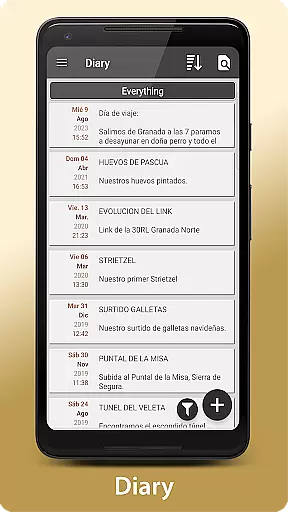
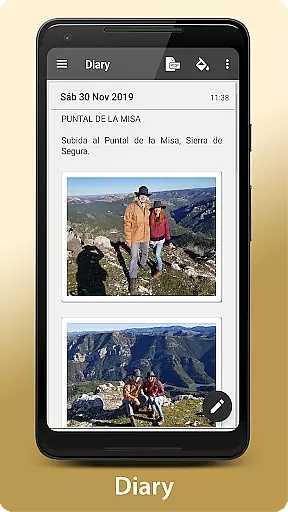
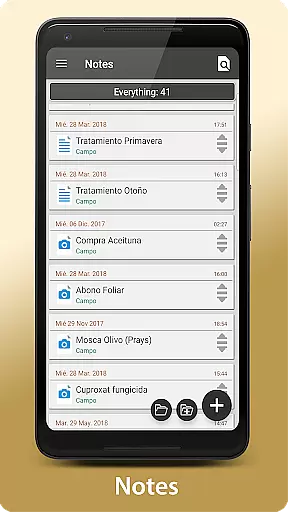
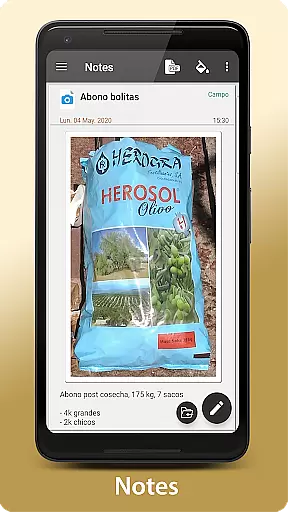
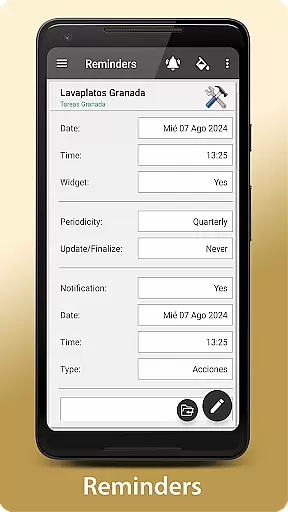
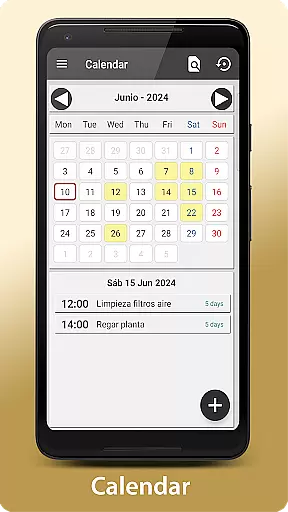
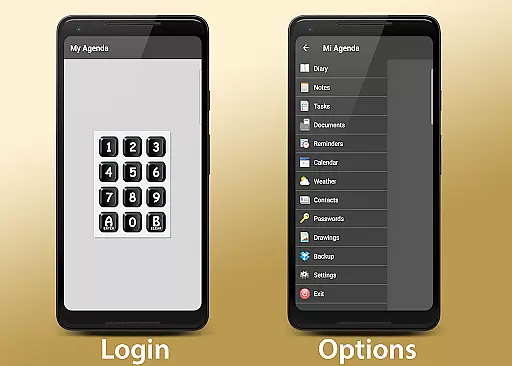
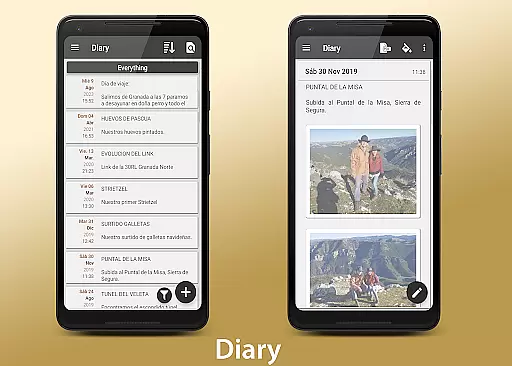
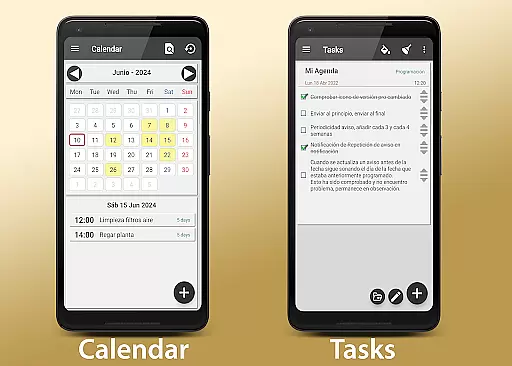
My Agenda Pro is a comprehensive lifestyle management app designed to streamline your daily tasks and organization. This all-in-one personal assistant allows you to maintain a visual diary with multimedia entries, including text, photos, and voice notes, ensuring that no detail of your day escapes record.
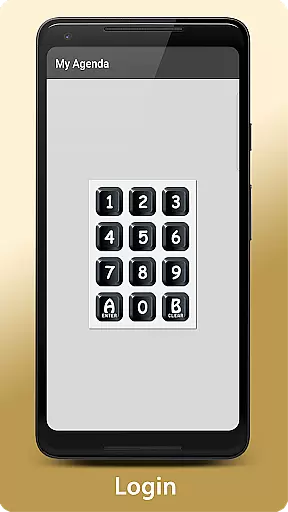
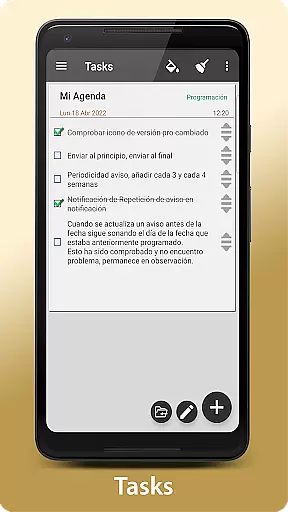
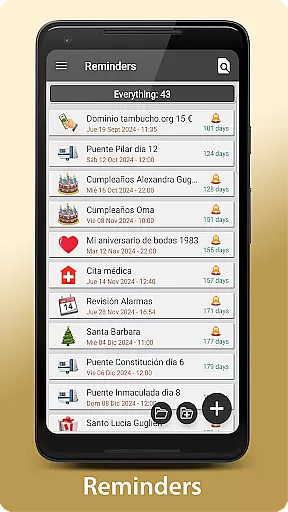
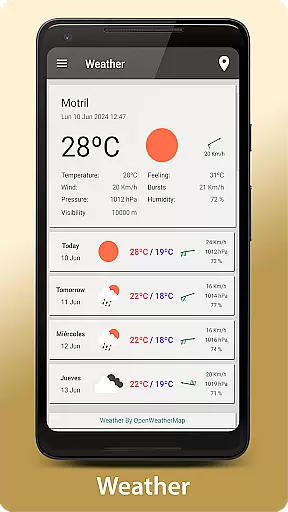
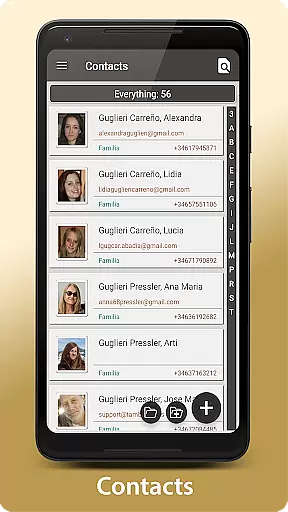
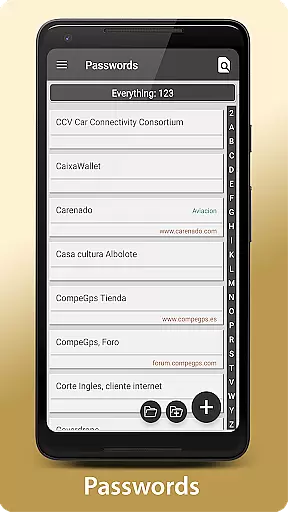
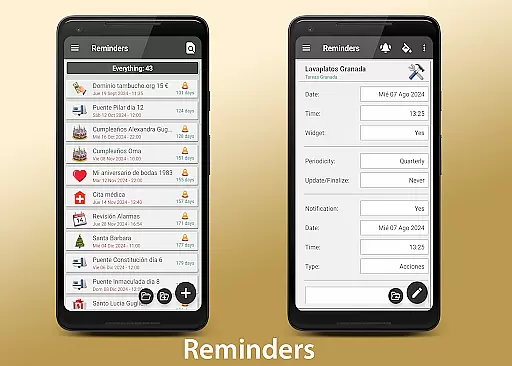
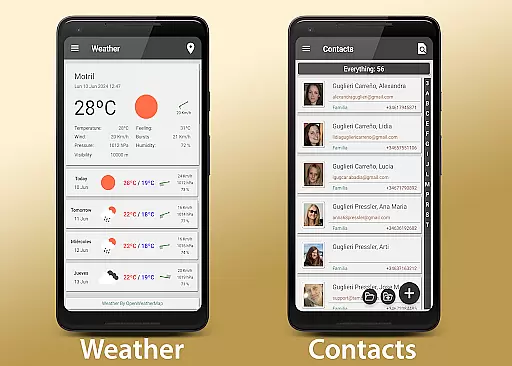
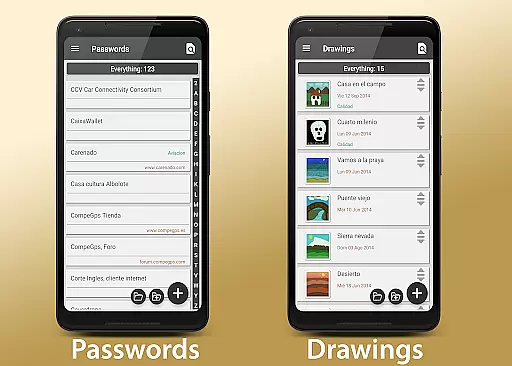
With personalized task management features, users can create to-do lists, set deadlines, and choose from various notification styles. The app also provides a 15-day weather forecast for any location worldwide, aiding in better activity planning. Security is prioritized with encrypted storage for contacts and passwords, accessible via fingerprint or passcode.
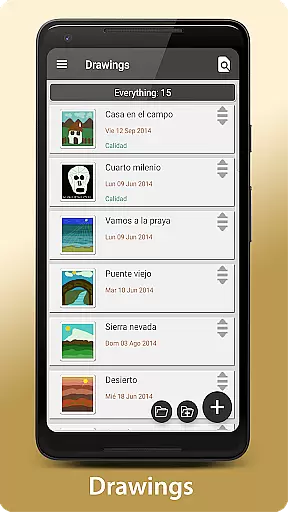
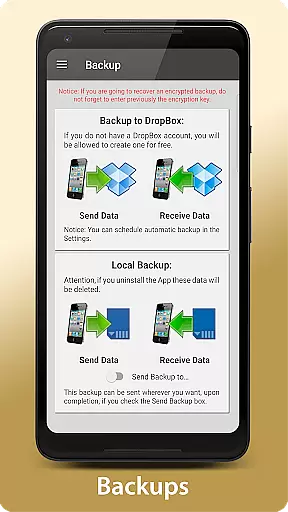
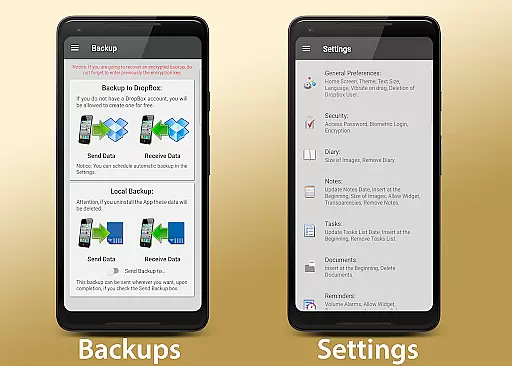
For those who value creativity and flexibility, My Agenda Pro offers drawing tools and customizable widgets for the home screen. Automatic backups ensure data safety through cloud services like Dropbox, with additional manual backup options available. Whether for personal or professional use, this app equips users with everything needed to keep their lives organized and secure.
My Agenda Pro stands out with its rich feature set tailored to enhance productivity and personal organization. One of its key features is the ability to create detailed and multimedia-rich diary entries, allowing users to capture ideas and moments vividly through text, images, and voice recordings.
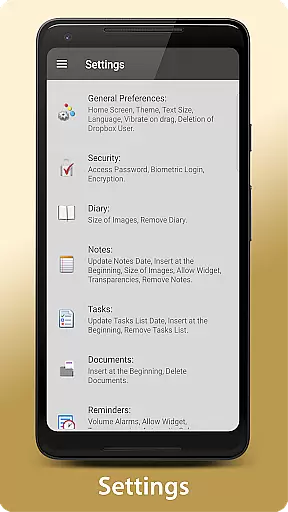
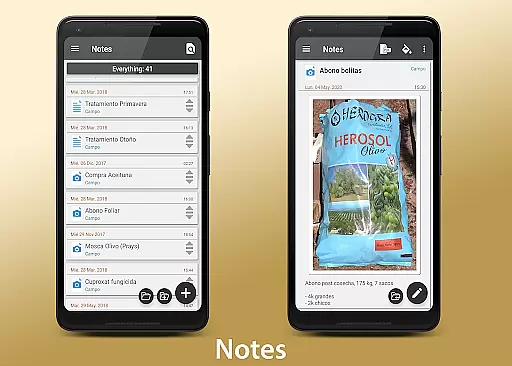
The app excels in task management by offering multiple views such as calendar and list formats, alongside customizable reminders and notifications. Its integration with weather services provides users with extended forecasts, helping them plan activities with confidence. Security features are robust, with options for password protection, fingerprint authentication, and data encryption.
Additional functionalities include creative drawing tools, custom home screen widgets, and versatile sharing capabilities. Users can export notes as PDFs and share them across platforms like email and WhatsApp. With automatic cloud backups and manual options via various services, My Agenda Pro ensures that user data is always protected and accessible.
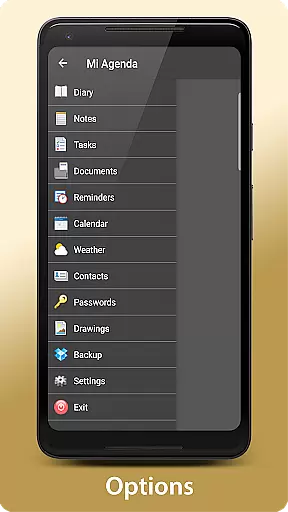
My Agenda Pro offers extensive lifestyle category coverage, ensuring that users can manage various aspects of their daily lives within a single app. From maintaining a visual and complete diary for thoughts, ideas, and special moments to personalized tasks and reminders, the app provides tools for comprehensive personal organization.
In addition to task management, the app includes features such as weather forecasts for planning activities, secure storage for contacts and passwords, and creative outlets like drawing and sketching. This wide array of functionalities allows users to handle both practical and creative pursuits, making it an all-encompassing solution for personal and professional needs.
The inclusion of automatic backup options further enhances the app's utility by safeguarding user data through synchronization with cloud services like Dropbox. With manual backup choices via Drive, Email, WhatsApp, and more, My Agenda Pro ensures that your information is not only organized but also protected against loss.
When it comes to content authenticity and expert credibility, My Agenda Pro stands out by offering reliable and accurate features that users can trust. The app provides a 15-day weather forecast for any location worldwide, helping users plan their activities with confidence based on credible meteorological data.
Security is another area where the app demonstrates its commitment to authenticity and reliability. By allowing users to store important information in an encrypted format and access it securely with a password or fingerprint, My Agenda Pro ensures that sensitive data remains private and protected from unauthorized access.
Furthermore, the app's support system reflects its dedication to user satisfaction and expert assistance. Users can reach out to the development team via the Developer Email provided, guaranteeing prompt responses to inquiries or issues. This level of customer care reinforces the app's reputation as a dependable tool for managing everyday life efficiently.
User-friendly interface
Comprehensive security features
Versatile note-taking options
Integrated weather forecasts
Automatic data backup
Premium features require subscription
Occasional sync issues reported
Limited free storage capacity
Advanced tools may overwhelm new users
Some features only available on Android

The Work of Byron Katie— the mobile app for inner peace.
 4.40
4.40
Big bold weather watch face with dynamic backgrounds and 3 complications
4.3
Daily lessons from A Course in Miracles with scheduled reminders
4.80
A daily quote for success
4.3
Use your device sensors to detect energy and convert it into spoken words.
4.10
Get the news, events and savings that matter to you with AARP Now.
4.80
Made To Order Faves
4.70
Digital smart watch face made for Wear OS.
4.70
Celebrate the holidays with Advent Calendar: daily surprises and festive fun!
4.1
Have your Tehillim with you at all times
4.70
The go to app for taking unlimited notes!
4.50
The all-new Cync app. The simple, connected app for Cync and C by GE.
4.50
Zodiac & Horoscope Launcher: Daily Sign Predictions & Astrology
4.40
This minimalist yet classic board design brings a futuristic twist to your wrist
4.20
Discounts, savings, and rewards
4.20
Take Hobby Lobby with you wherever you go!
3.40
View over 160,000 line dance stepsheets from the CopperKnob website.
3.30
A watch face with transparency and fluid visuals inspired by liquid glass design
4.2
Big bold hybrid watch face with 30 colors, 5 fonts & 5 complications.
4.5


User Reviews