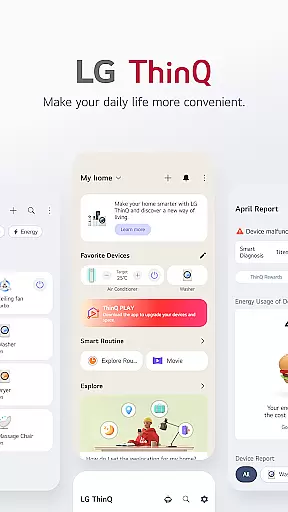
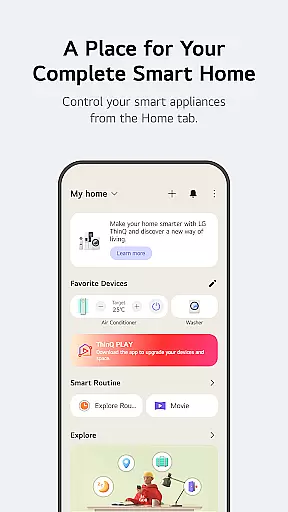
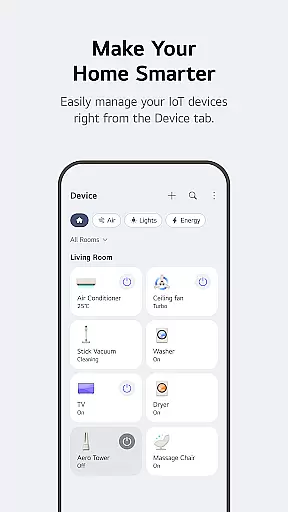
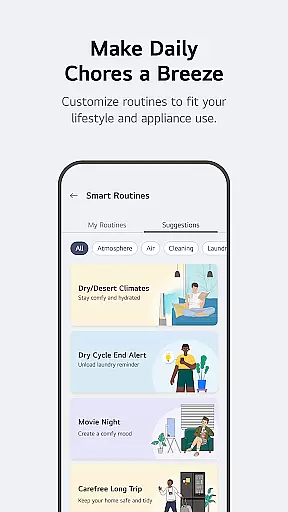
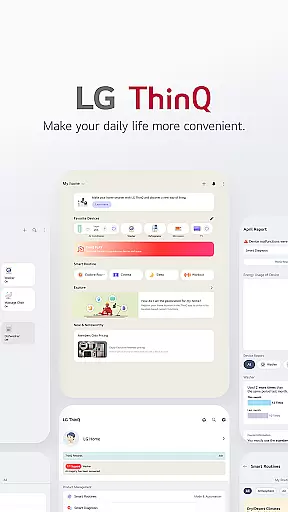
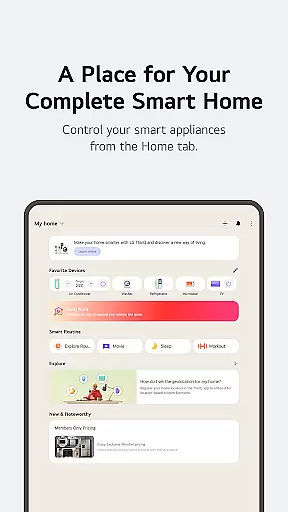
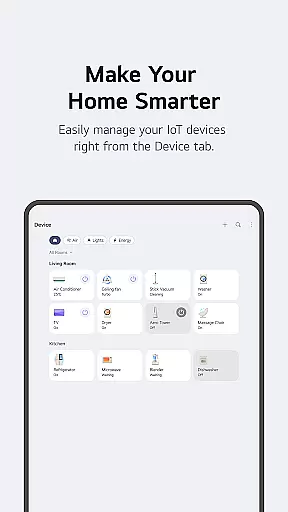
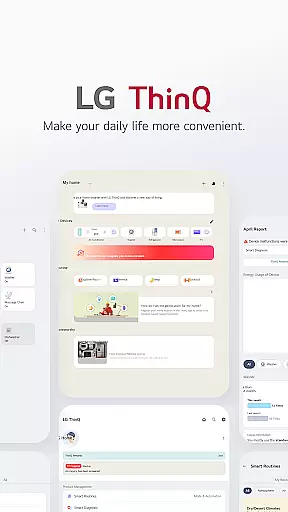
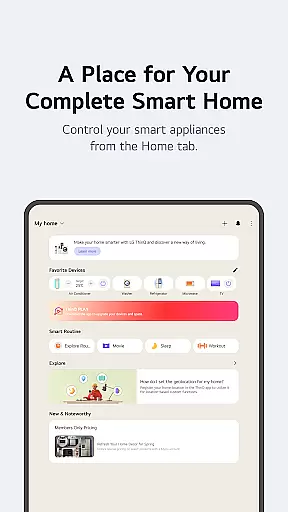
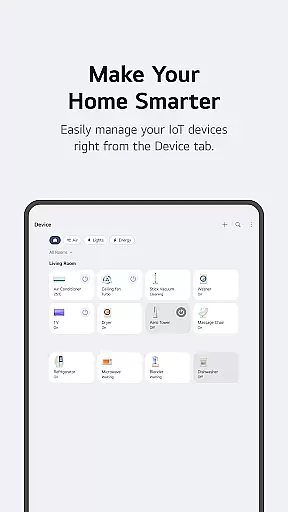
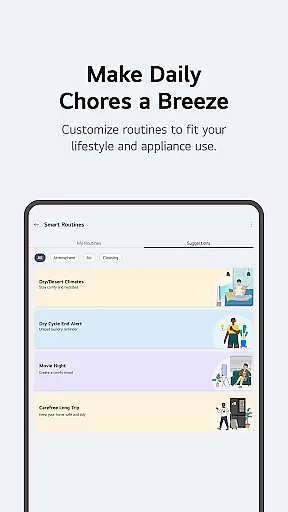
LG ThinQ is a comprehensive smart home solution that connects and controls IoT-enabled LG home appliances. The app serves as a central hub for managing your smart devices, offering features like remote control, energy monitoring, and personalized recommendations. Through the Home tab, users can effortlessly operate appliances, access usage-based suggestions, and discover new functionalities. A standout feature is the Smart Routines capability, which allows for automated device actions based on user-defined schedules or conditions.
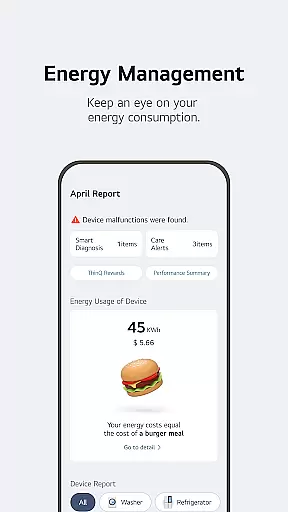
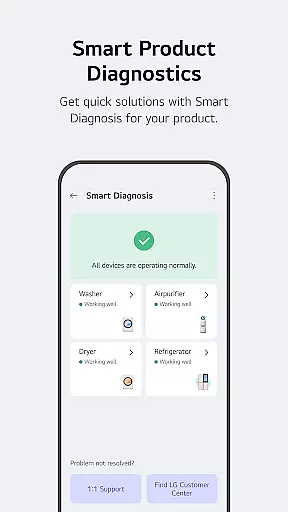
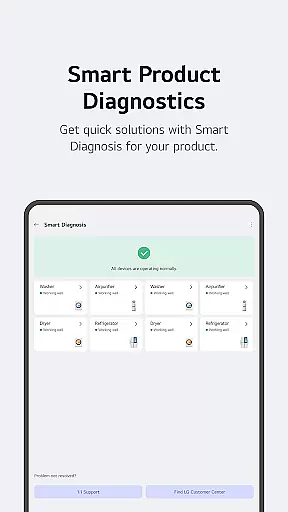
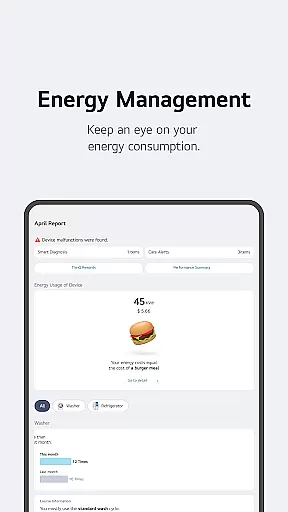
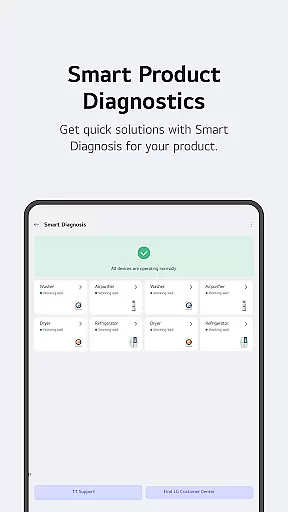
The application also provides proactive product care through its Smart Diagnosis tool and facilitates direct service bookings when needed. With integrated AI support via 'Chat with LG', users receive tailored assistance for their smart appliances. The app's versatility extends to energy management, enabling users to monitor consumption, set saving goals, and compare usage with neighbors. These features collectively create a seamless smart home experience that enhances convenience while promoting energy efficiency.
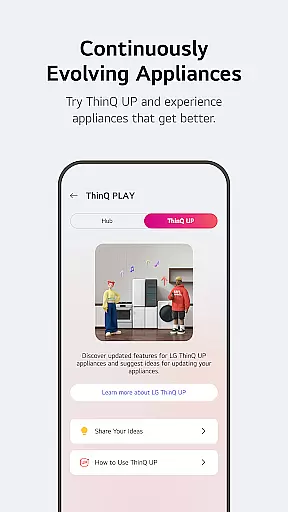
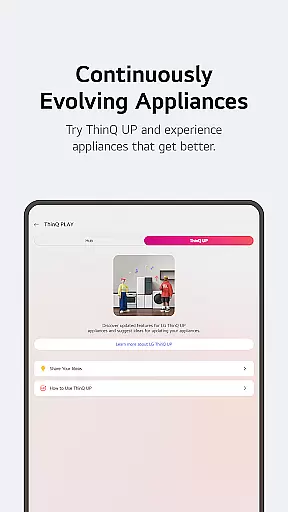
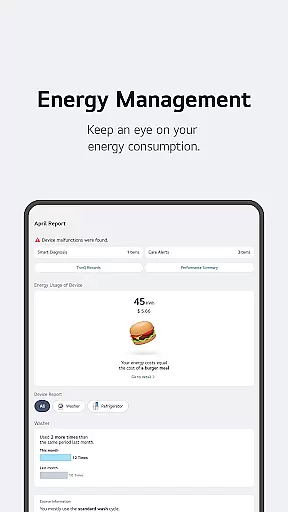
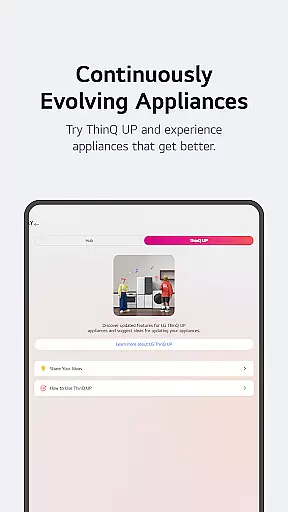
LG ThinQ stands out with its robust feature set designed to simplify smart home management. One of its core strengths is the ability to upgrade existing products with new functionalities through ThinQ Play, allowing users to download apps and enhance device capabilities. This ensures appliances remain up-to-date with the latest innovations without needing replacements. Additionally, the Energy Monitoring feature empowers users to track power usage, compare it with neighborhood averages, and receive notifications to optimize energy savings.
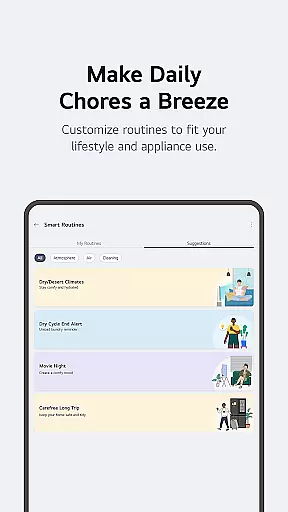
Another notable aspect is the Smart Routines functionality, which automates daily tasks by triggering appliance actions based on predefined scenarios. For instance, users can program lights and air purifiers to activate during mornings or schedule devices to turn off while away on vacation. Furthermore, the app consolidates troubleshooting, professional service requests, and AI-powered support into a single platform. This integration streamlines maintenance processes and ensures timely resolutions, enhancing overall user satisfaction and convenience.
LG ThinQ offers comprehensive coverage of lifestyle categories, making it an all-in-one solution for smart home management. The app integrates various aspects of daily life, including home appliance control, energy monitoring, and personalized recommendations.
Through the Home tab, users can effortlessly manage their IoT-enabled appliances from anywhere. The app provides tailored suggestions based on usage patterns, helping users optimize their appliance management. Additionally, the Explore feature offers insights into maximizing the app's potential, ensuring users get the most out of their smart home experience.
The app also supports smart routines and energy-saving initiatives. Users can automate daily tasks such as turning on lights and air purifiers at specific times. Energy Monitoring allows users to compare their power consumption with neighbors, set saving goals, and receive notifications to enhance energy efficiency.
LG ThinQ ensures content authenticity and expert credibility by offering verified information and professional support directly through the app. This commitment to reliability is evident in its troubleshooting and service request features.
Users can utilize the Smart Diagnosis function to assess their productu2019s status accurately. For more complex issues, booking a service visit from a professional engineer ensures precise inspection and maintenance. These services are backed by LG's reputation for quality and expertise.
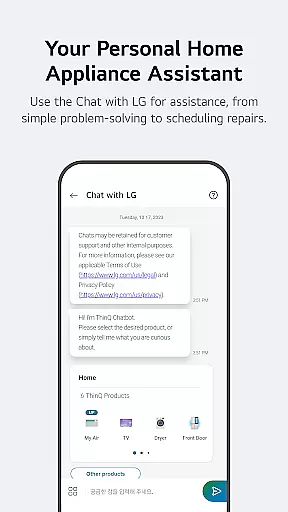
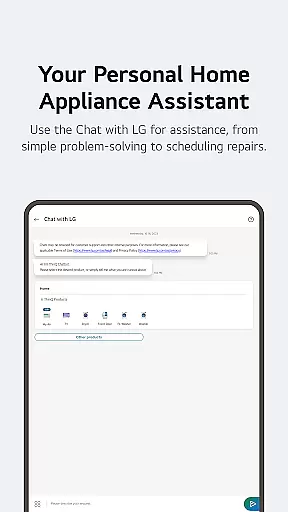
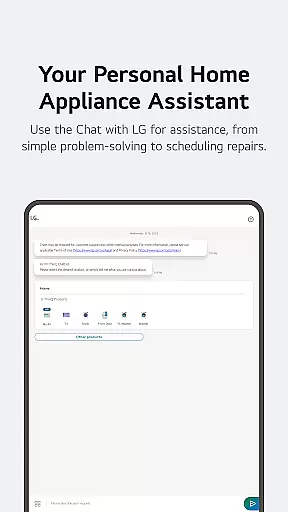
Furthermore, the AI-powered 'Chat with LG' feature provides tailored responses to user inquiries about ThinQ home appliances. This ensures that users receive accurate and relevant information specific to their products. Such expert-backed services enhance user trust and satisfaction.
User-friendly interface
Comprehensive device control
Energy-saving insights
Proactive maintenance alerts
AI-powered customer support
Limited third-party compatibility
Region-specific features
Premium subscription costs
Occasional connectivity issues
Steep learning curve

The Work of Byron Katie— the mobile app for inner peace.
 4.40
4.40
Immerse yourself in the serenity of lavender fields and white butterflies
4.0
Connect to your Shark ROBOT™ from anywhere using the SharkClean™ App.
3.60
Smart home security protection
3.20
Colorful selection floral watch face with gyro for Wear OS
4.60
Colorful minimal digital watch face for Wear OS
4.60
Subwoofer school’s in session! You’ve now enrolled into KICKER U.
3.80
The Wyze app is your gateway to a smarter life and a safer home.
4.40
AAA Mobile provides on-the-go access to the services you know and trust.
4.60
Discover the "To Be a Christian" App: Your Guide to Deepening Faith!
5.00
See wait times and check into a hair salon ahead of time with Online Check-In.
4.80
A smart Siddur with halachic times
4.50
Zodiac & Horoscope Launcher: Daily Sign Predictions & Astrology
4.40
Discounts, savings, and rewards
4.20
Your home in your hand
3.80
BILT interactive 3D instructions help you get the job done right
3.50
Designed to delight, impress and energize your festive spirit every single day
4.5
A uniquely designed isometric digital watch face made for Wear OS
4.0
Wear your favorite memories, loved ones, pets or travel photos on your watch
4.5


User Reviews