
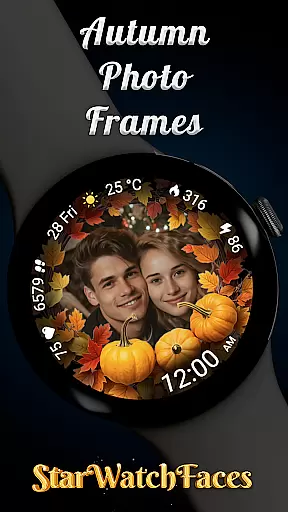

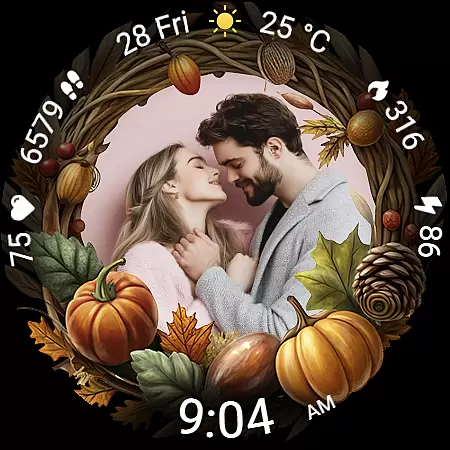
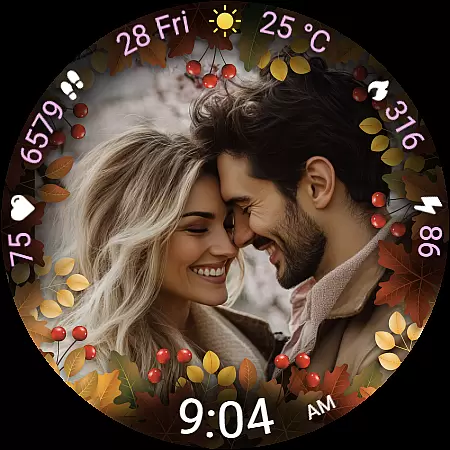
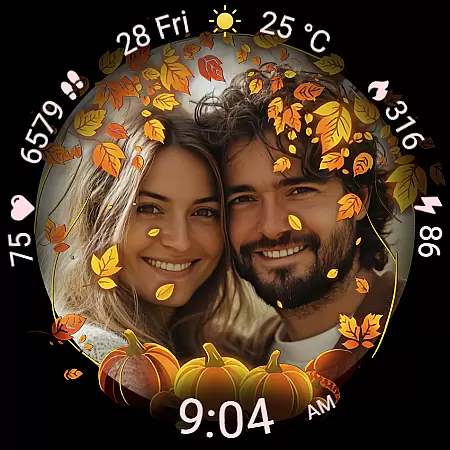
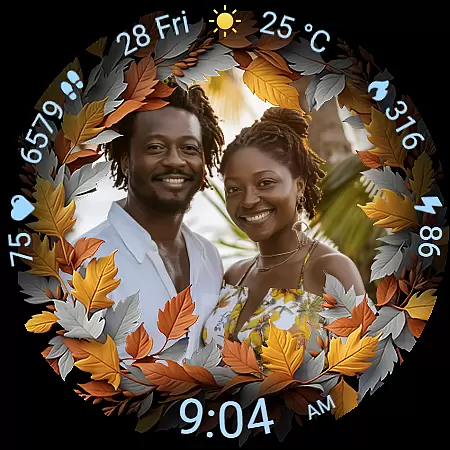
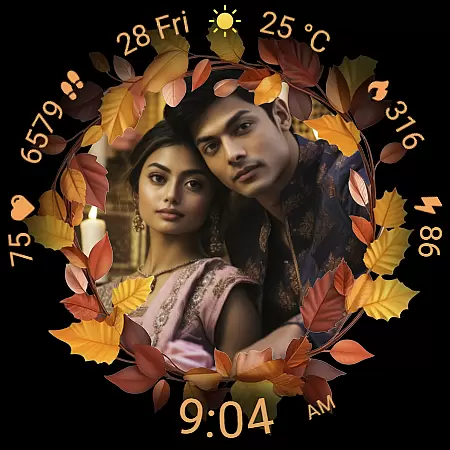
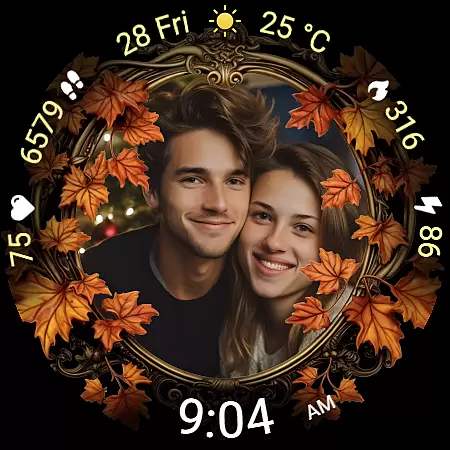
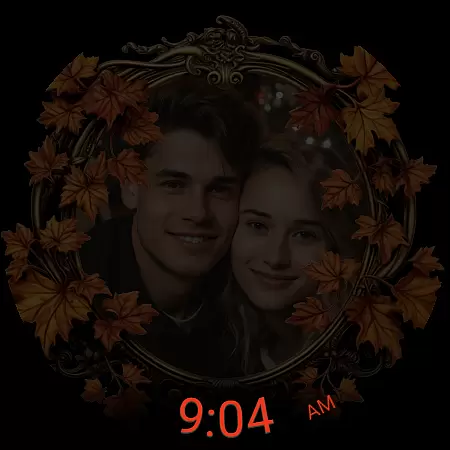
Autumn Photo Frames for WearOS is a premium lifestyle watchface that combines seasonal aesthetics with personalization. This app allows users to display cherished photos within beautifully designed autumn-themed frames directly on their smartwatch. With support for custom photos, 10 unique autumn frames, and 30 color themes, it offers both style and functionality.
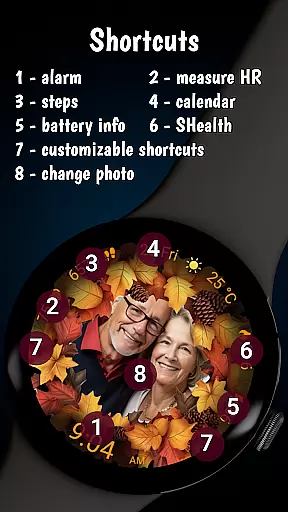
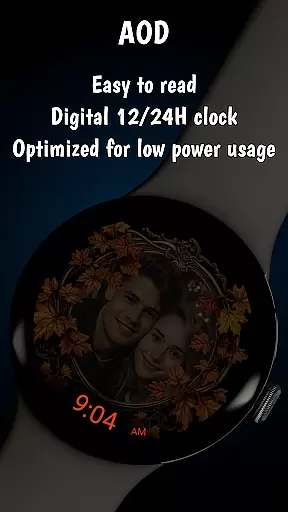
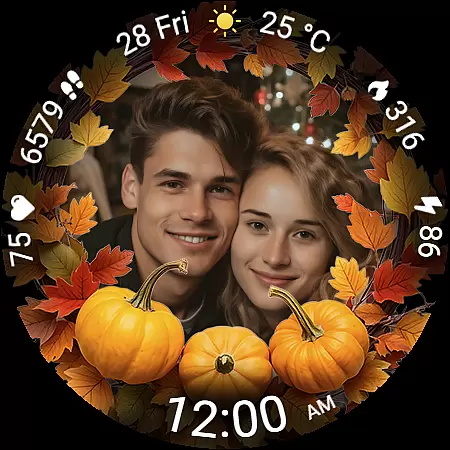
The watchface includes practical features like a digital clock in 12h/24h format, date display, battery status, heart rate monitor, step counter, calorie tracker, and weather information. The always-on display ensures optimal visibility while maintaining battery efficiency. Users can also customize shortcuts for quick access to favorite apps.
Ideal for those who value emotional connection and customization, this watchface transforms your smartwatch into a personal gallery that moves with you. Compatible with Wear OS 6 and newer devices, it's perfect for celebrating relationships, family moments, or artistic expression while enjoying practical smartwatch functionalities.
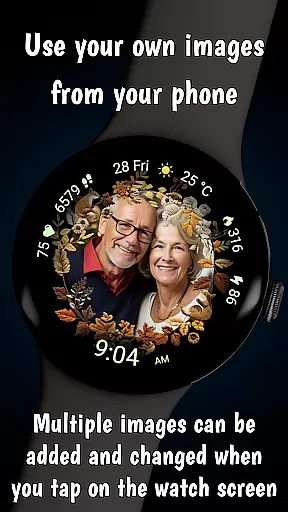
Autumn Photo Frames stands out with its rich feature set tailored for personalization enthusiasts. The core functionality lets users set their own images inside elegantly designed autumn-themed photo frames. Using the companion app, users can manage multiple photos and switch them directly from the watch by tapping the center of the screen.
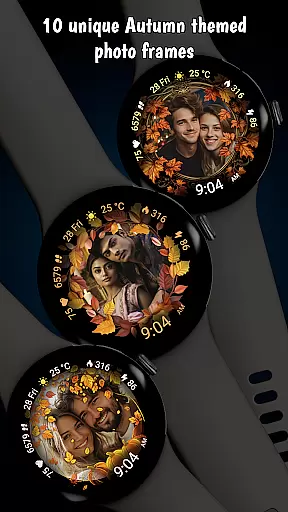
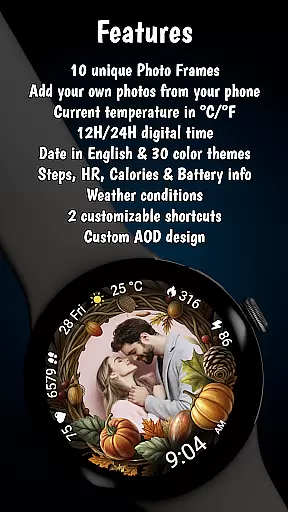
The app provides 10 unique autumn frames featuring seasonal colors and decorative elements. Users can choose from 30 color themes to complement their selected photos. Practical features include a digital clock with 12h/24h format, English date display, battery status indicator, real-time heart rate monitoring, step counter, calorie tracker, and weather information with temperature in °C/°F.
Additional notable features include an optimized Always-On Display (AOD) for better visibility and battery efficiency, two customizable shortcuts for instant app access, and low-power consumption optimization. These features create a perfect balance between aesthetic appeal and functional utility, making it a comprehensive lifestyle solution for Wear OS users.
The Autumn Photo Frames watchface for Wear OS offers extensive lifestyle category coverage by blending practical smartwatch features with customizable, emotionally engaging design elements. This application goes beyond basic timekeeping to include personalized photo frames, health metrics, and environmental information.
Users can choose from 10 unique autumn-themed frames and 30 color themes, allowing them to tailor the watchface to their personal style or mood. The ability to display cherished memories on your wrist adds a sentimental value that is rare in typical smartwatch applications. This feature transforms the wearable into not just a gadget, but a personal gallery.
In addition to its customization options, the watchface provides essential lifestyle metrics such as heart rate, step count, calories burned, and weather updates. These features cater to users who prioritize both aesthetics and functionality in their daily wearables. The inclusion of an Always-On Display (AOD) and low battery optimization ensures that these features are accessible without compromising performance.
Autumn Photo Frames demonstrates content authenticity through its carefully designed features and verified promotional materials. While the couples shown in promotional screenshots are AI-generated, this is clearly disclosed, ensuring transparency with users about the imagery used in marketing.
The application's key features are backed by technical expertise, offering reliable functionalities like digital clock display in 12h/24h format, accurate date presentation, and real-time health tracking metrics. Each feature is developed with attention to detail, ensuring both visual appeal and functional accuracy.
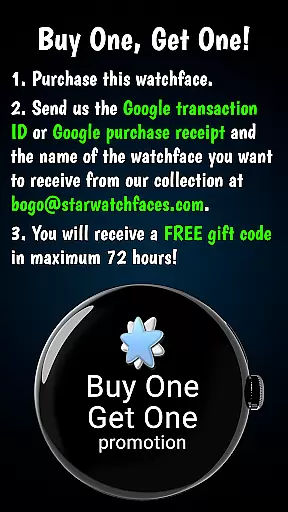
Furthermore, the developer's commitment to quality is evident in the comprehensive customization options and optimized performance. The BOGO promotion not only adds value for customers but also encourages exploration of their other professionally crafted watchfaces. This approach builds trust and credibility among users seeking premium lifestyle applications for their Wear OS devices.
Customizable photo frames
30 color themes
Real-time health tracking
Weather integration
Always-On Display
Limited to Wear OS
Requires companion app
Premium cost
Complex setup
Battery intensive

Discover how to help puppies stay calm around noise with this helpful app.
 4.1
4.1
Duo Watch Face (animated)
4.2
The all-new Cync app. The simple, connected app for Cync and C by GE.
4.50
Spiritus Ghost Box is an Audio and Visual ITC tool for paranormal research.
4.00
Customize your Wear OS watch with festive Christmas figures and colors!
4.1
Connect to your Shark ROBOT™ from anywhere using the SharkClean™ App.
3.60
The cutest Autumn watchface featuring the adorable Mr. Squirrel
4.2
Mixing Colors for Menswear
4.20
PARAVOX 4 is a professional ITC paranormal research application.
4.50
Digital smart watch face made for Wear OS.
4.70
Crochet made easy: step-by-step tutorials, beginner patterns & projects
4.60
The go to app for taking unlimited notes!
4.50
Discover your Nationality, Family Origin, and Ancestry from one selfie
4.50
The Work of Byron Katie— the mobile app for inner peace.
4.40
Discounts, savings, and rewards
4.20
SmartHQ: Your Connected Home Command Center
4.10
Unique BIG BOLD TIME with amazing colors and customisations.
3.70
Creativity and savings for kids, beginners and experts in arts and crafts
3.50
A uniquely designed isometric digital watch face made for Wear OS
4.3


User Reviews