
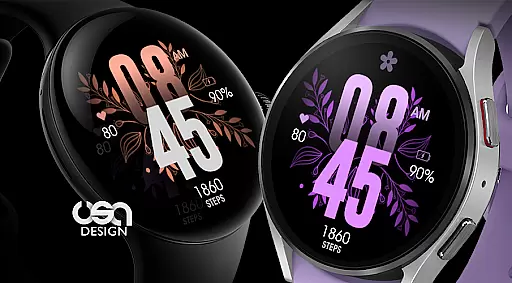
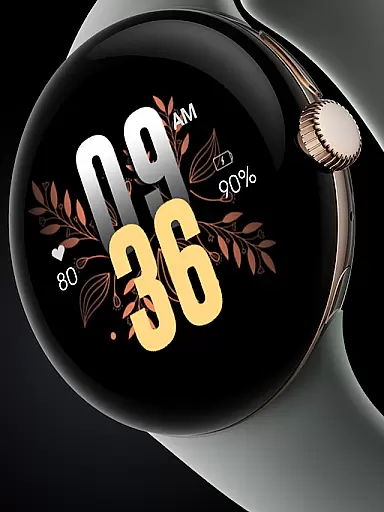
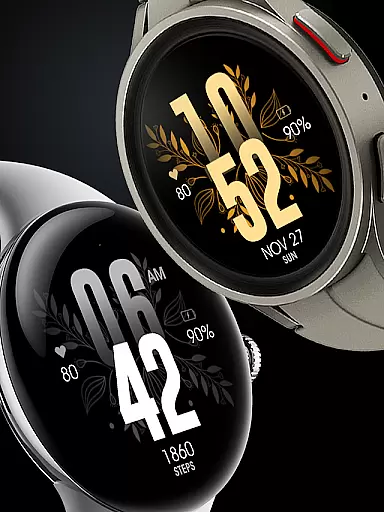
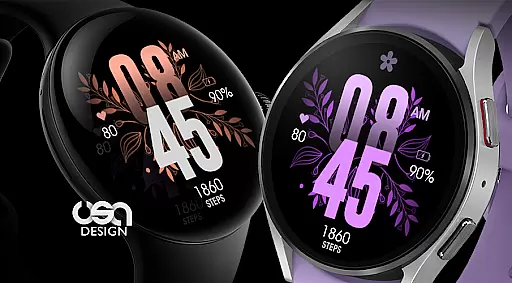
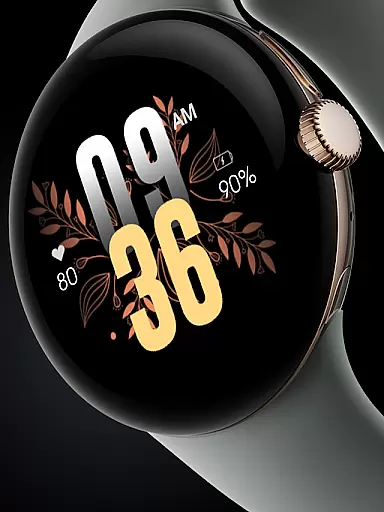
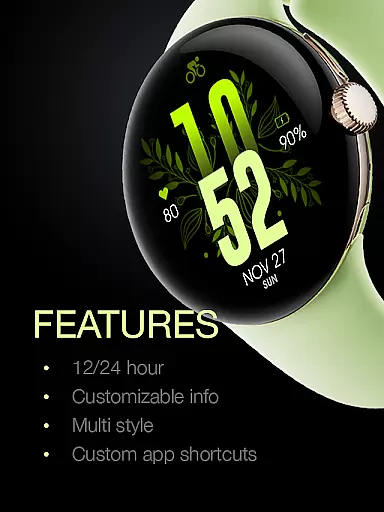
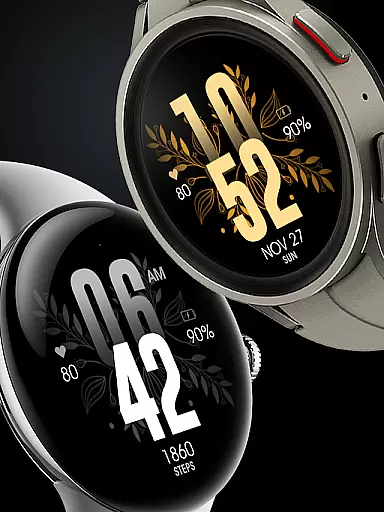
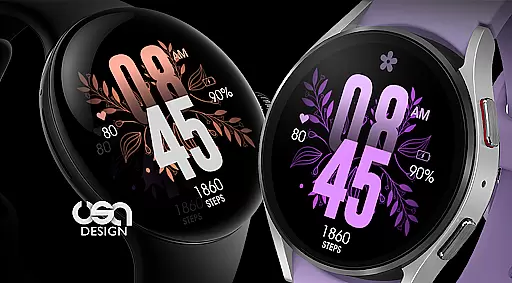
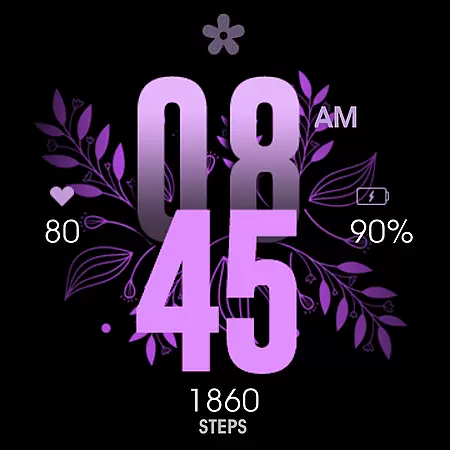
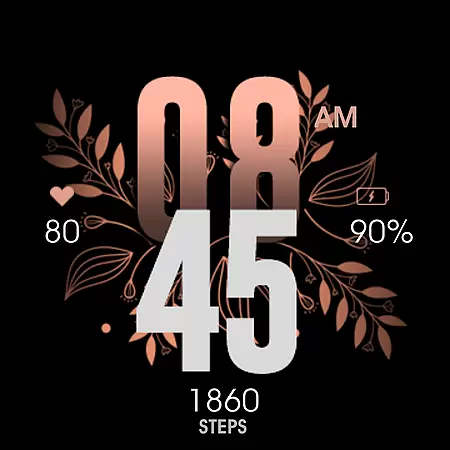
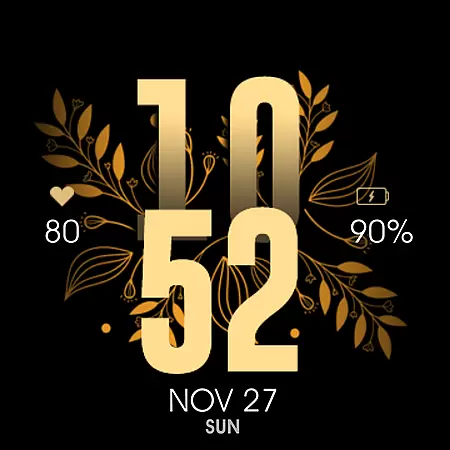
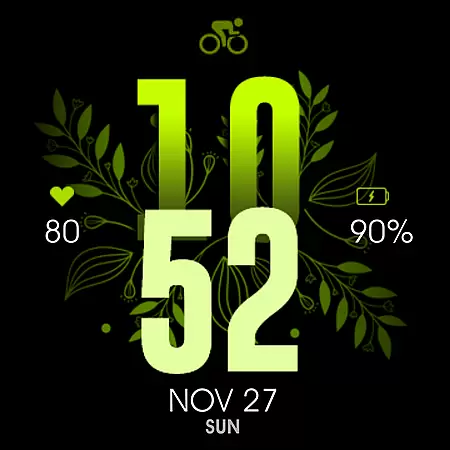
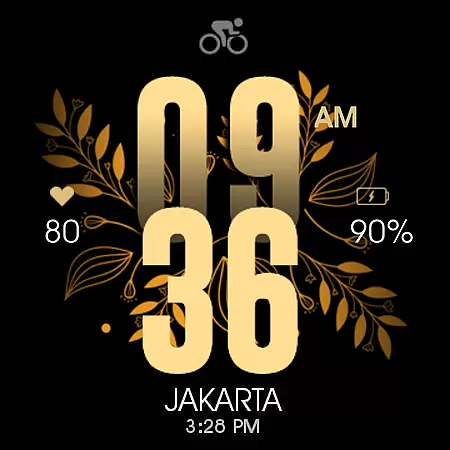
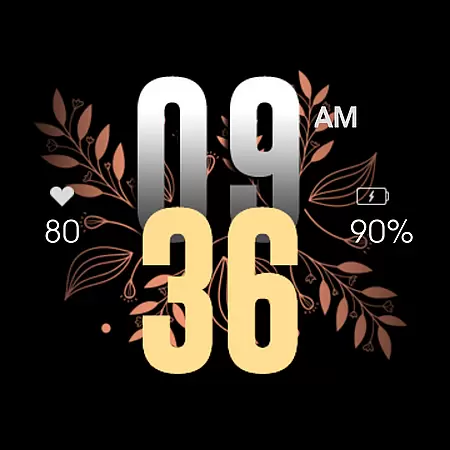
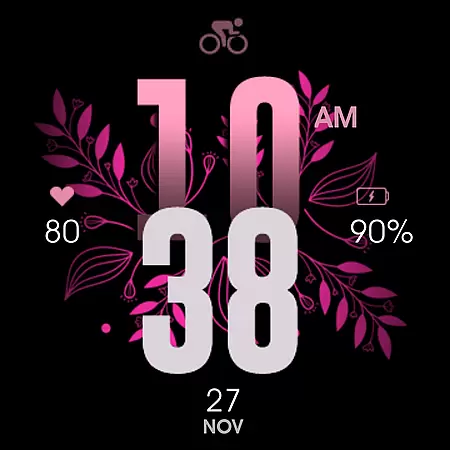
UsA Floral Color is a visually stunning lifestyle application designed specifically for Wear OS smartwatches. This app features a gyro-animated floral design with a wide array of color combinations including purple, gold, silver, pink, green, and more. It is compatible with devices running Wear OS API 33+ (Wear OS 4 or newer), such as Galaxy Watch 4/5/6/7/8 Series, Pixel Watch series, and other Wear OS 4+ watches.
The app offers automatic installation to your watch when purchased using the same Google account registered on your device. Once installed, users can easily apply the watch face through a few simple steps. The app also syncs with built-in heart rate settings and phone settings for 12/24 hour mode, providing both aesthetic and functional value.
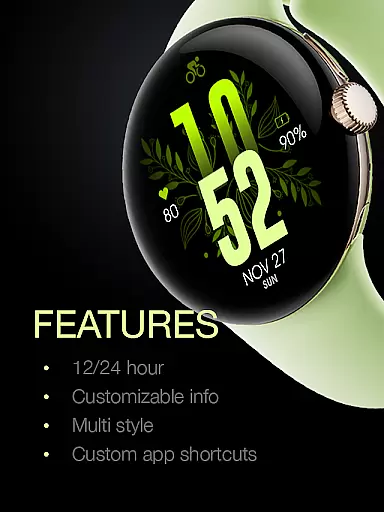
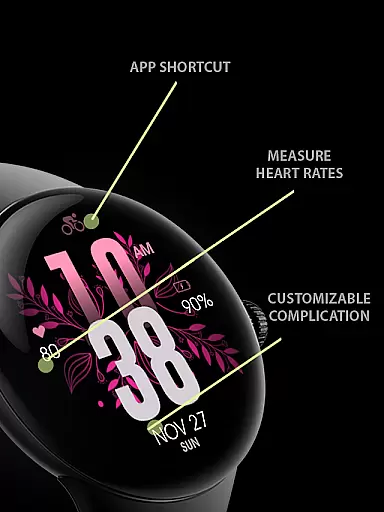
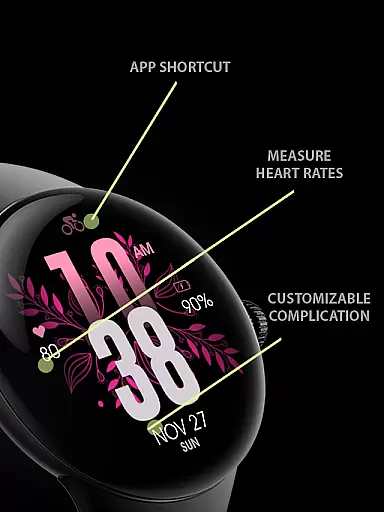
UsA Floral Color stands out with its rich feature set tailored for smartwatch users. The app provides multiple color combination styles that allow for personalization of the watch face. Key features include battery information display, heart rate monitoring synced with the watch's built-in settings, and support for 12/24 hour time formats based on phone settings.
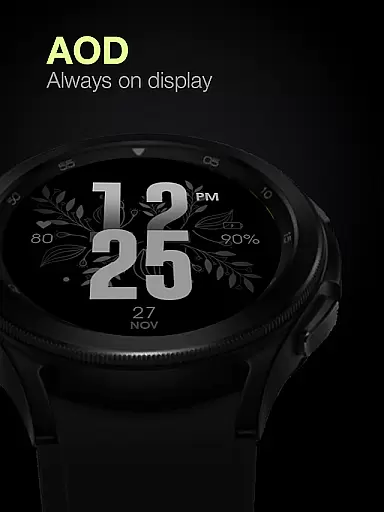
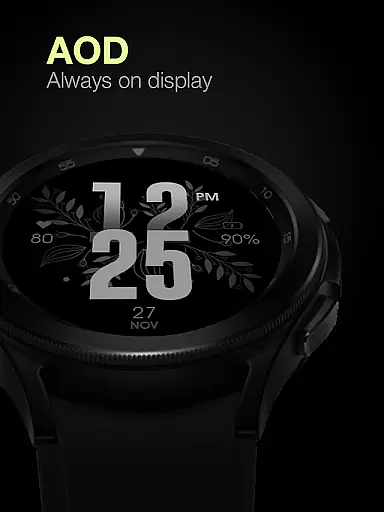
Additionally, the app supports custom app shortcuts and short complication info, giving users quick access to frequently used functions. A special Always On Display ambient mode is included, offering a low-power display option when the watch is idle. While this feature enhances convenience, users should note it may increase battery consumption. These features collectively create a personalized and efficient user experience.
UsA Floral Color offers an extensive range of lifestyle features tailored for users who appreciate both aesthetics and functionality in their wearable technology.
This application provides a beautiful gyro-animated floral design with numerous color combinations, including purple, gold, silver, pink, green, and more, ensuring that there is a style to match every user's preference.
In addition to its visually appealing design, the app includes practical functionalities such as heart rate monitoring synced with built-in settings, battery information display, and 12/24 hour mode synchronization with the user's phone setting.
By covering various aspects of daily life, from health tracking to personalized customization options like multiple color styles and custom app shortcuts, UsA Floral Color demonstrates comprehensive lifestyle category coverage.
The content provided by UsA Floral Color is not only diverse but also authentic, reflecting a genuine effort to enhance user experience through thoughtful design.
Each feature, from the heart rate sync to the Always On Display ambient mode, has been carefully integrated to ensure it adds real value to the useru2019s interaction with their smartwatch.
Moreover, the app encourages community engagement and support through its Telegram group, allowing users to connect with experts and fellow enthusiasts for discussions and assistance.
This approach fosters trust and credibility, as users can verify the effectiveness of the app's features and receive guidance directly from knowledgeable sources within the community.
Visually appealing design
Wide color options
Automatic installation
Heart rate integration
Custom shortcuts
Battery consumption
Limited compatibility
No iOS support
Premium cost
Complex setup

Chat, meet genuine singles in your area. Real connections start with being real.
 4.30
4.30
Discover how to help puppies stay calm around noise with this helpful app.
4.5
Stay connected with your loved ones & vehicles | Share live GPS location updates
4.60
Spiritus Ghost Box is an Audio and Visual ITC tool for paranormal research.
4.00
Material You inspired colors with BIG and Bold looks for Wear OS watches.
4.20
Get the news, events and savings that matter to you with AARP Now.
4.80
Digital smart watch face made for Wear OS.
4.70
The Miracle Box includes methods used by Steve Huff of Huff Paranormal.
3.20
LineLearner, the quick way to learn lines.
2.90
Discover the "To Be a Christian" App: Your Guide to Deepening Faith!
5.00
A unique and customizable watch face which rotates its layout every minute.
4.80
Smart & Healthy Living
4.60
Make money, get paid cash rewards & gift cards for every survey. Earn today!
4.60
Unique BIG BOLD TIME with amazing colors and customisations.
3.70
Designed to delight, impress and energize your festive spirit every single day
4.2
Duo Watch Face (animated)
4.3
A daily quote for success
4.3
Cute animated Thanksgiving watchface for your WearOS smartwatch
4.0
Big bold hybrid watch face with 30 colors, 5 fonts & 5 complications.
4.1


User Reviews