
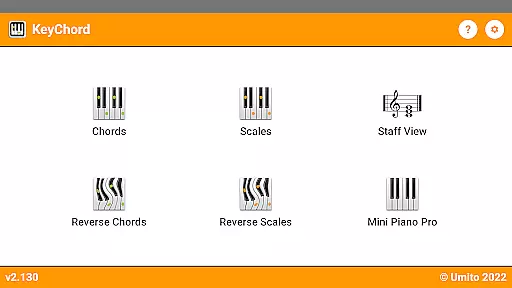
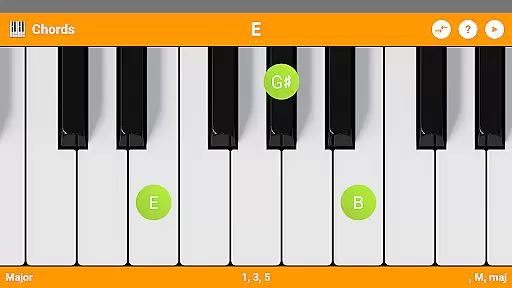
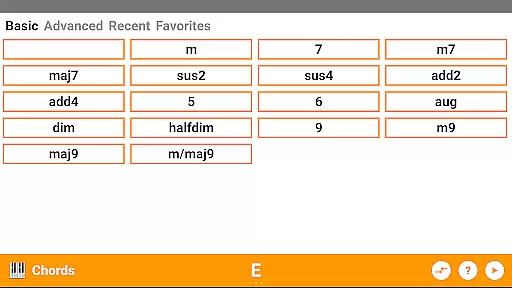
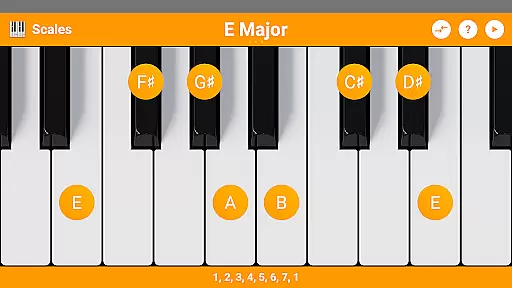
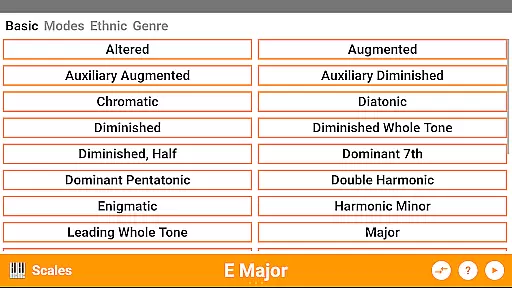
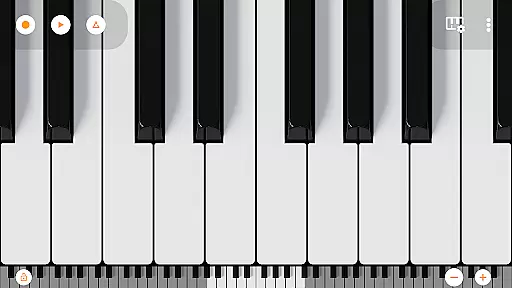
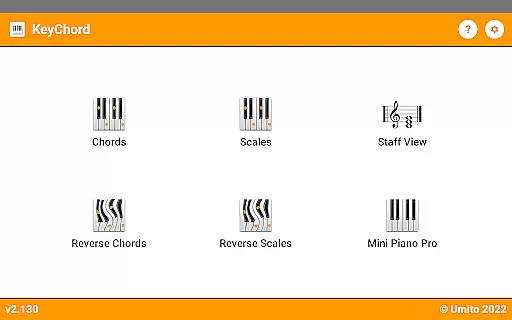
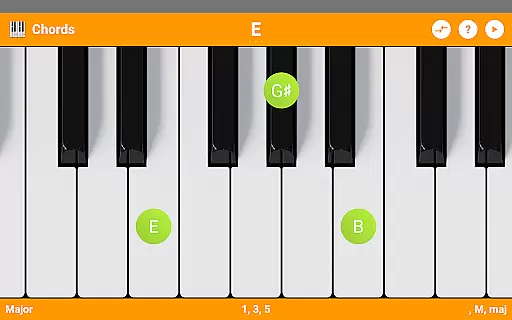
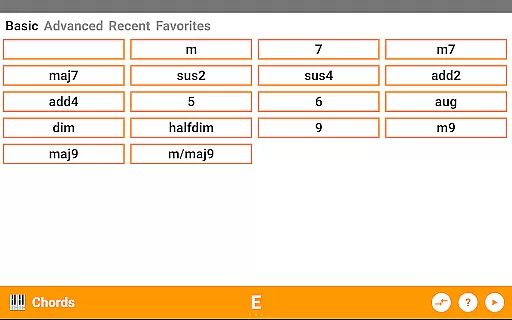
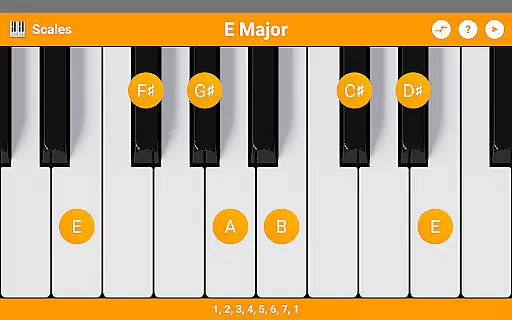
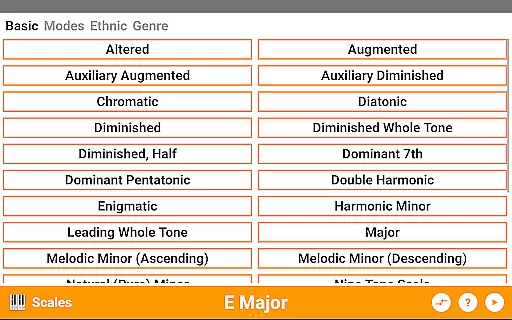
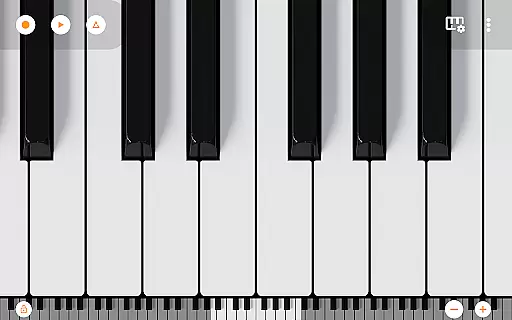
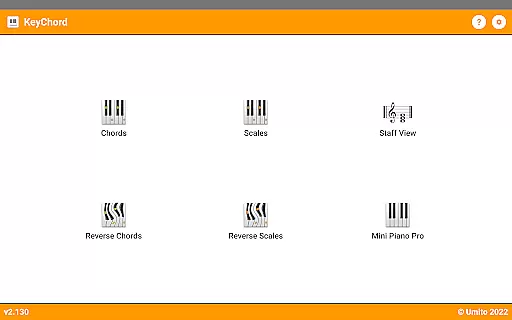
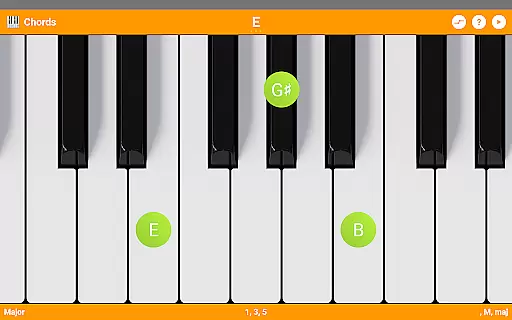
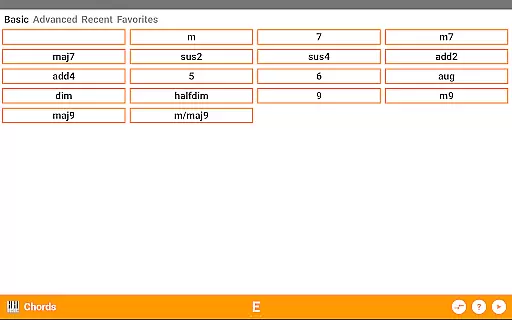
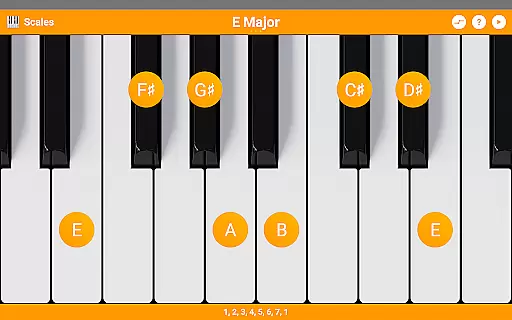
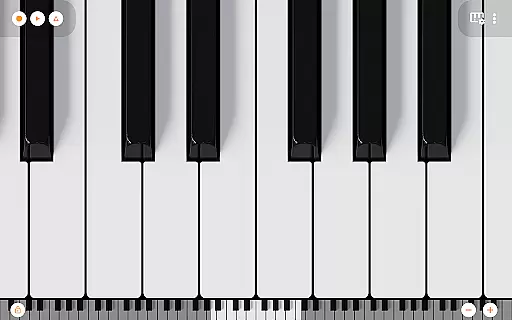
KeyChord is an innovative reference application designed for musicians and piano enthusiasts. This dynamic dictionary app allows users to explore all scales and chords with ease. The app features a built-in 88-key multitouch piano, providing a realistic playing experience directly on your mobile device.
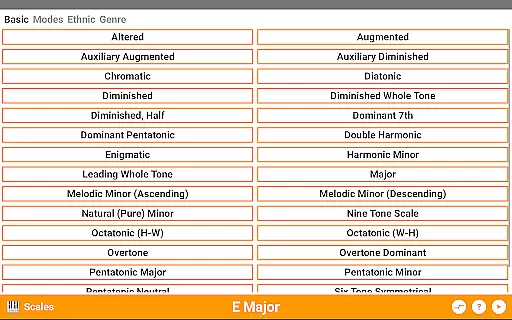
The app stands out with its reverse lookup functionality for both chords and scales, including partial chords. Users can interact with the virtual keyboard to create and modify chords and scales dynamically. With over 50 chord types and 100 scale types available, KeyChord serves as an essential tool for music theory study and composition.
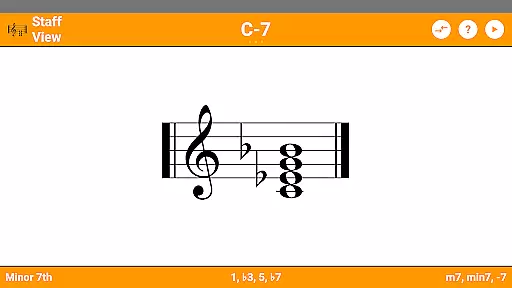
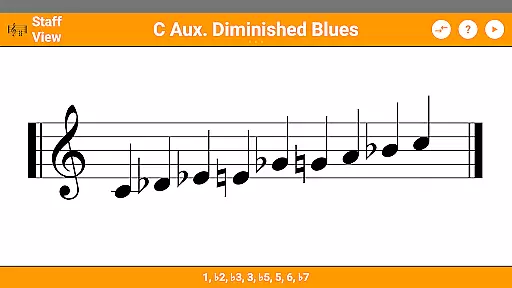
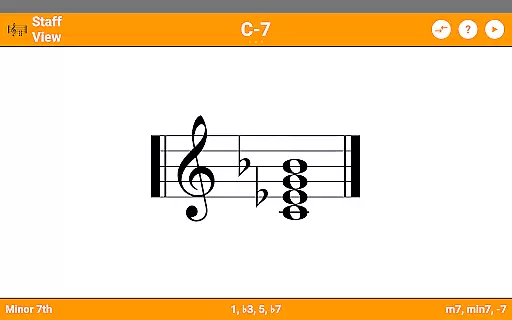
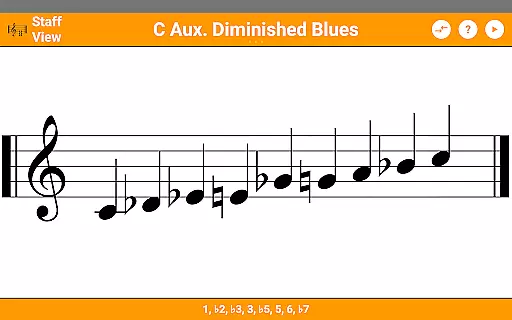
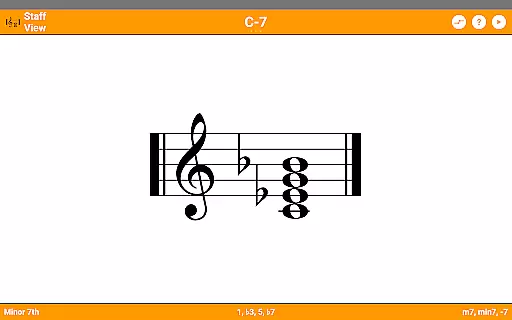
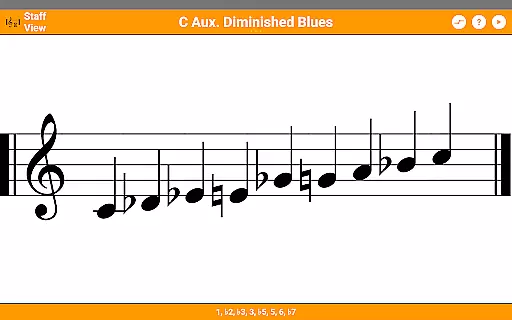
Musicians will find KeyChord particularly useful during practice sessions or when composing music. The ability to hear every chord and scale, combined with the staff view feature, makes it an invaluable resource for both beginners and professional musicians.
KeyChord offers an impressive array of features that cater to musicians of all levels. The app includes over 50 chord types and 100 scale types, providing comprehensive coverage of musical possibilities. Its unique reverse lookup function allows users to identify chords and scales by simply selecting notes on the virtual keyboard.
The 88-key multitouch piano, sourced from Mini Piano Pro, delivers authentic sound quality with 128 different instrument sounds. Advanced features like inversions, slashed chords, and interval displays help users understand complex musical structures. The app also supports dark mode and MIDI recording capabilities.
What sets KeyChord apart is its dynamic approach to music theory. Rather than relying on pre-defined chord locations, the app uses intelligent algorithms to generate chords and scales anywhere on the keyboard. This flexibility, combined with audio playback in all modes, creates an interactive learning environment for users.
KeyChord offers an extensive virtual library of musical resources, featuring over 50 chord types and 100 scale types. This vast collection ensures that musicians of all levels have access to a comprehensive range of chords and scales for their practice and performance needs.
The app's content is crafted with accuracy and authority, drawing on established music theory to provide reliable information. Each entry is generated dynamically, ensuring that users receive authentic and copyright-compliant content without relying on pre-existing databases.
With its integration of Mini Piano Pro, KeyChord enhances the learning experience by allowing users to hear every chord and scale with 128 different sounds. This auditory component supports the theoretical knowledge presented in the app, reinforcing learning through listening.
KeyChord stands out for its versatile format compatibility, accommodating various user inputs and interactions. The app features an 88-key multitouch piano interface, which allows users to explore and experiment with chords and scales in a tactile and intuitive way.
In addition to its interactive keyboard, KeyChord supports multiple information modes such as note names and intervals. Users can easily switch between these modes to suit their learning or composition style, making the app adaptable to different preferences and requirements.
Furthermore, KeyChord enables musicians to record their sessions as MIDI files and even set them as ringtones. This functionality not only showcases the app's flexibility but also extends its utility beyond just reference, positioning it as a complete musician's toolkit.
Comprehensive chord library
Dynamic scale generation
Realistic piano simulation
Intuitive user interface
Offline functionality
Steep learning curve
Occasional performance lag
Limited free content
No video tutorials
Complex interface

Flora of Virginia Project (www.floraofvirginia.org)
 5.00
5.00
Novels, audiobooks, ebooks & fanfiction. Read anytime, anywhere!
3.40
Audiobook player with cross-device progress sync, playlists, and widget support.
4.80
Words spoken by native English speakers and full definitions.
4.60
University of North Carolina Herbarium presents the flora of TN, AL, & MS.
4.0
Discover Stars and Planets: Live Map Shows Current Constellations in Full Detail
4.70
Holy Bible, a KJIV Bible study, audios & daily verses, talk with God now.
4.80
A lightweight reader for comics and mangas files (.cbr, .cbz, .cbt, .pdf, ...)
4.80
Read the Quran in Arabic alongside its translation, with color coded Tajweed.
4.50
Daily thoughts, meditations, and prayers for living a sober life in recovery.
4.90
The Original Tropical Freshwater Aquarium Fish And Plant Care Guide
4.80
Liturgy of the Hours totally off-line
4.80
My Bible offers a comprehensive app by providing offline access, daily verses.
4.80
World's most comprehensive dictionary app: 13 languages, all online or offline!
4.80
This is the pro version King James bible Offline that we have
4.70
The Original & Authentic Crystals, Gemstones, Rocks & Minerals Encyclopedia.
4.60
Mirror Bible - eye-opening paraphrase translation of the NT by Francois du Toit
4.30
Read the romance stories on the go. Take my breath away, The Spoiled Girl
4.30
KJV Bible works offline with Audio, Hebrew & Greek lexicon (concordance) & more!
4.20


User Reviews