
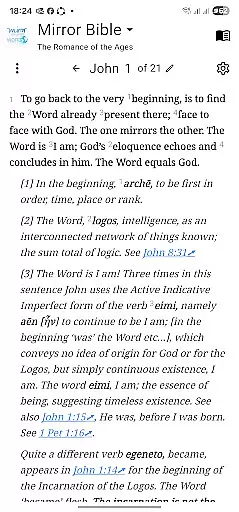
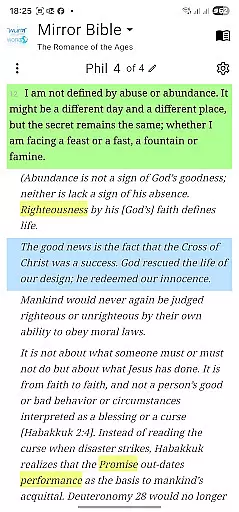
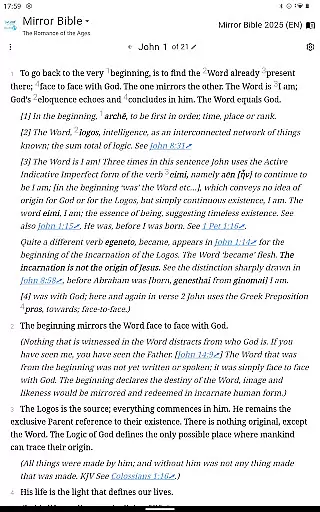
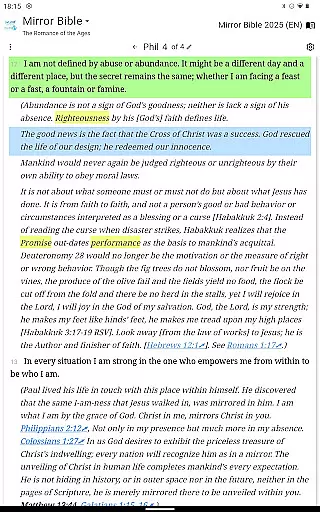
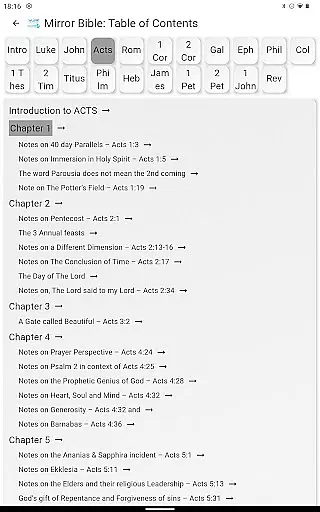
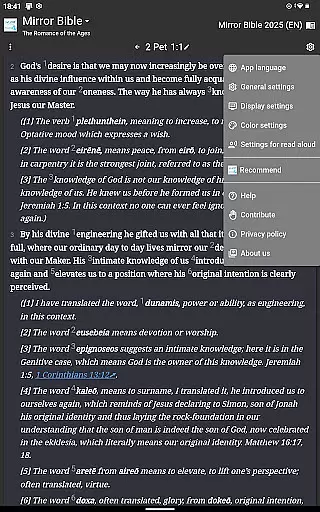
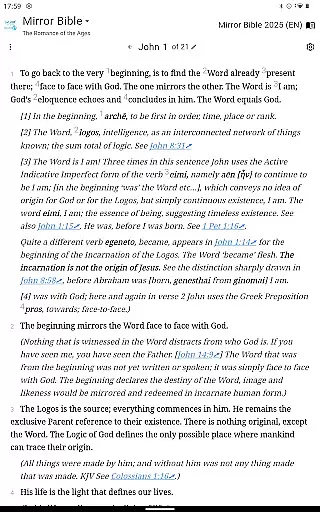
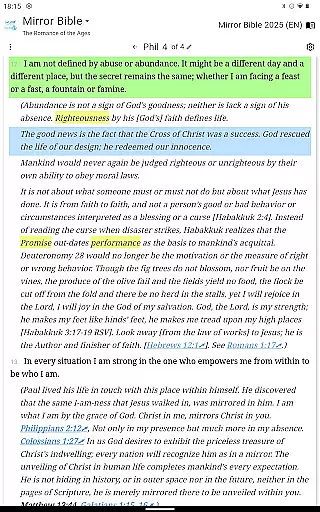
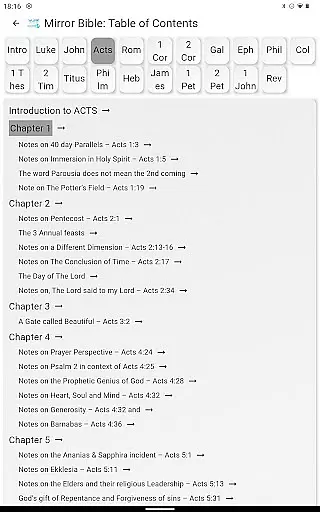
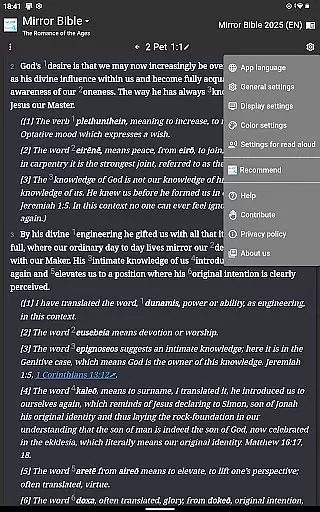
Mirror Study Bible offers a unique paraphrase of the New Testament, translated by Francois du Toit into contemporary language with in-depth commentary. This app provides users access to the latest translations, including select portions of the Old Testament. It is designed for those who wish to explore Scripture with fresh insights, presenting Christ not merely as an example but as a revelation of humanity's true identity.
The translation work is ongoing, promising to cover the entire New Testament eventually. Endorsed by notable figures such as Archbishop Desmond Tutu and author Paul Young, this resource celebrates the Word becoming human life. The app invites sincere students of faith to rediscover their identity through divine reflection.
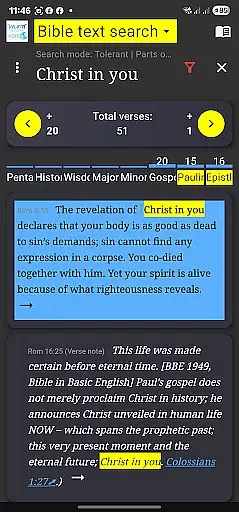
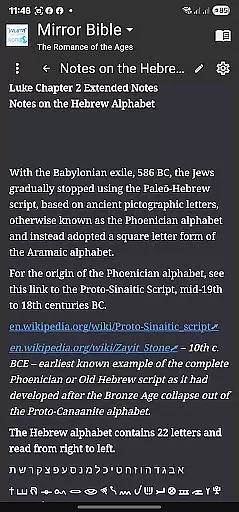
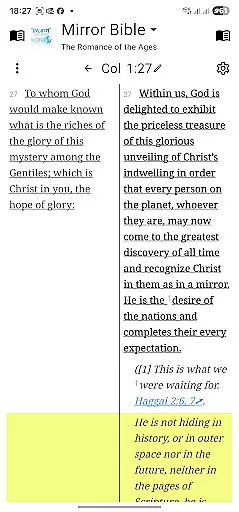
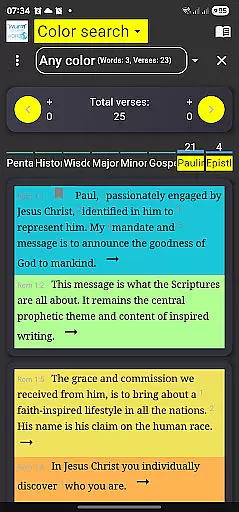
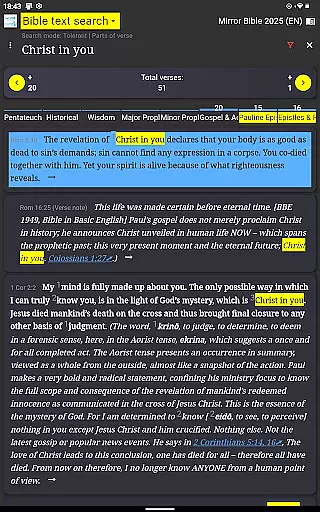
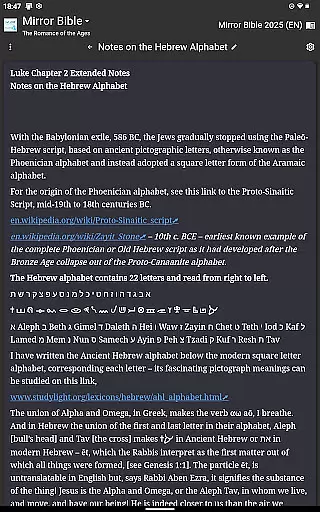
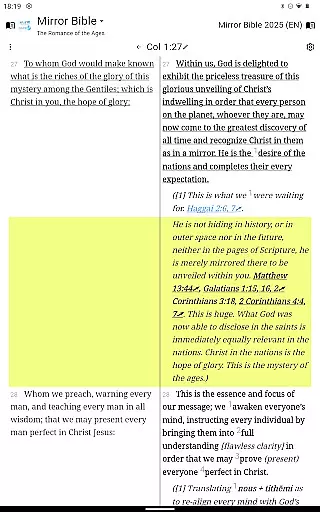
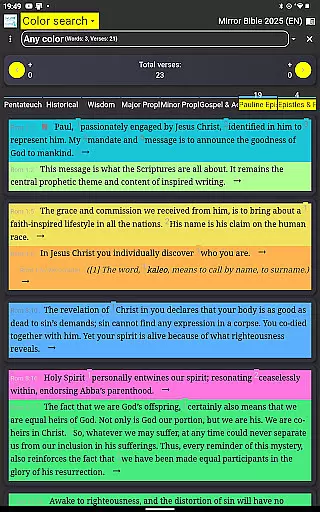
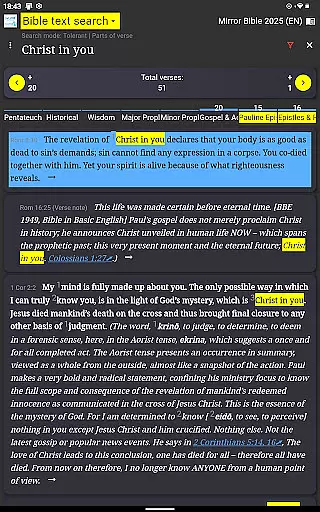
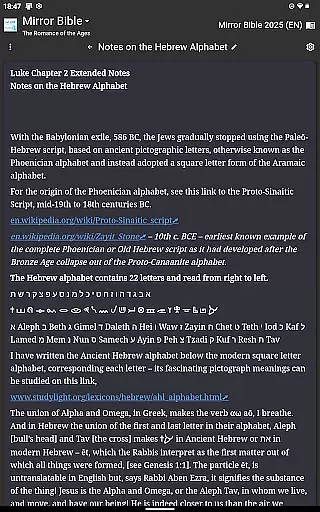
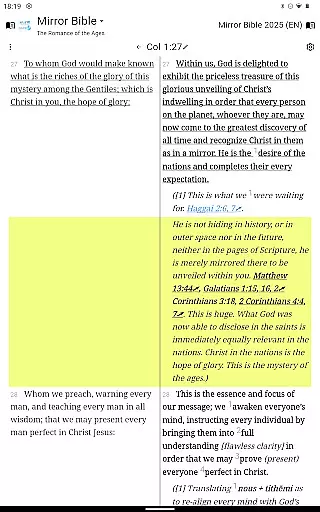
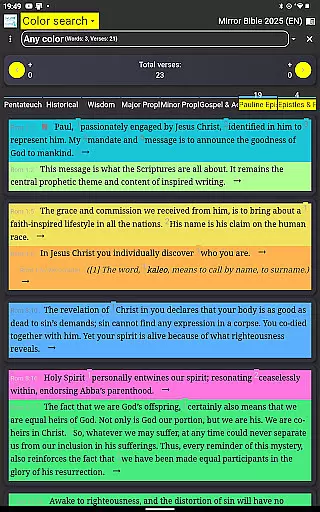
This app stands out with its comprehensive features tailored for deep scriptural study. Users can engage with the Mirror Bible's paraphrased text, enriched by scholarly commentary that unveils profound truths about humanity's origin and destiny. Each verse aims to resonate with the original intent, offering interpretations that elevate understanding beyond traditional readings.
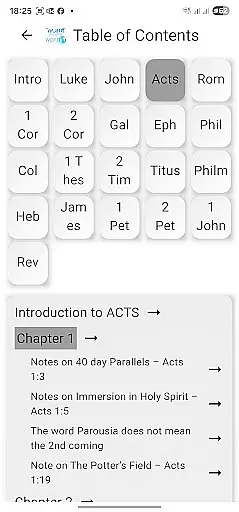
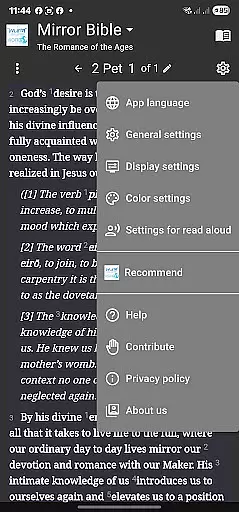
Additional functionalities include easy navigation through biblical texts, social sharing options, and subscription links to updates from Francois du Toit’s Facebook page. These elements ensure that users remain connected to evolving insights while fostering community discussions around shared spiritual discoveries.
The Mirror Study Bible app offers an extensive and continuously growing e-book library, featuring the New Testament and select portions of the Old Testament. This ensures users have access to a comprehensive range of scriptural texts that are enriched with contemporary commentary and interpretation.
Regarding copyright authenticity, the app strictly adheres to all legal standards, with explicit notices required for any quotations used outside the app. This guarantees that users can trust the legitimacy and respectful handling of the biblical texts they engage with.
By providing up-to-date translations and content directly from Francois du Toit, the original translator, users benefit from having the latest interpretations and scholarly insights at their fingertips, enhancing both personal and academic biblical studies.
The Mirror Study Bible app supports various formats suitable for different types of reading and study needs. Whether users prefer to read on mobile devices or computers, the app ensures seamless compatibility across platforms, allowing for an uninterrupted study experience.
In addition to traditional text formats, the app also integrates multimedia elements, enriching the learning process through diverse media such as audio and visual aids. This approach caters to different learning styles, making biblical study more accessible and engaging.
Users can easily share excerpts within permissible limits, knowing that the app maintains high standards of format integrity and respects copyright restrictions, thus facilitating responsible and flexible use of its resources.
User-friendly interface
In-depth commentary
Regular updates
Scholarly endorsed
Community engagement
Limited Old Testament
Complex language
Not beginner-friendly
Requires internet
Copyright restrictions

“I am the Lorax. I speak for the trees.”
 4.80
4.80
Improve your vocabulary and grammar with the 15 biggest Oxford Dictionaries.
4.30
Translate into 100+ languages with the world’s most accurate AI translator.
4.70
Full text, sheet music, and recordings of the print edition
4.60
Read unlimited novels, audiobooks, stories & Unlock ebooks, fanfiction and more!
4.70
Daily Devotional Widgets & Hourly Verses. Listen to Bible & Watch Holy Stories
4.70
Fast loot guide for ARC Raiders. Simple tips, stats, maps, and item details.
4.4
The Apostolic Lutheran Church hymnal
4.2
Learn to tie more than 200 knots in 3D!
4.90
Flora of Virginia Project (www.floraofvirginia.org)
5.00
Plan of Life that Saint Josemaría recommended
4.80
World's most comprehensive dictionary app: 13 languages, all online or offline!
4.80
Contains the 365 daily readings and everything other thing needed for catholics
4.70
Find, discuss, and organize your world of books and shows.
4.60
7 Languages, Google, Wiki, Vocabulary.com, Cambridge & Urban Dictionary!
4.50
Zerobooks Light Novel Reader by GOLDENAGATO
4.20
KJV Bible works offline with Audio, Hebrew & Greek lexicon (concordance) & more!
4.20
Read Trending Romance Stories
4.00
A guide for the Court of Atonement spiritual healing process.
4.2


User Reviews