
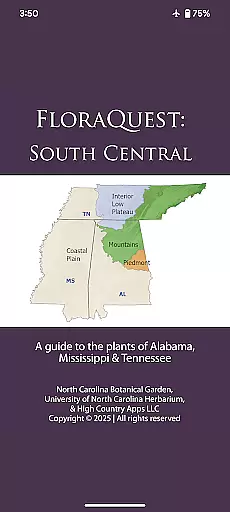
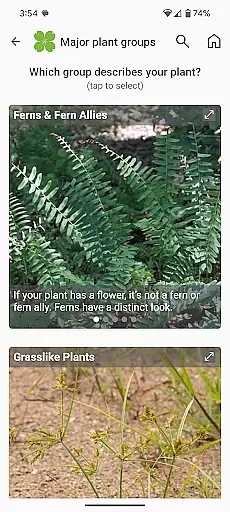
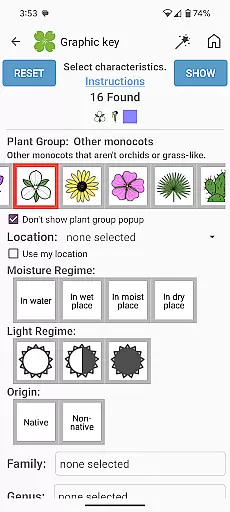
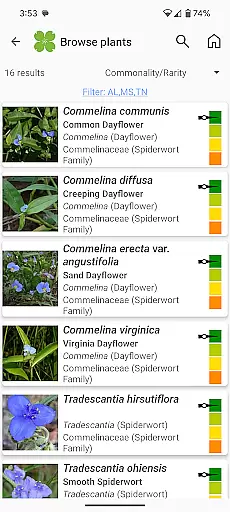
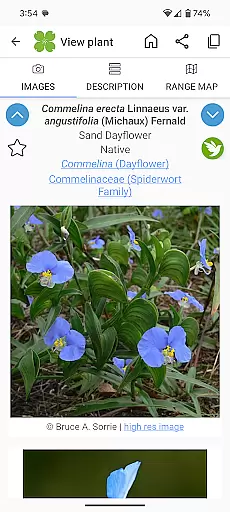
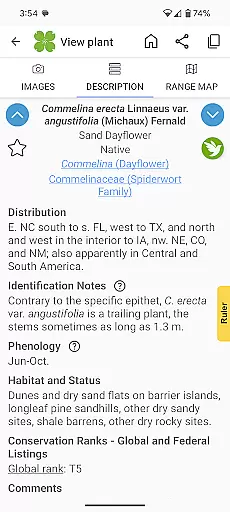
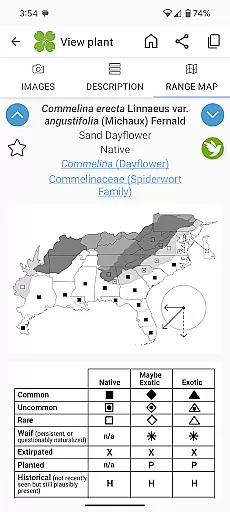
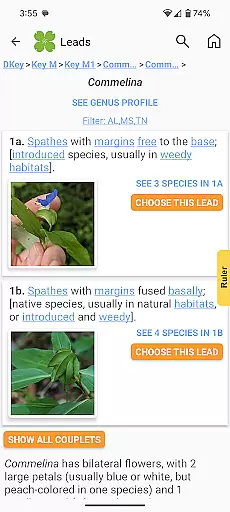
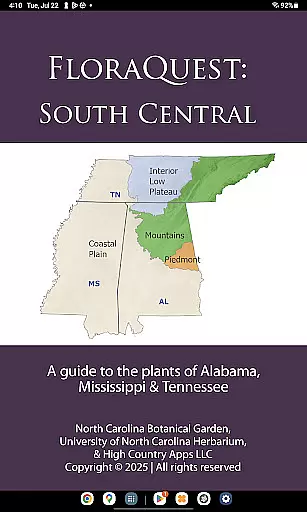
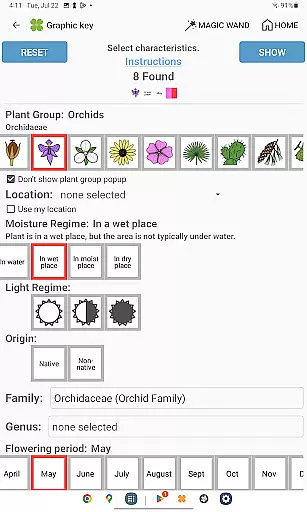
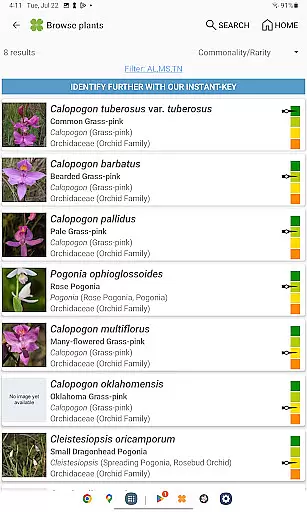
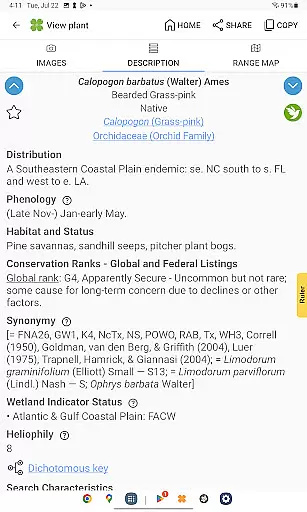
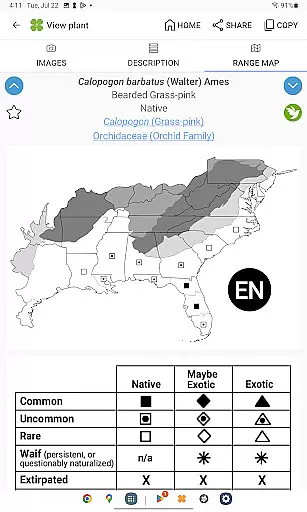
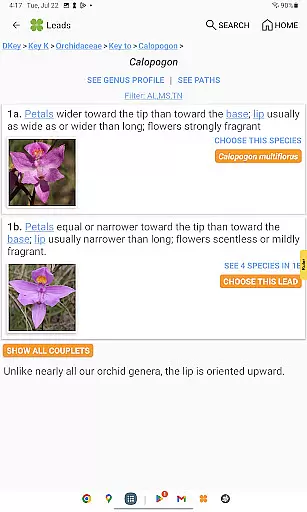
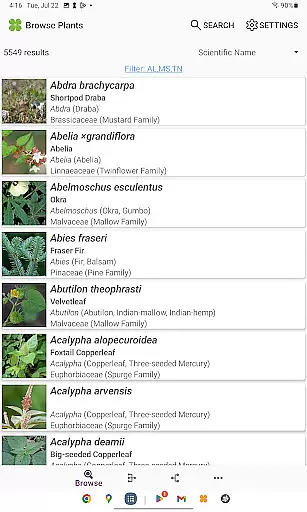
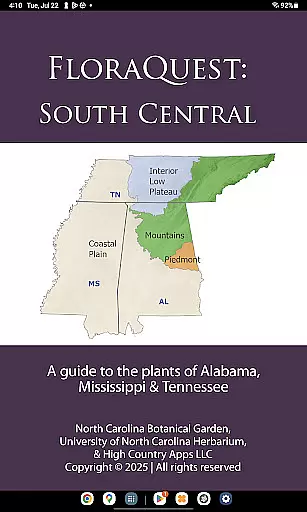
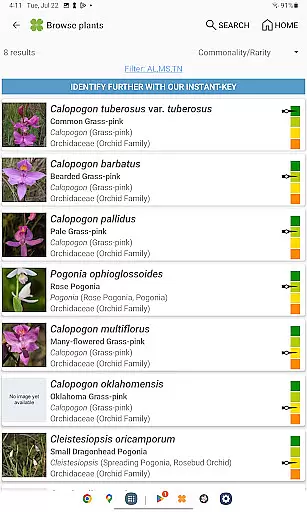
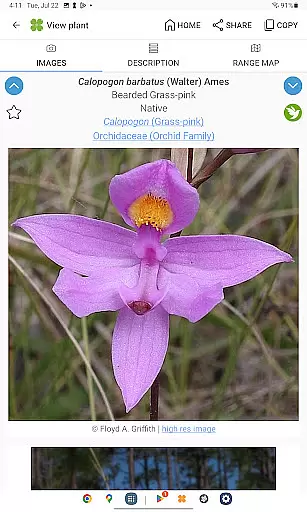
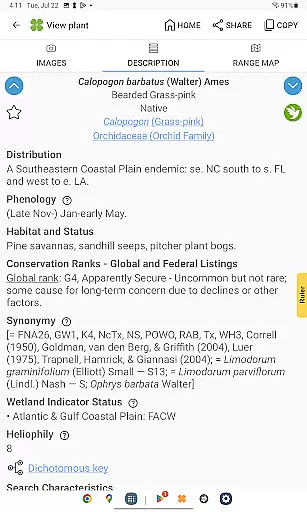
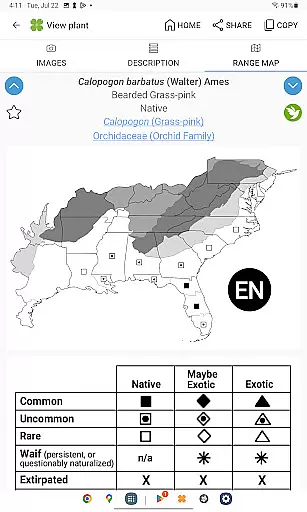
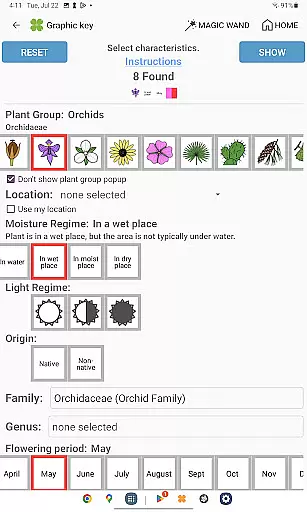
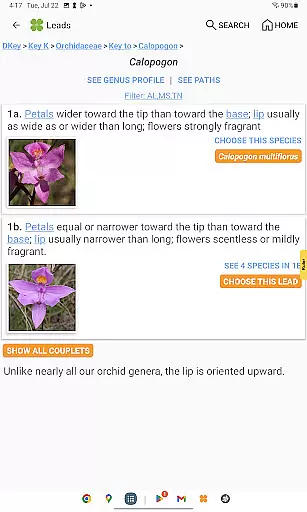
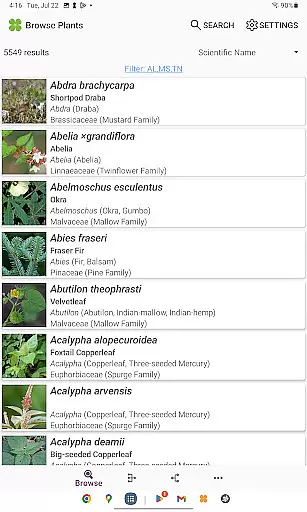
FloraQuest: South Central is an extensive plant identification app developed by the University of North Carolina's Southeastern Flora Team. It serves as a comprehensive guide to 5,549 plant species across Alabama, Mississippi, and Tennessee. The app features easy-to-use graphic keys, dichotomous keys, detailed habitat descriptions, range maps, and a library of over 38,000 diagnostic photographs.
One of the standout features of FloraQuest: South Central is its offline functionality, allowing users to identify plants without an internet connection. This makes it particularly useful for botanists, ecologists, and nature enthusiasts who venture into areas with limited connectivity. Additionally, the app includes illustrated glossary terms, image-enhanced keys, dark mode support, and enhanced search capabilities, making plant identification more accessible and efficient.
This app is not only a tool for identifying plants but also an educational resource that encourages botanical exploration. With features like 'Great Places to Botanize,' it guides users to recommended sites for botanical exploration across the region, enhancing both professional research and recreational activities.
FloraQuest: South Central offers a variety of advanced features designed to enhance the plant identification experience. The app includes easy-to-navigate graphic and dichotomous keys, which are essential tools for accurate plant identification. These keys are now improved with illustrations and images, providing clearer guidance through the identification process.
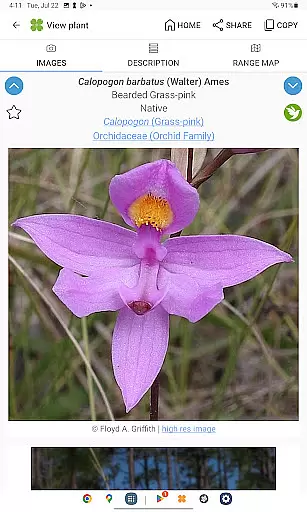
In addition to its core identification tools, the app boasts a comprehensive library of over 38,000 high-quality diagnostic photographs. These images are crucial for comparing and confirming plant species. The app also supports offline use, making it invaluable for fieldwork in remote areas. Other notable features include dark mode support, plant sharing capabilities, and enhanced search functionality using base 2 and base 3 codes.
Furthermore, FloraQuest: South Central introduces 'Great Places to Botanize,' a unique feature that recommends botanical exploration sites across Alabama, Mississippi, and Tennessee. This feature not only aids in plant identification but also enriches the user's understanding and appreciation of regional flora, making it an indispensable tool for both amateur and professional botanists.
FloraQuest: South Central offers an extensive e-book library comprising detailed information on 5,549 plant species found across Alabama, Mississippi, and Tennessee. This vast collection ensures that users have access to a comprehensive resource for plant identification and study.
The app includes over 38,000 high-quality diagnostic photographs, providing visual references that enhance the learning experience. These images are not only numerous but also carefully curated to ensure accuracy and relevance in identifying various flora.
Copyright authenticity is guaranteed as FloraQuest is developed by the University of North Carolina's Southeastern Flora Team. This affiliation ensures that all content is original and properly licensed, giving users peace of mind when accessing the materials.
By offering such a robust library with verified copyright, FloraQuest supports both amateur enthusiasts and professional botanists in expanding their knowledge without legal concerns or limitations.
One of the standout features of FloraQuest: South Central is its exceptional format compatibility, allowing seamless use across various devices without requiring an internet connection. Users can download the app and access all its resources offline, making it ideal for fieldwork in remote areas.
The app supports multiple formats including easy-to-use graphic keys and powerful dichotomous keys, catering to different preferences and needs. Whether you prefer visual aids or traditional text-based guides, FloraQuest accommodates your style.
Additionally, the inclusion of illustrated glossary terms and image-enhanced dichotomous keys enriches the user experience by providing clear explanations and visual enhancements. These features make complex botanical concepts more accessible and understandable.
With enhanced search functionality using base 2 and base 3 codes, along with dark mode support, FloraQuest ensures that users can efficiently navigate through the extensive database regardless of their device specifications or personal preferences.
User-friendly interface
Offline functionality
Comprehensive plant database
High-quality images
Unique botanical sites guide
Limited to specific regions
Advanced features may overwhelm beginners
Occasional updates needed
Large file size
Some features locked behind paywall

Bilingual dictionary with English translations of Modern Standard Arabic words.
 4.30
4.30
“There was one last piece of cake. My little sister said ‘Me too!’”
4.00
Battle Royale Chapter 5 Season 2 HD Wallpapers Emotes Skins and BattlePass
3.00
Bible Study App with Audio Book, Verse of the Day, and Devotionals.
4.80
America's best dictionary and thesaurus - with premium content and no ads
3.40
Daily rosary and gospel reflections for catholic
4.90
A companion for prayer, with Azan alarm, Quibla direction, and Holy Quran book
4.10
Daily thoughts, meditations, and prayers for living a sober life in recovery.
4.90
Read the Quran in Arabic alongside its translation, with color coded Tajweed.
4.50
Flora of Virginia Project (www.floraofvirginia.org)
5.00
"When tweetle beetles fight, it's called a tweetle beetle battle."
4.90
This is the pro version King James bible Offline that we have
4.70
Werewolf novels & romance stories in audiobooks for book lovers! Werewolf storie
4.60
Provides location information of vehicle Shift Interlock releases.
4.30
Zerobooks Light Novel Reader by GOLDENAGATO
4.20
KJV Bible works offline with Audio, Hebrew & Greek lexicon (concordance) & more!
4.20
CleverBook Pro makes the popular guide for the game even better!
4.00
A story reading app: Read stories, novels and books, or write your own.
3.90
Guide for dōTERRA® Products
3.60


User Reviews