
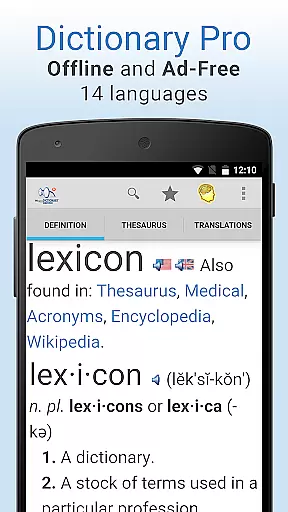
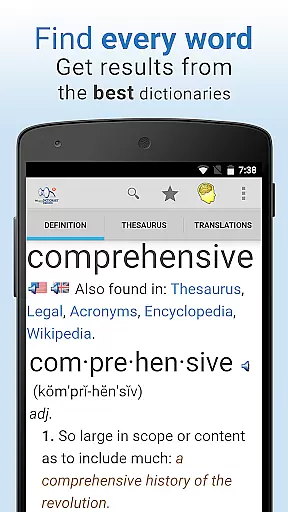
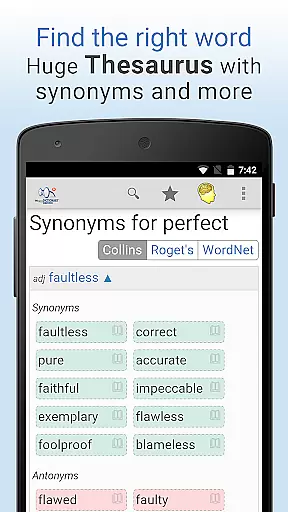
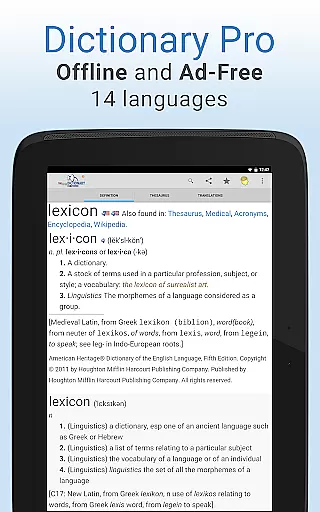
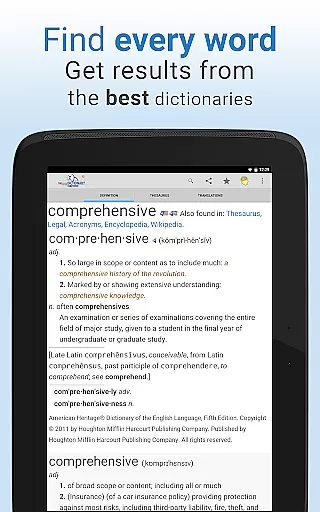
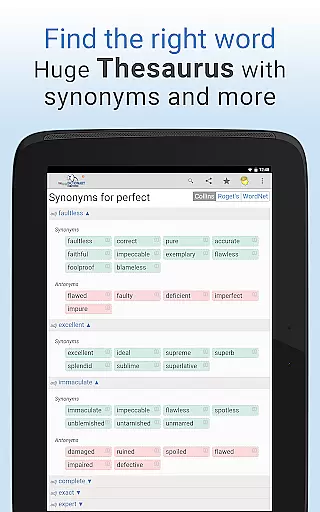
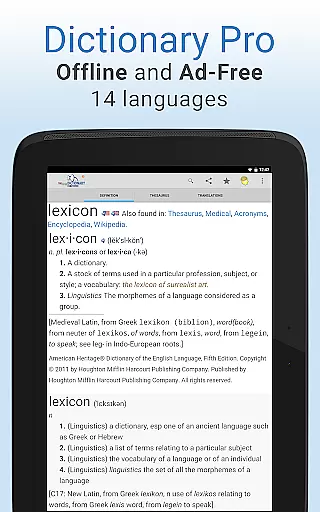
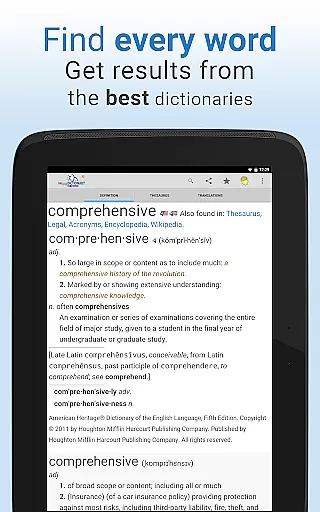
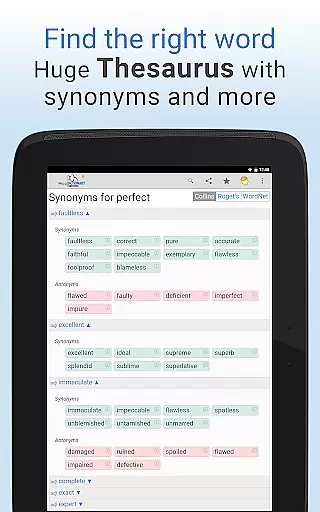
Dictionary Pro is a comprehensive reference tool designed for users who need reliable dictionary and thesaurus content without an internet connection. This premium app offers an expansive offline English dictionary and thesaurus, along with translations into 40+ languages and dictionaries in 13 other languages. It combines trusted sources like Webster's Dictionary, Roget's Thesaurus, and The American Heritage Dictionary, alongside specialty references covering medical, legal, financial, and scientific terminology.
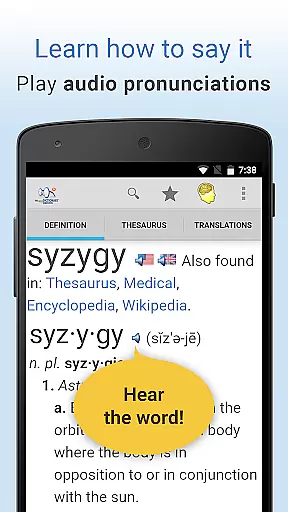
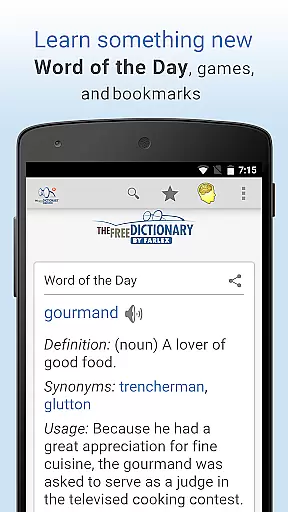
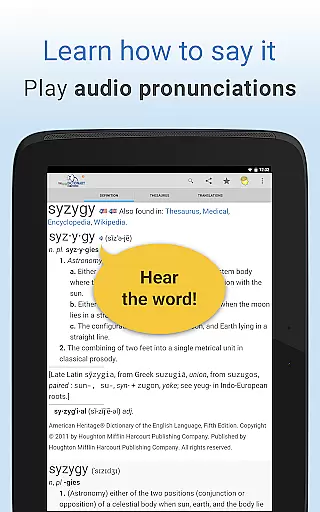
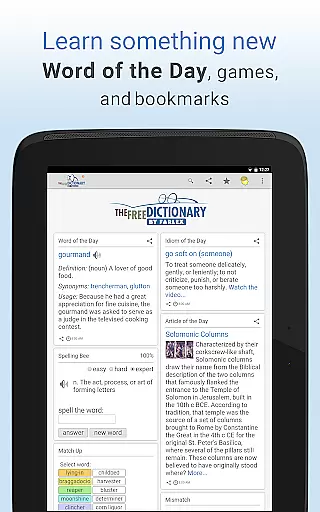
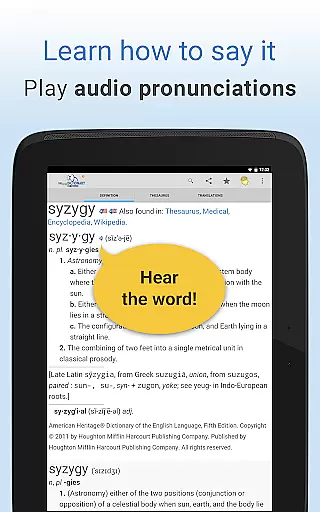
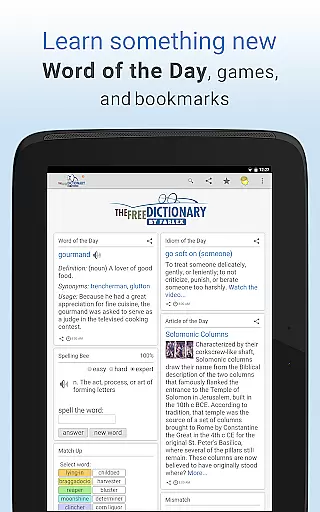
In addition to its core functionality, Dictionary Pro enhances learning through features such as Word of the Day, audio pronunciations, idioms videos, and word games like Spelling Bee and Hangman. Its user-friendly interface supports voice search, customizable homepages, and advanced search options, making it adaptable to individual preferences. Whether you're a student, professional, or language enthusiast, this app provides valuable resources to expand vocabulary and improve comprehension.
Dictionary Pro stands out with its rich feature set tailored for both casual and advanced users. One of its key highlights is the fully offline functionality, which ensures uninterrupted access to high-quality reference materials regardless of connectivity. Users can look up words using voice search, save bookmarks that sync across devices, and even highlight text within the app to instantly retrieve definitions.
The app also includes exclusive tools such as multilingual navigation, adjustable font sizes, and seamless integration with external apps via API calls. Additionally, Dictionary Pro fosters social responsibility by partnering with the World Food Program—users contribute to fighting global hunger simply by engaging with the app. These innovative features not only enhance usability but also position Dictionary Pro as a leader in digital reference solutions.
Dictionary Pro offers an extensive e-book library that goes beyond traditional dictionaries. With over 100 dictionaries and encyclopedias from trusted publishers like McGraw-Hill and Cambridge University Press, users have access to authoritative content across various fields.
The app ensures copyright authenticity by partnering directly with reputable publishers. This guarantees that all definitions, articles, and reference materials are legitimate and up-to-date, providing users with reliable information they can trust for academic or professional use.
In addition to English language resources, the offline library includes dictionaries in 13 other languages and translations into 40+ languages. This multilingual support makes Dictionary Pro an invaluable tool for language learners and international professionals who need accurate terminology across different languages.
One of Dictionary Pro's key strengths is its exceptional format compatibility. The app supports multiple dictionary formats, allowing seamless integration of content from various sources without compromising quality or functionality.
Users can access specialized dictionaries covering medical, legal, scientific, and financial terminology alongside standard language references. This comprehensive format support enables quick switching between different types of content, whether you're looking for general definitions or technical terms.
The app maintains consistent formatting across all reference materials, ensuring easy readability regardless of the source. From detailed etymologies to pronunciation guides, every element is presented in a standardized yet flexible format that adapts to user preferences, including adjustable font sizes and multilingual interface options.
Comprehensive offline content
No ads or interruptions
Voice search functionality
Sync bookmarks across devices
Social responsibility initiative
Premium version costs money
Occasional bugs reported
Heavy storage usage
Limited free trial options
Some features require setup

Novels, audiobooks, ebooks & fanfiction. Read anytime, anywhere!
 3.40
3.40
Offline dictionary for learning Cantonese as a second language
4.90
The ultimate military vehicle identification (Equipment ID) guide.
4.40
Essential Technical Rescue Field Operations Guide 6, the Industry Standard Guide
4.20
Read the romance stories on the go. Take my breath away, The Spoiled Girl
4.30
Bible Study App with Audio Book, Verse of the Day, and Devotionals.
4.80
Personalized Chat with Bible
4.80
F9 Cookbook Mobile App
4.60
Follow complex state CCW permit laws and lawfully carry firearms in each state.
4.80
The Bible Audio Guide
4.80
Translate into 100+ languages with the world’s most accurate AI translator.
4.70
Read aloud texts, audiobooks, PDFs or any eBook with text to speech AI audio
4.60
Unlock unlimited access to bestselling ebooks, novels, stories, and audiobooks
4.60
Manage collectibles, survey and treasure maps in Elder Scrolls Online.
4.40
Cute bedtime story for kids
4.30
A story reading app: Read stories, novels and books, or write your own.
3.90
Guide for dōTERRA® Products
3.60
Sea tide predictions for all coastal U.S. locations.
4.3
The Psalms for singing
4.5


User Reviews