
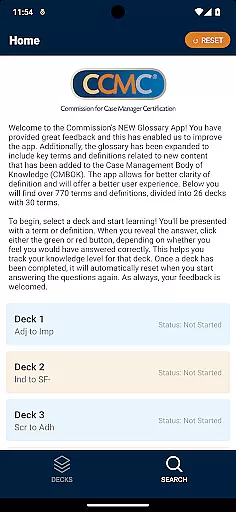
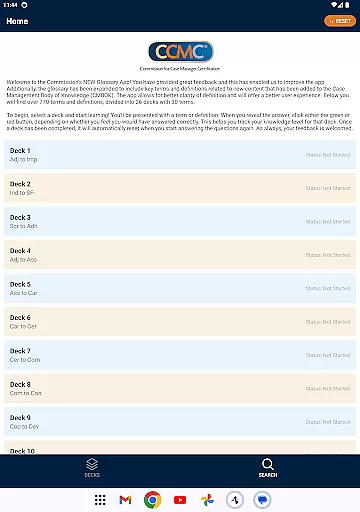
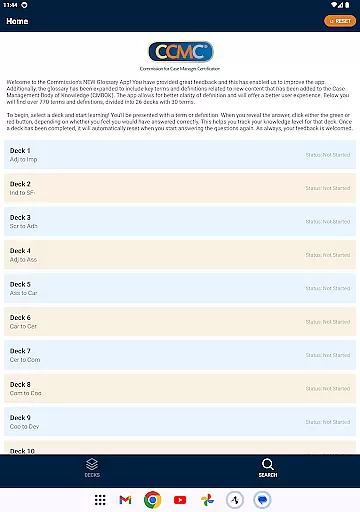
CCM Glossary App is an educational tool designed to enhance understanding of key terms and definitions in the field of case management. With over 770 terms divided into 26 decks, this app provides a structured learning experience for professionals and students alike.
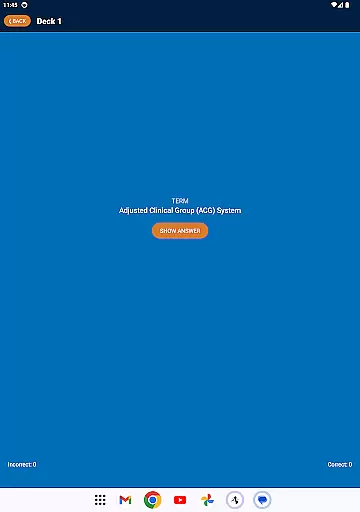
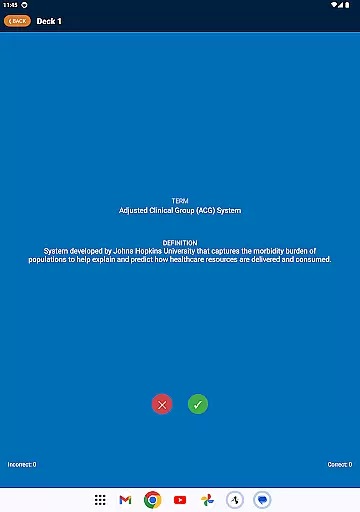
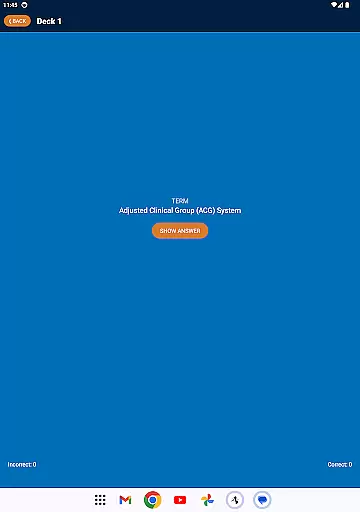
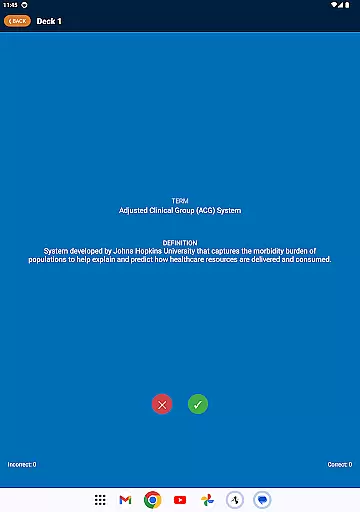
The app's interactive flashcard system allows users to test their knowledge by presenting terms or definitions and tracking correct responses. This functionality not only aids in memorization but also helps users gauge their proficiency in specific areas of the Case Management Body of Knowledge (CMBOK).
Whether preparing for certification exams or seeking to deepen professional expertise, the CCM Glossary App offers a convenient and effective way to expand one's knowledge base in case management terminology.
The CCM Glossary App stands out with its comprehensive collection of over 770 terms and definitions, carefully curated and expanded based on user feedback. The content is organized into 26 distinct decks, each containing approximately 30 terms, providing a systematic approach to learning.
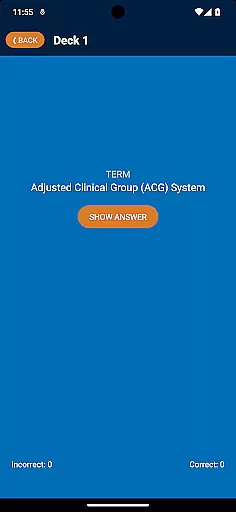
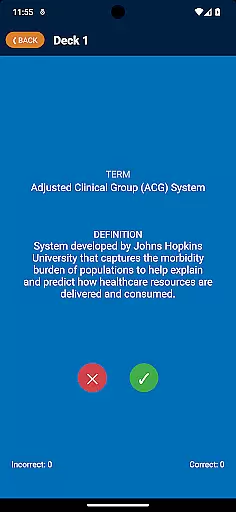
A key feature is the app's interactive learning system. Users can engage with flashcards presenting either terms or definitions, then self-assess their knowledge through a simple green/red button response mechanism. This system automatically tracks progress and resets completed decks for continuous learning.
The app's recent updates have incorporated new content from the Case Management Body of Knowledge (CMBOK), ensuring that users have access to the latest industry terminology. The mobile platform delivery makes professional development accessible anytime, anywhere.
In the realm of education, content accuracy is paramount. The CCM Glossary App ensures precision by sourcing terms and definitions directly from the Case Management Body of Knowledge (CMBOK). This guarantees that users are learning from the most reliable and up-to-date information available in the field.
The app has been thoughtfully expanded to cover new content areas, providing over 770 terms and definitions. Each entry is carefully vetted, ensuring that learners receive clear and authoritative information. This meticulous attention to detail supports a robust educational experience.
Accuracy is further enhanced through user feedback mechanisms. As users engage with the decks, they can provide insights that help refine and improve term definitions. This collaborative approach ensures ongoing content validation and improvement.
Personalized learning paths are essential for effective education. The CCM Glossary App offers a tailored experience by allowing users to select specific decks of terms. This customization enables learners to focus on areas most relevant to their educational needs or interests.
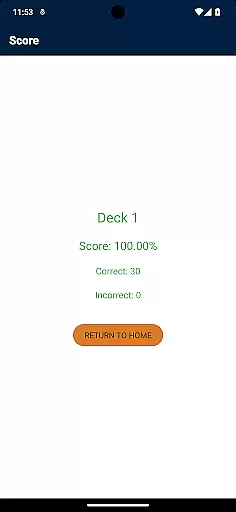
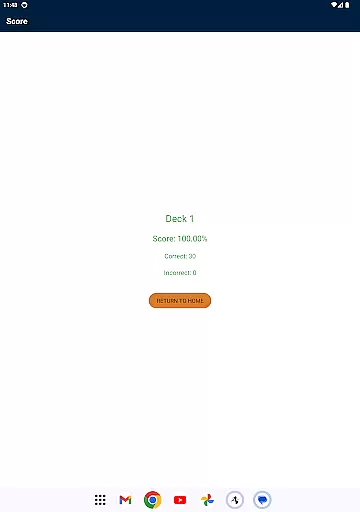
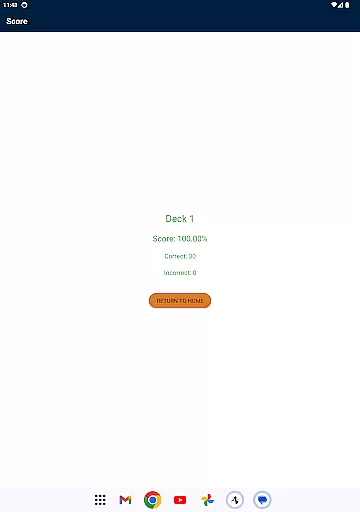
As users progress through the decks, they engage with an interactive system that tracks their knowledge level. By indicating whether they answered correctly, users create a personalized feedback loop. This feature helps identify strengths and areas for improvement, guiding future study sessions.
The app's adaptive nature ensures that once a deck is completed, it resets automatically. This allows for continuous learning and reinforcement of concepts. Such personalization not only enhances retention but also makes the learning process more engaging and efficient.
User-friendly interface
Comprehensive term collection
Interactive learning tools
Progress tracking system
Regular content updates
Limited to case management
No offline functionality
Basic design elements
Occasional performance issues
Platform-specific availability

Test prep for Indiana students
 4.5
4.5
Dinosaurs coloring book game. Drawing and painting dinos.
4.50
Perform physics experiments with your phone. (by the RWTH Aachen University)
4.70
Experience the sky, planet earth and the solar system like never before
4.90
Explore the City of the Sun in Augmented Reality
3.70
A collection of favorite stories from Daniel Tiger's Neighborhood
2.00
Enrich the experience of your visit to the Pantheon with our audiotour.
1.60
Animals pop up and make sounds—learn names and noises in Peekaboo Barn!
4.5
Cool math games & learn to read activities- loved by kids, approved by teachers.
4.50
Age-Related Child Developmental Milestones
4.80
Discover Your Place in the Universe
4.70
Prepare for the BCBA / BCaBA exam. Study ABA with the ABA Wizard app.
4.60
Stargazing Guide App. Stars and constellations map. Solar system planets finder.
4.60
Study for your 608 certification.
4.50
Designed for Calculator 84 users
4.20
Learn to make peaceful contact with extraterrestrial civilizations
4.10
Explore numbers the Starfall way!
4.00
Listen, request and record pronunciations in more than 450 languages. Everywhere
3.90
Visit Daniel's house & make believe. Play doctor, make music, & feed fish.
3.20
Honest Duolingo review—energy system problems, hidden costs, what works for language learning, and whether the free version is still viable.



User Reviews