
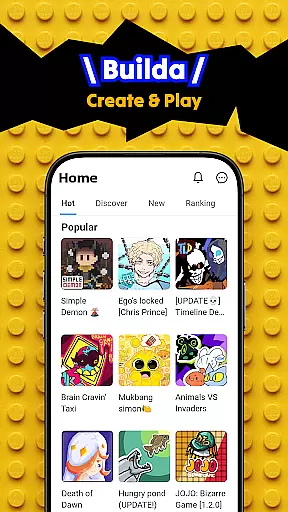
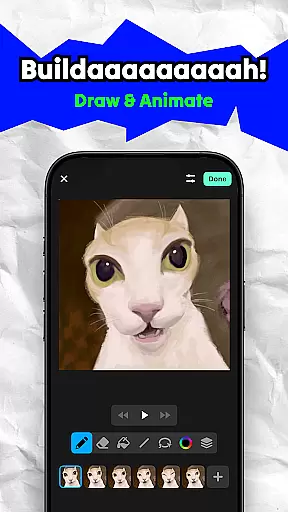
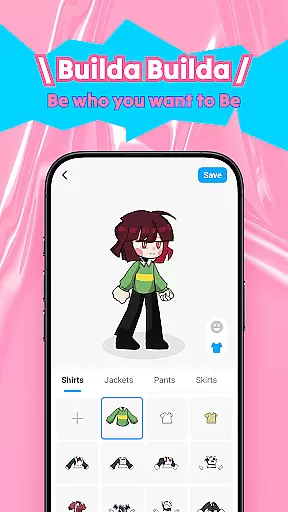
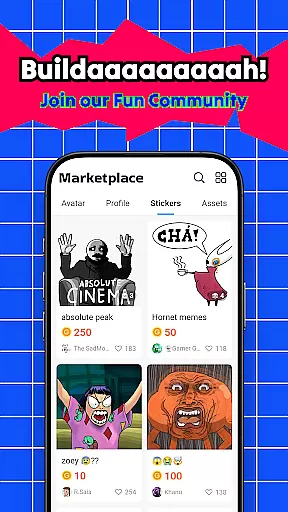
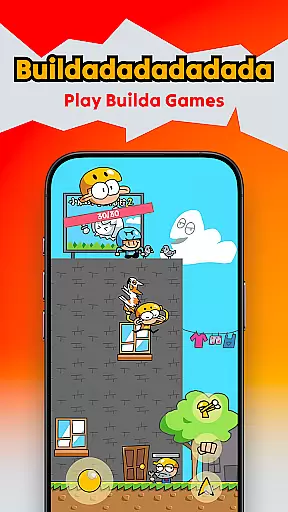
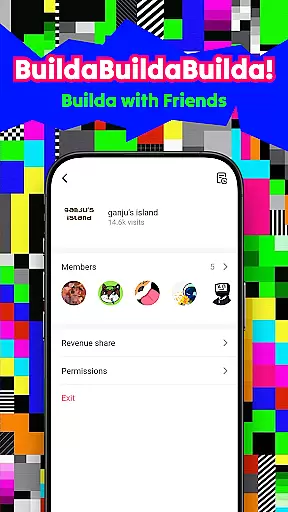
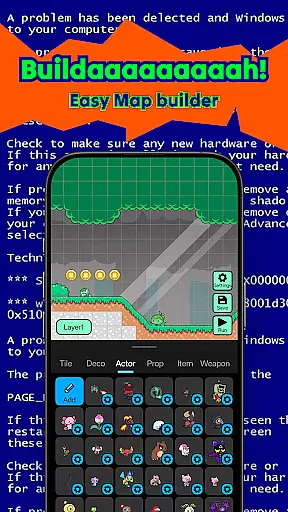
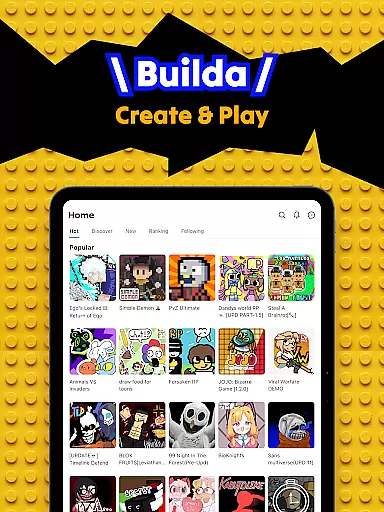
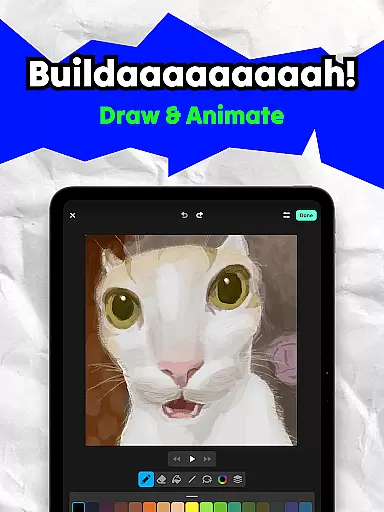
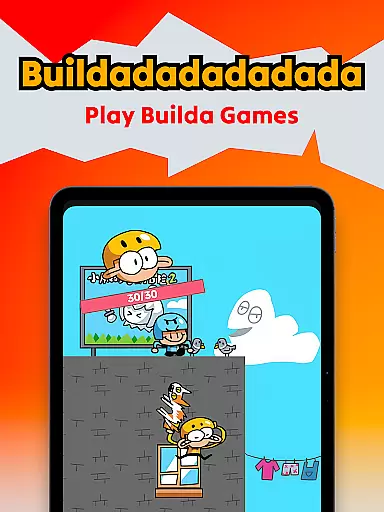
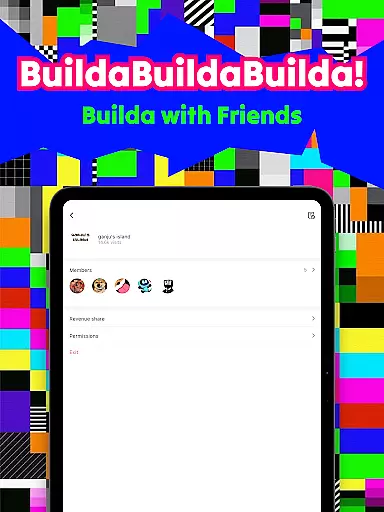
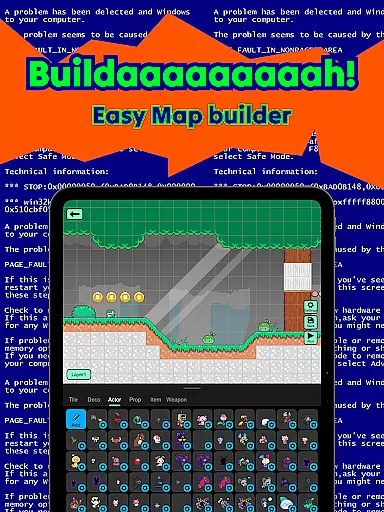
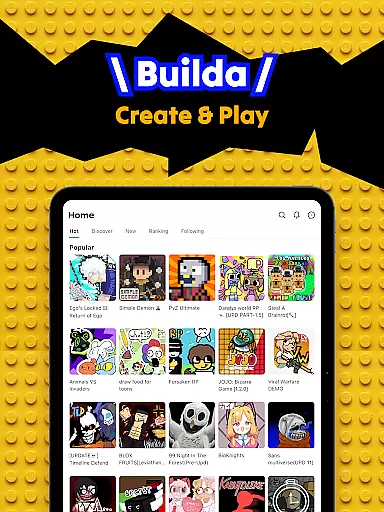
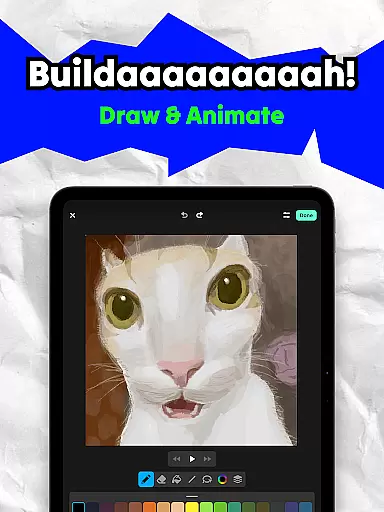
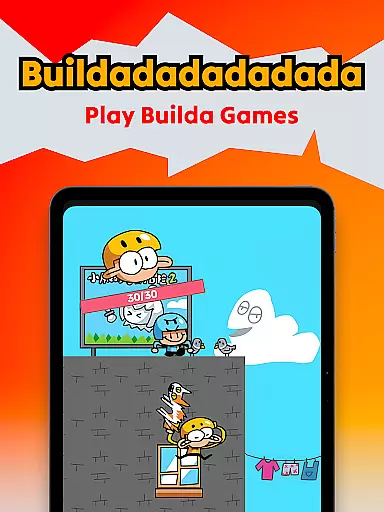
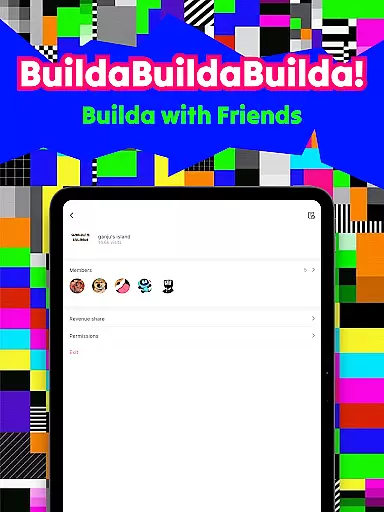
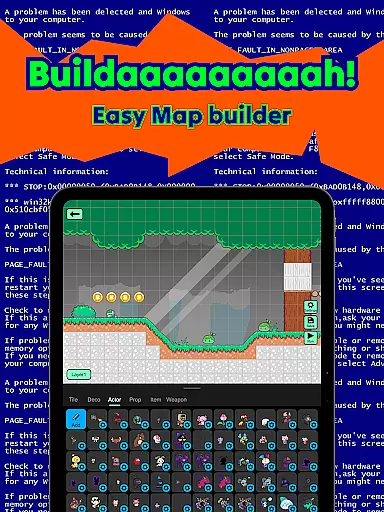
Builda is an innovative educational platform that combines game creation with social interaction, empowering users to unleash their creativity. This app allows you to design and play custom games, animate characters, and collaborate with a global community of creators. With its user-friendly interface and powerful features, Builda makes game development accessible to everyone, regardless of programming experience.
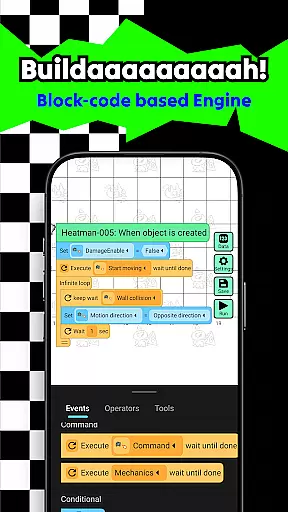
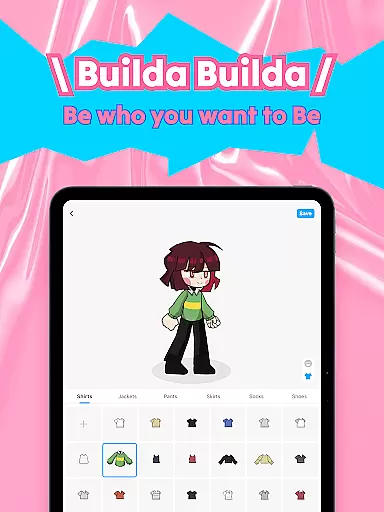
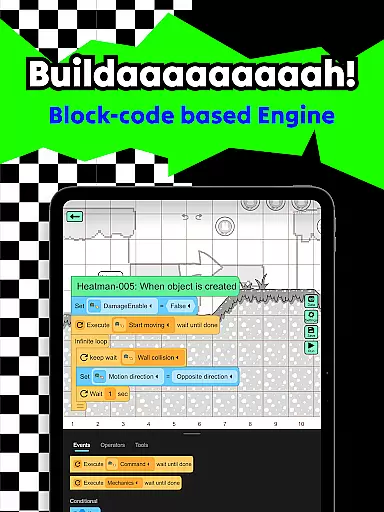
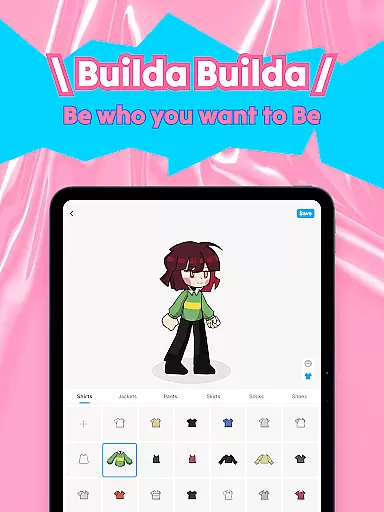
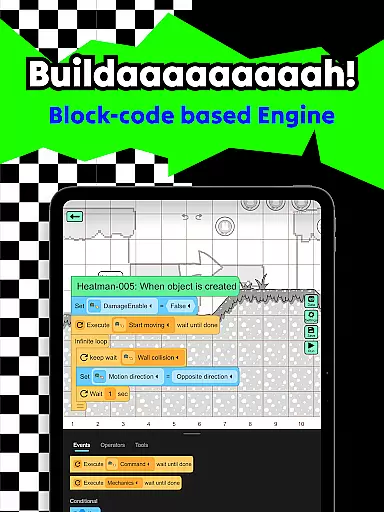
The platform supports complete creative freedom - from drawing and animating characters to building game mechanics using easy block coding. Users can customize avatars, create sprites, and develop various game elements in their unique style. The built-in social features enable real-time collaboration and community engagement, making it an ideal tool for both learning and entertainment.
Builda offers an impressive array of features that cater to both novice creators and experienced developers. The platform's collaborative tools allow multiple users to work together on game projects in real-time, fostering teamwork and shared learning experiences. Its comprehensive animation editor provides professional-grade tools like onion skinning, enabling precise character animations.
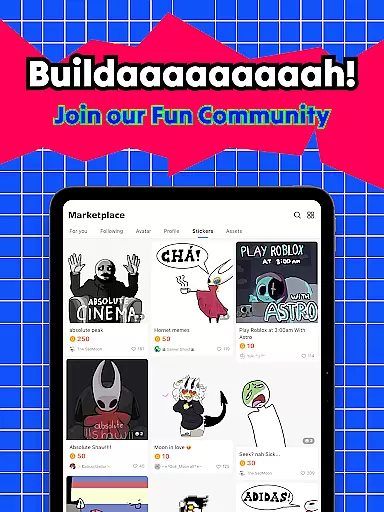
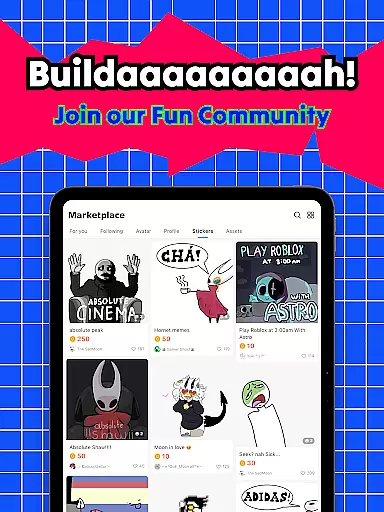
The application stands out with its versatile creation capabilities. Users can experiment with different art styles, create complex game mechanics through visual programming, and access a vast library of community-created content. The platform also includes robust social features such as group chat functionality and community forums, where users can share their creations and gather feedback. These features collectively create an engaging environment for creative expression and skill development.
In the realm of educational content creation, Builda stands out by offering a platform where accuracy and authority are paramount. The app provides tools for creating games and animations without requiring programming knowledge, ensuring that educational materials are accessible and correct.
Builda's commitment to reliable content is evident through its easy block coding feature, which allows users to create complex game mechanics that are logically sound and educationally valid. This approach not only teaches logic and problem-solving skills but also ensures that the learning material produced adheres to high standards.
Furthermore, the community aspect of Builda fosters an environment where creators can collaborate with friends and other users worldwide. This collaborative space encourages peer review and feedback, enhancing the authority of the content as it undergoes scrutiny from multiple creators.
Builda revolutionizes personalized learning by enabling users to forge their own educational journeys. With features like drawing and animating characters, users can tailor their creative process to match their unique learning styles and preferences.
The app's flexibility in allowing users to create games, stories, and animations means that learners can set their own pace and focus on areas that interest them most. Whether it's through pixel art or stickman doodles, each user can find a path that resonates with their personal educational goals.
Moreover, Builda's social media integration and community engagement provide additional layers of personalization. Users can join groups, share their creations, and receive feedback, which helps refine their learning paths. This interactive ecosystem supports a dynamic and individualized approach to education, empowering users to explore and grow in ways that suit them best.
User-friendly interface
Powerful creation tools
Strong community support
No coding experience required
Versatile animation features
Limited advanced features
Occasional performance issues
Steep learning curve
Few tutorials available
Basic export options

Turn scrolling hours into improving your knowledge, communication, intelligence
 4.50
4.50
Astronomy app ? Discover the universe scope, explore solar system model in 3D.
4.20
Practice Casino Roulette Payouts for Table Game Dealers and Croupiers
4.40
Deal Craps (Practice Craps Payouts)
3.80
The official CCM Glossary app, including 700+ terms and definitions.
2.90
Master the NRP with 700+ questions, rationales, and updated NREMT scenarios.
3.00
The Fighter Verses Bible memory system helps you memorize God's Word.
4.50
An aviator’s preparation, study and test tool for FAA Knowledge Exams.
4.30
Stargazing Guide App. Stars and constellations map. Solar system planets finder.
4.60
The best way to study for your amateur radio license exam.
4.90
Learn & Speak New Languages
4.70
2026 DVSA Driving Theory Test revision with Hazard Perception + Highway Code
4.60
The Only Official DVSA Theory Test Kit App
4.50
Professional Award-Winning Astronomy Star Map App With Telescope Control
4.40
Watch and Play Elmo's World!
4.00
Listen, request and record pronunciations in more than 450 languages. Everywhere
3.90
Snap a dog photo to identify its breed instantly. Fast, accurate and easy to use
3.40
Hasbro’s classic CANDY LAND game is now a gorgeous interactive storybook app.
2.30
Grazing Risk Monitoring Service
4.2
Honest Duolingo review—energy system problems, hidden costs, what works for language learning, and whether the free version is still viable.



User Reviews