
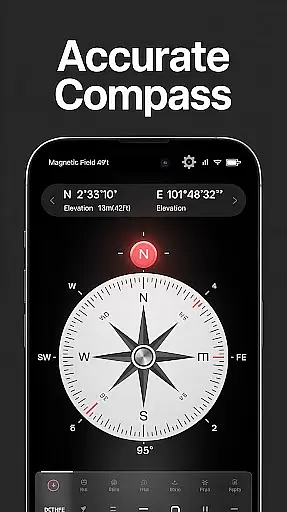
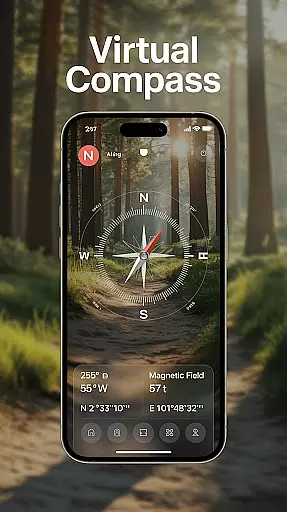
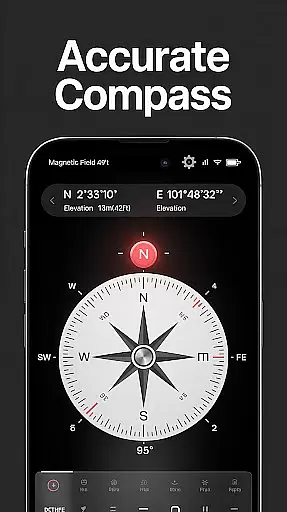
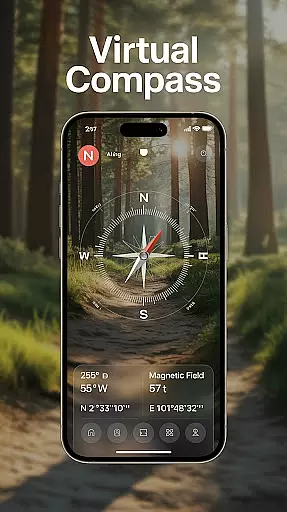
Compass - Directional Compass is a top-tier navigation app designed for users who need accurate directional guidance. This digital compass provides real-time navigation with both traditional and digital modes, ensuring you can find North, South, East, or West with precision. Whether you're hiking in the wilderness, sailing across seas, or simply navigating through city streets, this app ensures you never lose your way.
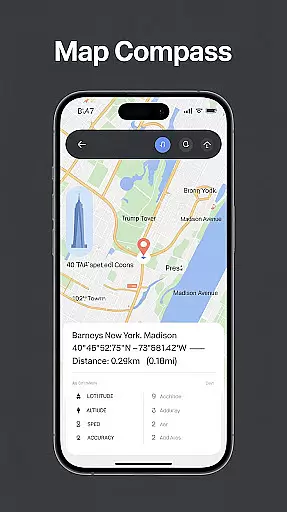
The app also includes advanced features such as GPS location tracking, magnetic field detection, and map integration, making it versatile for various scenarios like outdoor adventures, road trips, and maritime activities. With its user-friendly interface and customizable themes including night mode, Compass - Directional Compass offers an effortless navigation experience tailored to individual preferences.
Compass - Directional Compass stands out with its comprehensive feature set tailored for seamless navigation. The app offers a real-time digital compass that smoothly transitions between digital and traditional compass modes, providing precise directional information. Its GPS functionality gives exact latitude, longitude, and altitude readings, enhancing positioning accuracy.
In addition to basic navigation, the app includes magnetic field detection to alert users of any interference that might affect readings. For those needing more than just directions, features like map integration assist in better route planning, while the tilt and level meter helps check surface alignment. Usability is further enhanced by offline mode, allowing access to the compass without an internet connection, and customizable themes ensure optimal visibility in all conditions.
Map accuracy is essential for any navigation app, and Compass - Directional Compass excels in this area. The app provides real-time directional guidance with pinpoint precision, ensuring users can confidently locate North, South, East, or West without any discrepancies.
The integration of GPS functionality allows the app to deliver exact latitude, longitude, and altitude readings, which significantly enhances positioning accuracy. This feature is particularly beneficial when exploring remote areas where precise location data is crucial.
Additionally, the app's magnetic field detection helps users stay aware of potential magnetic interference that could affect compass readings. By alerting users to such interferences, the app ensures that the directions provided remain reliable under various environmental conditions.
Overall, Compass - Directional Compass offers a highly accurate navigation experience, making it an indispensable tool for outdoor adventures, road trips, maritime navigation, and everyday use.
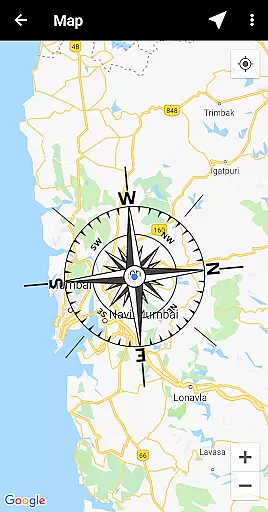
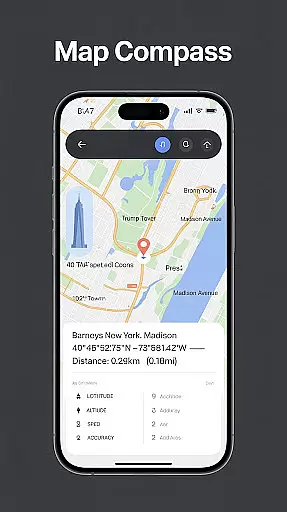
Route planning is a critical component of navigation, and Compass - Directional Compass offers advanced features to support this function. The app includes map integration capabilities, allowing users to combine traditional compass functionalities with digital maps for enhanced route planning.
With real-time digital compass modes, users can experience smooth and precise navigation. This feature is complemented by the tilt and level meter, which enables users to check surface alignment and tilt angles using the built-in inclinometer, ensuring they are heading in the right direction.
Moreover, the offline mode feature allows users to plan their routes without needing an internet connection, providing flexibility and convenience when traveling through areas with limited connectivity. This ensures uninterrupted access to navigation tools regardless of location.
By incorporating these innovative features, Compass - Directional Compass empowers users to navigate smarter and more efficiently, whether they are on a hiking adventure or simply exploring new places.
User-Friendly Interface
Accurate Navigation
Offline Functionality
Customizable Themes
Magnetic Field Detection
Occasional Calibration Needed
Limited Advanced Features
Ads in Free Version
Battery Consumption
Device Compatibility Issues

Start your next adventure confidently using our Accurate Compass App
 3.70
3.70
Parcel map, property lines, owner, acres, land use, zoning and more from Regrid.
4.60
LIRR and Metro-North tickets and trips
4.80
NJ TRANSIT information and ticketing at your fingertips
3.70
Navigate via GPS Maps of GPS Voice Navigation, driving directions to find routes
3.60
Find routes fast with GPS Maps, GPS Navigation & driving directions.
4.10
Gas Station & Fuel Rewards Points
3.70
Get real-time bus and train schedules for easy, hassle-free city transportation.
3.90
Off-Roading Navigation App With Trails, Public Lands, & Private Property Info
3.30
Offline maps & GPS for hiking, travel, fieldwork & outdoor adventures
4.70
GPS Speedometer & Odometer: Track car, bike, truck speed & distance in real-time
4.70
Neshan: map & navigation app with 20M+ monthly active users
4.50
Number locator, real connection map
4.10
GPS Navigation: Get map directions and find the shortest routes to avoid delays!
4.00
Navigation, weather, offline maps & tools for smarter, safer travel planning.
4.00
Live Satellite view app for find GPS navigation Direction and live location map
3.70
Explore Earth with live GPS, satellite view & street navigation
3.60
Play in the outdoors with Android as your Handheld GPS and offline topo maps!
3.50
Offline maps for phone and smart watch: topographic maps, satellite images...
3.30


User Reviews