
The American Red Cross Blood Donor App is a vital tool for anyone interested in contributing to life-saving efforts through blood donation. This app simplifies the entire process, making it easier than ever to find local blood drives and donation centers. With features like convenient appointment scheduling, users can manage their donations effortlessly.
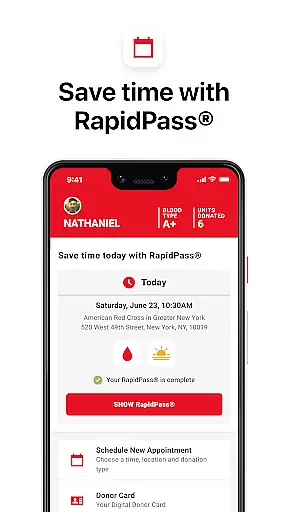
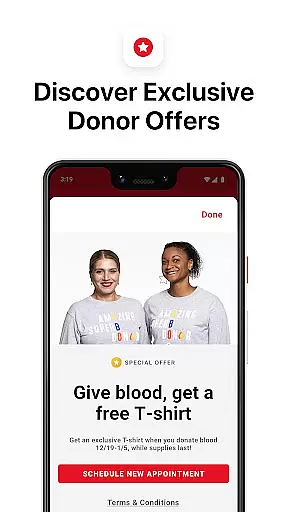
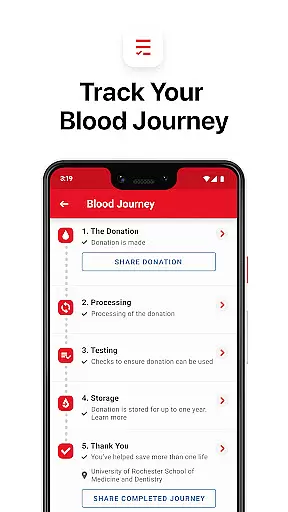
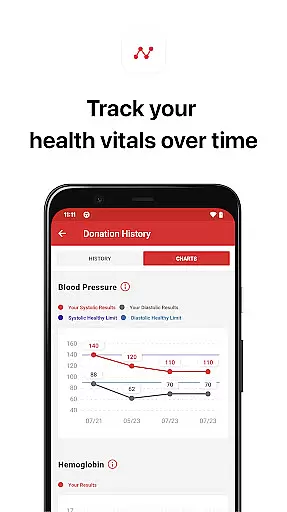
One of the standout aspects of this app is its ability to keep donors informed and engaged. Users can complete their RapidPass®, receive notifications when their blood is en route to patients, and view the results of their mini-physicals. Additionally, the app helps track total donations and offers updates on special promotions, ensuring that donors stay active and informed in their contributions to healthcare.
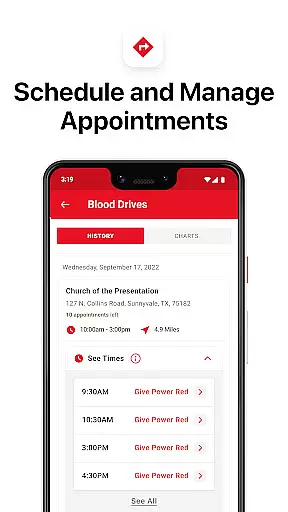
The Blood Donor App boasts a variety of features designed to enhance the donation experience. Users can easily locate nearby blood drives and donation centers, streamlining the process of finding a place to donate. The app's scheduling system allows for seamless appointment booking and rescheduling, ensuring that users can plan their donations around their busy lives.
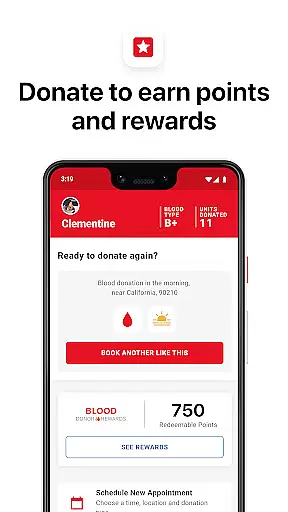
Beyond logistics, the app provides meaningful engagement for donors. It notifies users when their blood is being used to help patients, creating a direct connection to the impact of their donation. Features such as tracking total donations, viewing mini-physical results, and earning badges for milestones offer additional motivation and reward. Furthermore, users can join or create lifesaving teams, adding a social element to their charitable actions.
In the realm of medical applications, content credibility is paramount. The Blood Donor app by the American Red Cross ensures that all information provided is thoroughly vetted by medical experts and professionals. This guarantees that users receive accurate and reliable guidance regarding blood donation processes.
The app integrates features such as the RapidPassu00ae and mini-physical results, which are designed based on stringent medical protocols. These functionalities not only streamline the donation process but also ensure that donor health parameters are assessed with precision, adhering to established medical standards.
Furthermore, the app provides notifications about blood usage, offering transparency about where and how donations are utilized. By doing so, it reassures donors about the impact and necessity of their contributions, reinforcing trust in the medical procedures endorsed by the app.
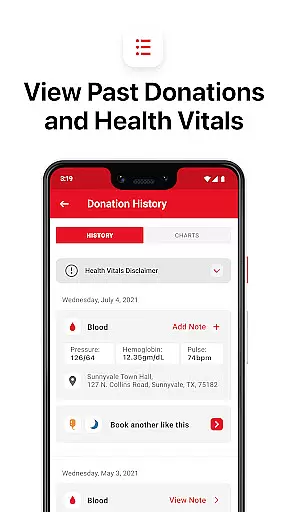
While the Blood Donor app does not offer teleconsultation services per se, it excels in facilitating high-quality preparatory steps for blood donation through digital means. Users can schedule appointments, access their health summaries from previous donations, and receive alerts about shortages or needed actions, simulating a consultation-like preparation phase.
The integration of appointment reminders and blood shortage alerts ensures that users are always informed and prepared for their donations. This proactive communication mimics the attentiveness of healthcare professionals, ensuring donors are well-prepared both mentally and physically before they donate.
Additionally, the ability to create and join lifesaving teams introduces a community-driven approach to blood donation, enhancing user engagement and commitment. This social aspect, combined with expert-reviewed medical content, ensures a comprehensive support system akin to professional medical advisories.
User-friendly interface
Comprehensive donation tracking
Real-time blood usage notifications
Convenient appointment management
Engaging team-building features
Limited to U.S. users
Occasional bugs reported
Requires internet connection
No offline functionality
Privacy concerns for some

A scientifically-proven method to help people with dementia or memory impairment
 4.4
4.4
Adaptive-learning flashcards and quizzes for the Top 250 Drugs
4.60
A comprehensive medical disease app.
5.00
Conveniently receive lab results, schedule lab appointment and pay your bills
3.70
Manage your prescriptions and pharmacy care anytime, anywhere.
4.80
Medication reminder, Medicine list, Trackers for BP, glucose, weight, water, etc
4.70
Use the phone microphone or headset mic as sound amplifier for louder hearing.
4.30
Voice pitch monitor for speech therapy, LSVT, Parkinson's, singing & trans
4.30
MyChart for Android
4.50
CPR Timer for High Performance AHA BLS / ACLS
5.00
The NightOwl Companion app allows you to interact with the NightOwl sensor.
4.70
Blue Cross and Blue Shield of Texas member information
4.60
World's largest contact lens store
4.60
Download OctaApp for easy access to your plasma donation info
4.40
Explore human anatomy with this rich learning experience.
4.00
700 questions, 2 full exams, Predictive Scoring—your key to NREMT success!
3.90
Donating plasma just got easier with the BioLife Plasma Services mobile app.
3.90
An easy way to earn money donating plasma. Book a visit, sit back, and get paid.
3.80
MySafeRide simplifies booking and managing rides for health plan members.
3.50


User Reviews