
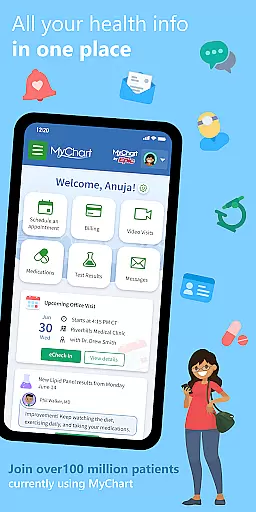
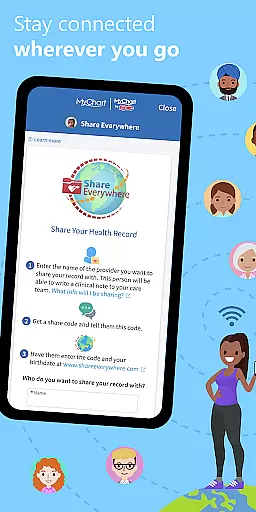
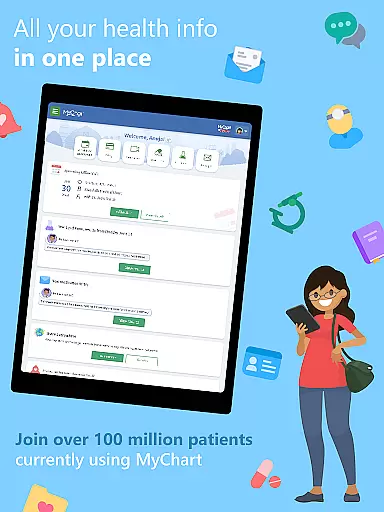
MyChart is a comprehensive medical application that places your health information at your fingertips, empowering you to efficiently manage healthcare for yourself and your family. The app serves as a personal health assistant, providing features such as secure communication with your care team, reviewing test results, medications, and immunization history, and integrating data from personal devices through Google Fit. It consolidates all your health records in one place, even if you've visited multiple healthcare organizations.
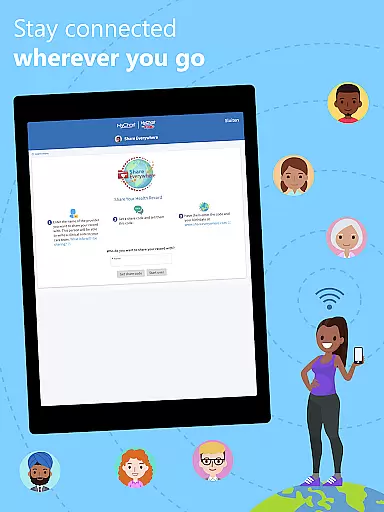
In addition to managing appointments and receiving push notifications for new health updates, MyChart allows users to view and pay medical bills, get cost estimates for care, and securely share medical records online. The app's functionality may vary based on the healthcare organization's enabled features and their use of the latest Epic software. This makes MyChart an essential tool for staying informed and in control of your healthcare journey.
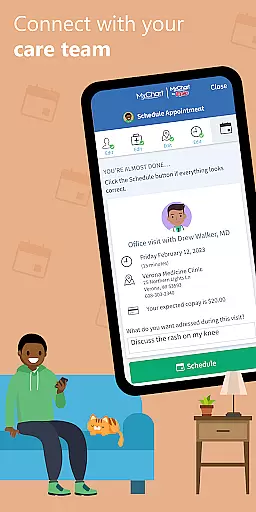
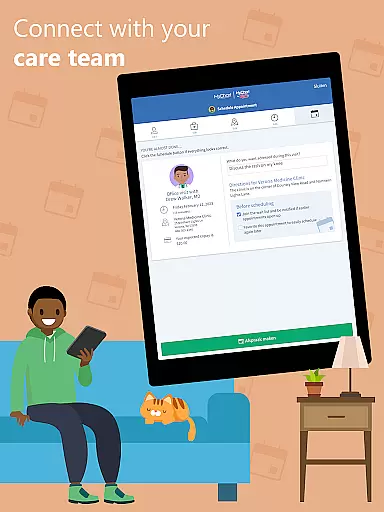
MyChart offers a robust set of features designed to enhance patient engagement and streamline healthcare management. Users can communicate directly with their care team, access After Visit Summaries, review clinical notes, and manage appointments including video visits. The integration with Google Fit enables automatic syncing of health-related data from personal devices, creating a centralized hub for all health metrics.
Security and convenience are prioritized with options like fingerprint authentication and four-digit passcode login. Additionally, the app supports account linking from various healthcare organizations, ensuring a unified view of your health history. While feature availability depends on the healthcare provider's settings, MyChart consistently delivers tools that improve accessibility and understanding of personal health information.
In the realm of digital health management, the credibility of medical content is paramount. MyChart excels in this area by providing users with access to verified health information directly from their healthcare providers. This includes test results, medication lists, immunization records, and clinical notes.
The app ensures that all displayed medical data is sourced from authoritative channels within the user's healthcare organization. By integrating with Google Fit, it also allows for the inclusion of personal device-collected health metrics, further enriching the user's health profile with reliable data points.
Users benefit from having a comprehensive and trustworthy overview of their health status, empowering them to make informed decisions regarding their care. The ability to securely share this verified information with other healthcare professionals or family members enhances collaborative care efforts.
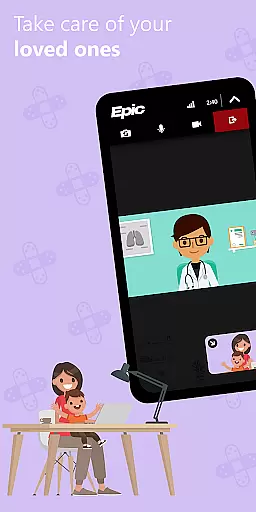
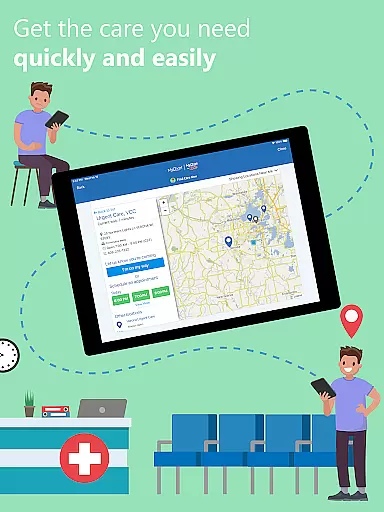
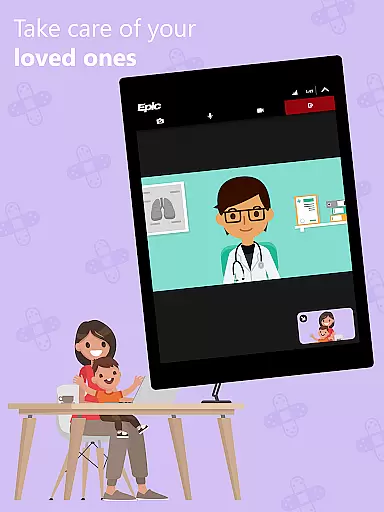
Teleconsultations have become an essential component of modern healthcare delivery, and MyChart positions itself as a facilitator of high-quality virtual care. Through its platform, users can schedule and manage both in-person visits and video consultations, ensuring continuity of care regardless of physical location.
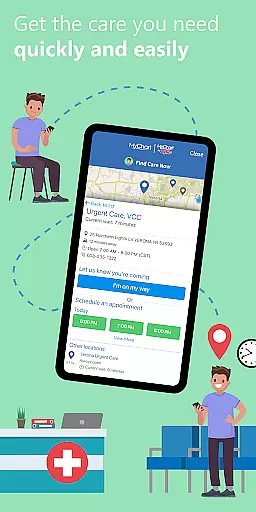
The app supports seamless communication between patients and their care teams, offering features such as secure messaging and appointment scheduling. These functionalities are complemented by timely notifications, keeping users informed about upcoming or rescheduled appointments.
By enabling users to receive care remotely, MyChart not only increases accessibility but also maintains a high standard of service quality. The integration of telehealth options into the app reflects a commitment to adapting to contemporary healthcare needs while preserving the integrity of patient-provider interactions.
User-friendly interface
Comprehensive health tracking
Secure messaging with doctors
Centralized medical records
Appointment scheduling flexibility
Limited by provider setup
Occasional notification delays
Dependent on internet access
Feature variability across organizations
Potential privacy concerns

Check and Track your Blood Pressure & Heart Rate.
 4.50
4.50
Radiographic Positioning Guide for Medical Imaging Professionals and Students
4.50
The official DSM-5-TR® app
4.50
Your donation experience just got smoother; Donor Hub is your go-to place.
4.70
Remote, medical-grade heart care at your fingertips
4.70
This app is simply 1 book (also large app) and 17 other apps combined into 1
4.70
A rapid reference for healthcare professionals caring for pediatric patients.
4.30
Hear far away sounds, conversations, TV and surrounding sounds more clearly.
4.70
Download OctaApp for easy access to your plasma donation info
4.40
Pelvic Floor Muscle Exercises
4.80
Want to make it easier to manage your health? We’re with you, wherever you are.
4.70
Sync your blood glucose device, log values automatically and tame your diabetes!
4.60
PPP provides quick offline access to over 350 field treatment protocols.
4.60
ASCCP Management Guidelines- There’s an app for that!
4.60
Anthem/Wellpoint and other health insurance plans
4.60
Patient Health Portal
4.20
Good for You. Great for Life.
4.00
HealtheLife lets you easily manage your health online.
3.20
The world's best selling 3D Human Anatomy app with groundbreaking 3D technology
2.00


User Reviews