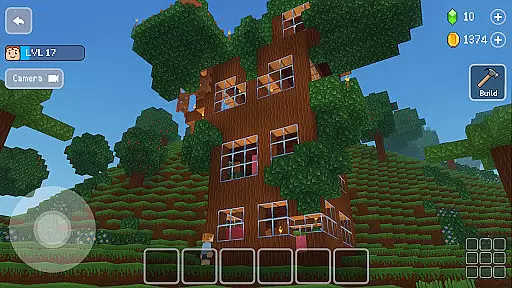
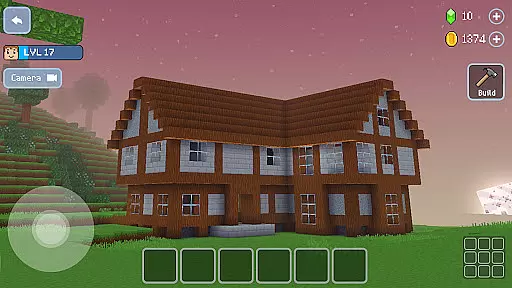
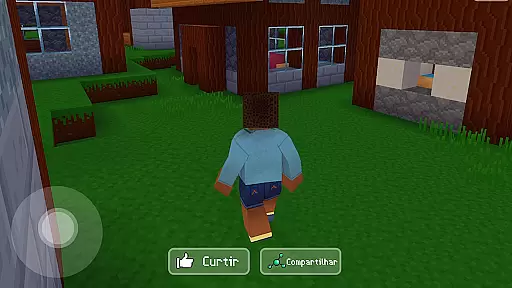
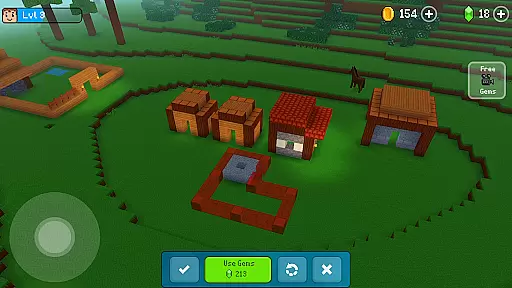
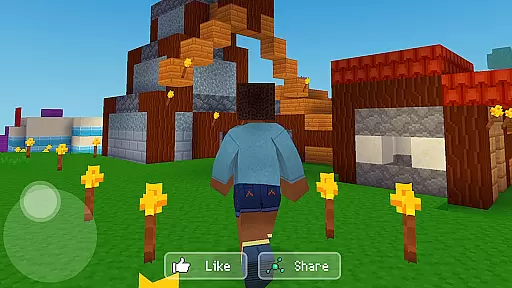
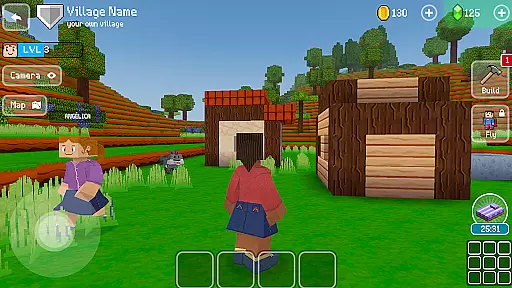

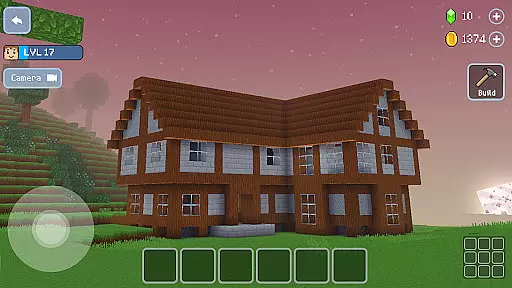
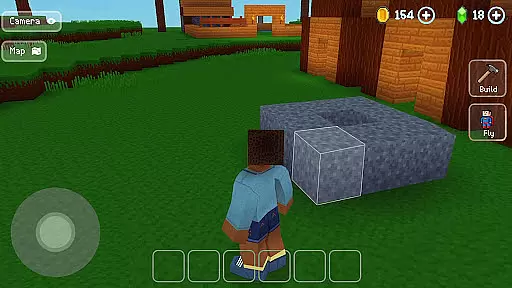
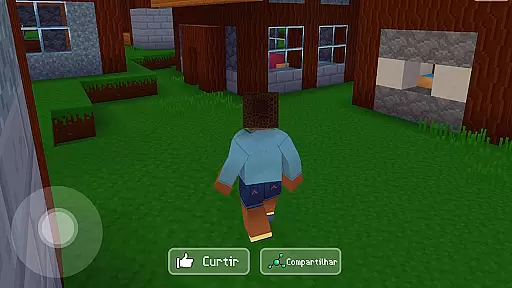
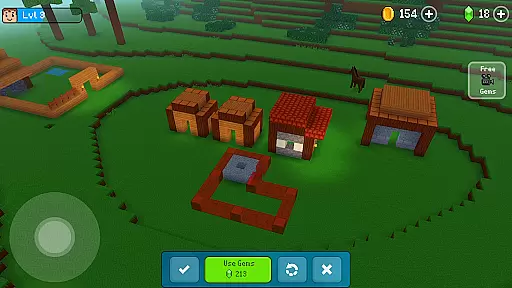
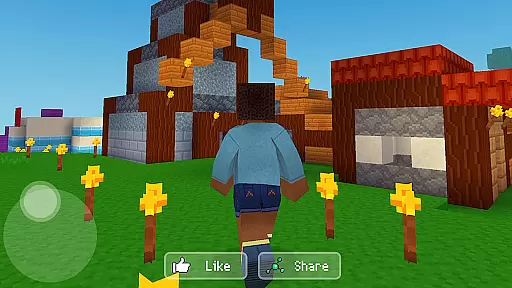
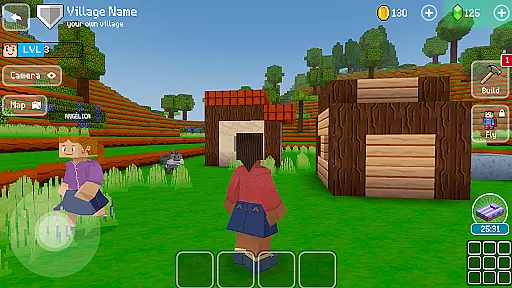
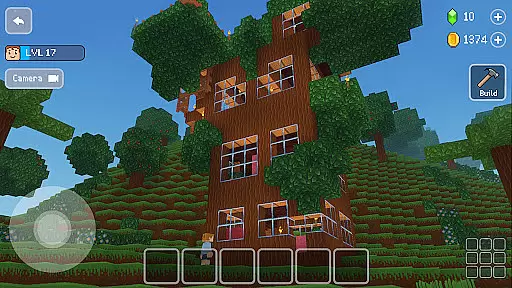
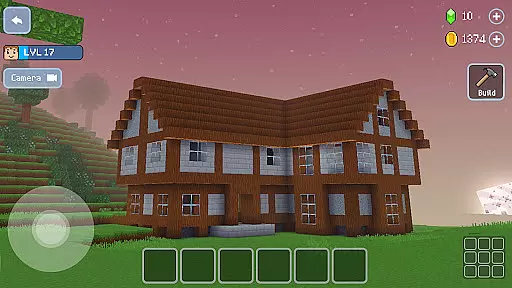
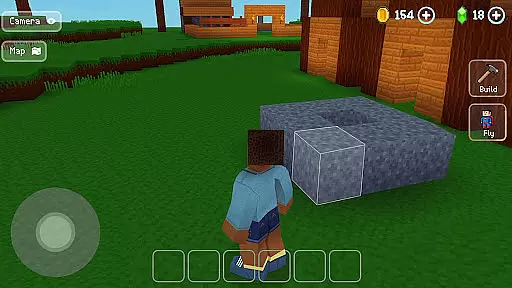
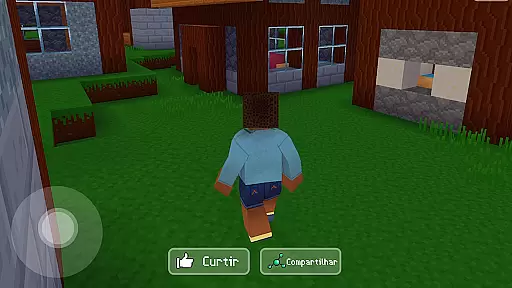
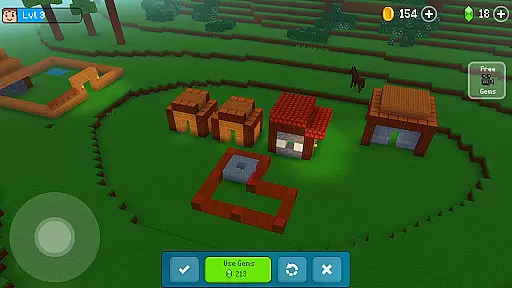
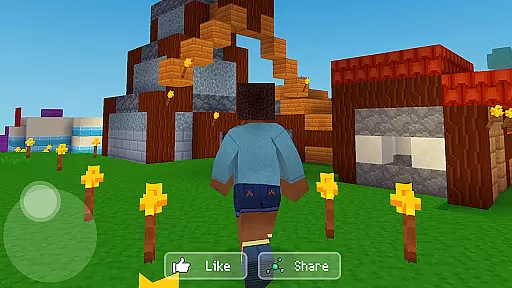
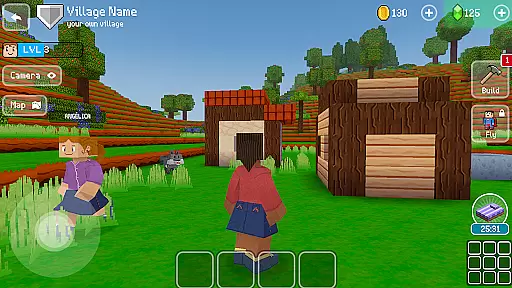
Block Craft 3D is an engaging arcade-style building game that allows players to craft and expand their own villages or freely construct in an open-ended world. The core function of this app revolves around creativity and construction, enabling users to build a variety of structures from houses to complex landmarks like the Eiffel Tower. With its unique pixel graphics and 3D modeling, it offers an immersive experience where imagination leads the way.
Apart from solo play, Block Craft 3D emphasizes a social aspect by allowing players to visit friends' cities, assist in constructions, and even trade custom blocks and furniture for gems. This multiplayer feature enriches gameplay by adding cooperative elements and shared experiences, making it not just a game but a community-driven sandbox adventure.
The true value of Block Craft 3D lies in its ability to cater to both creative minds who wish to design intricate buildings and those seeking a more relaxed gaming session with guided blueprints. Its versatility ensures that whether you're constructing elaborate designs or simply enjoying the company of in-game pets, there's always something rewarding to engage with.
Block Craft 3D stands out due to its rich set of features tailored for both casual gamers and dedicated builders. One notable aspect is the freedom it provides - players can choose between structured village growth or unbridled creation within an infinite world. This flexibility caters to different play styles, ensuring broad appeal across various user segments.
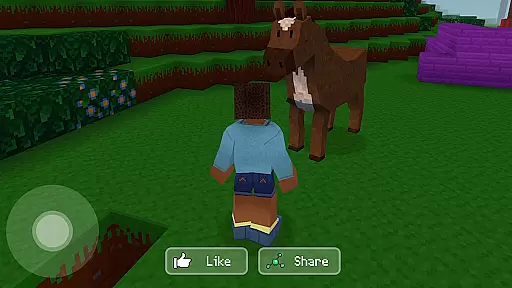
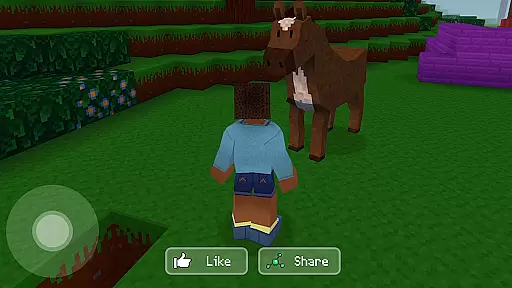
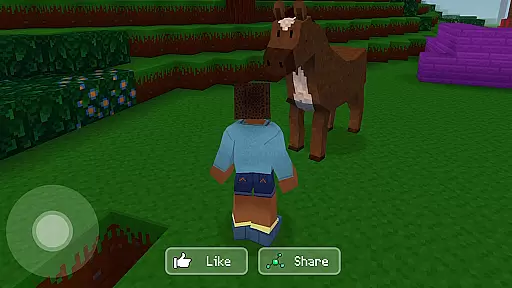
The inclusion of pets adds another layer of interaction; adopting animals such as dogs, cats, or elephants brings life into your crafted environments while eliminating traditional threats found in similar titles enhances focus on positive engagement through exploration and construction rather than survival mechanics.
Moreover, the economic system within Block Craft 3D encourages creativity beyond mere building. Players have opportunities not only to create but also sell custom items, fostering a dynamic marketplace inside the game itself. Such innovations highlight how Block Craft 3D successfully blends entertainment with entrepreneurial spirit, setting itself apart from competitors in the Arcade category.
Arcade authenticity in Block Craft 3D refers to how well the game captures the classic feel of arcade gaming while integrating modern features. This game successfully blends nostalgic elements with current gameplay mechanics, offering players a unique experience that reminds them of traditional arcade games but with enhanced graphics and functionalities.
Block Craft 3D incorporates pixel graphics and unlimited building freedom reminiscent of classic arcade games where creativity and exploration were key. The game allows players to construct various buildings like houses, castles, and even iconic structures such as the Eiffel Tower, echoing the simple yet engaging challenges found in retro arcade titles.
Players benefit from this blend by enjoying countless hours of entertainment filled with both nostalgia and innovation. They can immerse themselves in an environment that feels familiar yet refreshing, providing endless opportunities for creativity and fun.
The true value lies in its ability to evoke fond memories of arcade gaming while delivering a rich, expansive world full of possibilities. Whether reliving past gaming experiences or discovering new ones, users find immense satisfaction in crafting their worlds within a beloved genre.
Control responsiveness is crucial in any game, especially in arcade-style games like Block Craft 3D, where quick actions and reactions enhance the overall gaming experience. Responsive controls ensure that every action taken by the player translates immediately into in-game movements, making gameplay smooth and enjoyable.
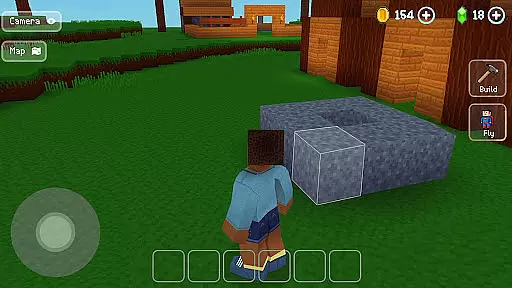
In Block Craft 3D, control responsiveness is evident through intuitive touch gestures and precise interactions. Players can easily navigate through menus, manipulate objects, and interact with the environment seamlessly. This precision ensures that whether they're constructing buildings or exploring vast landscapes, their actions are accurately reflected without delay.
This level of responsiveness benefits players by allowing them to fully engage with the game's mechanics without frustration. Quick response times mean more time spent enjoying the game rather than struggling with unresponsive controls, leading to higher satisfaction levels.
Ultimately, responsive controls contribute significantly to user retention and enjoyment. By ensuring every tap and swipe results in immediate feedback, Block Craft 3D maintains high engagement levels, encouraging players to return frequently and explore all aspects of its dynamic world.
Unlimited creative freedom
Engaging multiplayer mode
Vibrant pixel art style
Pet adoption feature
Economic simulation aspect
Limited advanced tools
Occasional performance lags
In-app purchases necessary
Complexity for new users
Repetitive tasks over time

Play retro games with ease – NES, SNES, PSX, PSP & more supported
 4.4
4.4
BallStack is a vibrant match-3 game where you stack and match colorful balls!
4.2
A retro-flavoured infinite scroller Glyph toy for the Nothing Phone (3)
4.2
Antistress & relaxing games,stress relief; Antistress toys, calming games.
4.20
Divine powers at your fingertips! An innovative and frantic shoot-'em-up!
4.0
Master the skies in this epic airplane shooting game! Join the air force now!
4.80
Jump and fly your way through danger in this rythm-based action platformer!
4.50
Draw your legs to win the race!
4.20
Challenge your friends in this game! Two players on one device!
4.70
The precise emulator of 8 bit handheld... Now even better!
4.50
NES Emulator
4.40
Stack the blocks as high as you can!
4.30
A Ball Bouncer With Depth
4.00
A fast, full-featured GB/GBC emulator with link cable emulation.
3.80
John GBA is GBA emulator. This emulator is easy to use.
3.10
Spaceship racing on a rocky planet — pure action and challenge.
4.0
Turn-based pixel game where jumping is the only weapon!
4.5
Machine Gun Fire Rumbles in the Jungle
4.2
Infinite Arcade
4.0


User Reviews