

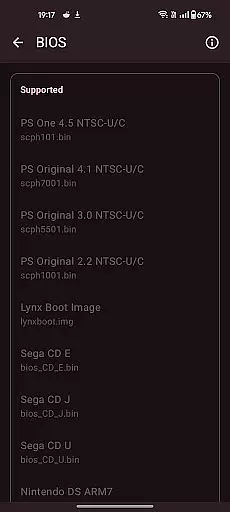
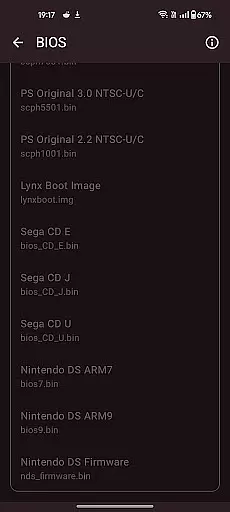
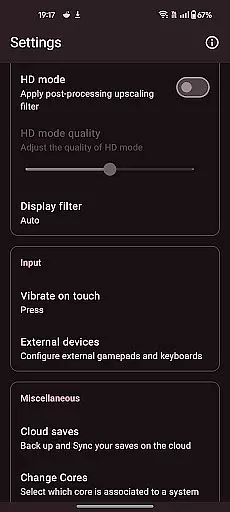
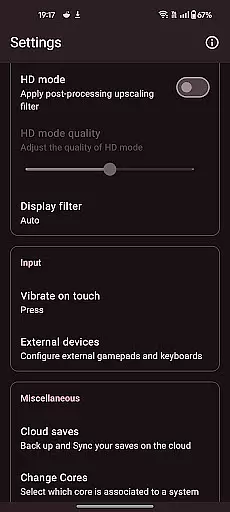

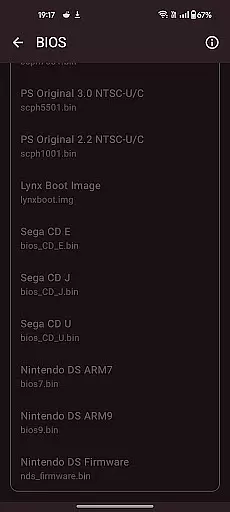
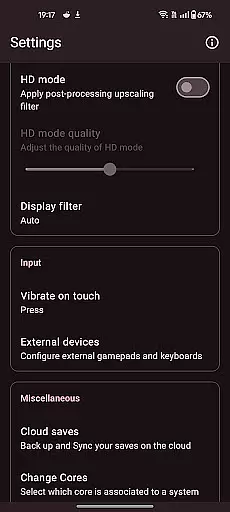
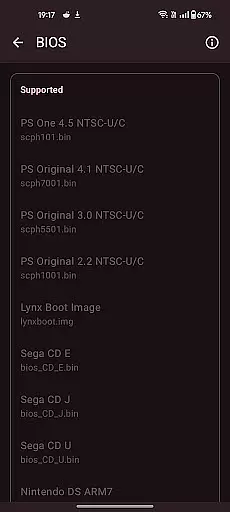

Retro emulator classic is a versatile all-in-one emulator designed for Android users who want to relive the nostalgia of retro gaming. This app supports a wide range of gaming systems, including Atari, Nintendo, PlayStation, Sega, and more. Whether you're using a phone, tablet, or TV, it delivers smooth performance with an intuitive interface and no ads.
Key features include automatic save and restore states, ROM scanning, optimized touch controls, quick save/load slots, video filters, fast-forward support, cloud save sync, and gamepad compatibility. Retro emulator classic ensures a seamless experience by supporting zipped ROMs and offering display simulation options like LCD/CRT. It also supports local multiplayer, allowing multiple controllers on one device.
While this emulator does not include any games, it provides the tools necessary for an optimal retro gaming experience. Simply provide your legally acquired ROM files and enjoy gaming on the go or at home.
Retro emulator classic stands out with its comprehensive feature set tailored for retro gaming enthusiasts. The app automatically saves and restores game states, ensuring you never lose progress. Its ROM scanning and library indexing capabilities make game management effortless, while optimized touch controls offer full customization for an enhanced user experience.
Additional features include quick save/load functionality with multiple slots, support for zipped ROMs, and video filters that simulate LCD/CRT displays. Fast-forward support allows you to speed through games, while cloud save sync keeps your progress up-to-date across devices. Gamepad and tilt-stick support cater to different play styles, and local multiplayer enables fun gaming sessions with friends on a single device.
Performance varies depending on your device's hardware, but Retro emulator classic is optimized for smooth gameplay. Note that while the app supports many advanced systems like PSP, DS, and 3DS, more powerful hardware is recommended for these platforms.
Arcade authenticity and nostalgia are at the core of Retro emulator classic, offering users a genuine trip down memory lane. This app is designed to emulate a wide range of classic gaming consoles, from Atari to Nintendo systems, ensuring that each game feels as authentic as the original.
The developers have meticulously crafted the emulation environment to mirror the original hardware specifications. This includes replicating the graphical output and sound capabilities of the supported systems, which range from simple 8-bit graphics to more complex 3D environments found in PlayStation and Nintendo DS titles.
Users benefit from this dedication to authenticity by experiencing games exactly as they were meant to be played. The app supports original save states and gameplay mechanics, making it possible for gamers to relive their favorite moments without any modern-day alterations or interruptions.
Control responsiveness in Retro emulator classic ensures that every action taken by the user is accurately reflected in the gameplay. This feature is crucial for maintaining the immersive experience that gamers expect from arcade classics.
The app offers customizable touch controls that can be adjusted to fit the user's playstyle. Gamers can map buttons, adjust sensitivity, and even create custom control schemes for different games or systems. This level of customization allows for an optimal gaming experience on various devices, whether it's a phone, tablet, or TV.
By prioritizing control responsiveness, Retro emulator classic not only enhances gameplay accuracy but also elevates the overall enjoyment. Players can execute precise movements and combos, which is particularly beneficial in fast-paced arcade games where timing is critical.
User-friendly interface
Wide system compatibility
Customizable controls
Cloud save functionality
No in-app advertisements
Requires powerful hardware
No included games
Limited advanced features
Dependent on ROM quality
Occasional performance issues

Bomb the communists back to 1916!
 4.70
4.70
R-TYPE game
4.60
Use superpower in your magic hands. Defeat the enemies in a fun elemental game.
4.50
M64Pro FZX Classic Emulator for Android
4.2
Punch your way through the Streets of Rage once again!
4.80
Protect the balloon! Only 1% of players can reach lvl 100 with all the balloons!
3.70
Train your Champ. Compete. Get rewards.
4.50
You control the ball! Dribble, shoot and score against eleven soccer players!
4.60
Crazy games: Kick your buddies, beat the boss, and turn the office into chaos!
4.40
Merge bowmasters to win the bow and arrow war! Play the fun archery game!
4.60
Fruit is waiting to be sliced, ninja. Play the hit mobile game !
4.50
Nostalgia.GBA Pro is a high quality GBA emulator.
4.40
Millions of crafters have smashed billions of blocks! Now you can join the fun!
4.40
Stack the blocks as high as you can!
4.30
Epic offline war strategy game - build your city, train your army, conquer
4.20
Enter Double Dragon Trilogy, a compilation of the beloved arcade series
4.10
Dig yourself a way to gold, diamonds and success with this addictive mining game
3.90
It's quite possibly the world's hardest game!
3.90
Spaceship racing on a rocky planet — pure action and challenge.
4.3


User Reviews