
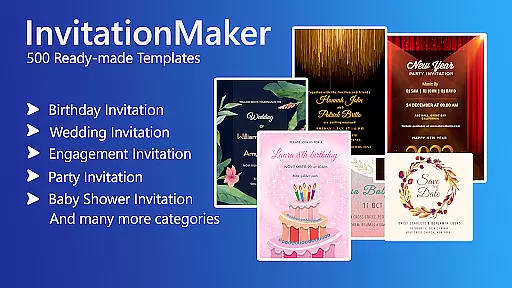

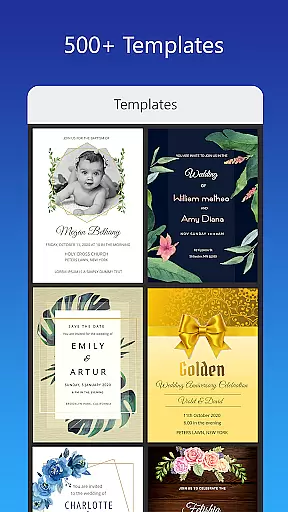
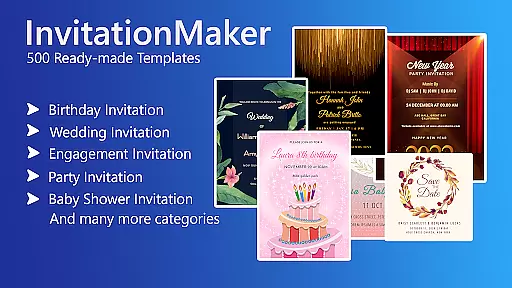

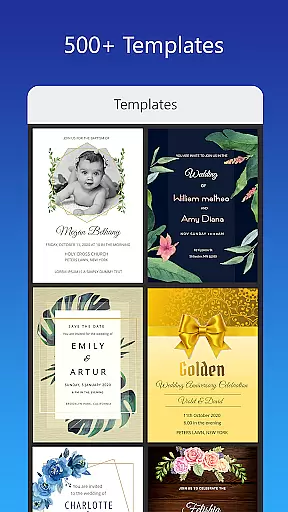
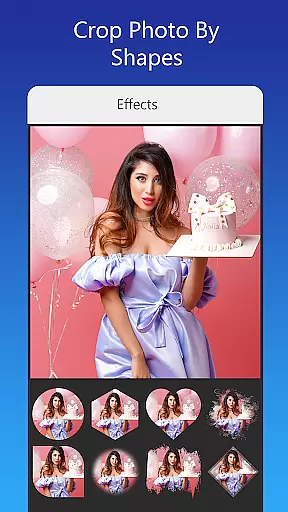
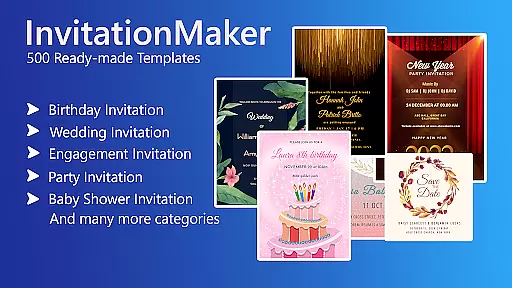

Invitation Card Maker, Design is a versatile app that allows users to create personalized invitation cards for various events such as birthdays, weddings, engagements, anniversaries, and baby showers. With over 200 ready-made templates, users can design invitations in just two minutes. The app offers features like background images, gradient colors, photo frames, and unlimited stickers, enabling users to customize their designs with ease.
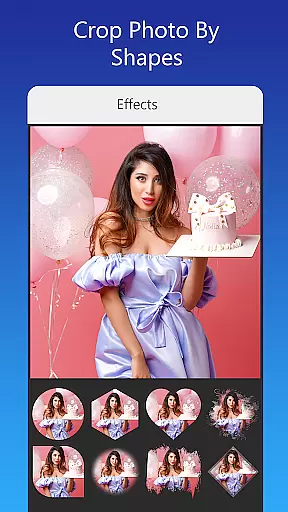
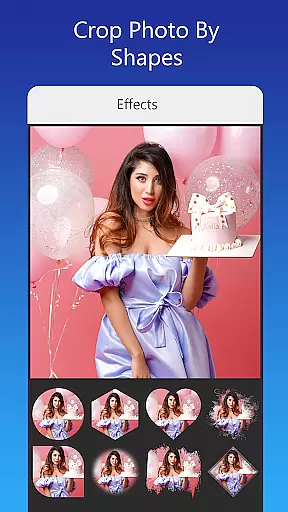
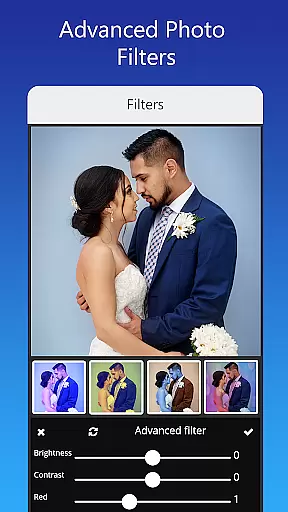
In addition to its extensive template library, the app provides advanced editing tools including brightness, contrast, overlay image, and crop by shape. Users can also resize cards, upload custom fonts, and share their creations on social media platforms like Facebook, Instagram, and WhatsApp. Whether you're planning a themed birthday party or a formal wedding, Invitation Card Maker ensures your invitations are both unique and professional.
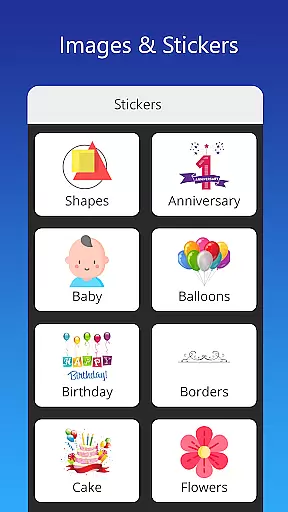
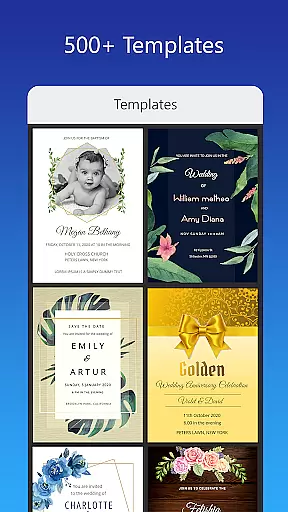
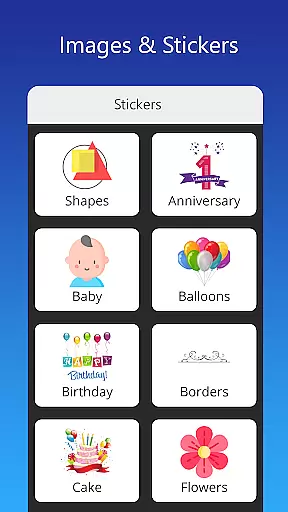
The app boasts an array of features designed to enhance user experience. Firstly, it includes more than 200 ready-made templates tailored for different occasions, allowing users to quickly craft invitations, RSVPs, and greeting cards. Secondly, Invitation Card Maker offers a rich selection of design elements such as background images, gradient colors, and photo frames, along with the ability to upload personal images.
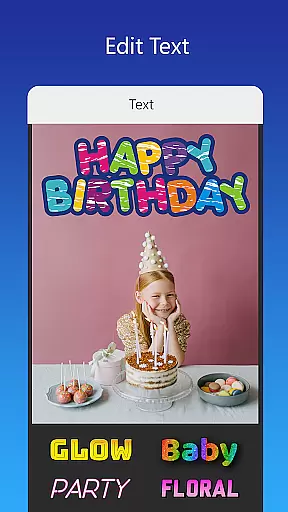
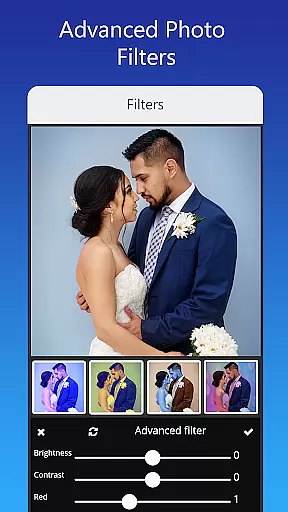
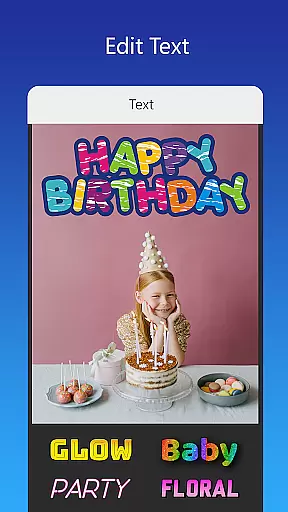
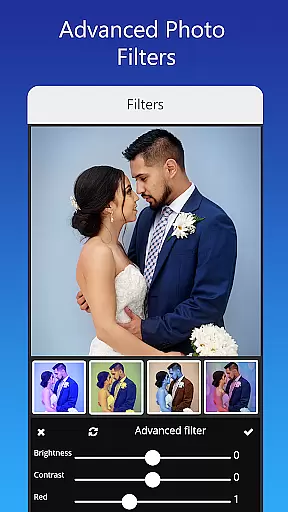
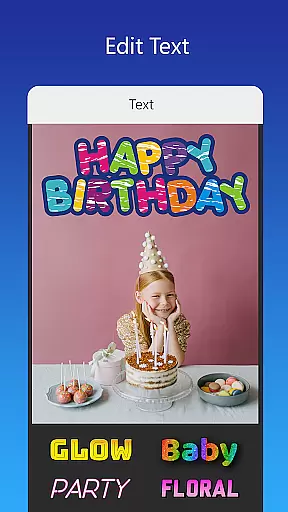
Moreover, the app supports text editing, enabling users to modify names, event locations, and timings effortlessly. It also allows for font customization, including the option to upload personal fonts or download new ones. Advanced photo editing tools like filters and effects further elevate the design process. Lastly, users can save their projects for future edits, download digital copies, or print them directly from the app.
Creating detailed and customized tasks is essential for event planning, allowing users to tailor invitations to their specific needs. The Invitation Card Maker app excels in this area by providing over 200 ready-made templates that can be personalized for various events such as birthdays, weddings, and baby showers.
This application allows users to edit or replace text, names, event locations, and timings with ease. With a variety of font styles available, users can upload their own fonts or download new ones to match the theme of their event, ensuring that every detail aligns with their vision.
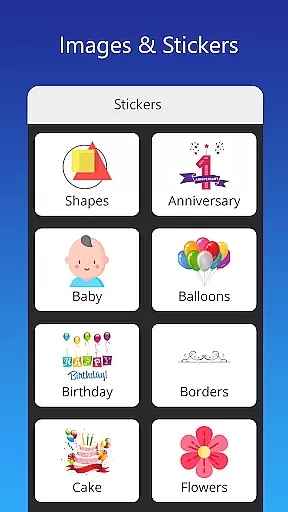
In addition to textual customization, the app offers a rich selection of background images, gradient colors, photo frames, and unlimited stickers. Users can also upload personal images to create truly unique invitations. This level of customization ensures that each invitation not only conveys necessary information but also reflects the personality and style of the host.
The ability to customize every aspect of an invitation empowers users to create memorable and impactful event announcements. Whether it's adjusting design elements or incorporating personal photos and quotes, the Invitation Card Maker app provides the tools needed to make each invitation stand out.
Effective reminder settings are crucial for timely event preparation and communication. The Invitation Card Maker app supports this need by enabling users to save their designs for future editing, ensuring they can revisit and refine their invitations as the event approaches.
While the app does not have traditional reminder notifications, its functionality allows users to manage their projects efficiently. By saving drafts, users can keep track of different versions of their invitations, making it easier to adjust details like RSVP dates, event times, and guest lists without starting from scratch.
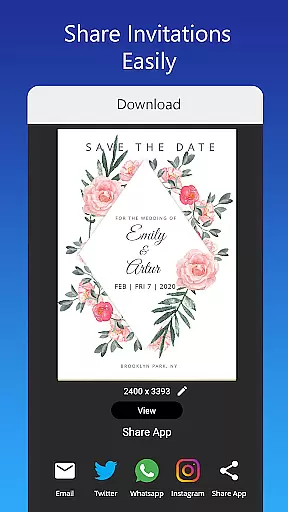
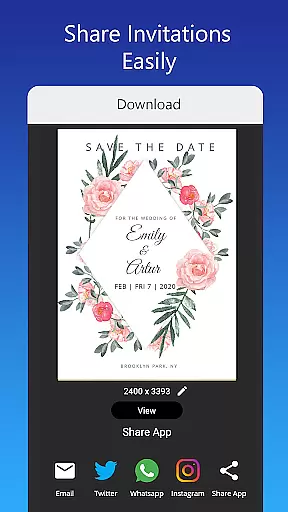
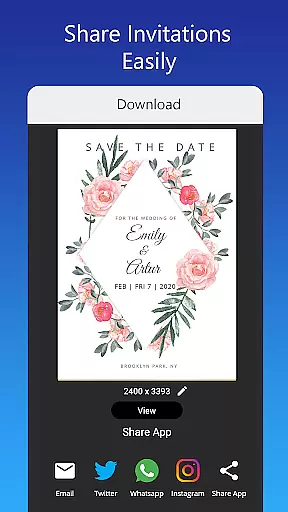
Moreover, the app facilitates sharing digital invitations directly on social networks such as Facebook, Instagram, Snapchat, WhatsApp, and Twitter. This feature acts as a built-in reminder system, prompting recipients to mark their calendars and prepare for upcoming events.
By combining robust saving and sharing capabilities, the Invitation Card Maker app ensures that both creators and recipients remain informed and engaged throughout the event planning process. These features collectively enhance the user experience, making event management smoother and more organized.
User-friendly interface
Extensive template library
Advanced editing tools
Customizable design elements
Social media integration
Limited free features
Occasional bugs
Ads can be intrusive
Some templates feel repetitive
Font options could be broader

An App for Bhutanese
 4.1
4.1
Manage all your events, leads, ticketing, payments and check-ins.
4.30
It is an Event Planning Application.
4.4
TV Garden is a video player to play your own TV streams from around the world!
4.5
Clubs, Festivals, Discounted Tickets, Guest Lists & VIP Tables
4.90
Text message invitations for birthday party, wedding, graduation, baby shower +
4.60
Thanksgiving Wishes, Thanksgiving Stickers & Animated GIF for Whatsapp Stickers
4.4
Introducing the official Magic: The Gathering app for mobile.
4.20
Buy tickets for any event!
3.90
Fantasy of Lights Event App
5.00
Find Live Event Ticket Deals to Sports, Concerts, Festivals, & Comedy For Less!
4.80
For weddings, parties & events
4.60
Fast Scans. Happy Fans. For Every Hometown!
4.60
Octrober 2025: We've updated the MyGenMobile App with a new look and feel!
4.40
Freebie Games for Epic Games, Steam, Amazon, Rockstar etc.
4.40
Track birthdays, habits & goals. Unlimited countdowns and count-ups
4.20
No invest, Easy way to earn USDT through crypto cloud mining
3.80
Mobile Event Guide for Greater NY Dental Meeting
4.1
Buy event tickets easily with our user-friendly App. Stay updated on hot events
4.5


User Reviews