
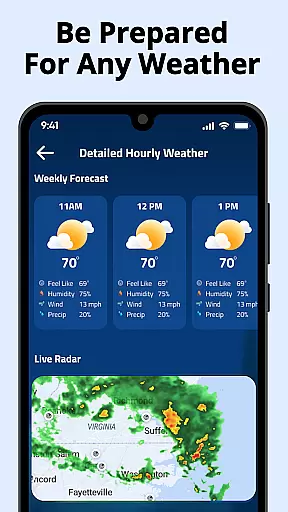
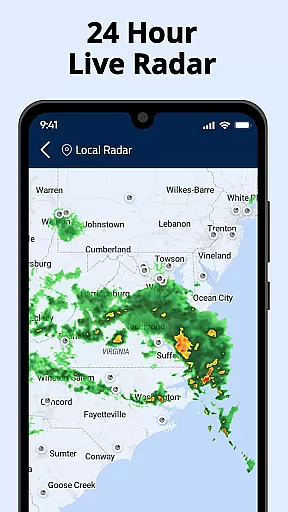
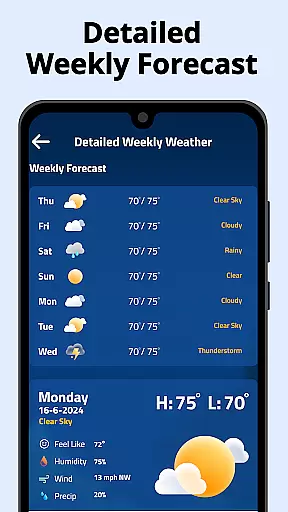
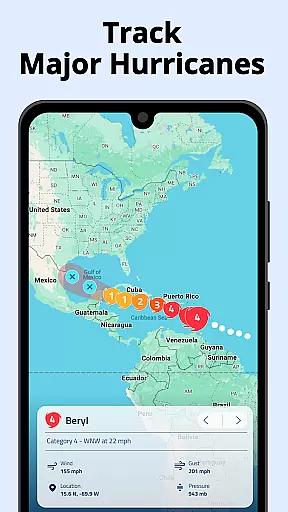
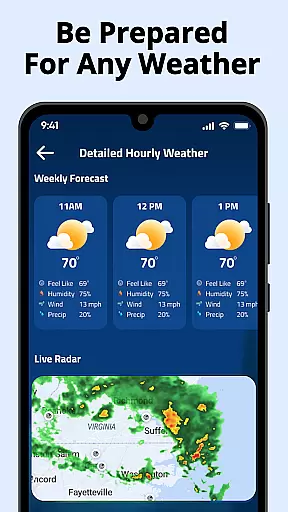
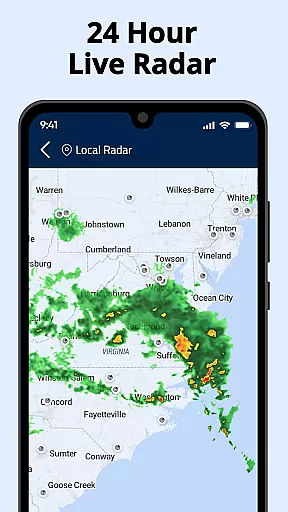
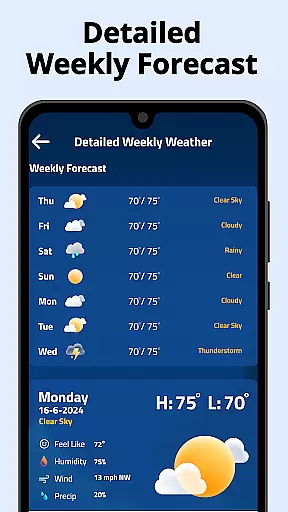
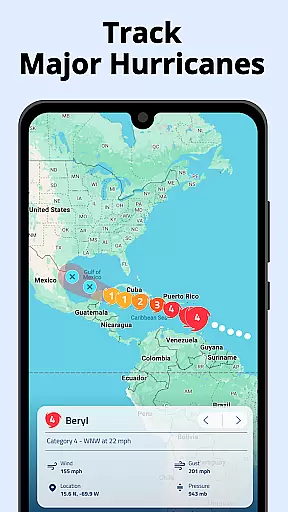
Weather Radar Home is a powerful weather application designed to provide users with accurate and real-time weather data. The app features live radar maps, detailed forecasts, and customizable widgets that allow users to personalize their weather tracking experience. With its intuitive interface, users can easily navigate through various weather layers including precipitation, temperature, and air pressure.
This app stands out by offering global coverage with precise US radar data, making it an essential tool for travelers and locals alike. Whether you need to prepare for storms or simply want to stay informed about daily weather changes, Weather Radar Home ensures you have all the necessary information at your fingertips. Its unique combination of functionality and usability makes it a must-have for anyone seeking reliable weather updates.
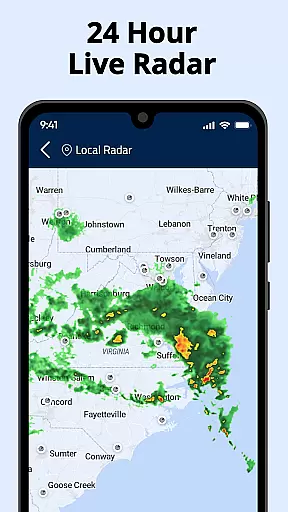
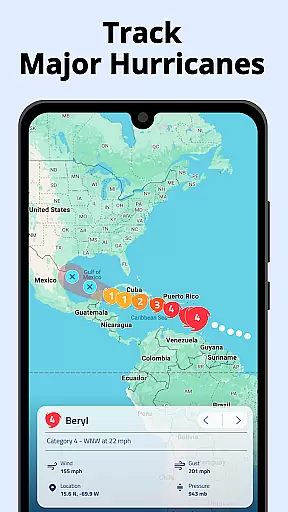
Weather Radar Home boasts an impressive array of features tailored to meet diverse user needs. One standout feature is its customizable radar maps, which allow users to track rainfall movement and overlay multiple weather layers such as wind patterns and temperature changes. This flexibility enables users to gain deeper insights into current and upcoming weather conditions.
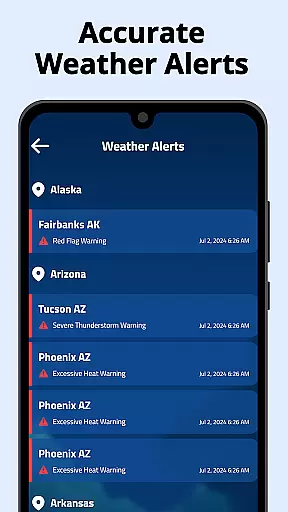
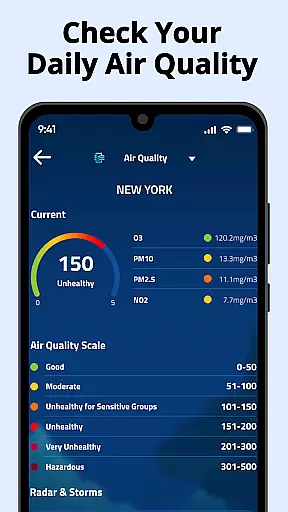
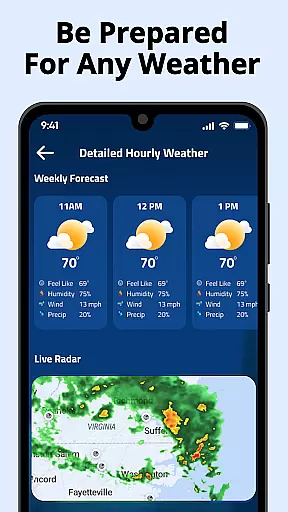
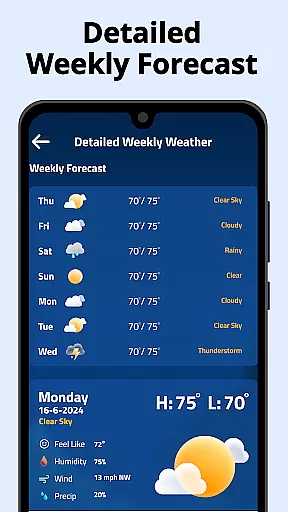
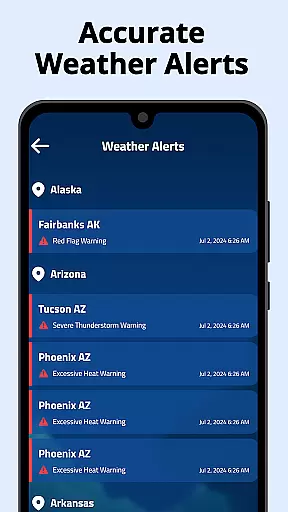
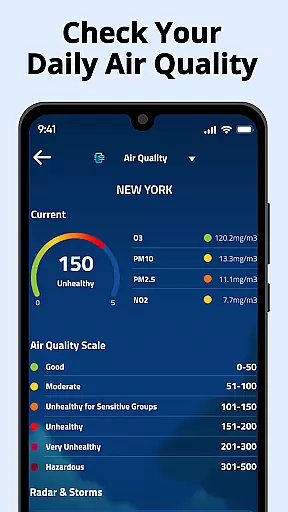
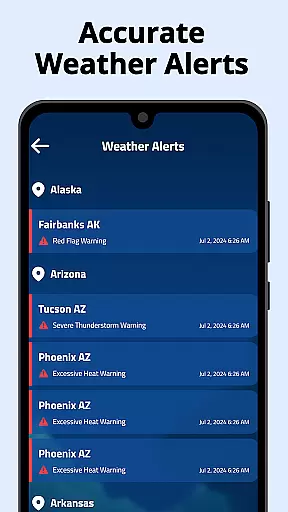
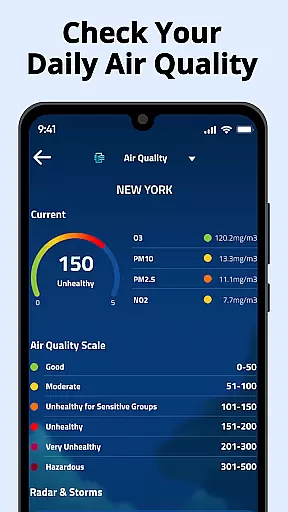
In addition to its robust mapping capabilities, the app provides hourly and daily forecasts, air quality indexes, and pollen counts. Users can also receive real-time weather alerts for severe conditions, ensuring they are always prepared. The inclusion of a home screen widget further enhances accessibility, allowing users to view critical weather information without opening the app. These features collectively make Weather Radar Home an indispensable tool for staying ahead of the weather.
Weather Radar Home stands out for its commitment to forecast accuracy and data credibility. The app provides real-time radar updates, precipitation tracking, temperature readings, and air pressure monitoring with precision. These features are crucial for users who rely on accurate weather information to plan their daily activities or prepare for severe weather conditions.
The app's use of multi-layer radar technology ensures comprehensive coverage across the globe. This allows users to access detailed weather maps that include not only basic weather patterns but also advanced data such as UV index, air pollution levels, and pollen counts. By offering a wide range of customizable radar maps, Weather Radar Home empowers users to tailor their experience according to specific needs, whether it's tracking rainfall movement or overlaying various weather layers.
For those living in areas prone to sudden weather changes, having reliable forecasts can make all the difference. Weather Radar Home delivers hourly and daily predictions alongside long-term seven-day forecasts, ensuring you're always prepared. With trusted sources backing its data and regular updates, this app guarantees that users receive credible information they can depend on when making important decisions related to travel, work, or leisure activities.
One of the standout features of Weather Radar Home is its extensive temporal and spatial forecast range. Users benefit from both short-term and long-term forecasting capabilities, allowing them to stay informed about upcoming weather events days in advance. Whether planning outdoor activities or preparing for potential storms, knowing what lies ahead helps individuals make better choices regarding safety and convenience.
The app covers vast geographical areas while maintaining high resolution at local levels. It offers global radar coverage so users can track weather conditions anywhere in the worldu2014not just limited to their current location. This broad reach combined with detailed insights into temperature fluctuations, wind patterns, humidity levels, sunrise/sunset times makes Weather Radar Home an invaluable tool for travelers, professionals working remotely, or anyone interested in staying updated about distant locations.
Additionally, by saving multiple locations within the app, users gain quick access to critical weather details without needing to search repeatedly. Customizable widgets further enhance usability by displaying essential information directly on your home screen. Overall, Weather Radar Home excels in delivering expansive yet precise forecasts tailored specifically for each useru2019s unique requirements.
User-friendly interface
Accurate weather data
Customizable widgets
Global radar coverage
Real-time alerts
Occasional data delays
Limited offline functionality
Ads in free version
High battery usage
Complex settings

Quickly check the Hanalei river gauge height during heavy rains on Kaua'i.
 4.4
4.4
Your ultimate app for accurate local weather information!
4.60
weather forecast, weather radar, weather widget in one local weather app
4.70
3D Animation Weather Icon
4.00
Determine Best Hunting Times for any date, any location.
2.50
Download now and give your smartwatch a fresh, premium look!
4.20
NOAA forecast & radar for your exact location.
4.80
14-day & 24-hour Forecast | Real-time Alert | Accurate & Fast
4.40
A professional, comprehensive and accurate weather forecast app
4.90
Powerful US and worldwide earthquake feed with earthquake alerts and maps.
4.70
Nuts Weather, your ideal choice for knowing weather forecast & weather radar
4.70
Your ultimate app for real-time weather information!
4.70
My Aurora Forecast is the app for Northern Lights and Aurora Borealis alerts.
4.60
Precision Weather, Right at Your Fingertips
4.40
Stay ahead of the weather with Daily Weather
4.10
Analog Weather Watch Face for Wear OS 5+
4.10
Weather watch face for Wear OS 5+
4.10
Instant weather updates, easy to check anytime on your home screen.
3.50
Advanced weather toolkit, providing detailed weather information for any season!
3.50


User Reviews