
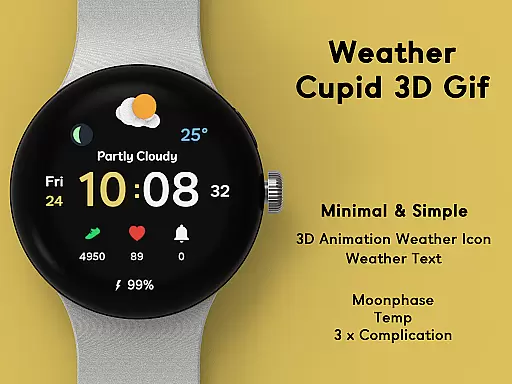
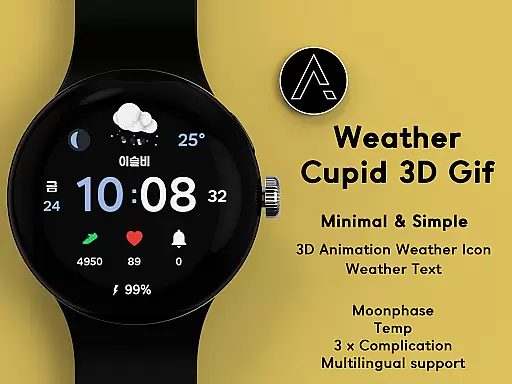
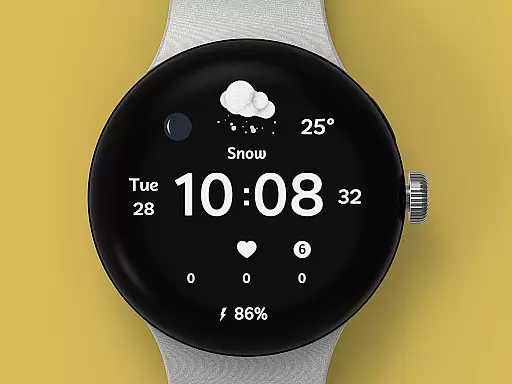
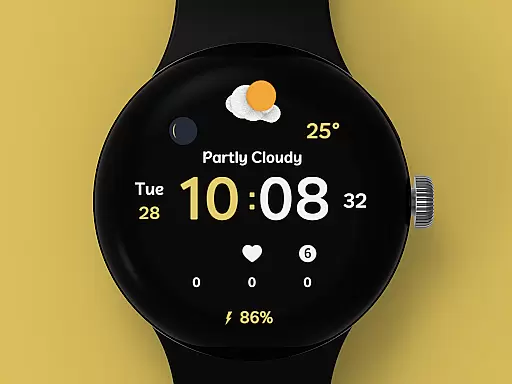
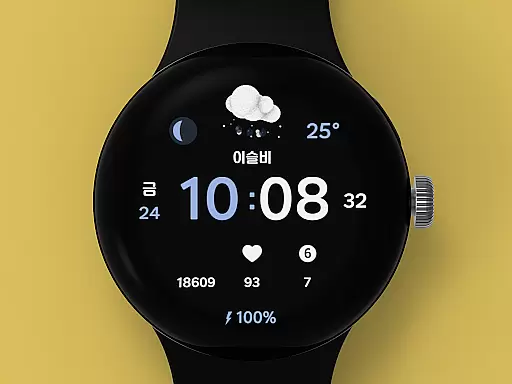
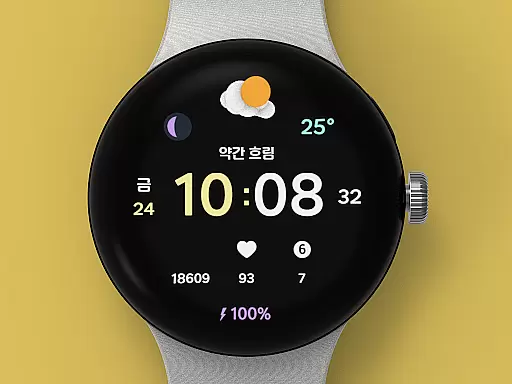
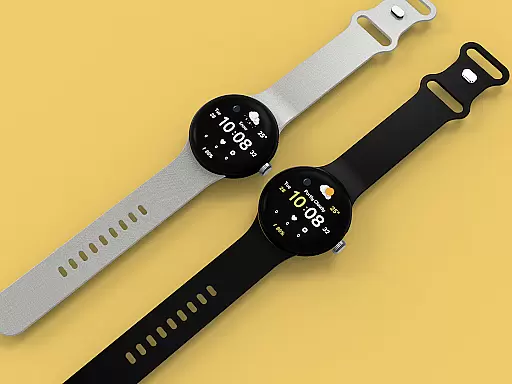
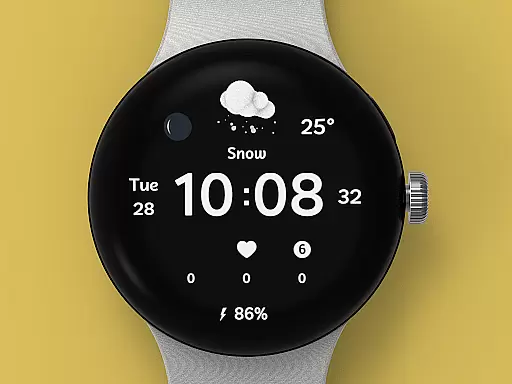
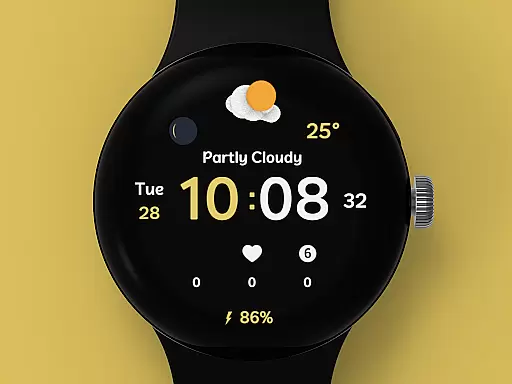
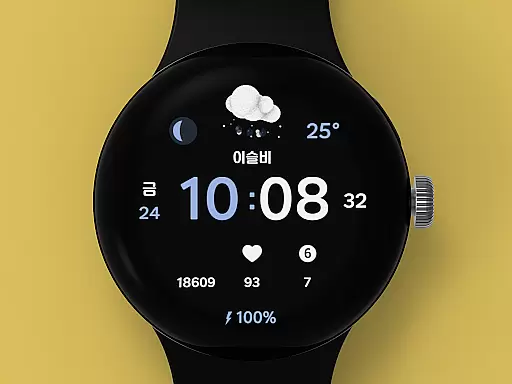
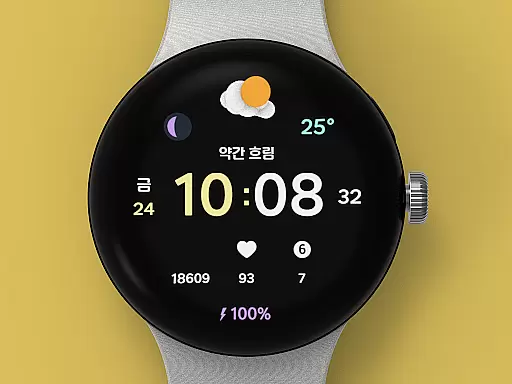
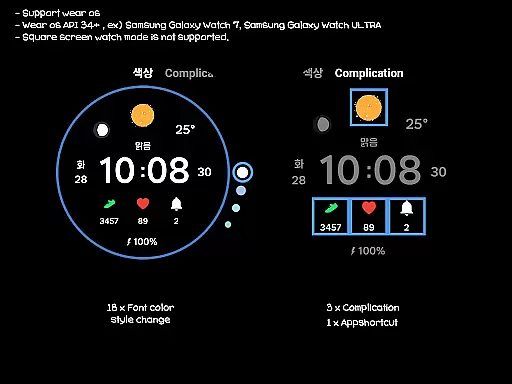
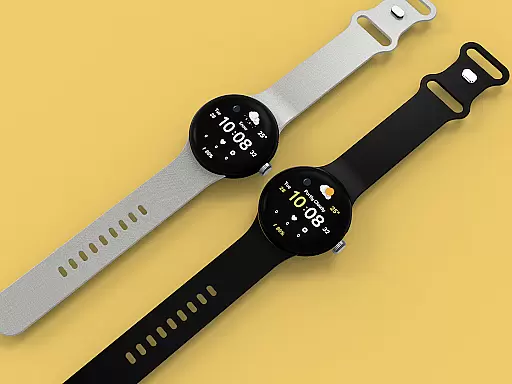
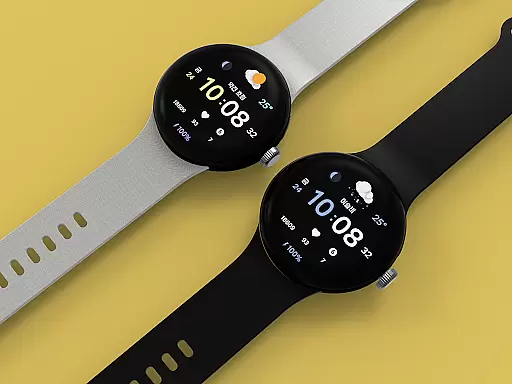
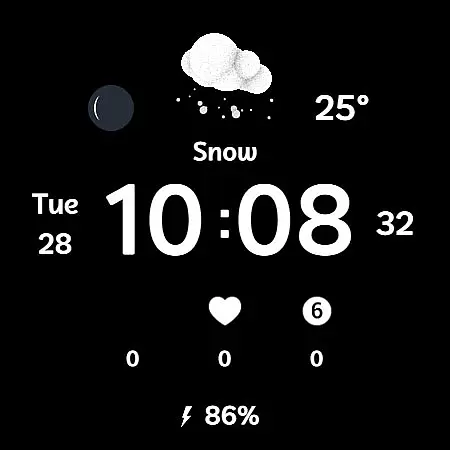
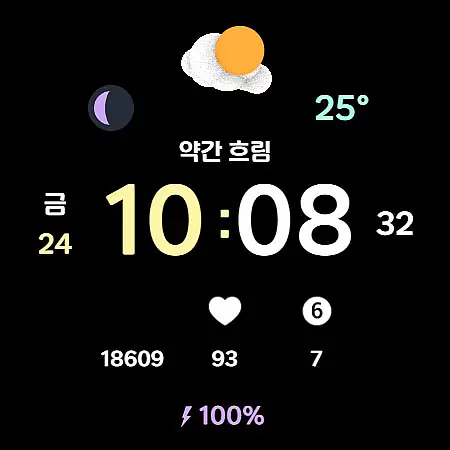
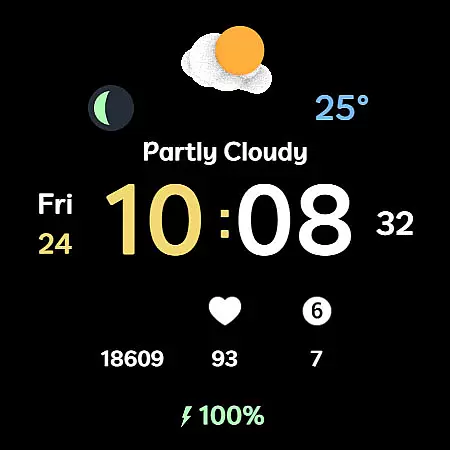
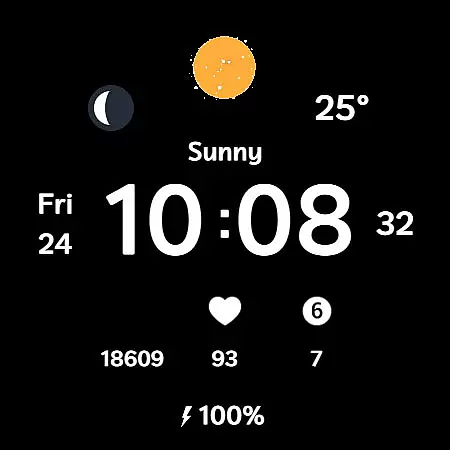
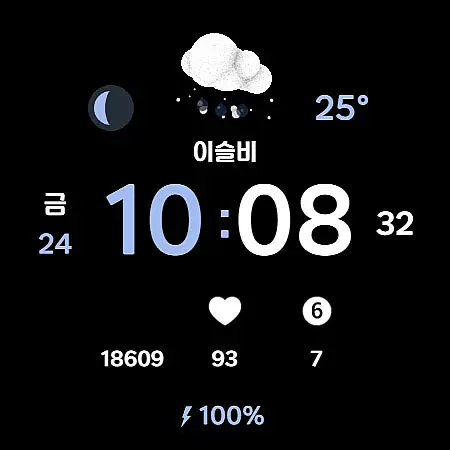
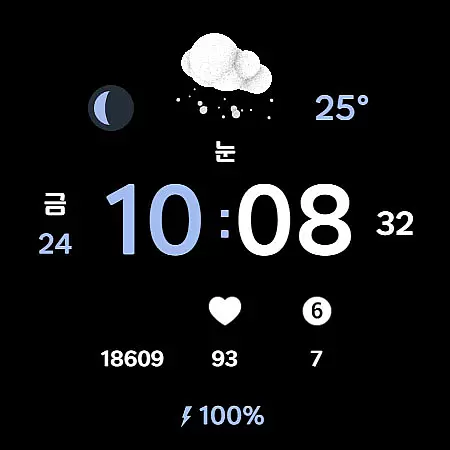
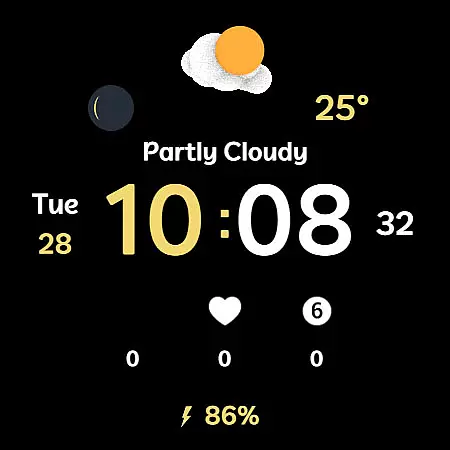
Weather Cupid 3D Gif is a visually appealing Wear OS watch face that combines functionality with aesthetics. This digital watch face features a minimalistic design complemented by lively 3D animated weather icons, making it both practical and engaging. Users can easily check essential information such as temperature, moon phase, and battery percentage directly from their watch screen.
The app supports multiple languages and offers both 12-hour and 24-hour time formats, catering to a global audience. With automatic weather updates every 30 minutes and customizable font colors, this watch face ensures users have access to accurate and personalized information. Whether you're monitoring your health stats or staying updated on weather conditions, Weather Cupid 3D Gif provides a seamless experience tailored to your lifestyle.
Weather Cupid 3D Gif stands out with its unique combination of features designed for both utility and personalization. The watch face displays temperature in both Celsius and Fahrenheit, includes multilingual support, and shows detailed moon phases. Its intuitive design allows users to effortlessly view their health information alongside weather updates, which are powered by Samsung's API.
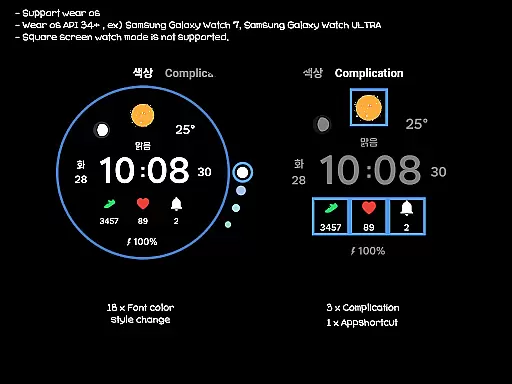
One of the key highlights is the vibrant 3D animation weather icon that brings the display to life. Users can customize their experience with 18 different font color styles and choose from three complication options. Additionally, the app supports wear OS devices but does not work with square screen modes. For optimal performance, ensure your watch and mobile phone are connected via Bluetooth during installation.
Weather Cupid 3D Gif provides accurate weather forecasts based on Samsung's API, ensuring reliable data for users. The temperature updates every 30 minutes, offering both Celsius and Fahrenheit support to cater to global audiences.
Users can trust the precision of moon phases and multilingual options, making it versatile for various regions. This ensures that whether you're checking local or international weather, the information remains consistent and credible.
In cases where discrepancies arise compared to other services, this app maintains transparency about its data sources. By clearly stating reliance on Samsungu2019s API, it sets proper expectations regarding potential variations in reported conditions.
This application excels in delivering temporal and spatial forecast ranges with its automatic 30-minute updates. Users receive timely notifications about changing weather patterns, allowing them to plan activities accordingly.
With features like UV index complications and manual update options, Weather Cupid 3D Gif enhances user control over their forecasting experience. These tools empower individuals to make informed decisions based on current environmental factors.
Although square screen modes aren't supported, round watches benefit significantly from detailed animations and intuitive design elements. This focus on specific device compatibility ensures optimal performance within defined parameters.
User-friendly interface
Customizable design options
Accurate weather updates
Vibrant 3D animations
Multilingual support
Limited to Wear OS
No square screen support
Weather data may vary
Initial setup required
Bluetooth dependency

Thermometer shows indoor and outdoor temperature
 4.70
4.70
Room Temperature Thermometer meter shows indoor, outdoor temperature, humidity.
4.40
Accurate weather forecast, daily weather changes are easy to grasp
4.90
Weather forecast & live radar map
4.20
View weather widget and map. Wind direction and speed. Tides times and waves
4.70
Your Trusted Weather Companion
4.40
72-hour weather & daily forecasts with extreme weather alerts
4.60
Detailed weather info and moon phase, subtle animation, customizable
4.0
Hyperlocal Forecasts, Live Radar, Severe Weather alerts & Homescreen Widgets
4.30
Ultimate Lunar Calendar for 2021!
4.80
Live local weather updates: various widgets & radar maps & hourly forecast.
4.70
weather forecast, weather radar, weather widget in one local weather app
4.70
My Aurora Forecast Pro is the app for the Northern Lights and Aurora Borealis.
4.70
The weather channel, tiempo weather forecast, weather radar & weather map
4.70
Live weather forecast for your everyday life
4.60
Weather watch face for Wear OS 5+
4.40
All-in-one weather radar launcher with rain, temperature maps & local forecast.
4.30
Global weather forecast, powered by layered radar & hourly weather updates
4.10
Dynamic weather watch face with glass effect, bold time & 7 complications.
4.1


User Reviews