
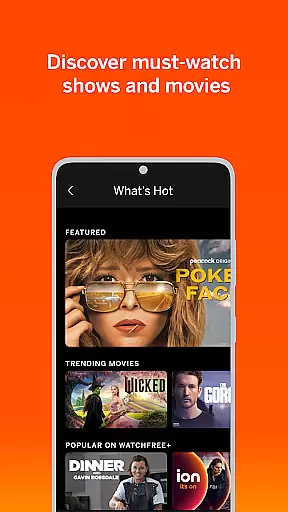
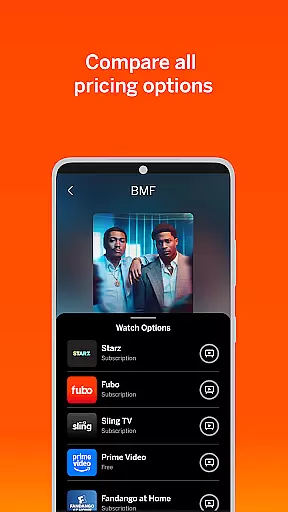
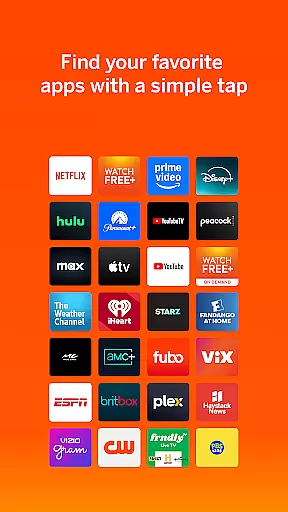
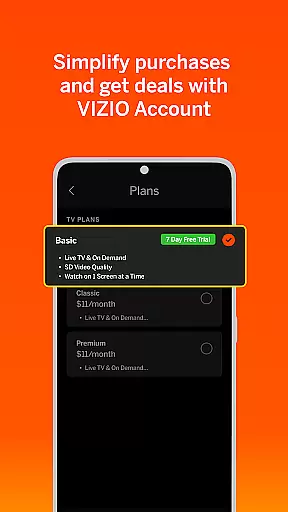
VIZIO Mobile app offers a comprehensive entertainment solution by combining free live TV streaming with advanced device control features. The WatchFree+ service provides access to over 300 free live channels, delivering news, sports, movies, and shows directly to mobile devices without requiring a VIZIO TV.
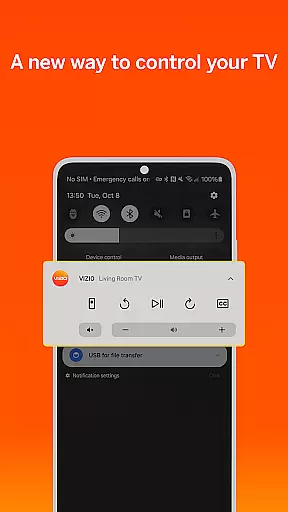
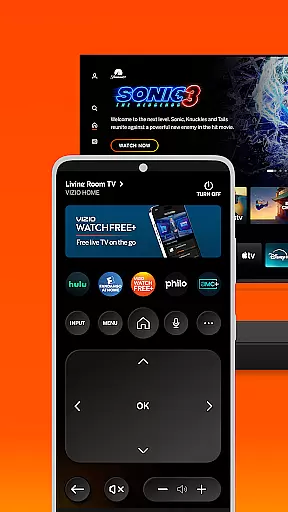
Beyond streaming capabilities, the application transforms smartphones into universal remote controls for VIZIO TVs and soundbars. Users can enjoy voice control functionality, organize streaming apps, manage subscriptions, and cast content through VIZIOgram. The app's smart recommendation engine helps users discover new content based on their viewing preferences.
Designed for both home and mobile use, VIZIO creates a seamless entertainment ecosystem that connects multiple devices while offering personalized experiences through favorite channel lists and category-based navigation.
The VIZIO app distinguishes itself through its dual functionality as both a streaming platform and a smart home entertainment control center. Its WatchFree+ feature stands out by offering hundreds of free live channels accessible anywhere, eliminating the need for traditional cable subscriptions or specific hardware.
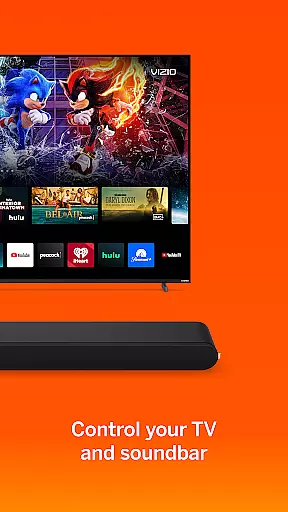
Device control capabilities are equally impressive, allowing users to manage VIZIO TVs and soundbars with precision. The soundbar control feature enables detailed audio adjustments including volume, bass, treble, and specialized sound modes for different content types. Advanced functions like ClearDialog and Night Mode enhance listening experiences across various environments.
Innovative features such as universal search, smart recommendations, and cross-device continuity demonstrate VIZIO's commitment to creating an interconnected entertainment ecosystem. The app's ability to save progress and resume playback across devices particularly showcases its technological sophistication.
In the realm of digital entertainment, content diversity and regular updates are paramount. The VIZIO app excels in this area by offering over 300 free live channels that span across various genres including news, sports, movies, and shows. This vast selection ensures that users have access to a wide array of programming options, catering to different tastes and preferences.
Moreover, the app's ability to provide personalized recommendations enhances user engagement by suggesting content based on individual viewing habits. By allowing users to create lists of favorite channels, VIZIO fosters a tailored experience that keeps viewers coming back for more. This personal touch not only enriches the user experience but also encourages prolonged app usage.
The VIZIO app also emphasizes staying connected with local happenings through its mobile platform. Whether it's following a hometown sports team or keeping up with regional news, the app makes it easy to remain informed and entertained while on the move. Such features ensure that the content remains relevant and engaging for the audience.
Furthermore, the seamless transition between devices when watching content adds another layer of convenience. Users can start watching on a VIZIO TV and continue on their mobile device without missing a beat. This flexibility in viewing options underscores the app's commitment to providing fresh and varied content that adapts to the modern viewer's lifestyle.
User engagement and retention are critical metrics for any entertainment platform, and the VIZIO app addresses these aspects effectively. By integrating universal search capabilities, the app simplifies the process of finding content across multiple streaming services. This centralized approach saves time and reduces frustration, encouraging users to spend more time exploring available options within the app.
Smart recommendations play a significant role in retaining user interest. By analyzing viewing patterns and preferences, the app suggests new shows and movies that align with individual tastes. This personalized discovery process not only enhances satisfaction but also promotes longer session durations as users delve deeper into curated selections.
Voice control functionality further boosts engagement by enabling hands-free navigation and content discovery. This feature allows users to interact with the app effortlessly, making it more likely they will return for subsequent viewing sessions. Additionally, the ability to organize apps and manage subscriptions in one place streamlines the user experience, contributing to higher retention rates.
Lastly, social features such as casting photos and videos to the TV via VIZIOgram foster a sense of community and sharing. These interactive elements encourage users to engage with the app beyond mere content consumption, creating a more immersive and lasting connection with the platform.
User-friendly interface
Extensive channel selection
Cross-device compatibility
Advanced audio controls
Comprehensive remote features
Limited multi-room support
Content availability varies
Internet connection required
Additional equipment needed
Third-party app limitations

Live TV, sports & holiday movies — stream on phone, tablet & TV
 4.60
4.60
Create melty bead designs by numbers, photos or your imagination
4.40
Collaboration with popular VTubers
4.2
Earn gift cards for playing games. Become a real game tester!
4.40
Your choice of 350+ networks plus movies and full TV series on-demand.
3.70
Start EVP/Spirit Box tonight: real EMF, offline, recording. One-time purchase.
4.10
Bold original series & hit movies that don't hold back.
4.40
World's largest dedicated anime collection
4.70
Earn Real Rewards Playing Fun Mobile Games & Easy Cash Out - PayPal & Gift Cards
4.40
Watch Reels, Drama Shorts & TV Series Anytime. Download DramaWave Now!
4.70
Exclusive creator communities
4.70
Watch short films, dramas, reels, series and movies anytime on Micro Drama.
4.60
Your Avatar, Endless Fun
4.60
Rain and lightning effects for your Philips Hue lights
4.30
Real ghost box scanner with echo, reverb, EMF, & multi-stream channels.
3.80
Alice Box is an Instrumental Trans Communication app.
3.80
VR 360 Cinema Player is the ultimate VR player for playing videos on mobile
3.50
Watch whatever you want, whenever you want, wherever you want.
3.30
Music visualizer and party effects for your Nanoleaf devices
4.1


User Reviews