

Venmo is a leading mobile payment service that allows users to send, receive, and manage money in a fast and secure manner. With over 90 million active users, it has become one of the most popular financial apps for peer-to-peer transactions. The app supports various features including splitting bills, requesting payments, and even buying cryptocurrency.
One of Venmo's standout capabilities is its social payment feature, which lets users add notes or emojis to transactions, making the process more engaging. Additionally, users can opt for the Venmo Credit Card or Debit Card to earn cashback rewards and make purchases globally. Whether you're splitting rent with roommates or managing a small business, Venmo offers versatile tools tailored to different financial needs.
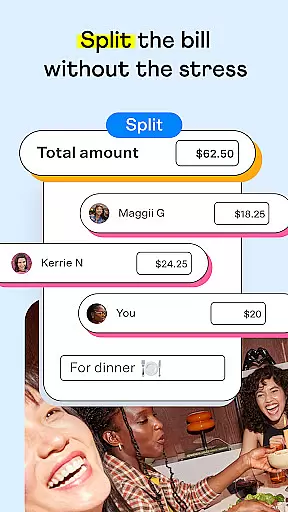
Venmo stands out with its diverse range of features designed to simplify financial transactions. One key feature is the ability to split payments among multiple friends, allowing users to customize amounts owed for shared expenses like group dinners or utility bills. This functionality streamlines the process of settling debts without requiring individual transactions.
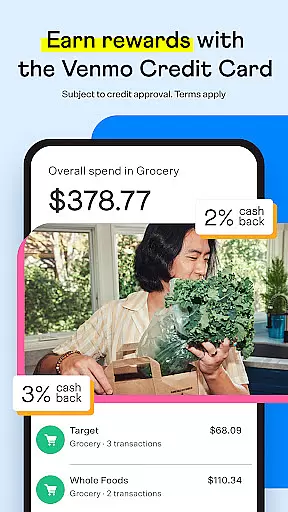
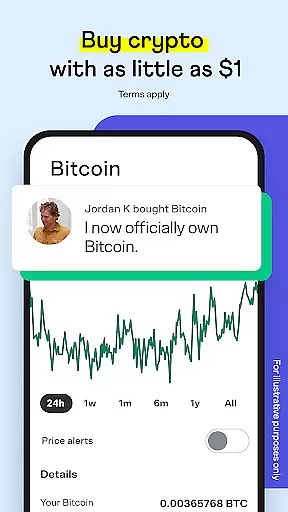
Another notable feature is the integration of financial products such as the Venmo Credit Card and Debit Card. These cards offer cashback rewards and are accepted globally, providing added convenience for users. Additionally, Venmo allows users to buy, hold, and sell cryptocurrency directly within the app, catering to those interested in digital assets. Each feature is crafted to enhance user experience while maintaining robust security protocols.
Venmo ensures robust account and fund security through multiple layers of protection. The app employs advanced encryption protocols to safeguard user data and financial transactions, ensuring that all personal information remains confidential.
One of the key security features is two-factor authentication, which adds an extra layer of security by requiring users to verify their identity through a secondary method, such as a text message code or biometric verification. This helps prevent unauthorized access even if login credentials are compromised.
In addition to encryption and authentication measures, Venmo provides real-time transaction monitoring. This system detects unusual activity and alerts users immediately, allowing them to take swift action if any suspicious transactions occur. Such proactive monitoring significantly reduces the risk of fraud and enhances overall account safety.
Users also benefit from Venmo's buyer and seller protection policies, which offer peace of mind when conducting transactions. These policies ensure that disputes are resolved fairly, protecting both parties involved in a transaction. With these comprehensive security measures, Venmo delivers a safe environment for managing payments and personal finances.
Venmo offers a seamless and intuitive transaction experience, making it easy for users to send and receive money quickly. The app's interface is designed with simplicity in mind, allowing users to complete transactions with just a few taps on their mobile devices.
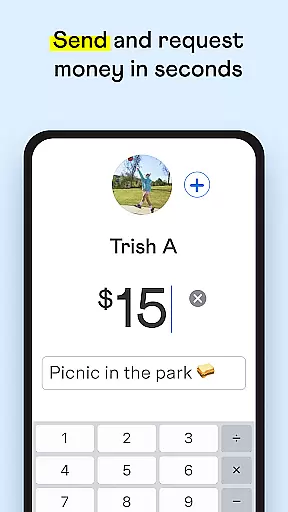
A standout feature is the ability to add personalized notes to each payment. This not only makes transactions more social but also helps users keep track of what each payment was for, whether it's splitting rent or paying back a friend for dinner. These notes enhance transparency and foster better communication among users.
Venmo also supports instant transfers, enabling users to move money from their Venmo balance to their bank account within minutes. This service is particularly beneficial for those who need immediate access to their funds, providing flexibility and convenience unmatched by traditional banking methods.
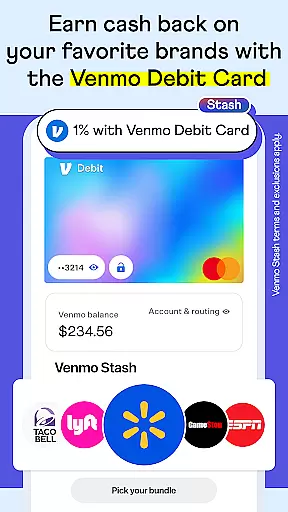
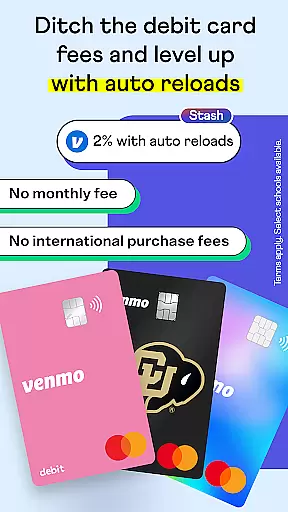
Moreover, Venmo integrates smoothly with other services, such as its credit card and debit card offerings. Users can earn cashback rewards on purchases made with the Venmo Credit Card and utilize the Venmo Debit Card to spend their balance wherever Mastercard is accepted. These integrations enrich the overall transaction experience, offering added value and incentives for frequent use.
User-friendly interface
Wide adoption rate
Secure transaction system
Integrated crypto trading
Rewarding credit card options
Limited international use
Transaction fees apply
No interest on balances
Crypto availability varies
Account freezing risks

Manage your account, make a payment, and redeem your rewards on the go.
 4.50
4.50
Download the MySynchrony App to manage your accounts securely and conveniently!
4.60
Bill Manager is a simple app to help you keep track of your upcoming bills.
4.5
Manage your Discover account conveniently from anywhere.
4.80
Managing your money just got easier. Get the new Mobile app.
4.70
Change the way you money with Credit Genie
4.30
Currency Converter (200+ currencies) with live exchange rates and offline mode.
4.70
Pay, bank & build credit.
4.70
The PayPal app is the secure way to send and receive money, shop and pay in 4.
4.20
PayMe helps you claim money from settlements on companies that harmed you.
4.80
Money transfer made easy. Send money to friends and family with great rates.
4.70
Manage your credit card account with the Credit One Bank mobile app.
4.70
Play for fun, earn for real. Collect rent by owning virtual land & get cashback
4.60
Manage your prepaid cards and add to Google or Samsung Wallet.
4.60
Easily invest, save, and plan—all in one app.
4.60 4.50
4.50
Make Real Cash by Playing Games! Fetch Playful Rewards, Win & Triumph
4.50
BTC, Crypto, Stocks & Options.
4.20
View BSC Transactions for multiple accounts
3.90


User Reviews