
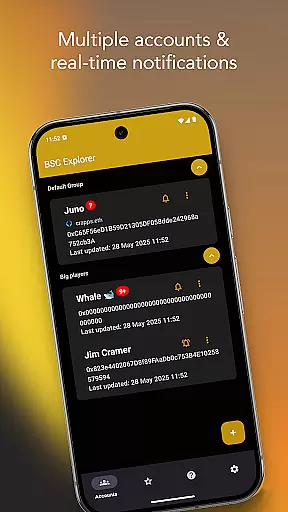
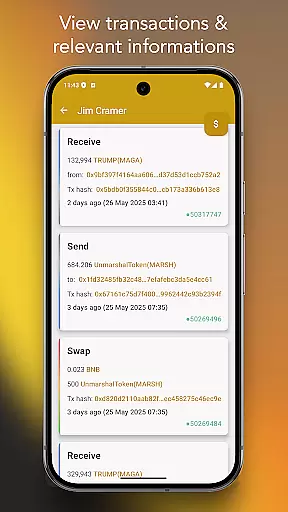
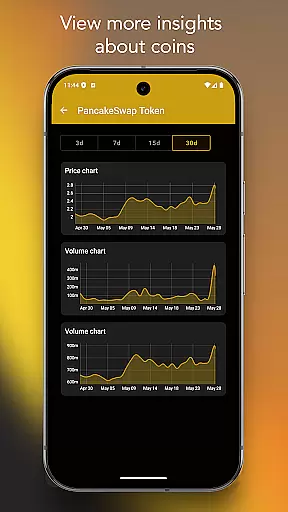
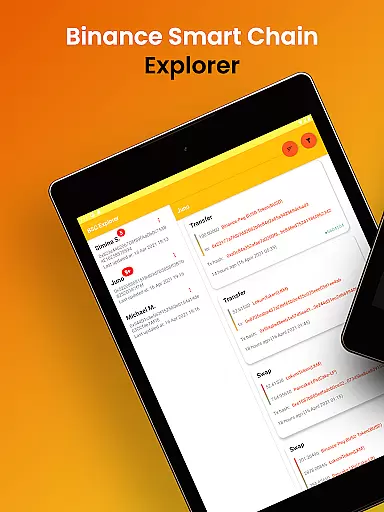
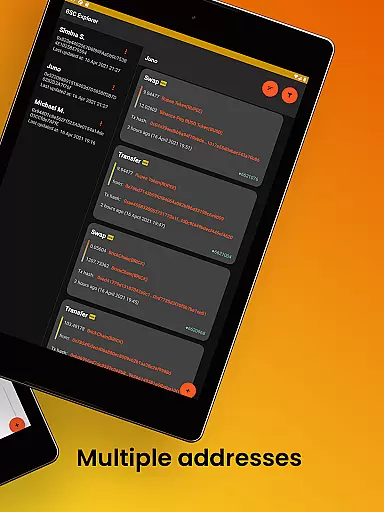
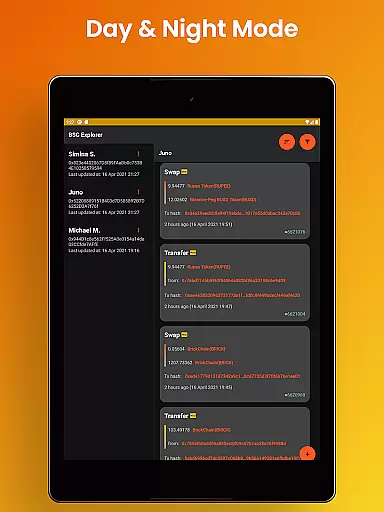
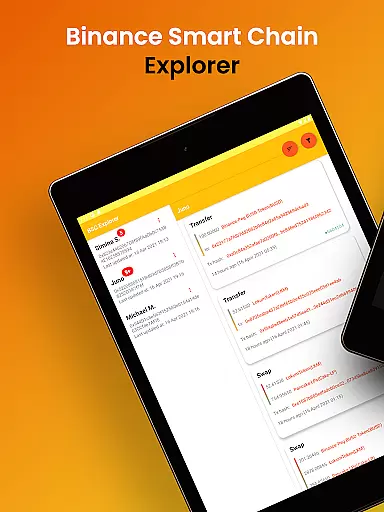
Binance Smart Chain Explorer is a powerful financial tracking tool designed specifically for crypto investors and DeFi traders. The app provides real-time transaction monitoring and portfolio management capabilities on the BSC Blockchain, making it easier than ever to track wallet activities across multiple addresses.
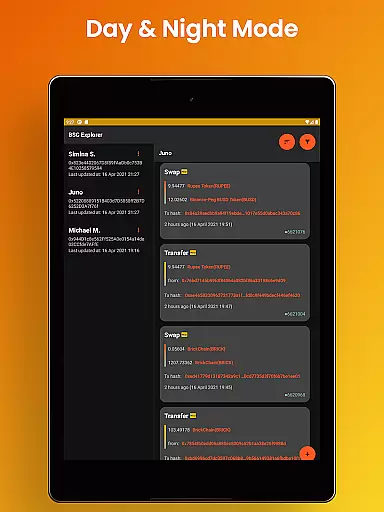
One of its standout features is the multi-wallet portfolio tracker that supports unlimited addresses, coupled with instant transaction notifications. Users can also access detailed token information, view smart contract codes, and manage their investments through an intuitive interface available in both dark and light modes. This makes the app particularly useful for professional crypto traders who need to stay updated on market movements and manage complex portfolios efficiently.
The application's enterprise-grade security ensures complete protection of user data by only requiring public wallet addresses for view-only access. With no personal data collection or storage, users can confidently monitor their BNB Chain investments without compromising their private keys. This level of security combined with premium design features creates a reliable solution for both casual investors and serious traders in the decentralized finance space.
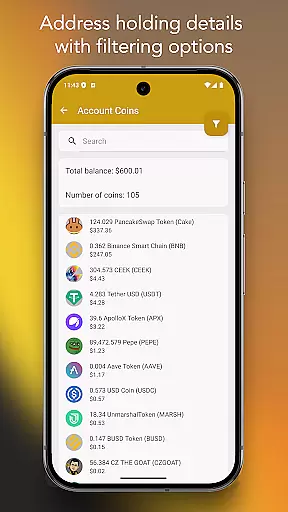
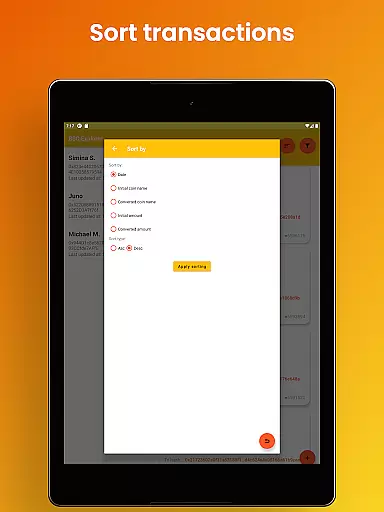
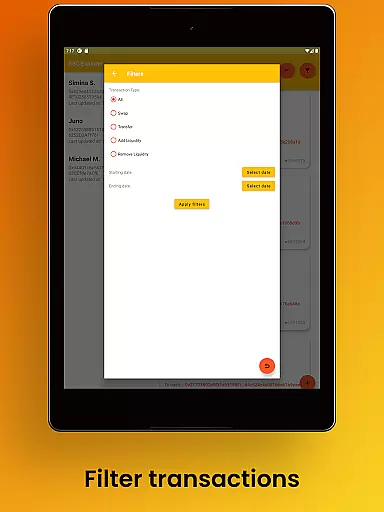
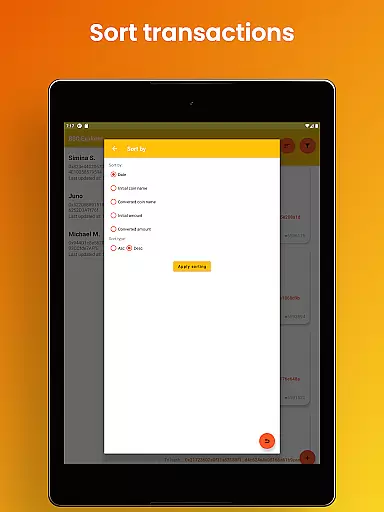
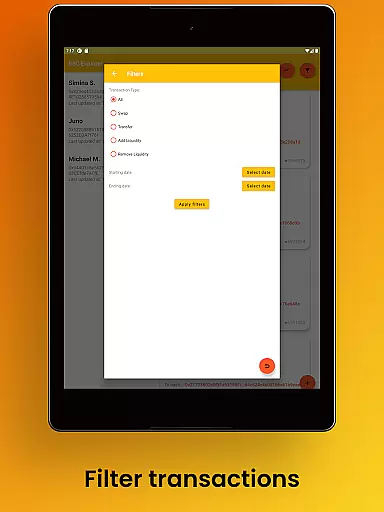
Binance Smart Chain Explorer offers an impressive array of features that cater to both beginner and advanced cryptocurrency users. The app's instant crypto tracking system includes comprehensive BEP-20 token balance monitoring with advanced search and filtering options, allowing users to easily find specific tokens within their portfolios.
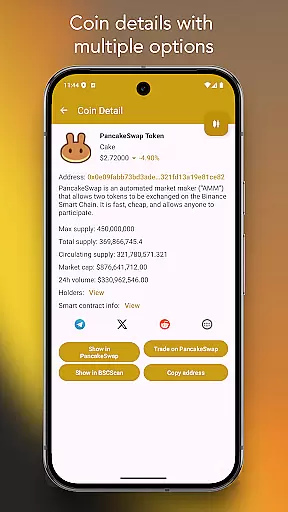
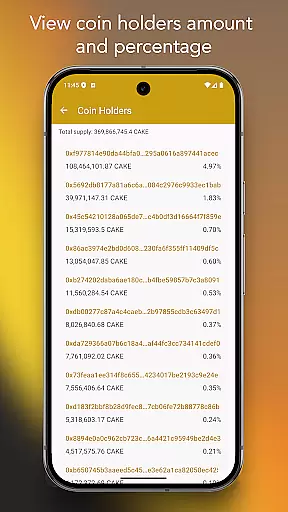
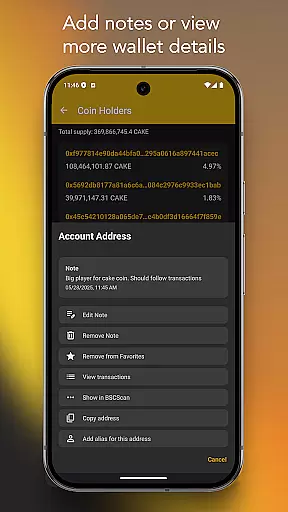
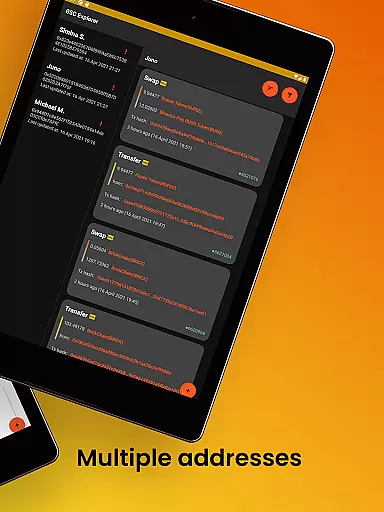
A key innovation is the ability to view detailed token holder information, including percentage distribution relative to total supply. This feature provides valuable insights into token distribution patterns. Additionally, users can explore extensive details about any coin, transaction hash, or wallet address directly through integrations with PancakeSwap and BSC Scan. The app also enables users to create custom aliases for wallet addresses and add personal notes to transactions, significantly enhancing portfolio management efficiency.
The application stands out with its enterprise-level security measures and premium user experience. The view-only access system ensures maximum safety while the modern material design interface, available in multiple languages, delivers a sophisticated user experience. The responsive layout works seamlessly across both mobile devices and tablets, making it a versatile tool for managing crypto investments on the go.
Account and fund security is paramount in the world of cryptocurrency, and Binance Smart Chain Explorer excels in this area. The app provides view-only access using public wallet addresses, ensuring that your private keys remain confidential and secure at all times.
In addition to safeguarding your private keys, the app refrains from collecting or storing any personal data, offering an extra layer of privacy protection. This enterprise-grade security approach ensures that users can track their crypto transactions with peace of mind, knowing that their sensitive information is not being harvested or stored by the application.
By focusing on security without compromising usability, Binance Smart Chain Explorer allows users to manage their portfolios effectively while maintaining robust protection against unauthorized access. This makes it an essential tool for both novice and experienced traders who prioritize the safety of their digital assets.
The transaction experience in Binance Smart Chain Explorer is designed to provide users with comprehensive tracking capabilities. With real-time transaction notifications available through subscription, users can stay updated on every movement within their portfolios, which may include unlimited wallet addresses.
Beyond just notifications, the app offers detailed insights into BEP-20 token balances, complete with search and filtering options for efficient management. Users can also view token holders' data as a percentage relative to the total token supply, providing valuable context for investment decisions.
Additional features such as viewing smart contract details, adding aliases to wallet addresses, and accessing more information about coins or transactions via PancakeSwap or BSC Scan enhance the overall user experience. These tools collectively ensure that managing and tracking your BNB Chain investments is both intuitive and powerful.
User-friendly interface
Real-time notifications
Enterprise-grade security
Multi-wallet support
Detailed analytics
Premium subscription required
Limited free features
Advanced knowledge needed
Occasional sync delays
High data usage

The all-in-one app to save, earn, travel, and put more money in your pocket
 4.50
4.50
Download the MySynchrony App to manage your accounts securely and conveniently!
4.60
BA Financial Calculator PRO – Perfect for CFA/FRM/CPA and finance professionals
4.90
Bill Manager is a simple app to help you keep track of your upcoming bills.
4.4
Need help before payday? Get cash advances with no interest or credit checks.
4.60
Debt pay off. Build credit history. AI budget tool. Loan offers.
4.60
The US Debt Clock .org App gives you a Real-Time glimpse of US Financial Stats
4.60
Access State Farm accounts, policies, ID cards and more
4.60
Send money and bitcoin easily. Invest, bank and do more with your money
4.70
Currency Converter, Exchange Rates, Widgets
4.90
Manage your Discover account conveniently from anywhere.
4.80
No credit checked needed.
4.80
Keep track of your subscriptions with no limitations
4.80
Pay rent on your schedule.
4.70
The DailyPay app lets you access earned wages before your next payday.
4.70
Easily invest, save, and plan—all in one app.
4.60
Insurance that's quick and easy to buy and use—anytime, anywhere.
4.60
Get up to 500, get paid early, earn interest and find work with no hidden fees.
4.40
BTC, Crypto, Stocks & Options.
4.20


User Reviews