
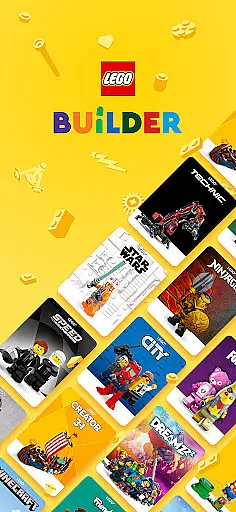
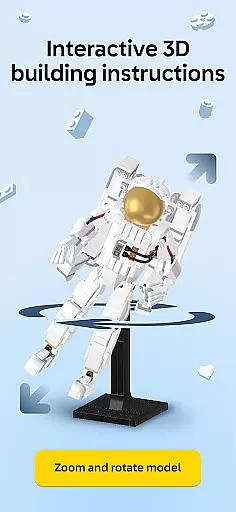
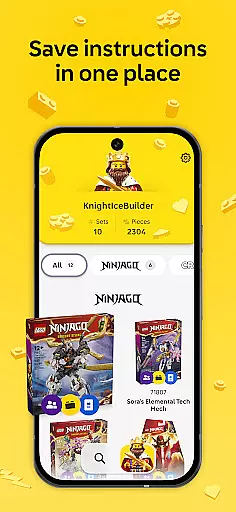

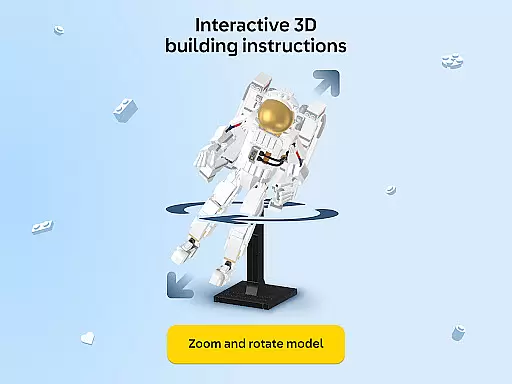
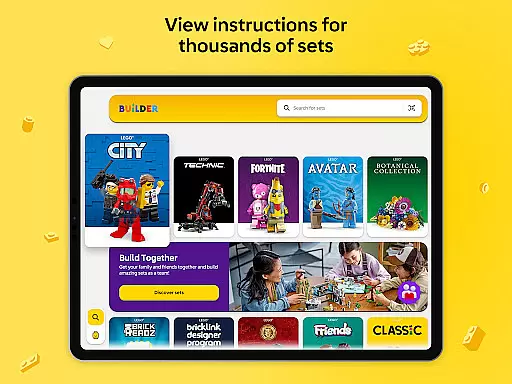

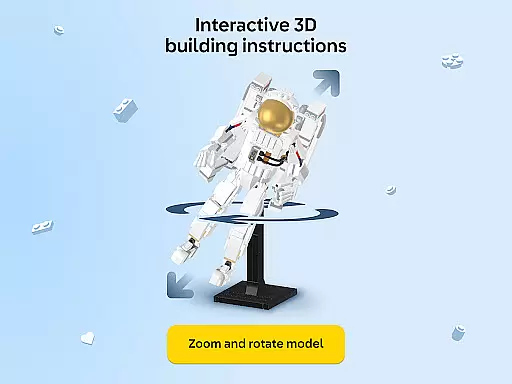
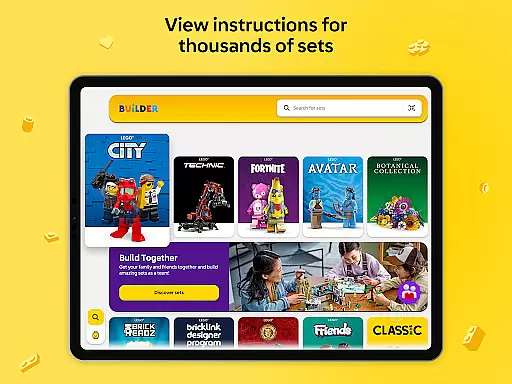

LEGO Builder is the official building instructions app for LEGO sets, offering an innovative digital platform to enhance your building experience. The app provides intuitive 3D building instructions that allow users to zoom, rotate, and view models from any angle, making it easier than ever to assemble LEGO creations with precision.
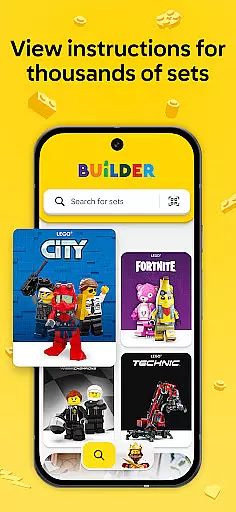
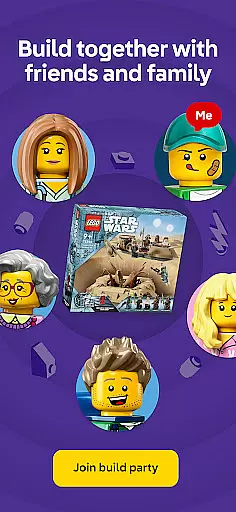
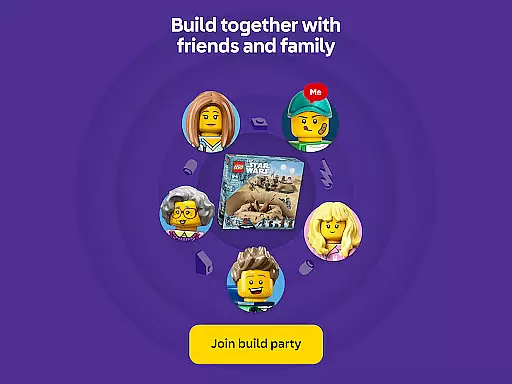
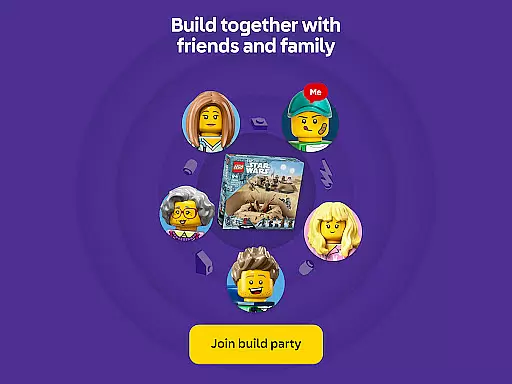
A key highlight of the app is its collaborative feature called Build Together, which enables multiple users to work on the same set simultaneously. By sharing a PIN code, families and friends can divide tasks and take turns completing steps, creating a fun social activity perfect for gatherings or holidays. Additionally, the app includes a comprehensive library of instructions dating back to 2000, searchable by set name or number, and enriched content for select themes to spark imagination during builds.
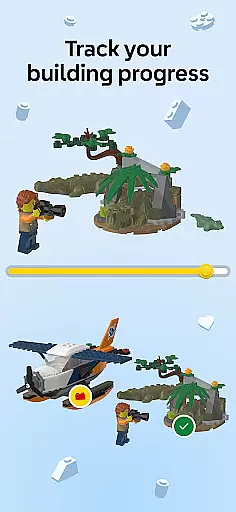
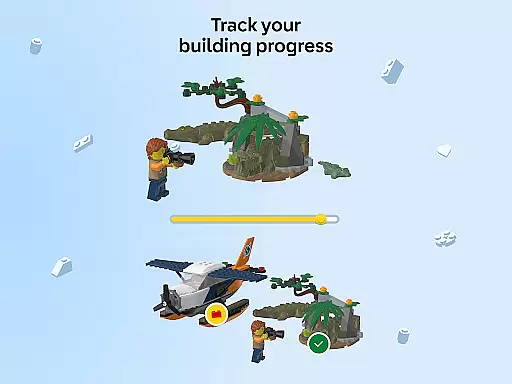
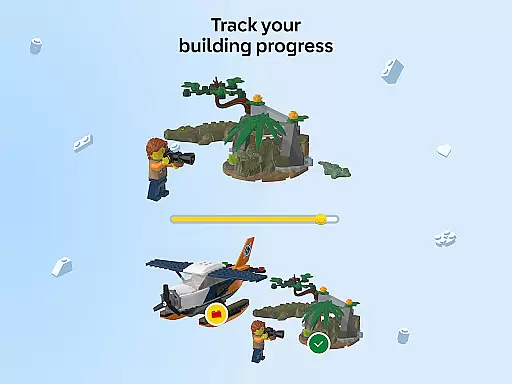
This app is ideal for LEGO enthusiasts who want to expand their building adventures digitally. With features like progress tracking, digital collection management, and the ability to pick up where you left off, LEGO Builder adds significant value to both casual builders and dedicated collectors looking to document their building journey.
LEGO Builder stands out with its advanced 3D instruction interface, providing step-by-step guidance through detailed visuals. Users can manipulate the view to see every brick clearly, ensuring accurate assembly. This interactive approach not only simplifies complex builds but also enhances user confidence while constructing intricate designs.
The Build Together mode introduces a unique social element, allowing groups to collaborate seamlessly. By assigning specific tasks within the app, teams can efficiently complete large sets as a unit. Furthermore, the inclusion of themed storytelling elements enriches the building process, adding layers of creativity and engagement for younger audiences or those new to LEGO building.
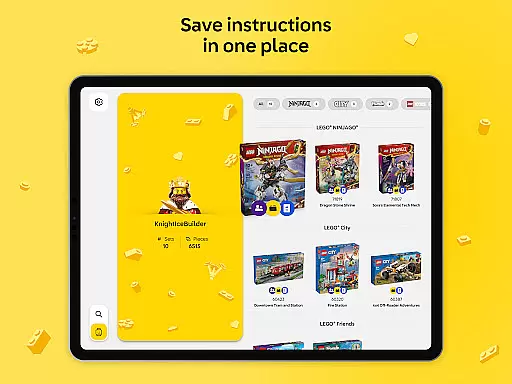
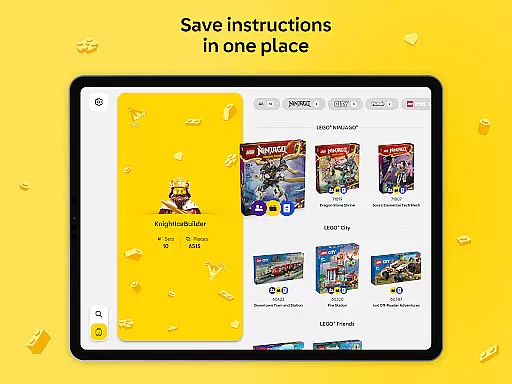
Additional functionalities such as saving progress, tracking total bricks used, and maintaining a digital record of completed sets make this app indispensable for serious builders. These tools help users manage their collections effectively and celebrate milestones in their LEGO journey, fostering long-term engagement with the brand.
For any entertainment app, content variety and freshness are crucial to maintaining user interest. LEGO Builder excels in this area by offering a vast digital library of LEGO building instructions spanning from 2000 to the present day. This extensive range ensures that users of all ages and skill levels can find sets that match their interests and abilities.
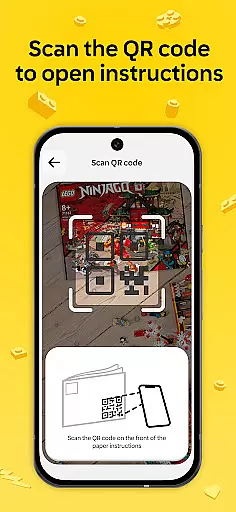
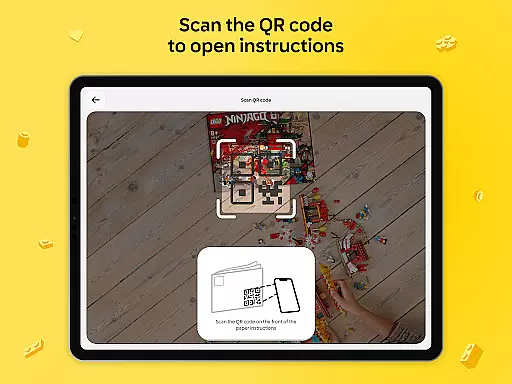
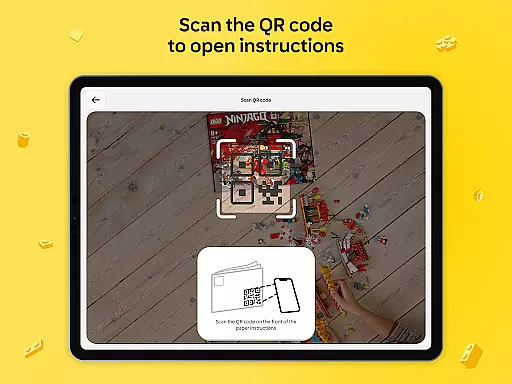
The app doesn't just stop at quantity; it also emphasizes quality and modernity. By allowing users to search for instructions by set name or number, or even by scanning a QR code from a physical instruction manual, LEGO Builder makes accessing the latest and greatest LEGO builds easier than ever before. This seamless integration of digital and physical play experiences keeps the content feeling fresh and engaging.
Moreover, LEGO Builder introduces enriched content and guided building experiences for select themes. This feature adds an extra layer of fun and imagination to the building process, ensuring that users remain engaged and excited about their projects. Whether you're a fan of classic LEGO sets or looking to explore new creative avenues, the app provides a dynamic and evolving platform for your building journey.
User engagement duration and retention are key metrics for the success of apps in the Entertainment category. LEGO Builder addresses these aspects through its innovative Build Together feature, which encourages social interaction and collaboration among users. By enabling multiple builders to work on a set simultaneously, the app fosters a sense of community and shared achievement, which is vital for retaining users over time.
In addition to collaborative features, LEGO Builder offers personalized experiences that enhance user retention. Users can save their progress, build a digital collection of their LEGO sets, and track the total number of bricks they've used. These features not only provide a sense of accomplishment but also motivate users to continue building and expanding their collections.
Furthermore, the app's ability to let users pick up where they left off anytime, anywhere, significantly boosts engagement duration. With a stable internet connection, users can seamlessly transition between different devices without losing their progress. This flexibility ensures that building with LEGO remains a convenient and accessible hobby, encouraging longer and more frequent app usage sessions.
User-friendly interface
Interactive 3D instructions
Collaborative building options
Comprehensive instruction library
Progress tracking system
Requires constant internet
Limited offline functionality
Premium features locked
Occasional bugs reported
Device compatibility issues

A companion app for the game Elite Dangerous
 4.10
4.10
Fool your friends & Family with Fake ultrasound test report
3.60
Fetch money rewards all just for playing games. Cash out for gift cards in app.
4.50
NFL, NBA, NHL, MLB, local sports coverage, shows, movies & news!
3.20
Just play games to earn gift cards. Keep playing, keep earning.
4.50
Daily immersive workout plan: Body warm up & finger yoga exercises
3.80
Your Avatar, Endless Fun
4.60
Play casual games to get gift cards and money. More playing, more earning.
4.70
Watch TV shows, movies, and stream Live TV channels without a subscription!
3.80
Catalog & tracker of your DVD, Blu-ray & Digital Movie and TV Collection Library
4.80
Watch short films, dramas, reels, series and movies anytime on Micro Drama.
4.60
Underrated short-drama gems that hit hard and keep your heart hooked.
4.50
Series,Películas y Telenovelas
4.50
* Multiple Matches * Intuitive UI * Scoring Made Easy!
4.40
Create melty bead designs by numbers, photos or your imagination
4.40
Real ghost box scanner with echo, reverb, EMF, & multi-stream channels.
3.80
Necrophone is spirit box ghost hunting app made for spirit communication.
3.70
Collaboration with popular VTubers
4.3
See the frequencies! Watch the magic!
4.5


User Reviews