
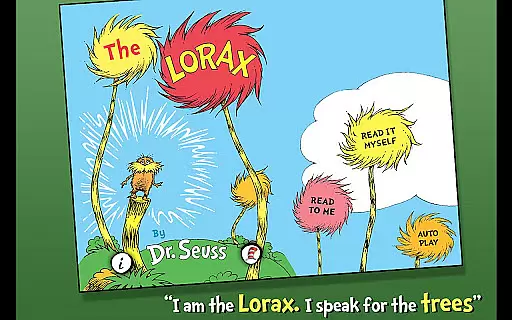
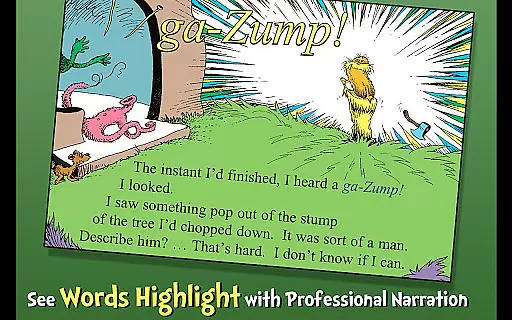
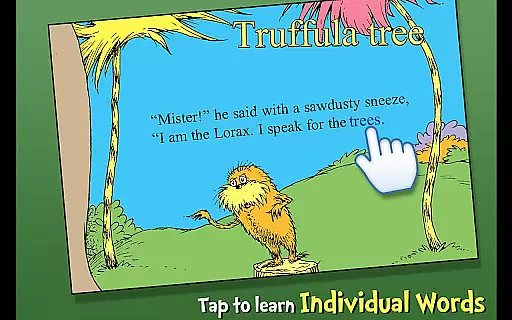
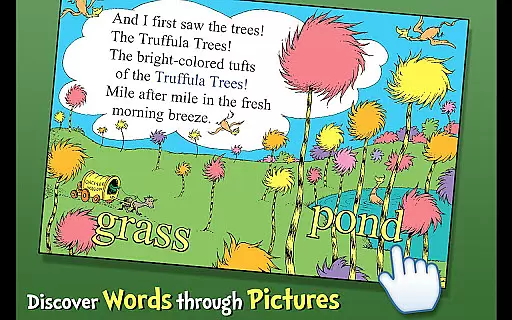
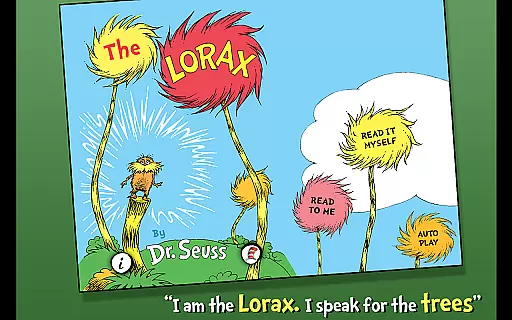
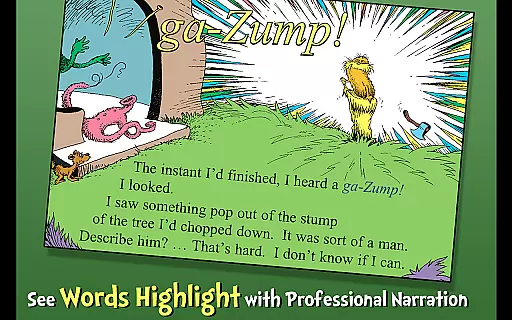
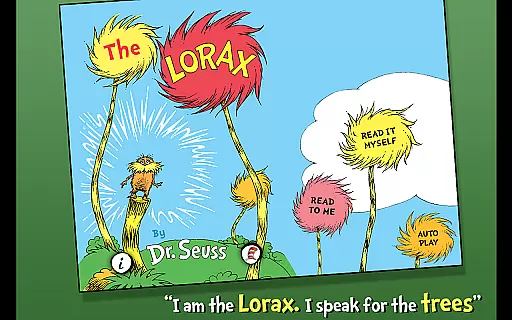
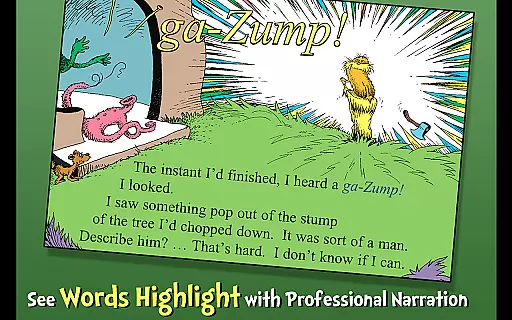
The Lorax is an interactive book app that brings Dr. Seuss's cautionary tale of greed and environmental destruction to life. This engaging story follows the Lorax as he attempts to protect the Truffula Forest and its inhabitants from the harmful actions of a greedy factory owner. With three reading modes, highlighted narration, and tappable words and objects, this app offers young readers an immersive literacy experience while introducing new vocabulary.
Designed for children aged 3-6, The Lorax combines storytelling with educational elements, making it both entertaining and instructive. The app's vibrant illustrations and interactive features encourage exploration and learning, ensuring that kids remain engaged throughout the narrative. Whether used at home or in educational settings, this app provides a valuable tool for developing early reading skills and fostering environmental awareness.
The Lorax app stands out with its variety of features designed to enhance the reading experience for young learners. It offers three distinct reading options: Read to Me, Read It Myself, and Auto Play, allowing children to engage with the story in ways that suit their individual reading levels. Highlighted narration helps improve word recognition and pronunciation, while tappable words provide instant definitions, expanding vocabulary effortlessly.
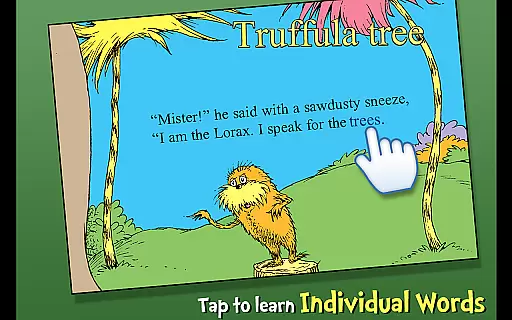
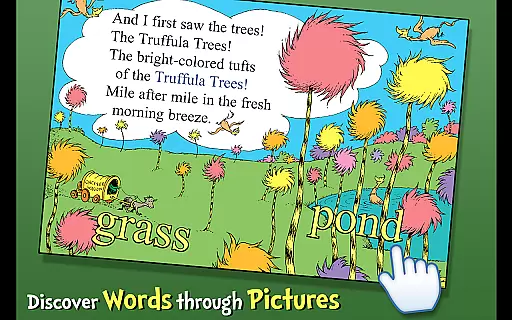
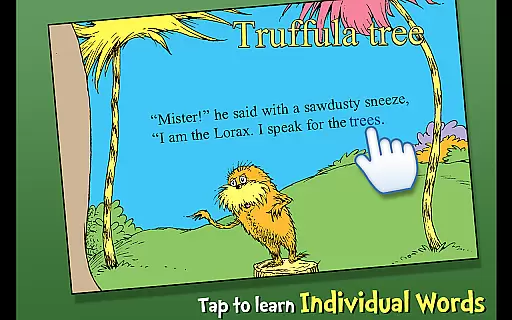
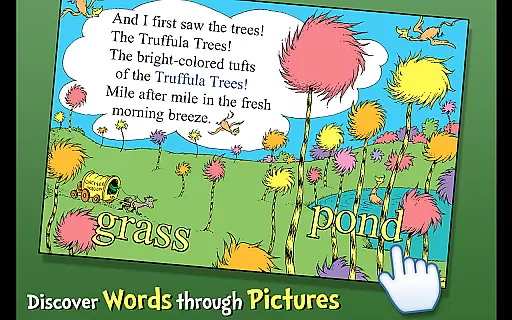
Interactive elements are seamlessly integrated into the app, enabling users to tap on objects within the illustrations to hear them named aloud. These features not only make reading more engaging but also support language development and comprehension. Additionally, the professional narration brings characters to life, captivating young audiences and enhancing overall enjoyment. As an official Dr. Seuss licensed app, The Lorax delivers high-quality content that parents and educators can trust.
When evaluating an e-book application like The Lorax, the size and variety of its library are crucial factors. This app offers a rich collection centered around Dr. Seuss's iconic story, providing users with multiple reading options that cater to different learning styles.
The inclusion of highlighted narration, vocabulary learning, and interactive elements ensures that the content is not only varied but also educational. These features help engage young readers while promoting literacy skills in children aged 3-6.
Copyright authenticity is equally important, and this app holds official licensing for Dr. Seuss properties. Such accreditation guarantees that users are accessing legitimate content that respects intellectual property rights, ensuring a safe and legal reading experience.
For digital reading applications, format compatibility plays a significant role in user satisfaction. The Lorax app supports various interactive formats beyond traditional text, including audio narration and tap-responsive objects.
This multi-format approach enhances the reading experience by allowing children to follow along with three different reading methods. Whether they prefer listening, reading, or interactive engagement, the app accommodates all preferences.
Furthermore, the app's design ensures smooth operation across different devices, maintaining consistent quality and functionality. This compatibility makes it accessible for families who may use various gadgets, thereby broadening its reach and usability.
Engaging storyline
Interactive features
Educational value
High-quality narration
Official Dr. Seuss license
Limited age range
No offline mode
Additional in-app purchases
Occasional bugs
Requires internet connection

The Original Tropical Freshwater Aquarium Fish And Plant Care Guide
 4.80
4.80
Contains the 365 daily readings and everything other thing needed for catholics
4.70
Pretty Moon information App with Complications and Tile
4.30
Read the KJV Bible with Strong’s offline: reading plans, audio Bibles, and more.
4.70
WebNovel - Read Solo Leveling novel and comic
4.10
Unlock more features in Lithium and show your support. Expand for details.
4.00
Daily Devotional Widgets & Hourly Verses. Listen to Bible & Watch Holy Stories
4.70
The Apostolic Lutheran Church hymnal
4.1
Liturgy of the Hours and Mass for every day of every year. No Internet needed!
5.00
Learn Thai with 195,000+ entries, crisp Thai sounds, big text; works offline.
4.80
Bible, Catechism, Study, Saints, Mass Readings, Rosary, Prayer, Bible in a Year
4.80
Watch real short episodes in just minutes— addictive, you won't be able to stop!
4.70
Read aloud texts, audiobooks, PDFs or any eBook with text to speech AI audio
4.60
The Original & Authentic Crystals, Gemstones, Rocks & Minerals Encyclopedia.
4.60
Unlock unlimited access to bestselling ebooks, novels, stories, and audiobooks
4.60
7 Languages, Google, Wiki, Vocabulary.com, Cambridge & Urban Dictionary!
4.50
Enjoy your favorite books
3.50
Novels, audiobooks, ebooks & fanfiction. Read anytime, anywhere!
3.40
A guide for the Court of Atonement spiritual healing process.
4.3


User Reviews