

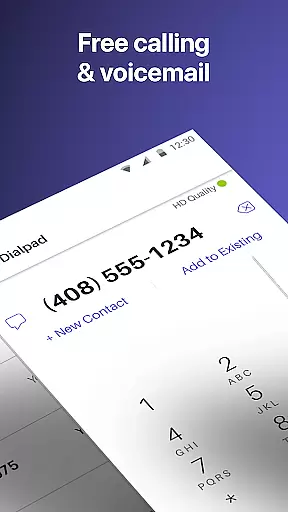

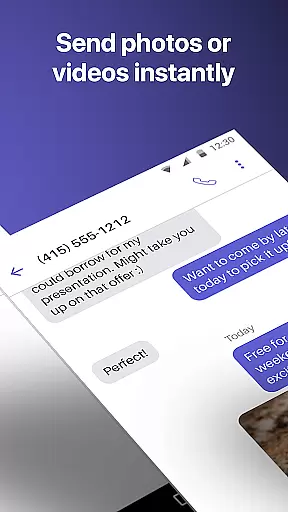
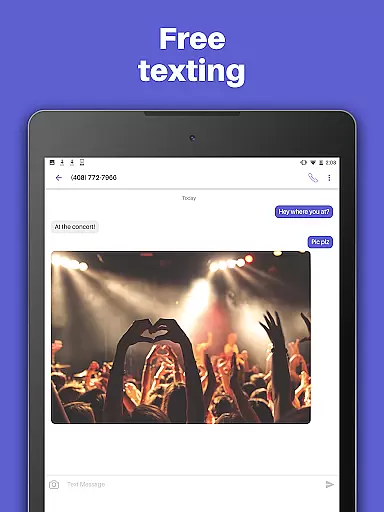
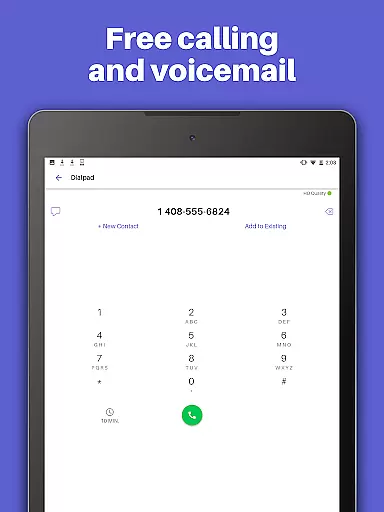
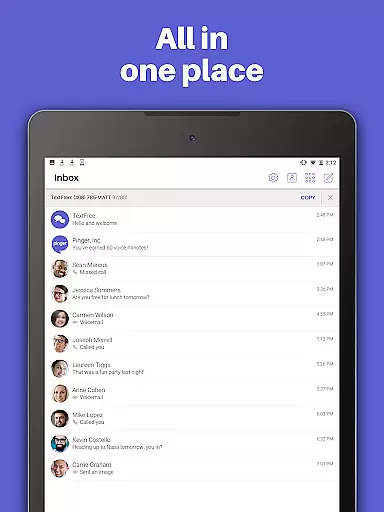
TextFree Voice is a comprehensive communication app that provides users with a free second phone number for unlimited calling and texting. The app allows you to make calls and send messages, including photos, videos, GIFs, audio messages, and even PDFs, all without using your primary phone number. This makes it an ideal solution for separating personal and professional communications or managing multiple contacts discreetly.
One of the standout features of TextFree Voice is its ability to function over Wi-Fi, enabling users to communicate without relying on cellular data. Whether you're at home, in the office, or traveling abroad, you can stay connected with friends, family, and colleagues effortlessly. Additionally, the app offers customization options such as personalized ringtones and wallpapers, giving users a tailored experience that suits their preferences.
The app also includes advanced functionalities like Auto-Reply, group messaging, and 24/7 customer support. For power users, TextFree Plus offers an upgraded experience with benefits such as ad-free usage, reserved phone numbers, and access to verification codes for online accounts. With its robust feature set and user-friendly interface, TextFree Voice is a reliable tool for anyone seeking flexible communication solutions.
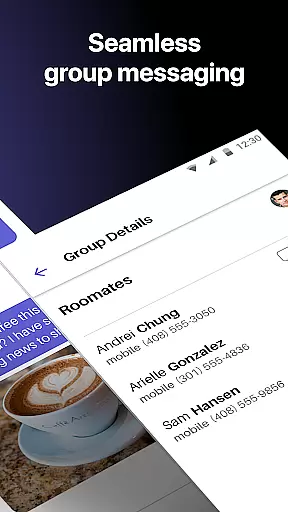
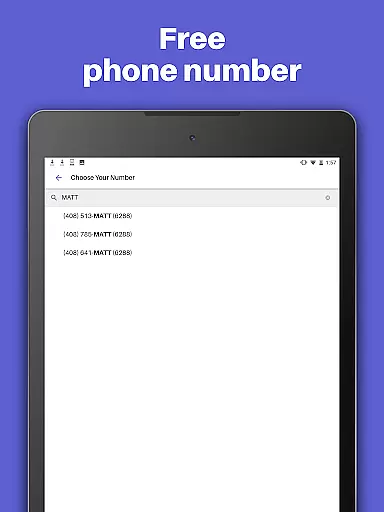
TextFree Voice stands out with its extensive range of features designed to enhance mobile communication. One of the core functionalities is the ability to choose a personalized local phone number with a preferred area code. This feature not only helps maintain privacy but also ensures that your contacts receive texts and calls from a familiar number. The app supports various media types, allowing users to share photos, videos, GIFs, audio messages, and PDFs seamlessly within individual or group chats.
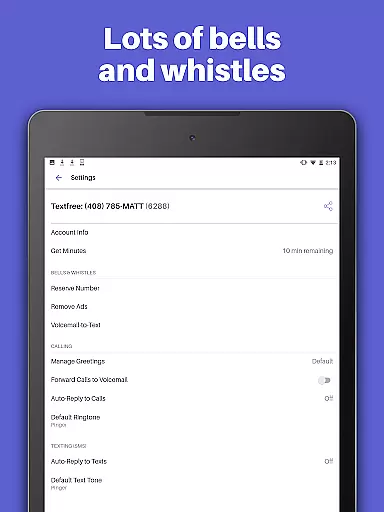
In addition to basic calling and texting, TextFree Voice offers several advanced tools. Users can set up Auto-Reply to automatically respond to incoming calls and messages, ensuring no important communication is missed. Customizable call and text tones help differentiate between contacts or groups, while personalized wallpapers let you design a unique interface. These features collectively create a more engaging and efficient communication experience.
For those needing additional capabilities, TextFree Plus provides enhanced benefits. Subscribers gain access to verification shortcodes for securing online accounts, enjoy an entirely ad-free environment, and can lock in their chosen second phone number indefinitely. At just $9.99 per month, this premium version delivers significant value for users who require extra functionality and flexibility in their daily communications.
User profile customization and authenticity verification are essential features in social applications like TextFree Voice. These functionalities allow users to create personalized profiles while ensuring the legitimacy of their identities.
TextFree Voice offers a robust system for users to customize their profiles by selecting unique local phone numbers with preferred area codes. This personalization extends to choosing custom call and text tones, as well as wallpapers, enhancing the user experience. By allowing these customizations, the app ensures that each user's identity within the app is distinct and recognizable.
In terms of authenticity verification, TextFree Voice provides users with a dedicated second phone number which serves as a verified identifier. This approach not only protects users' primary phone numbers but also adds a layer of security and trust. The ability to lock in this second number through subscription further solidifies its validity and reliability.
The value of these features lies in creating a trustworthy environment where users can confidently communicate, knowing that the profiles they interact with are genuine and personalized according to individual preferences.
Connection discovery is a vital aspect of social apps, enabling users to find and connect with others efficiently. In TextFree Voice, this feature facilitates seamless interaction among users through various innovative methods.
The application allows users to send texts, make calls, and even share multimedia such as photos, videos, GIFs, audio messages, and PDFs. This versatility in communication helps users maintain dynamic connections with friends and family. Group texting further enhances this capability by allowing simultaneous engagement with multiple contacts.
Additionally, TextFree Voice incorporates an Auto-Reply feature that automatically responds to calls and texts when users are unavailable. This ensures continuous communication and helps maintain active connections without requiring constant user intervention.
By offering these comprehensive connection discovery tools, TextFree Voice empowers users to build and sustain meaningful relationships effortlessly, making it an invaluable asset for staying connected in today's fast-paced world.
User-friendly interface
Free unlimited calling
Customizable options
Group messaging feature
24/7 customer support
Limited free features
Ads in free version
Premium subscription cost
Occasional bugs reported
Verification delays

Meet Strangers Online, Live Video Chat & Make Random Video Calls on Joi!
 4.30
4.30
Video call, live video chat & talk to strangers. Meet people on Omega!
3.60
Watch super live shows 24/7, chat & meet friends in Plamfy social networking app
4.70
Message and video call your family and friends!
2.60
Go Live, Chat & Meet New People! Friends. And more than friends.
3.80
Create your personal AI chatbot: talk, roleplay, and connect with characters!
4.10
Live Chat & Match! Explore Real-Time Dating and Make Friends!
4.40
Connect and share ideas
4.10
A little connection can go a long way
4.60
Widget Together, Share Whatever! Keep Pets & Share Sleep, Poop, Moods on Screens
4.70
Date single & make friend
4.60
This version of Facebook uses less data and works in all network conditions.
4.60
Build Your Team With One App
4.30
Free texting (SMS) to US, Canada & more. Free new number. Call free & Text free.
4.30
Second phone number for phone calls & texts. Text & SMS me now with a 2nd number
4.20
Meet online & chat with people! Talk, have fun, make connections in real time!
4.00
Chat and make new friends around the world!
3.90
Random chat & meet online. Find your soulmate or someone special and have fun!
3.90
Instant video chat with cool people. Live video call & make friends with Monkey!
3.80


User Reviews