
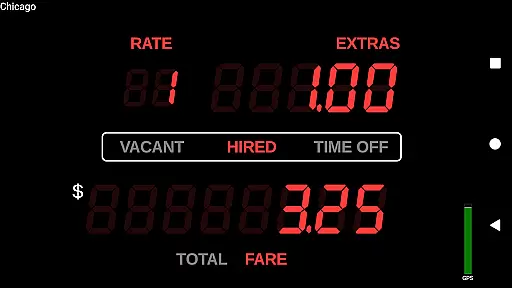
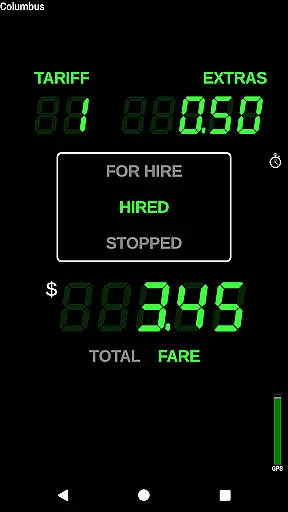
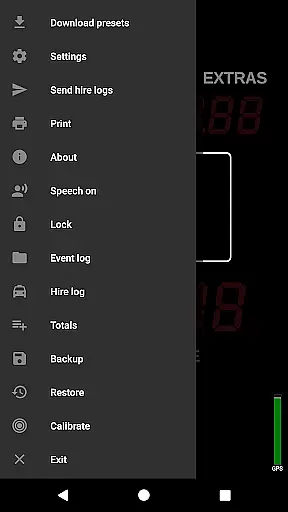
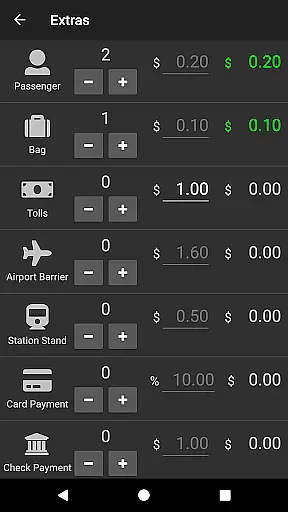
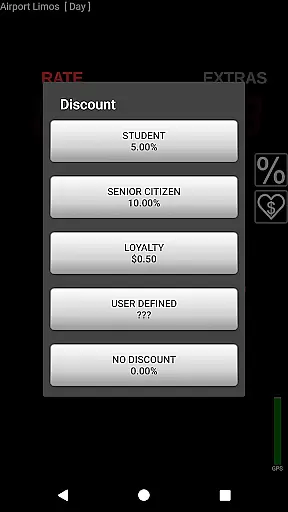
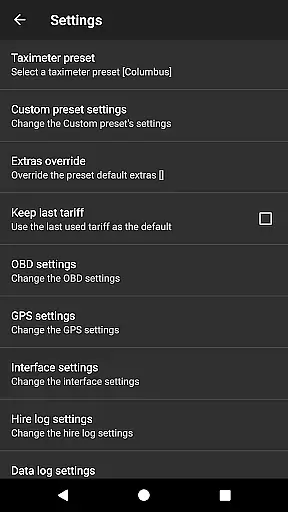
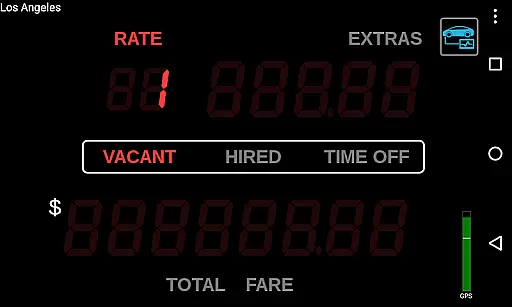
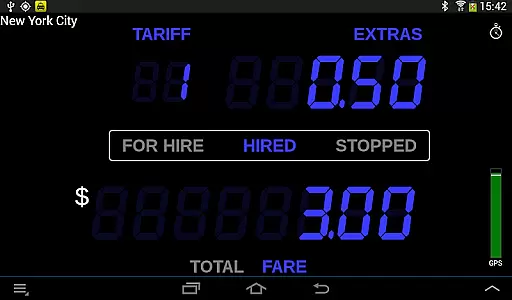
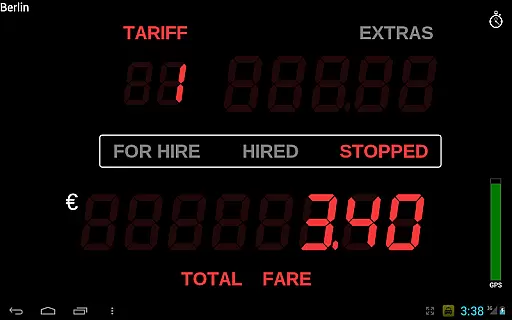
Taximeter is a professional-grade Android application designed specifically for drivers in the transportation industry. This app functions as an accurate taximeter, offering realistic LED-style displays and operational features that mimic traditional taxi fare calculators. With support for over 200 predefined presets across more than 40 countries, it caters to a global audience of drivers.
The app allows customization of fare presets with up to 10 different tariffs and provides advanced features like geofencing for location-based pricing and ahead-of-time programming for future tariff changes. Taximeter also integrates with popular payment processors such as PayPal Here™ and Square Point of Sale™, making it a comprehensive solution for professional drivers. Its ability to generate PDF receipts and support various hardware peripherals like Bluetooth printers and OBD-II adapters adds to its practicality.
Whether you're involved in private hire, medical transportation, or airport transfers, Taximeter provides essential tools to manage fares efficiently while ensuring compliance with local regulations. The app's versatility extends to special use cases like avoiding overcharges when traveling abroad or organizing family carpooling, making it valuable for both professional and personal transportation needs.
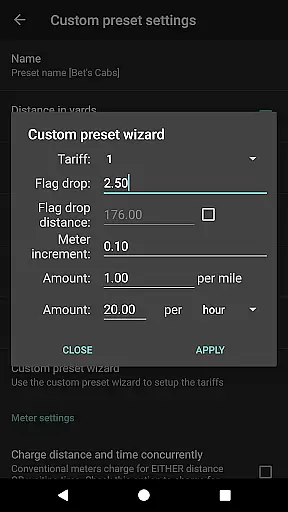
Taximeter stands out with its extensive feature set tailored for professional drivers. One of its key strengths is the highly customizable preset system, which includes a wizard for easy setup and supports up to 10 different tariffs. These presets can be locked for security and controlled by calendar or location (geofencing), providing flexibility in fare calculations.
The app offers advanced technological integrations including On-Board Diagnostics (OBD) speed data calculation, wireless GPS receiver support, and compatibility with various mobile payment processors. It also features a data logging capability that stores GPS positions and meter states to the cloud, enabling basic online tracking. For accessibility, the talking taximeter function assists visually impaired users.
Additional notable features include automatic rate updates through the Preset Update Service, backup and restore functionality, and support for multi-window operations on compatible devices. The floating widget and screen saver enhance usability, while integration capabilities with third-party dispatch systems through its API make it suitable for fleet operations. These comprehensive features create a robust solution for modern transportation professionals.
In the realm of professional driving, having access to detailed vehicle information is crucial for both regulatory compliance and optimal service delivery. Taximeter offers an extensive suite of features that provide drivers with critical data about their vehicle's performance and operational parameters.
This Android taximeter application allows users to integrate with On-Board Diagnostics (OBD) systems, enabling the use of speed data from OBD-II compliant vehicles instead of relying solely on GPS. This integration not only enhances accuracy but also supports a more reliable calculation of distances travelled, which is essential for fare computation.
Furthermore, Taximeter includes an OBD calibration function, ensuring that the speed and distance measurements remain precise over time. The app also supports wireless GPS receivers, offering additional flexibility in how location data is gathered. These capabilities contribute to maintaining high standards of service quality while providing transparency to regulators and passengers alike.
Price transparency is a cornerstone of customer trust in the transportation industry. Taximeter addresses this need by providing clear, accessible, and customizable pricing structures that can be tailored to various services and regions.
The application comes with more than 200 predefined presets across over 40 countries, allowing drivers to select appropriate rates that comply with local regulations. Additionally, it offers a customizable preset feature with up to 10 different tariffs, empowering drivers to create personalized pricing schemes that suit their specific business needs.
Taximeter further enhances price transparency through its calendar-controlled tariff system, which automatically switches rates based on predefined schedules or manual inputs. This ensures that customers are always aware of the current rate being applied, fostering trust and satisfaction. Moreover, the inclusion of extras, minimum fares, taxes, discounts, and tips within the pricing structure provides a comprehensive view of all potential costs involved in a journey.
User-friendly interface
Extensive preset options
Advanced customization
Global support network
Secure payment integration
Complex setup process
Premium feature costs
Requires compatible hardware
Subscription fees for cloud
Limited free customer support

Ultimate OBD2 Car Scanner: Diagnostics, Service and Modification Tool
 4.30
4.30
OBD1 ECMs application. Data log or tune directly from your phone or tablet!
4.60
Realtime Charts is a plugin for the Torque Pro App (OBD 2 & Car)
4.20
Theme for Car Launcher
4.5
OBDII - ELM327 Terminal tool for 96-00 Volvos
4.50
DMV Test Pro offers all the updated FREE DMV tests online.
4.60
BlueDriver® is a Premium Diagnostic OBD2 Scan Tool. www.BlueDriver.com
3.90
Find Your Local Store or Shop Online for the Car, Truck, or SUV Parts You Need
4.70
A smarter way to park and reserve your spot ahead of time.
4.40
The ExtraMile App allows you to pay for fuel from the comfort of your car!
4.70
1M+ high-quality auto parts at your fingertips. Fitment guaranteed.
4.70
DMV practice test 2025: Driver License permit test & written test for all states
4.70
MySubaru: Download. Connect. Love.
4.70
CVT diagnostics with ELM327 for Nissan-based vehicles
4.40
Mobile Phone Parking - So easy to park
3.70
The Smarter Way Forward
3.30
Better fuel to help keep you on the road
3.20
Theme for Car Launcher
4.2
Theme for Car Launcher
4.1


User Reviews