
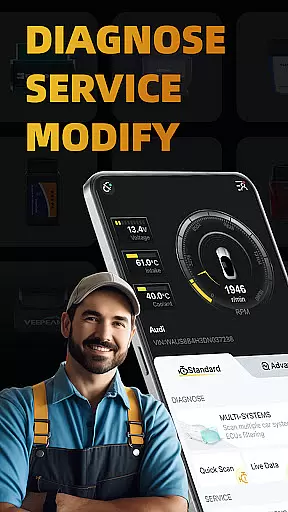
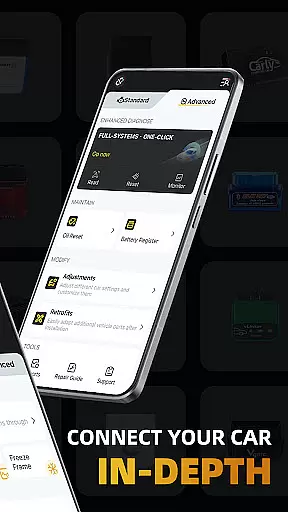
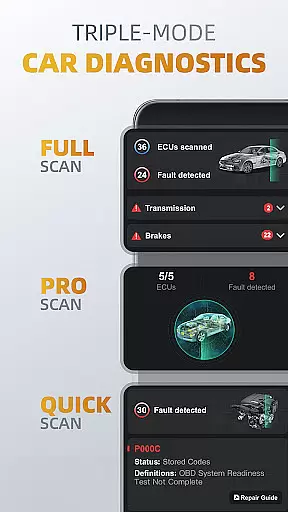
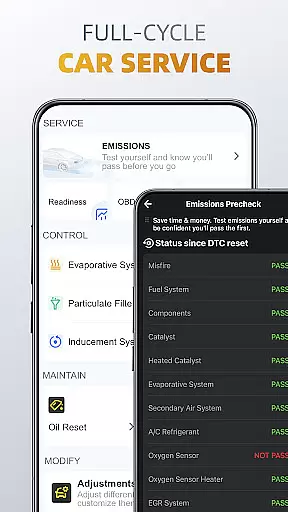
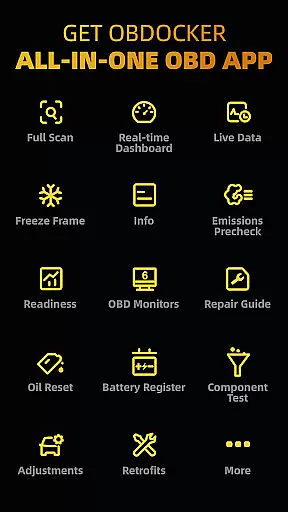
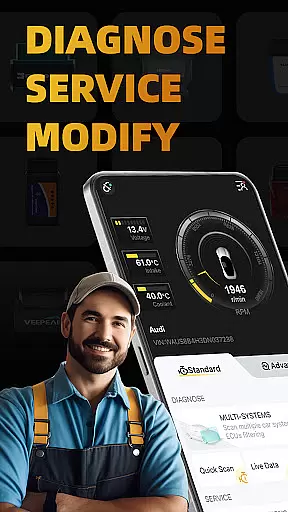
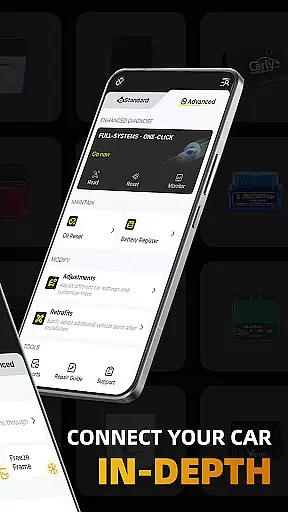
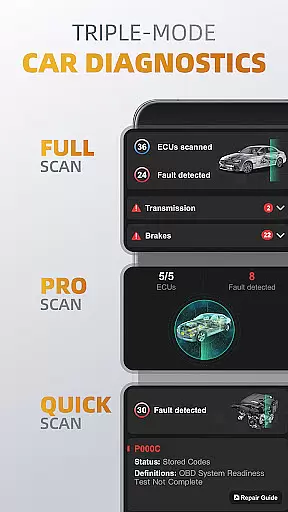
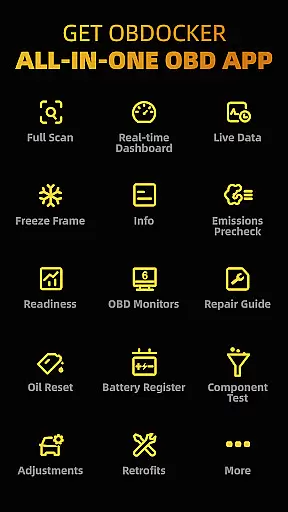
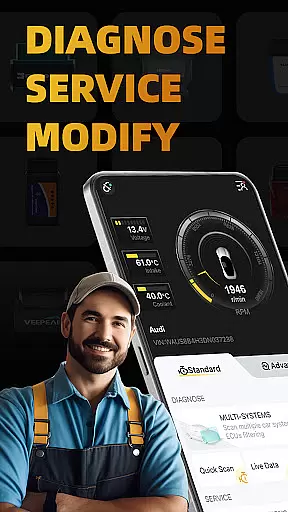
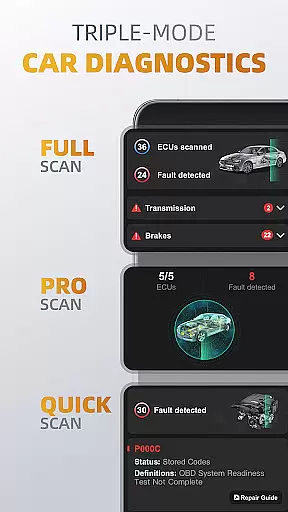
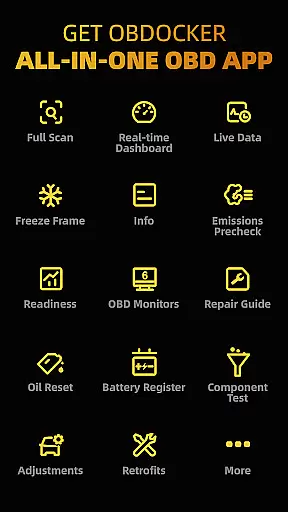
OBDocker is a professional OBD2 car scanner app designed for vehicle diagnostics and customization. It offers triple-mode diagnostics including full-systems, multi-systems, and quick scans, allowing users to efficiently identify and resolve issues across various vehicle systems.
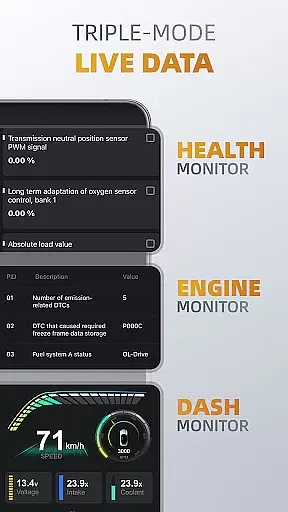
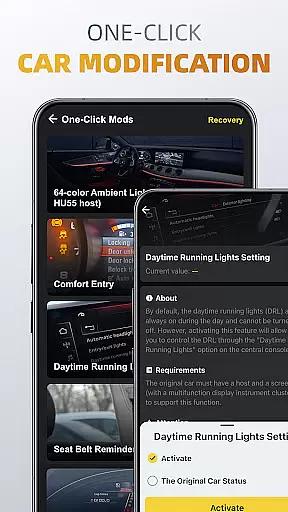
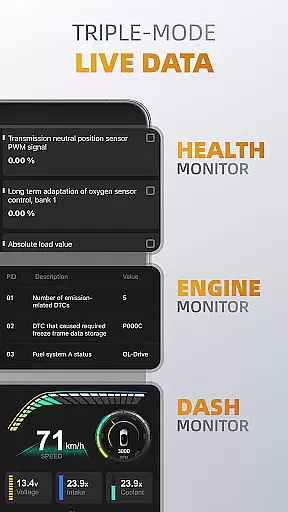
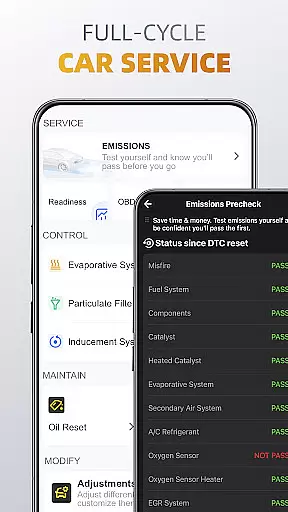
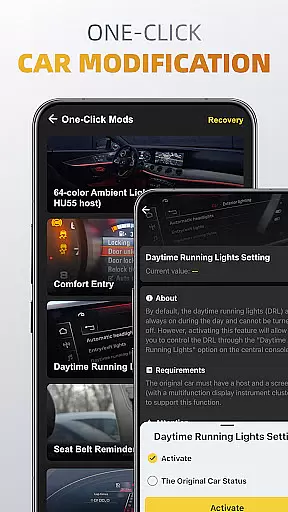
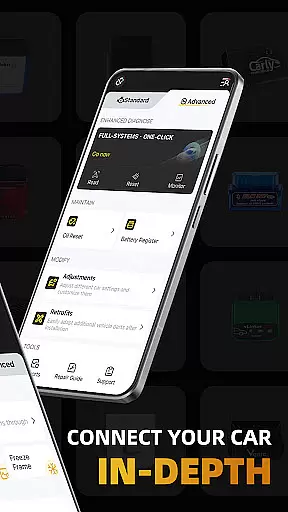
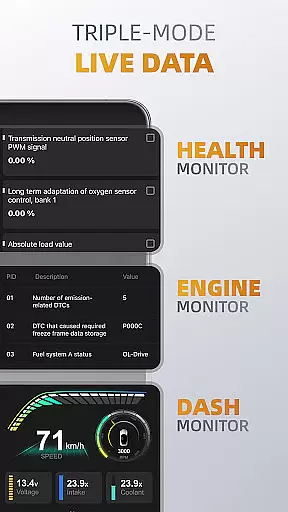
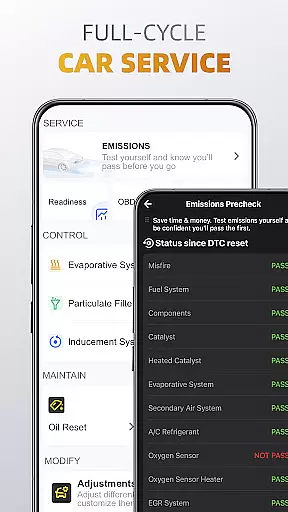
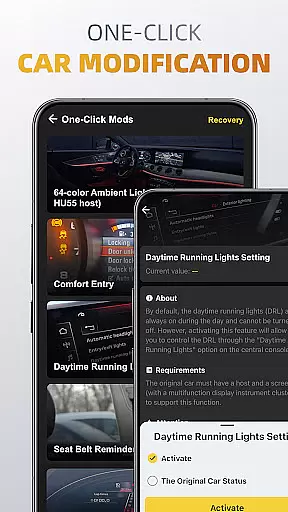
The app also provides triple-mode live data monitoring, giving real-time insights into engine performance, system health, and other critical metrics. With features like emissions pre-check, oil reset, and battery registration, OBDocker supports comprehensive vehicle maintenance. Its one-click modification tools enable easy adjustments and retrofits, enhancing user control over vehicle settings.
OBDocker stands out with its advanced diagnostic capabilities. The triple-mode diagnostics allow users to perform OE-level full-system scans, target specific ECUs such as ABS or TCM, and quickly address engine fault codes. This versatility ensures thorough vehicle analysis tailored to different needs.
Real-time monitoring is another key feature, offering three distinct modes: Health Monitor for overall system tracking, Engine Monitor for detailed engine metrics, and Dash Monitor for visualized vehicle data. Additionally, the app's full-cycle service options include EVAP leak tests, DPF reinitialization, and maintenance resets, streamlining essential upkeep tasks.
For customization enthusiasts, OBDocker provides one-click modification tools that simplify adjustments and retrofits. These features are complemented by compatibility with a wide range of OBD adapters, ensuring broad usability across various vehicle models and brands.
Accessing detailed vehicle information is crucial for effective car maintenance and diagnostics. OBDocker provides comprehensive data across multiple systems, allowing users to understand their vehicle's condition at a granular level.
The app's triple-mode diagnostics feature enables users to perform full-system scans, multi-system checks through ECUs filtering, and quick engine fault code readings. This ensures that every aspect of the vehicle, from TMS to SRS and ABS, is thoroughly examined and reported.
With real-time monitoring capabilities, users can track system performance metrics, visualize vehicle data, and maintain optimal engine health. These insights empower car owners to make informed decisions about necessary repairs or adjustments.
The detailed vehicle information provided by OBDocker not only helps in immediate diagnostics but also serves as a valuable resource for long-term vehicle maintenance planning.
Price transparency in automotive services is essential for consumers to make cost-effective decisions. OBDocker addresses this need by offering clear subscription plans alongside its comprehensive diagnostic features.
The app provides a free trial period that allows users to access all features without initial cost. This enables potential subscribers to evaluate the app's value before committing to a paid plan.
OBDocker offers two subscription tiers - Pro and Pro Max - each clearly defined with specific benefits. Users can choose the plan that best matches their diagnostic needs and budget requirements.
This transparent pricing structure, combined with the app's professional-grade diagnostic capabilities, ensures that users understand exactly what they are paying for while receiving maximum value for their investment.
User-friendly interface
Comprehensive diagnostics
Real-time monitoring
Wide vehicle compatibility
One-click modifications
Paid subscription required
Dependent on external adapters
Limited free trial
Advanced features for pros only
Not all cars fully supported

Attention! This is the theme for the Car Launcher app
 4.2
4.2
Monitor specific TOYOTA parameters by adding this plugin to Torque Pro.
2.00
Ferrari inspired analog & digital watch face with quick access and premium style
4.2
OBDII - ELM327 Terminal tool for 96-00 Volvos
4.50
Theme for Car Launcher
4.1
AlfaOBD software for Fiat Group cars native diagnostic
3.70
Find Fast EV Chargers | Charge Your Vehicle at 1,100+ Fast Car Charging Stations
4.60
Autotrader is your online solution for buying and selling new and used cars.
4.40
A smarter way to park and reserve your spot ahead of time.
4.40
Play what you want through Android Auto
4.90
7-Day Returns on All Cars
4.80
The ExtraMile App allows you to pay for fuel from the comfort of your car!
4.70
Easy connect & control your cars from afar. Remote Lock & unlock car and carplay
4.60
Get price alerts, vehicle history details and more for cars near you!
4.50
Secure mobile payments & fuel savings at Phillips 66®, Conoco® and 76® stations
4.40
Get your personalized financing options and shop for used cars today!
4.20
Discover new and used cars in Syria easily! Browse ads and connect with sellers.
3.70
Club Car Wash Mobile App—the fast lane to managing your wash membership.
3.30
DIY Vehicle Wheel Alignment
4.4


User Reviews