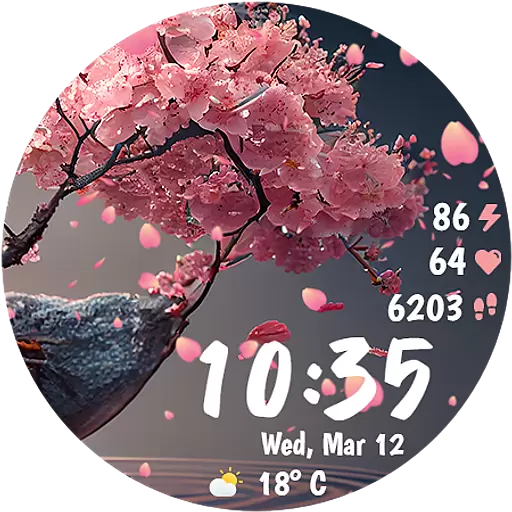
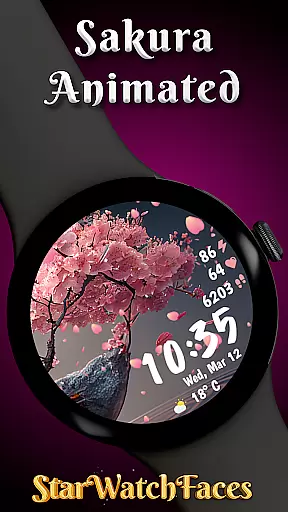
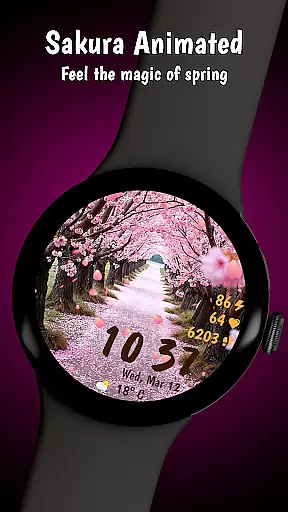
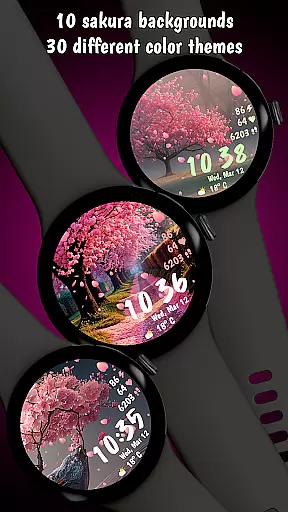
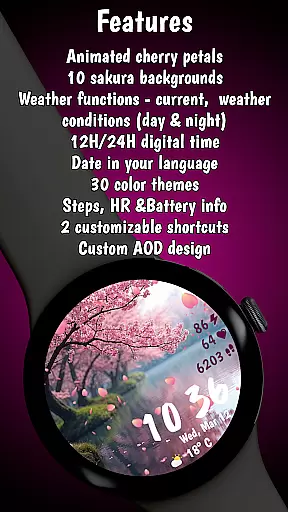

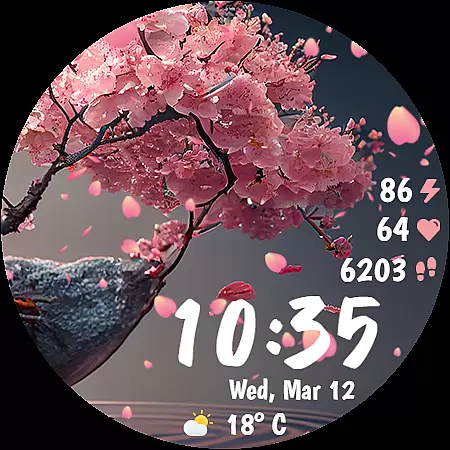
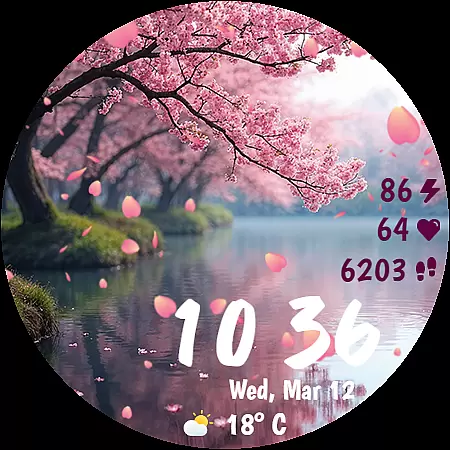
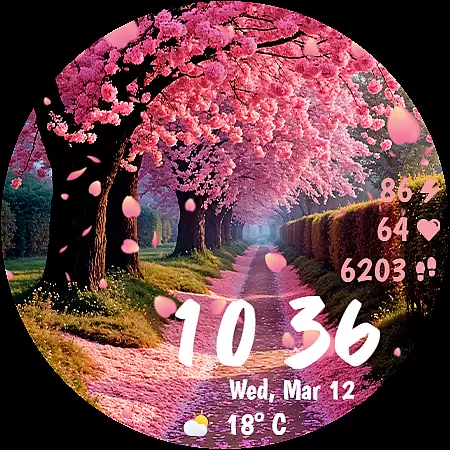
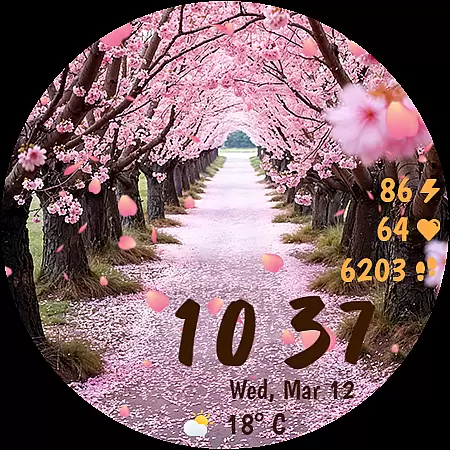
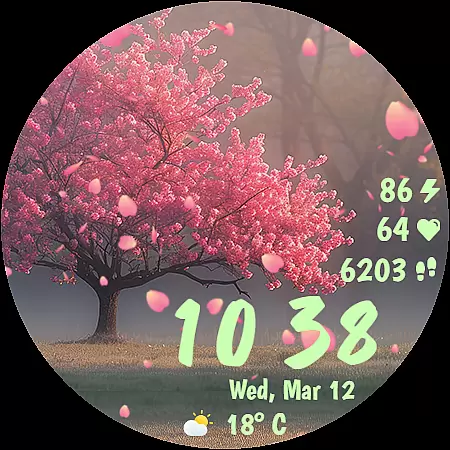
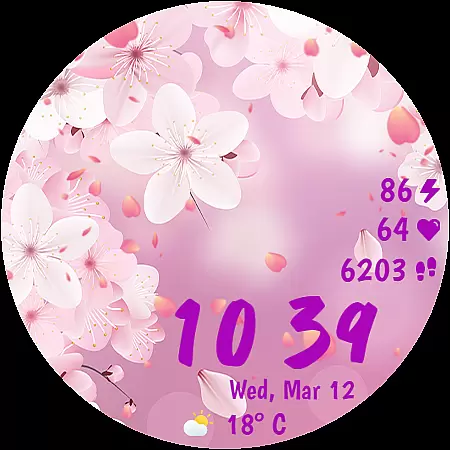
Sakura Animated is a premium Wear OS watch face that brings the serene beauty of cherry blossoms to your smartwatch. Featuring animated falling petals and 10 unique Sakura-inspired backgrounds, it creates an immersive experience while maintaining optimal performance.
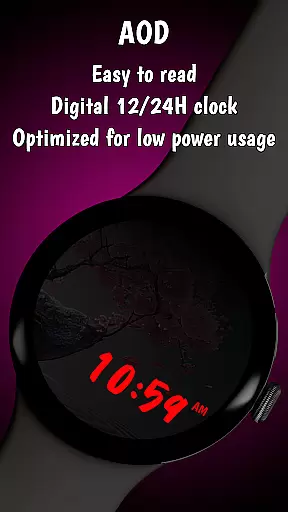
With 30 customizable color themes, digital clock options, and real-time data tracking including heart rate, weather, and battery percentage, this lifestyle app combines elegance with functionality. Its battery-friendly Always-On Display (AOD) ensures extended usability without compromising aesthetics.
Sakura Animated stands out with its meticulously designed animations, including gently falling cherry petals that create a calming visual effect. The inclusion of 10 breathtaking backgrounds and 30 color themes allows users to personalize their watch face to match their mood or style.
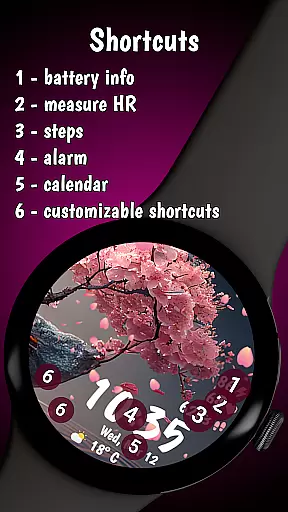
Functionality meets convenience through features like heart rate monitoring, step counting, live weather updates, and customizable complications. These elements ensure users stay informed and productive while enjoying a visually stunning interface. The app's optimization for low power consumption makes it both beautiful and practical.
Sakura Animated offers a comprehensive lifestyle experience by integrating essential features into an elegant cherry blossom-themed design. The watch face goes beyond aesthetics, providing users with real-time health and environmental data that are crucial for daily living.
The app includes heart rate monitoring, step tracking, and live weather updates, all seamlessly incorporated into the beautiful interface. These features ensure users can maintain their wellness routines while enjoying the artistic design. The inclusion of customizable complications allows quick access to frequently used apps or contacts, enhancing practicality.
With its 10 unique backgrounds and 30 color themes, Sakura Animated caters to diverse user preferences and moods. This variety enables users to personalize their smartwatch experience while maintaining functionality. The date display in the device's language and battery percentage indicators further demonstrate the app's attention to detail in covering various lifestyle needs.
The Sakura Animated watch face stands out through its authentic representation of cherry blossom themes and landscapes. Each of the 10 background options has been carefully designed to capture the essence of Sakura-inspired environments, ensuring a genuine aesthetic experience for users who appreciate nature's beauty.
Developers have paid meticulous attention to detail in creating 30 color themes that harmonize with the animated falling petals. This thoughtful design approach demonstrates expertise in both visual arts and user experience. The smooth performance and low battery consumption reflect the developers' technical proficiency in creating optimized Wear OS applications.
All displayed information, including health metrics and weather data, is presented accurately and reliably. The app maintains authenticity by using device-native languages for date displays and certified APIs for health tracking. This commitment to accuracy and expert execution makes Sakura Animated a credible lifestyle companion.
Visually Stunning Design
Battery-Friendly Performance
Customizable Themes
Real-Time Health Tracking
Unique Sakura Backgrounds
Limited to Wear OS
Premium Price Tag
No Analog Clock Option
Requires Smartwatch
Backgrounds Not Editable

The Work of Byron Katie— the mobile app for inner peace.
 4.40
4.40
Unique informative Dial with Live Moon Phase at a glance!
3.60
What is my face shape? Find out your face shape from picture, see fitting frames
3.90
Take Hobby Lobby with you wherever you go!
3.40
Discover the "To Be a Christian" App: Your Guide to Deepening Faith!
5.00
Earn money & gift cards when you take surveys, play games, scan receipts & more.
4.50
Play fun games, complete quick surveys, and earn money. It's fun and easy!
4.40
An Eerie Musical Trigger Toy for Spirits to Play with!
3.50
Decorate your home screen with custom icons, color widgets, themes & wallpapers
4.70
Get roadside help, discounts, travel tools & more — AAA is with you everywhere.
4.80
See wait times and check into a hair salon ahead of time with Online Check-In.
4.80
A unique and customizable watch face which rotates its layout every minute.
4.80
Crochet made easy: step-by-step tutorials, beginner patterns & projects
4.60
Colorful selection floral watch face with gyro for Wear OS
4.60
This minimalist yet classic board design brings a futuristic twist to your wrist
4.20
SmartHQ: Your Connected Home Command Center
4.10
Digital watch face design. Modern looking, hi-res & battery friendly.
4.00
The cutest Autumn watchface featuring the adorable Mr. Squirrel
4.3
Futuristic watchface inspired by Back to the Future: sleek, retro, timeless
4.5


User Reviews