
ReadEra is a versatile eBook reader app that supports an extensive range of formats including PDF, EPUB, Microsoft Word, Kindle, DJVU, FB2, TXT, ODT, and CHM. It offers users the ability to read books offline without any advertisements or in-app purchases. The application stands out with its comprehensive format support, making it akin to having multiple specialized reading apps consolidated into one.
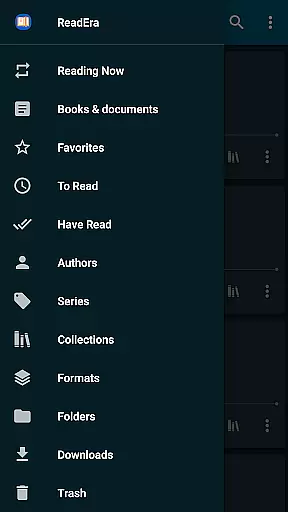
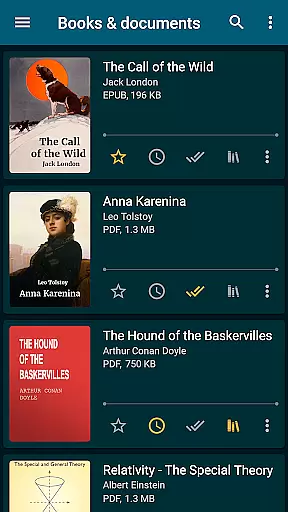
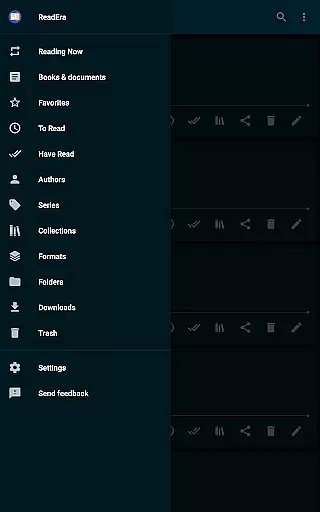
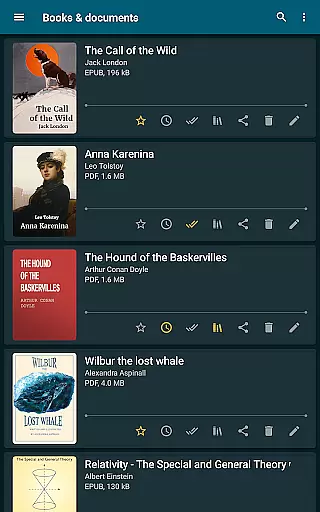
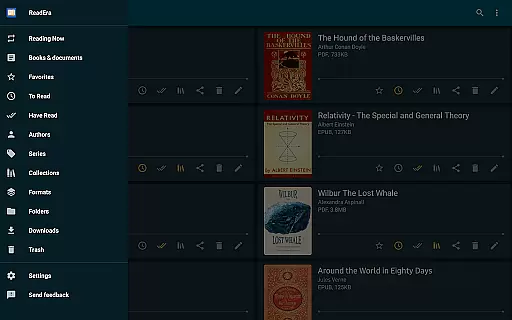
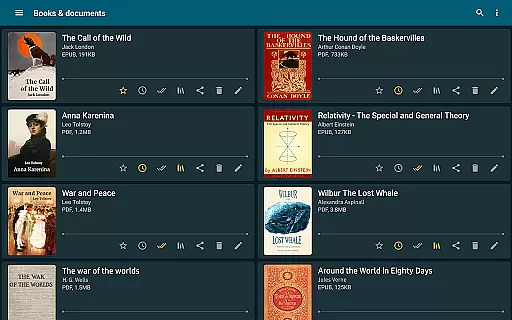
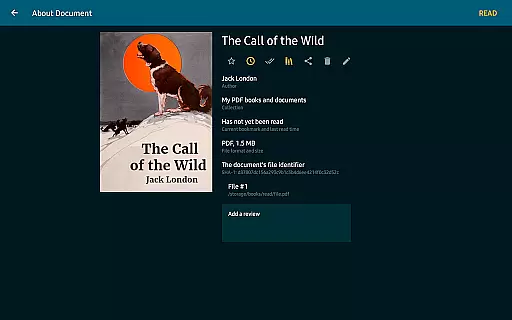
One of ReadEra's key strengths lies in its powerful book management capabilities. It automatically detects books and documents on your device, organizing them efficiently by authors and series. With features like collections (bookshelves), reading lists, and easy navigation tools, maintaining an orderly digital library becomes effortless.
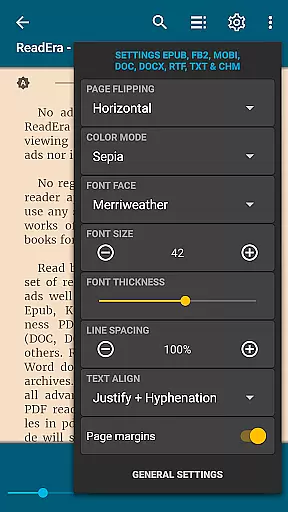
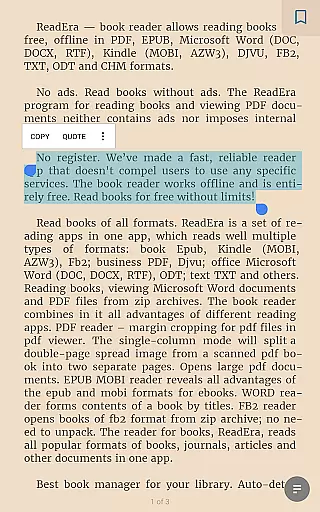
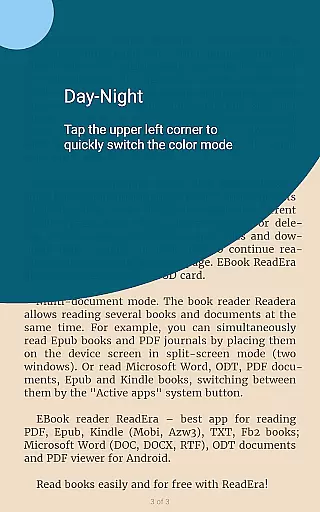
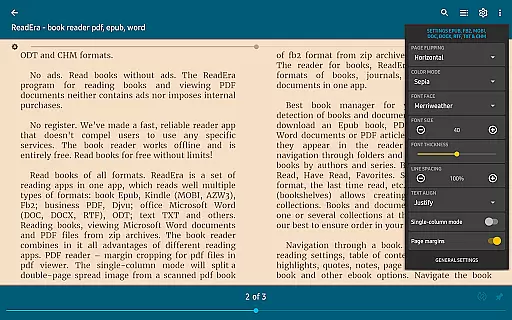
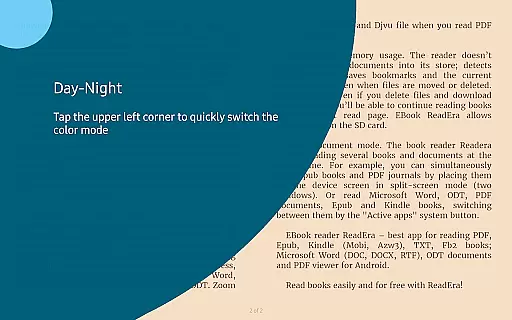
The app also provides a rich set of customization options for an optimal reading experience. Users can adjust color modes, page flipping orientation, font settings, and even zoom levels for certain formats. This ensures comfort and personalization while reading various types of documents. Additionally, its memory-efficient design and multi-document mode make it a practical choice for avid readers.
ReadEra distinguishes itself through its robust feature set tailored for book enthusiasts. Its support for numerous file formats means you can open almost any eBook or document without needing additional software. The inclusion of advanced PDF handling features such as margin cropping and single-column modes enhances usability, especially for technical or scanned documents.
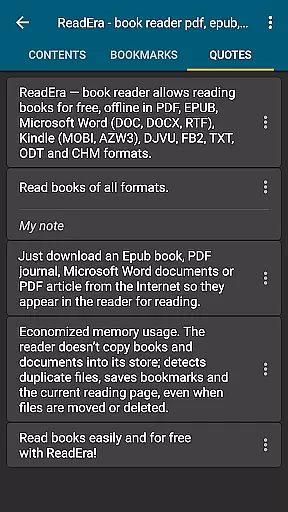
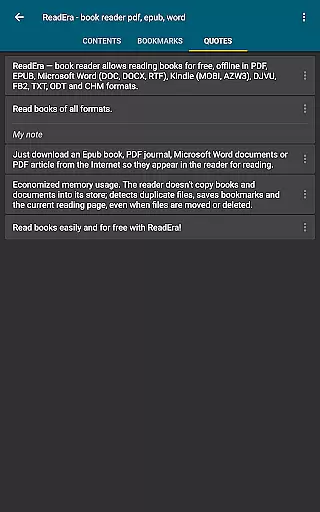
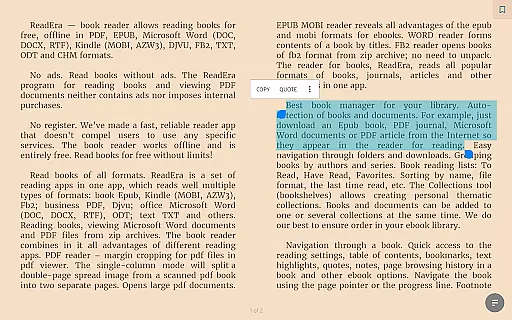
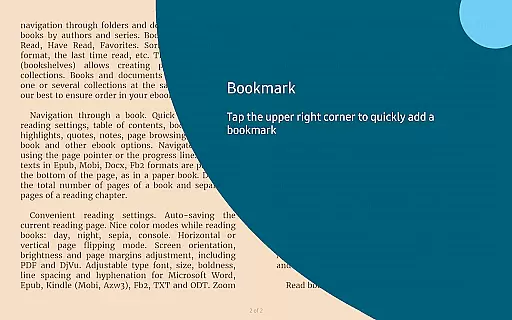
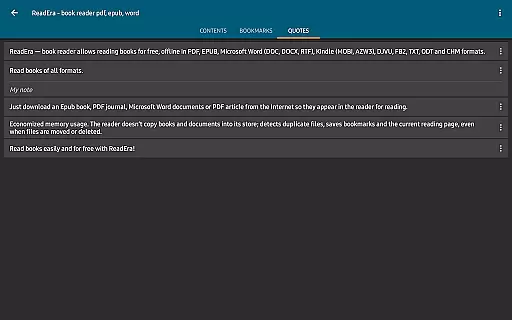
Another standout aspect is the app's superior organization tools. ReadEra not only groups books by author and series but also allows users to create thematic collections and manage reading lists effectively. Navigation within books is equally impressive, offering quick access to tables of contents, bookmarks, highlights, and notes. Footnotes are displayed conveniently at the bottom of pages, mimicking traditional paper books.
Customization is where ReadEra truly shines. Readers can personalize their experience with various color modes, layout orientations, and font adjustments. The app intelligently handles files, avoiding duplication and saving progress even when documents are moved or deleted. Furthermore, its multi-document mode enables simultaneous reading of different files, enhancing productivity and convenience.
ReadEra offers an extensive e-book library that supports multiple formats including PDF, EPUB, Microsoft Word, Kindle, DJVU, FB2, TXT, ODT, and CHM. This wide-ranging compatibility ensures users can access a vast collection of books and documents without restrictions.
The application guarantees the authenticity of its content by supporting legitimate file types and ensuring that all materials are free from copyright infringement. Users can confidently download and read books knowing they are accessing verified and legal copies.
With ReadEra, there is no need to worry about ads or in-app purchases disrupting your reading experience. The app provides a seamless interface that respects user privacy and promotes uninterrupted reading sessions.
Moreover, ReadEra's commitment to copyright compliance means that users can trust the integrity of their library. Whether you're reading for pleasure or professional development, ReadEra ensures that every document is both accessible and legally sound.
One of ReadEra's standout features is its exceptional format compatibility. The app supports a diverse array of file types such as PDF, EPUB, Microsoft Word (DOC, DOCX, RTF), Kindle (MOBI, AZW3), DJVU, FB2, TXT, ODT, and CHM, making it a versatile tool for any reader.
This broad format support allows users to import and read documents from various sources without conversion hassles. Whether you're accessing academic papers, business reports, or leisure books, ReadEra ensures that your files open smoothly and retain their original formatting.
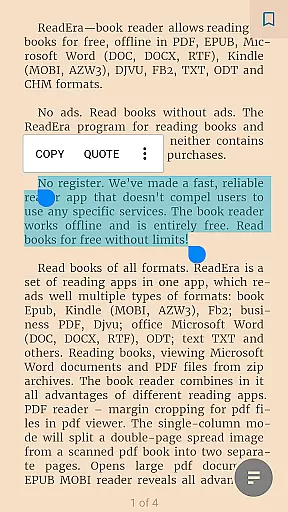
Additionally, ReadEra enhances the reading experience with specialized tools for each format. For instance, the PDF viewer includes margin cropping and single-column modes, while the EPUB and MOBI readers highlight the advantages of these flexible eBook formats.
By offering comprehensive format compatibility, ReadEra empowers users to manage their digital libraries efficiently. This adaptability not only simplifies document handling but also enriches the overall reading experience across different types of content.
User-friendly interface
Extensive format support
Offline functionality
No ads or in-app purchases
Advanced PDF handling
Limited cloud integration
No audiobook support
Occasional bugs reported
Interface may feel dated
Heavy on storage

A guide for the Court of Atonement spiritual healing process.
 4.4
4.4
Bible, Catechism, Study, Saints, Mass Readings, Rosary, Prayer, Bible in a Year
4.80
Pretty Moon information App with Complications and Tile
4.30
Shop over 13 million new and used books at up to 80% off list price
4.20
WebNovel - Read Solo Leveling novel and comic
4.10
ISAIAH EXPLAINED with Avraham Gileadi Ph.D.
4.00
The Original & Authentic Crystals, Gemstones, Rocks & Minerals Encyclopedia.
4.60
Unlock more features in Lithium and show your support. Expand for details.
4.00
Calculate, Knowledge, Homework
4.40
The Original Tropical Freshwater Aquarium Fish And Plant Care Guide
4.80
Track your Star Wars book collection across Canon & Legends
4.80
Contains the 365 daily readings and everything other thing needed for catholics
4.70
Translate into 100+ languages with the world’s most accurate AI translator.
4.70
8 Dr. Seuss short stories in 1 app!
4.70
Werewolf novels & romance stories in audiobooks for book lovers! Werewolf storie
4.60
Master AKC Rally signs with in-depth hints, diagrams, and expert guidance.
4.50
Learn Electricians' Handbook PRO complete guide beginners to advance.
4.40
Improve your vocabulary and grammar with the 15 biggest Oxford Dictionaries.
4.30
Guide for dōTERRA® Products
3.60


User Reviews