
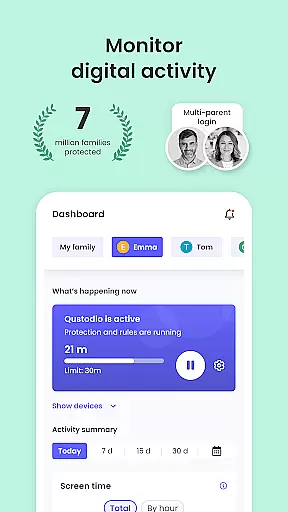
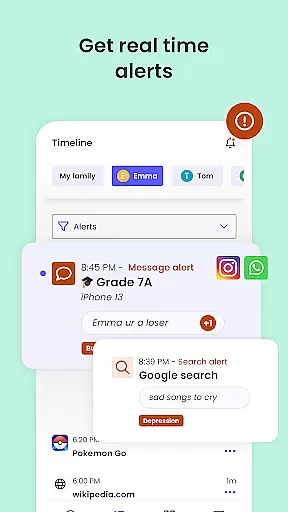
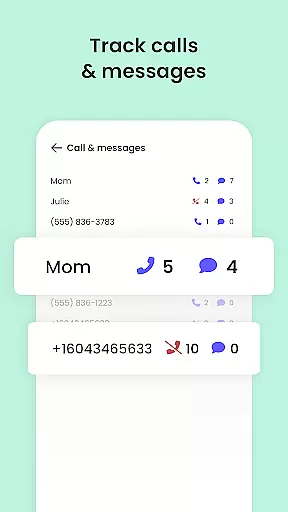
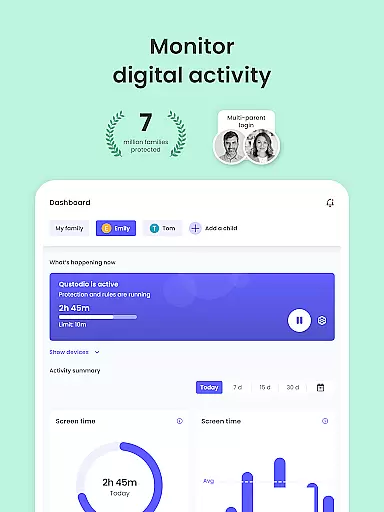
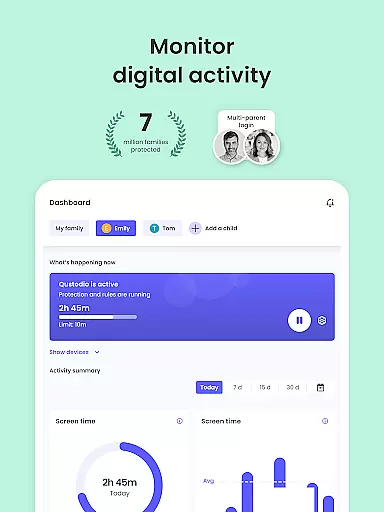
Qustodio Parental Control App is an advanced parenting solution that helps parents manage their children's digital lives effectively. The app offers a comprehensive suite of features including screen time management, content filtering, location tracking, and AI-powered alerts for suspicious online activities.
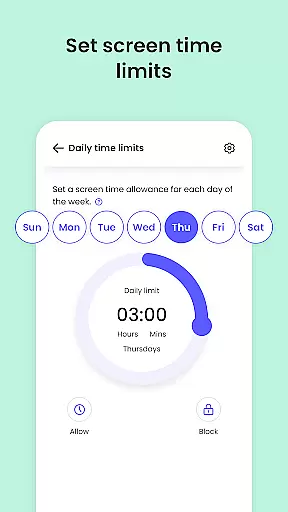
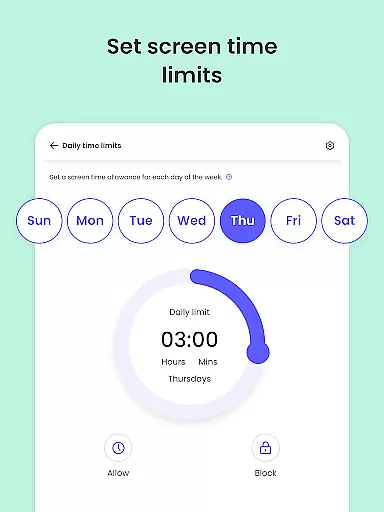
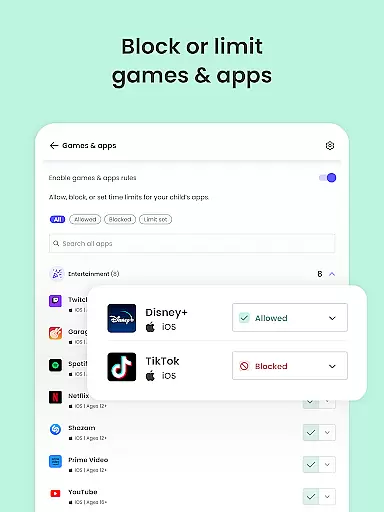
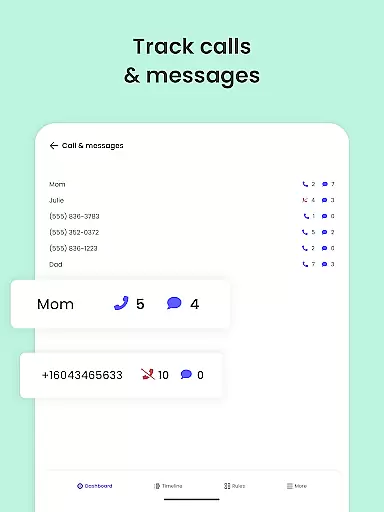
Designed to protect children across multiple devices and platforms, Qustodio supports Android, iOS, Windows, Mac, and Kindle. Parents can set daily time limits, block inappropriate content, monitor social media activity, and receive detailed usage reports. This ensures a safer online environment while promoting healthy digital habits.
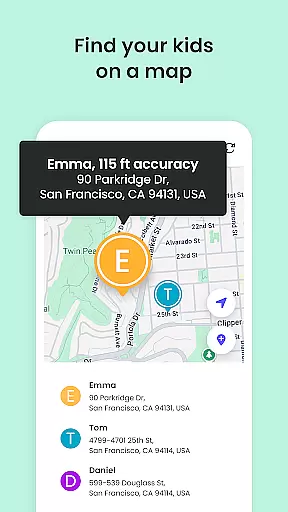
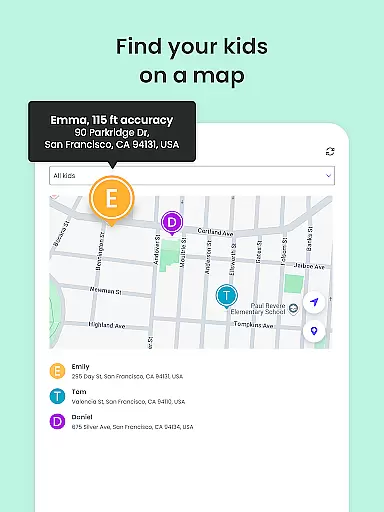
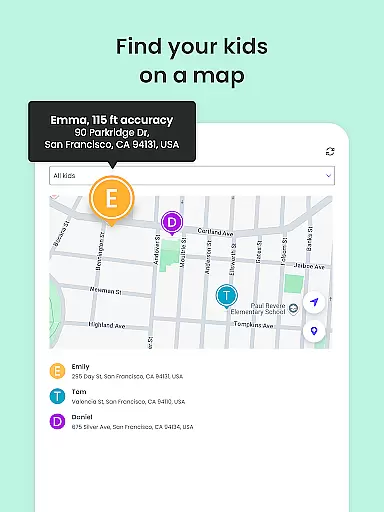
The app's family locator feature provides real-time GPS tracking, helping parents keep tabs on their children's whereabouts. With its user-friendly interface and robust protection capabilities, Qustodio empowers parents to maintain a balanced approach to digital parenting.
Qustodio stands out with its extensive feature set tailored for modern parenting challenges. The app's core functionality revolves around three main areas: screen time management, content control, and monitoring capabilities.
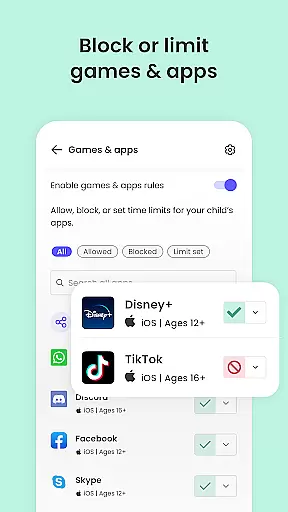
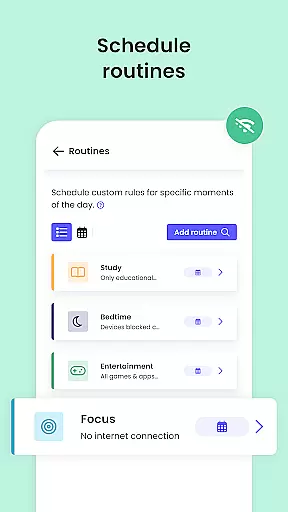
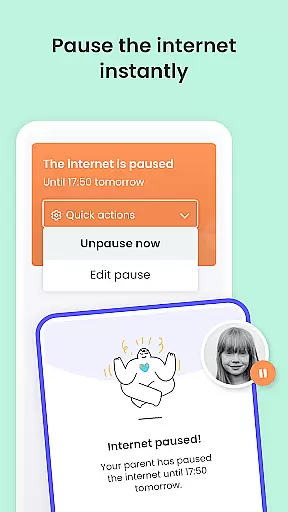
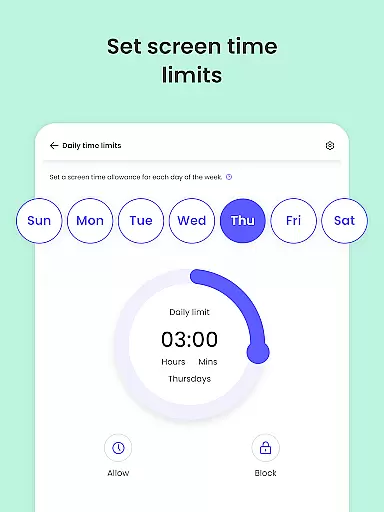
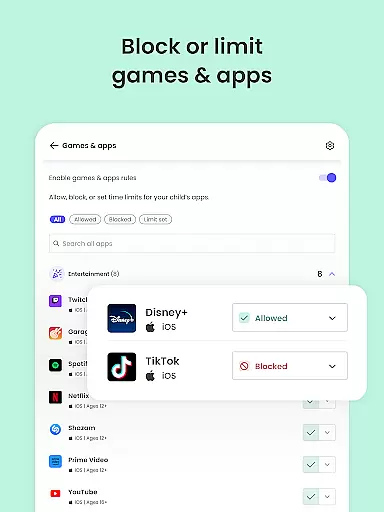
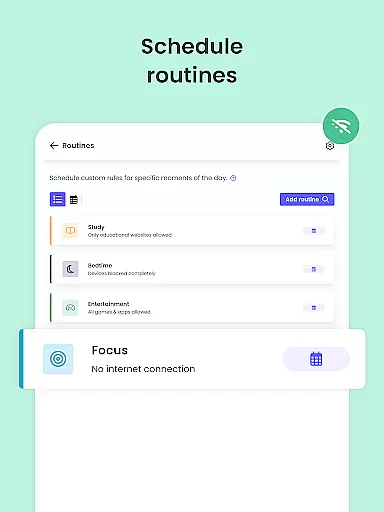
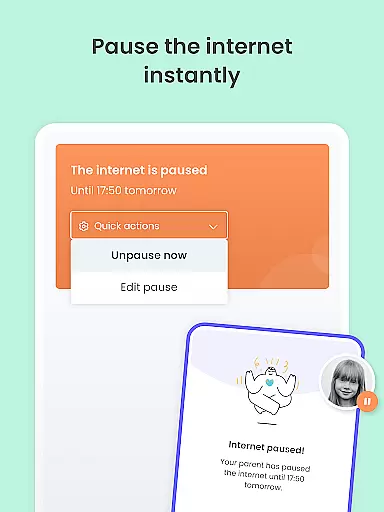
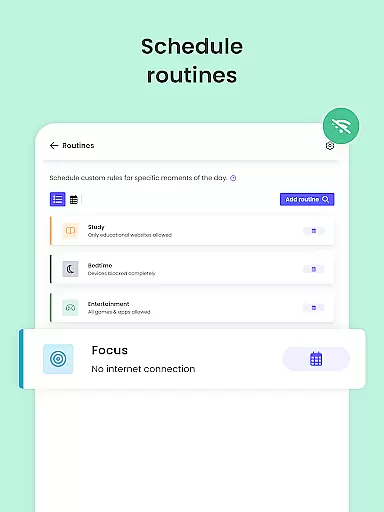
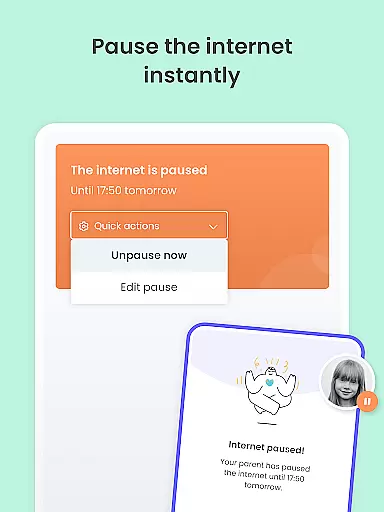
In terms of screen time, parents can establish daily limits, pause internet access instantly, and create custom schedules for different apps and websites. The content control features include powerful filtering options that block inappropriate websites, games, and applications while enforcing safe search protocols across all devices.
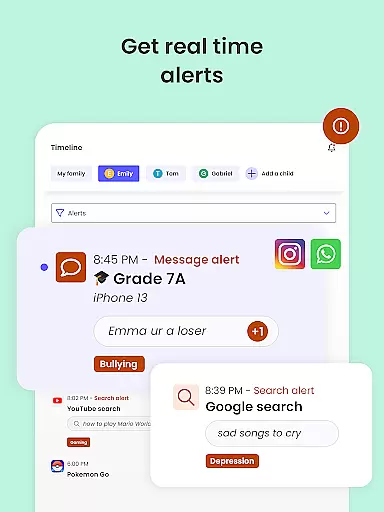
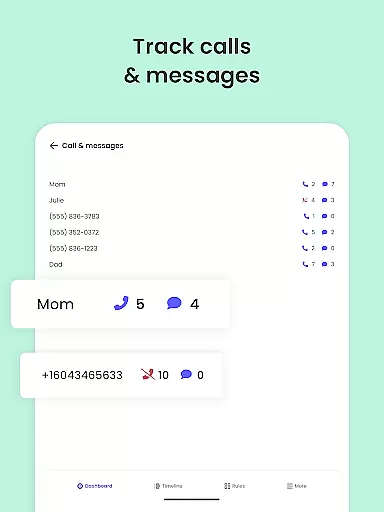
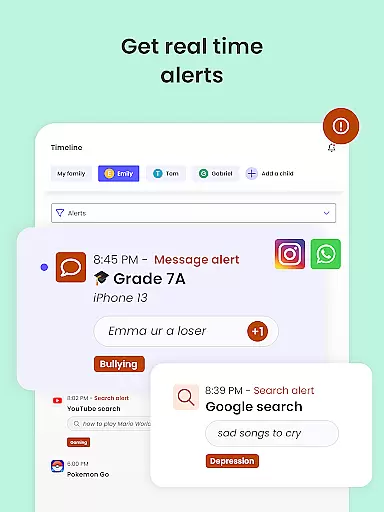
The monitoring aspect incorporates AI technology to provide real-time alerts about suspicious browsing activities, social media interactions, and messaging apps. Parents receive comprehensive reports covering 30-day periods with additional daily and weekly summaries. The app also includes a family locator system with GPS tracking and panic button functionality for emergency situations.
When it comes to parenting apps, the credibility of content and expert validation are paramount. Qustodio Parental Control App excels in these areas by providing features that are designed and endorsed by child safety experts. The app's ability to filter harmful content, monitor online activity, and provide detailed reports is backed by research on digital safety for children.
The app offers a comprehensive suite of tools including AI-powered alerts for suspicious browsing and social media activity. These features are not only technologically advanced but also grounded in child psychology principles. The alerts help parents stay informed about potential risks without invading the child's privacy, striking a balance between protection and trust.
Qustodio goes beyond basic monitoring by offering educational resources and expert advice through its platform. This ensures that parents are not just reacting to issues but are proactively learning how to create a safer digital environment for their children. The app's team regularly updates its features based on the latest research and feedback from child development specialists.
By choosing Qustodio, parents gain access to a solution that is continuously validated by experts in the field of child safety. This gives families the confidence that they are using a tool that meets the highest standards of parenting content credibility. The app's transparent approach to feature development and its commitment to expert validation make it a reliable choice for modern parents.
Tracking a child's digital growth and behavior patterns is crucial for modern parenting, and Qustodio Parental Control App delivers exceptional accuracy in this aspect. The app provides detailed 30-day activity reports and real-time alerts that give parents a clear picture of their child's online habits and development. This data-driven approach helps parents understand how their children interact with digital devices.
One of the key features that ensure accurate growth tracking is the app's ability to monitor multiple aspects of digital activity. From website visits and search queries to social media interactions and app usage, Qustodio captures a comprehensive view of a child's digital footprint. The app's reporting system is designed to present this information in an easy-to-understand format, allowing parents to identify trends and potential concerns.
The accuracy of Qustodio's growth tracking extends to its location monitoring capabilities. The GPS family tracker provides precise location data, helping parents keep track of their children's physical movements as well as their digital ones. This dual approach to tracking offers a more complete understanding of a child's daily activities and routines.
What sets Qustodio apart is its scientific approach to data collection and analysis. The app employs advanced algorithms to ensure that the information presented to parents is both accurate and meaningful. By combining technical precision with child development insights, Qustodio helps parents make informed decisions about their children's digital growth while maintaining appropriate boundaries and protections.
Comprehensive cross-platform support
Advanced AI-powered monitoring
Real-time location tracking
Detailed activity reporting
Robust content filtering
Premium features require subscription
Setup process can be complex
Some features Android-specific
Basic plan limitations
Requires companion app

AI Motion Video Maker & Ideas
 4.2
4.2
Track your pregnancy & your baby's growth in 3D. Get support from our community
4.60
Family GPS locator app — child location tracker. GPS kids tracker, family safety
4.70
Pregnancy and baby formula tips for moms, plus Enfamil coupons & cash back
4.10
Family parental control app: limit screen time, block apps, GPS tracker.
4.20
Play activities, milestones, expert-led classes, baby tracker, and more!
3.00
Live Location, Alerts & 2-Way Voice for Kids and Adults with Special Needs
4.60
Watching baby, helping parents
4.10
The Most Trusted Co-Parenting App.
4.60
A simple way to track your baby’s breastfeeding, diaper changes, sleep patterns.
4.90
Track baby’s development & growth week by week with BabyCenter’s pregnancy app!
4.90
Track Pregnancy, Baby Feeding, Sleep, Diaper Changes, Postpartum Health & More!
4.80
All-In-One Pregnancy Tracker, Your Baby's Milestones, Growth Stages & Parenting
4.70
Track your pregnancy, kick & contraction counter, baby & mom's heartrate monitor
4.60
It is a screen time management tool for games and mobile applications
4.50
Babysitting video camera - Turn your two phones or tablets into a single nanny.
4.40
Free symptom & med tracker with expert-reviewed tips.
4.30
Save money on diapers. Get the Pampers Rewards app.
3.90
SemLog aims to raise awareness among families and their children
3.40


User Reviews