

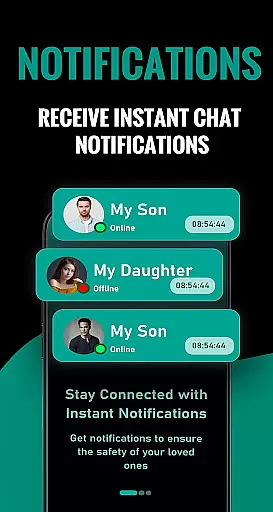
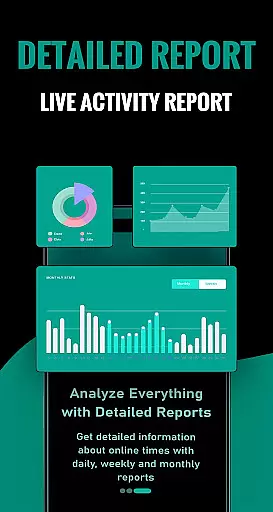
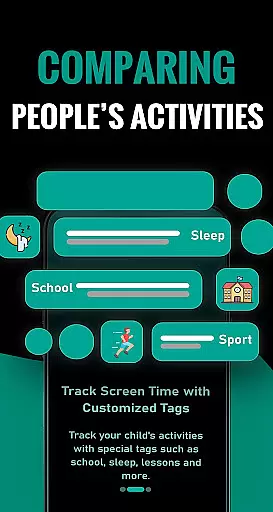

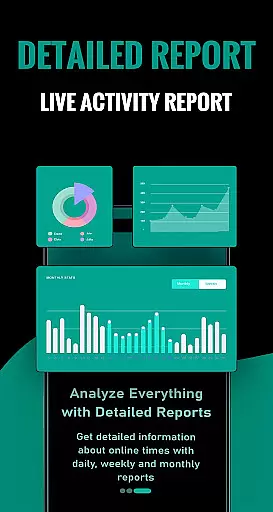
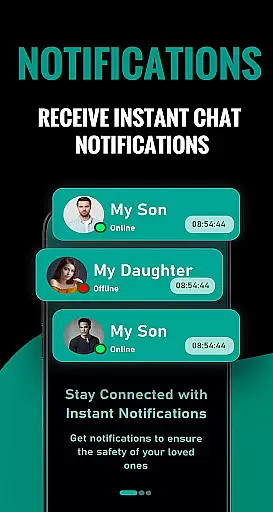
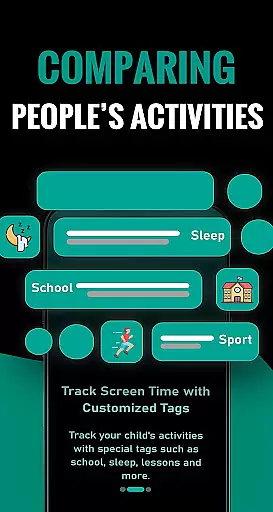
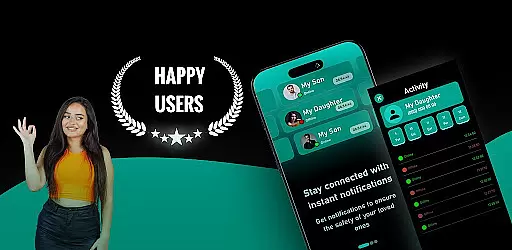
SemLog is a comprehensive parenting application designed to strengthen the communication between families and children. The app focuses on enhancing awareness of children's behavior and lesson schedules while providing valuable guidance to parents. With interactive tools and informative content, SemLog helps families better understand their children's habits and supports their social development.
The app serves as an essential communication bridge, allowing parents to actively engage in their children's daily activities. By offering detailed insights into children's routines and behaviors, SemLog ensures that parents can provide the necessary support and encouragement. This ultimately contributes to stronger family ties and a more harmonious home environment.
SemLog offers a variety of features tailored to support both children and parents. One of its key functionalities is tracking children's behavior and lesson times, which helps parents stay informed about their daily activities. Additionally, the app provides interactive tools that allow parents to monitor and guide their children effectively.
Another notable feature is the app's ability to deliver informative content that educates parents on best practices for child-rearing. This includes tips on improving communication and strengthening family bonds. SemLog also supports subscription management, enabling users to easily handle their accounts and preferences directly from the app interface.
In the realm of parenting applications, content credibility is paramount. SemLog establishes its reliability by offering well-researched and informative content that supports both children's behavioral development and educational growth. The app provides parents with guidance crafted by experts in child psychology and education.
SemLog ensures that all information presented to users is validated by professionals, which reinforces the authenticity of its content. This validation process involves collaboration with child development specialists to guarantee that advice and tools provided are not only practical but also scientifically sound.
By integrating interactive tools with expert-endorsed content, SemLog aids families in understanding children's habits effectively. Parents can trust that they are receiving credible insights into their child's social situations, backed by authoritative knowledge.
Growth tracking is a pivotal feature for parenting apps, allowing parents to monitor their children's developmental milestones accurately. SemLog offers precise tracking mechanisms that record behavioral patterns and lesson times, providing a clear picture of a childu2019s progress over time.
The application employs sophisticated algorithms designed to adapt to each child's unique growth trajectory. By analyzing data points from user interactions within the app, SemLog delivers tailored feedback that helps parents understand where their children excel or may need additional support.
With an emphasis on accuracy, SemLog enables families to set realistic goals based on empirical evidence gathered through consistent use. This empowers parents to make informed decisions about their child's education and social life while strengthening family bonds through shared achievements.
User-friendly interface
Comprehensive child behavior tracking
Informative content for parents
Interactive tools for engagement
Strong family communication support
Subscription required for full access
Limited free features
Auto-renewal policy
No immediate refunds
Potential information overload

GPS phone tracker: find kids on map. Location tracking and parental control.
 4.50
4.50
Discover fun videos, kids songs, bedtime stories and games
3.60
Sleep better with white noise app! Discover rain sounds, fan noise and more.
4.70
Pregnancy and baby formula tips for moms, plus Enfamil coupons & cash back
4.10
Keep Your Family Safe with Pollog Family Assistants
4.10
Kids story books for children. Baby reading books with audio for pre-k toddlers
4.70
FamilyMode helps you manage your family’s digital lives—at home or on the go.
4.30
App/Game blocker & GPS tracker
4.50
Track baby’s development & growth week by week with BabyCenter’s pregnancy app!
4.90
A simple way to track your baby’s breastfeeding, diaper changes, sleep patterns.
4.90
3D Baby size, Fruit comparisons, Smart Checklist, Trending Names & Training.
4.90
Daily Routine & Timer for kids, ADHD, & Autism
4.80
Advanced baby tracking, expert sleep help & parenting support for every stage.
4.80
Reliable phone tracker by number & locate phone app. Protect your family.
4.50
Free symptom & med tracker with expert-reviewed tips.
4.30
The 10 development leaps of your baby | newborn milestones & leap days tracker
4.10
A Coloring for the Whole Family! Discover the Joy of Family Love Through Colors!
3.60
Screen Time, App and Web Block & Monitoring, Location Tracker
3.60
Happiest Baby App replaces the SNOO App (the mobile companion to SNOO & SNOObie)
3.20


User Reviews