
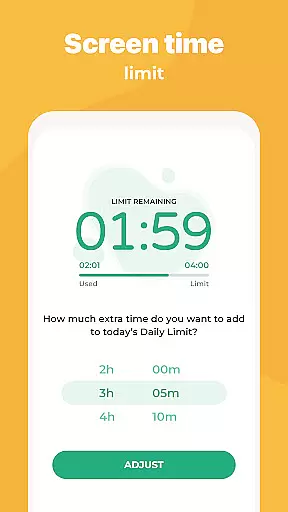
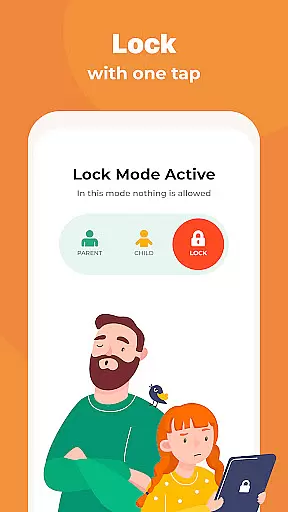
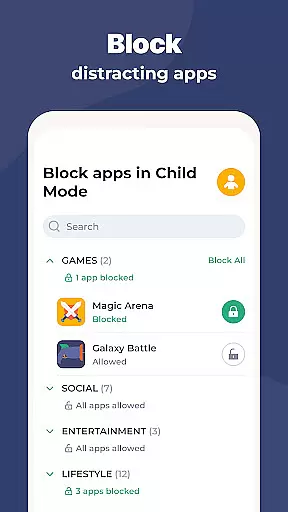
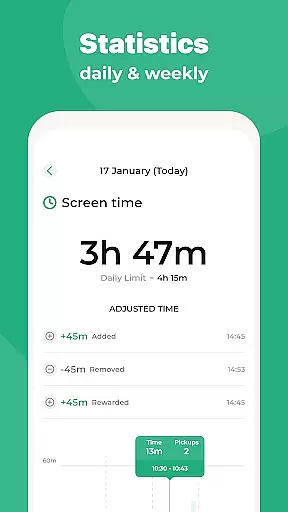
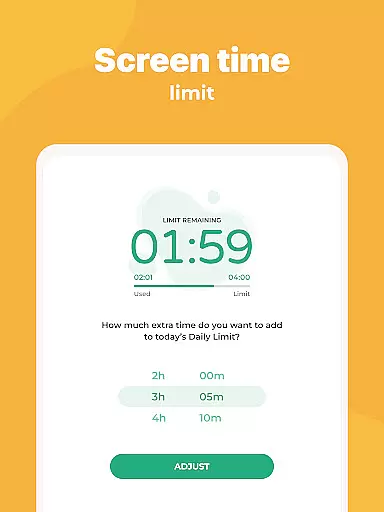
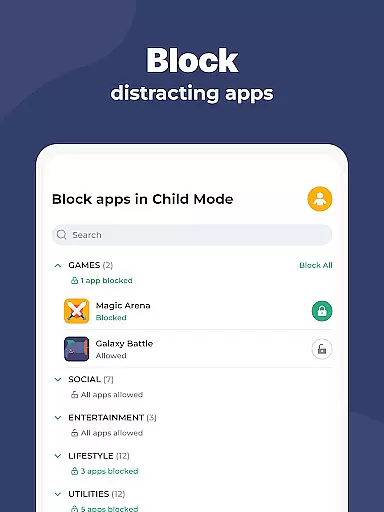
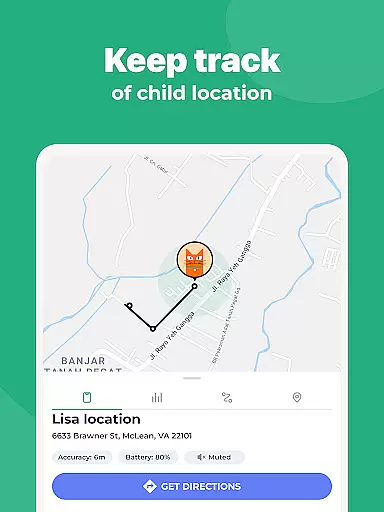
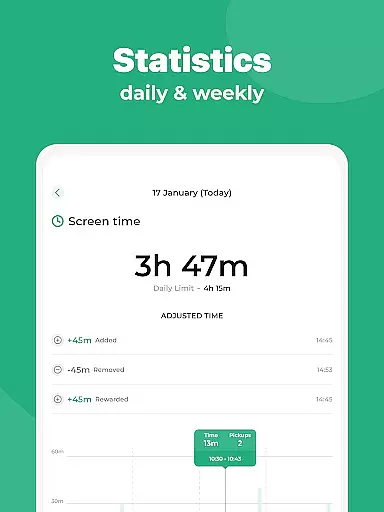
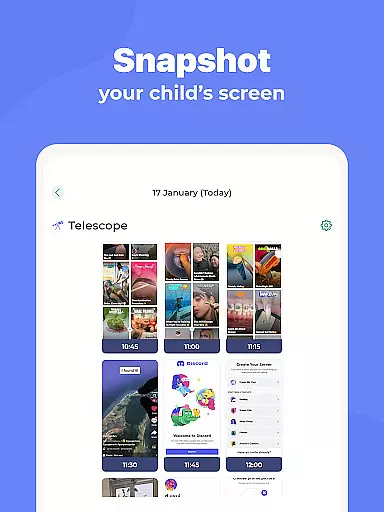
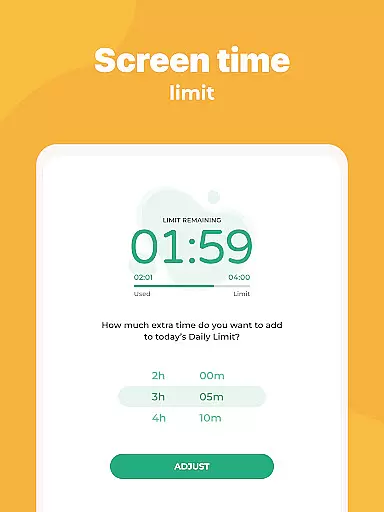
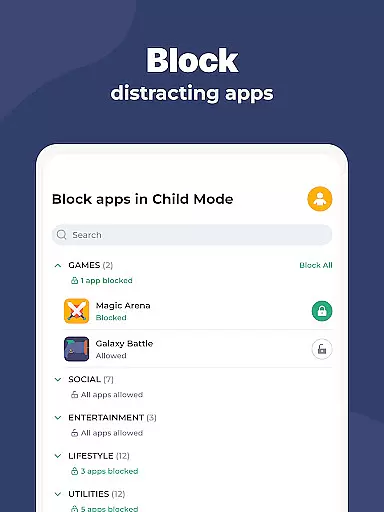
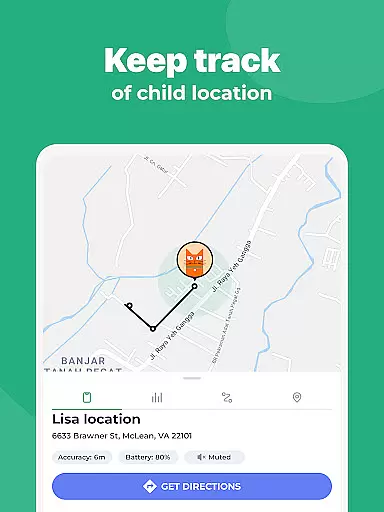
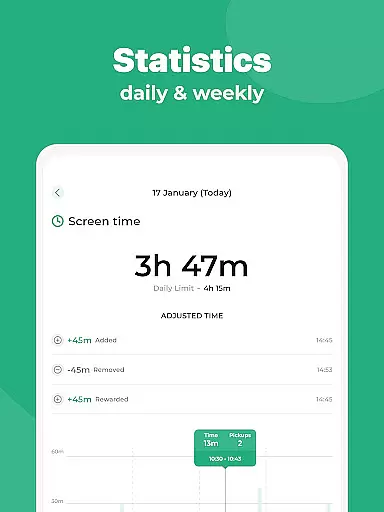
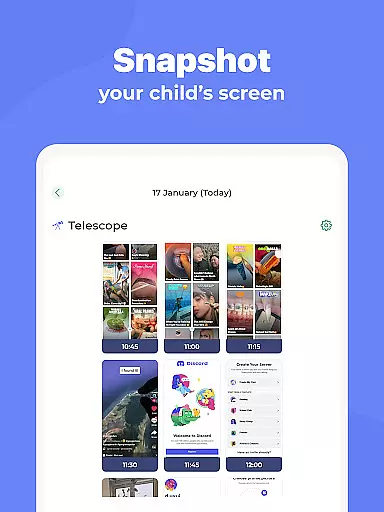
Kidslox Parental Control App is a comprehensive solution for parents seeking to manage their children's digital activities. This secure app enables control over screen time, location tracking, and app blocking across multiple platforms including Android, iOS, Windows, and Mac. Parents can establish healthy digital habits by setting schedules, imposing daily limits, and rewarding extra screen time.
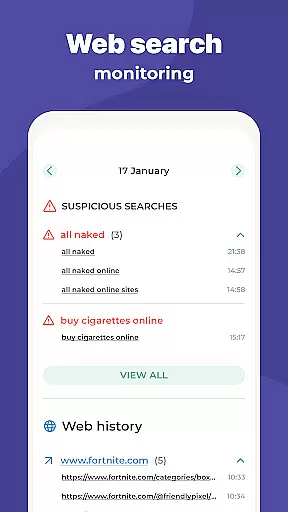
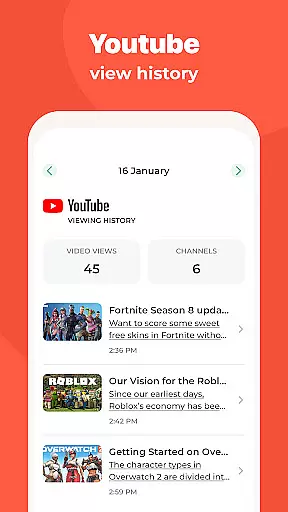
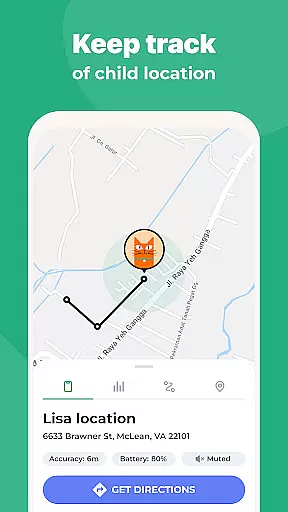
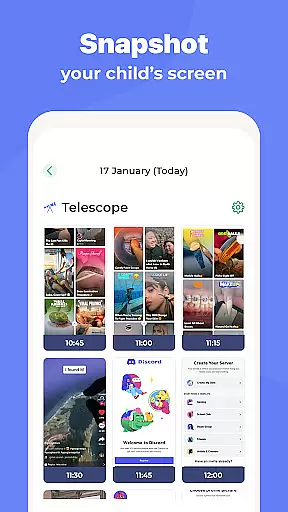
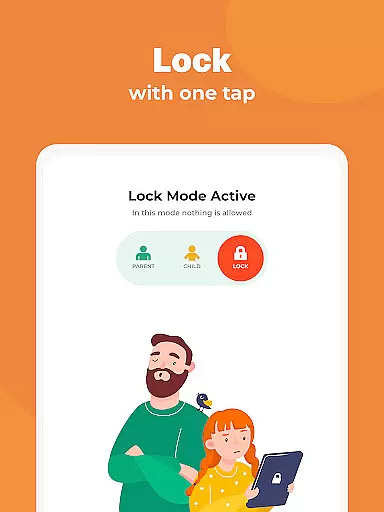
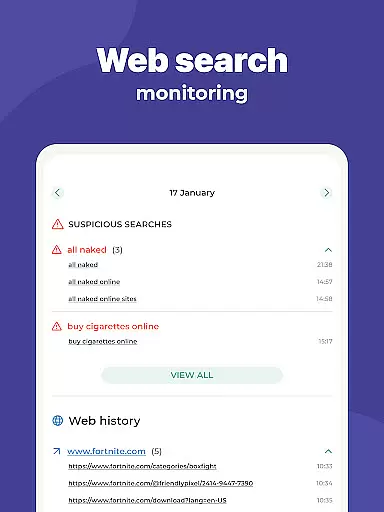
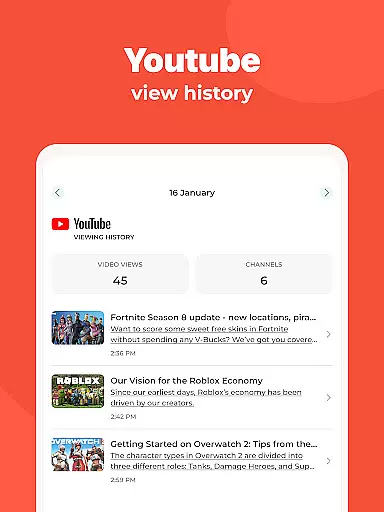
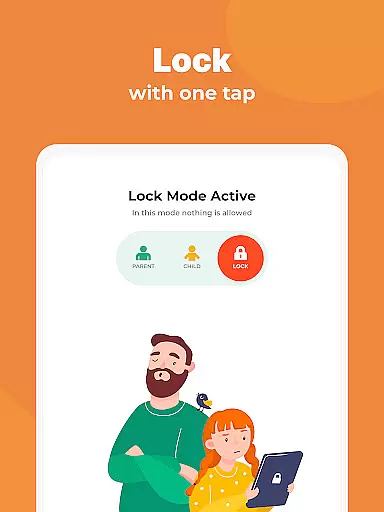
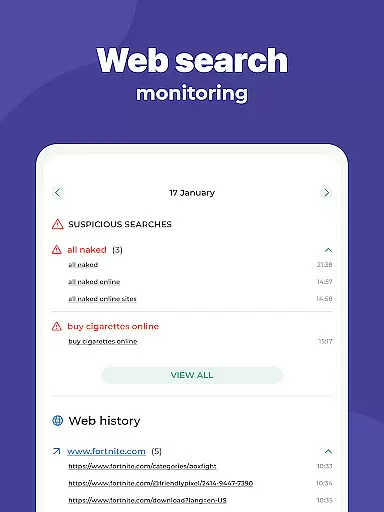
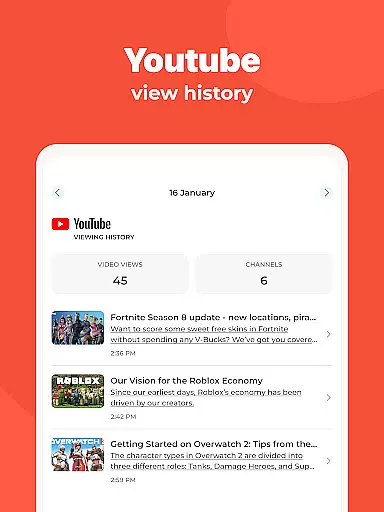
The app also provides detailed monitoring of children's online activities, including visited websites and app usage. With features like instant lock and custom modes, parents can tailor access based on specific needs. Location tracking adds an extra layer of safety by allowing parents to monitor their child's whereabouts through GPS and receive notifications when they enter or leave designated areas.
Kidslox offers an extensive set of parental control features designed to address various aspects of digital parenting. The instant lock functionality allows parents to remotely block apps on both Android and iPhone devices. Screen time schedules help in setting fixed usage times, promoting a balanced lifestyle for children.
Daily time limits ensure that once the allocated screen time is reached, access is automatically restricted. The app also supports positive reinforcement through screen time rewards for completing chores or homework. Additionally, Kidslox facilitates content filtering to block inappropriate material and in-app purchases, ensuring a safer online environment for children.
In the realm of parenting apps, content credibility is paramount. Kidslox Parental Control App ensures that all information and guidance provided are thoroughly vetted by child development experts. This guarantees that parents receive reliable advice on managing their children's digital habits.
The app includes features like screen time schedules and daily limits, which are designed based on expert recommendations for healthy device usage among children. These features not only help in setting boundaries but also promote a balanced lifestyle.
Parents can trust Kidslox to deliver accurate data regarding their child's app usage and web activities. The monitoring tools give an overview of how devices are used, empowering parents with knowledge to make informed decisions about their childu2019s digital environment.
By integrating expert-validated strategies into its functionality, Kidslox supports parents in fostering a safe and educational digital space for their children, aligning with modern parenting standards.
Growth tracking within the Kidslox app provides precise insights into children's digital behavior patterns. By accurately logging screen time and app interactions, it allows parents to monitor developmental progress related to technology use.
The detailed reports generated by Kidslox offer a clear picture of which apps are being used and for how long. This level of detail helps parents identify potential areas where adjustments may be needed to encourage healthier habits.
With location tracking capabilities, the app adds another layer of growth assessment by showing where children spend their time. This feature aids in understanding the balance between physical and digital activities.
Kidslox ensures that all tracked data is presented in an understandable format, enabling parents to effectively guide their child's growth while maintaining transparency and trust within the family dynamic.
Comprehensive cross-platform support
Effective screen time management
Real-time location tracking
Customizable app blocking
User-friendly interface
Requires constant internet connection
Permissions may raise privacy concerns
Limited free trial period
Paid subscription for full features
Some features need device admin rights

SENSORYSOOTHE and SENSORSAFE: Making car seats smarter and families safer.
 4.70
4.70
Happiest Baby App replaces the SNOO App (the mobile companion to SNOO & SNOObie)
3.20
Track your pregnancy, kick & contraction counter, baby & mom's heartrate monitor
4.60
Real-time family location with consent, check-ins & SOS—private by default.
4.40
Protect kids online safety through GPS tracking,screen time control,app blocking
4.20
Watching baby, helping parents
4.10
Join over 1MM parents & professionals who've used OFW to navigate co-parenting
4.40
Save money on diapers. Get the Pampers Rewards app.
3.90
Track pregnancy health and wellness with pregnant tracker from healthcare advice
4.5
Daily Routine & Timer for kids, ADHD, & Autism
4.80
Track Pregnancy, Baby Feeding, Sleep, Diaper Changes, Postpartum Health & More!
4.80
Family GPS locator app — child location tracker. GPS kids tracker, family safety
4.70
It is a screen time management tool for games and mobile applications
4.50
GeoLog - Real-Time Location Tracker
4.40
FamilyMode helps you manage your family’s digital lives—at home or on the go.
4.30
Keep Your Family Safe with Pollog Family Assistants
4.10
Educational resource for parents to inspire creativity in their children.
4.00
Screen Time, App and Web Block & Monitoring, Location Tracker
3.60
AI Motion Video Maker & Ideas
4.1


User Reviews