



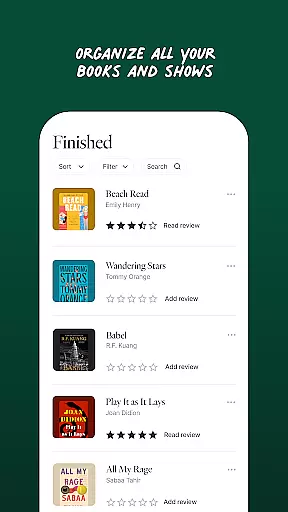
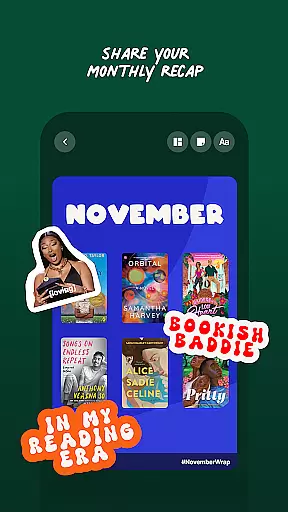
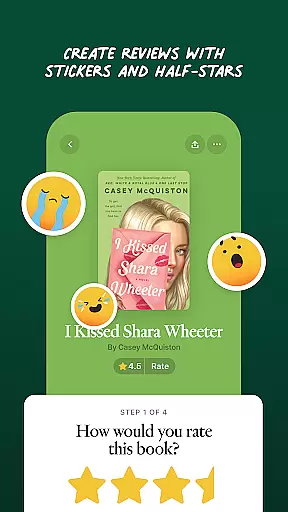
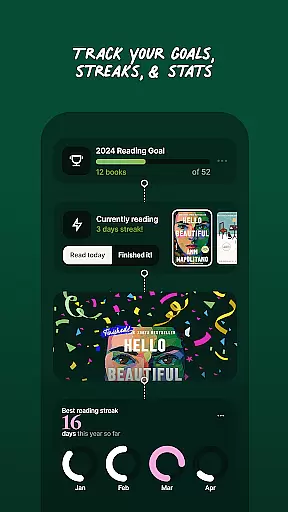
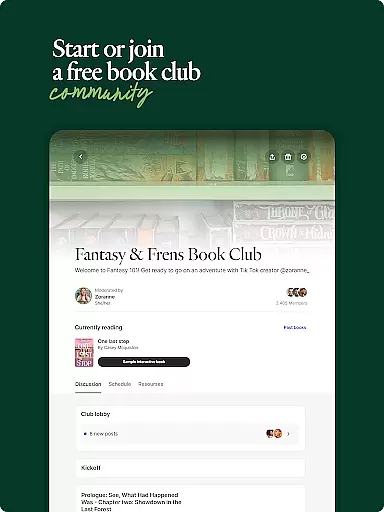
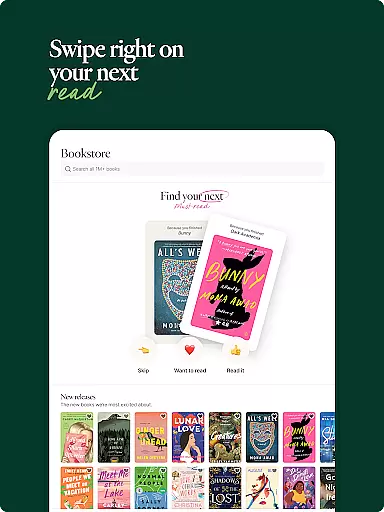
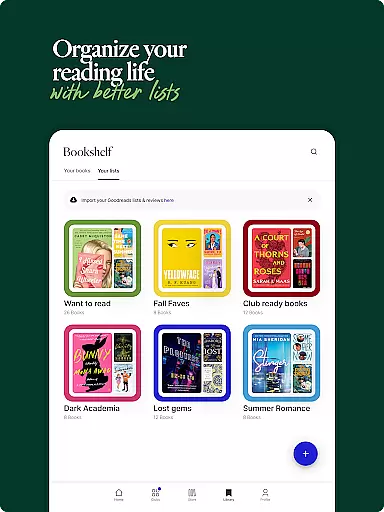
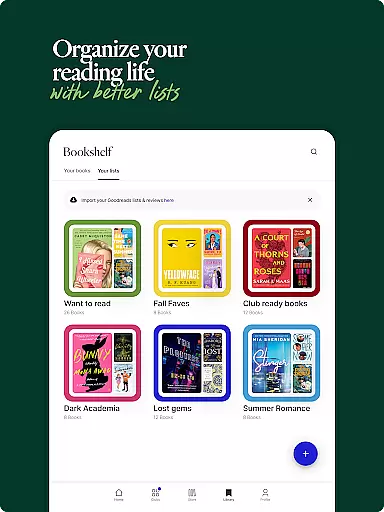
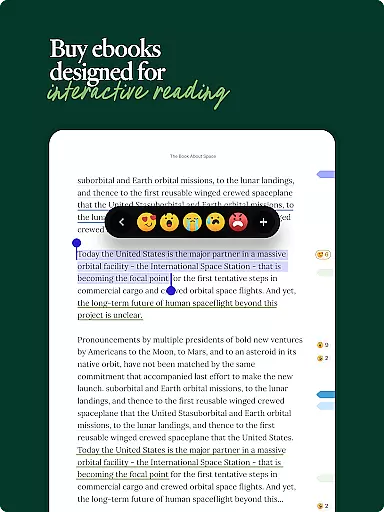
Fable is a comprehensive app designed for book enthusiasts and TV show lovers alike. It offers an interactive platform to discover, discuss, and track books and shows. Users can connect with fellow readers and viewers through personalized feeds, clubs, and direct messaging. The app provides tools to manage reading lists, set goals, and track progress while offering a unique social reading experience through its integrated ebook reader.
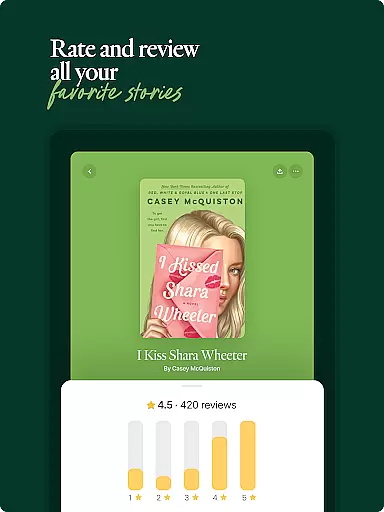
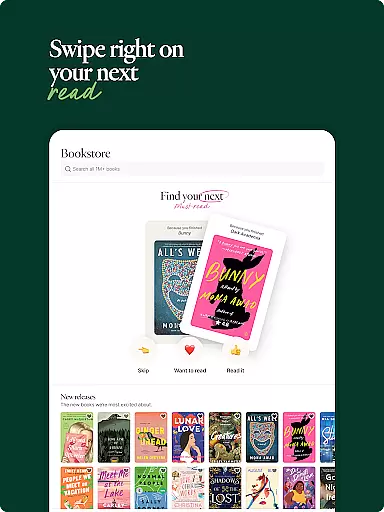
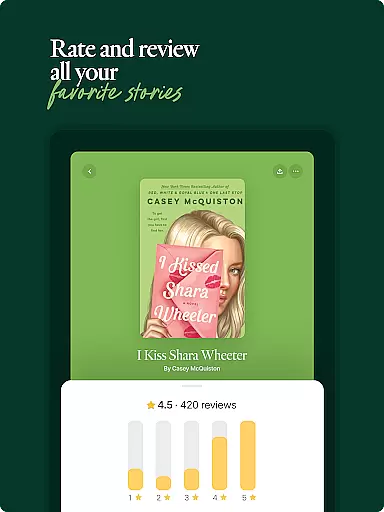
With features like personalized recommendations, custom book reviews, and interactive reading, Fable enhances the literary journey. Whether you're looking to join a community of like-minded individuals or seeking your next great read, Fable delivers a rich, engaging experience tailored to bookworms and bingewatchers.
Fable stands out with its array of specialized features crafted for literature and entertainment aficionados. One of its core functionalities is the ability to follow what your friends read and watch, creating a personalized feed filled with recommendations and discussions. This feature not only keeps users updated on the latest trends but also fosters a sense of community among users.
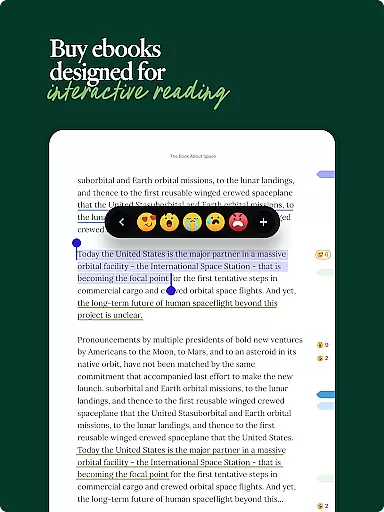
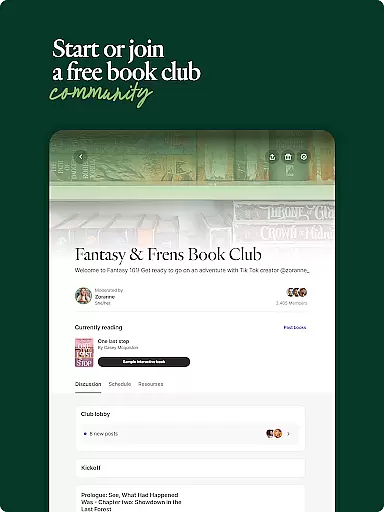
Another remarkable aspect is the book and TV clubs. These clubs cater to niche interests and allow users to spark spoiler-free conversations in organized chapter and episode rooms. Additionally, Fable's ebook reader revolutionizes the reading experience by integrating social interactions directly into the books, allowing users to annotate, react, and discuss in real time. This combination of discovery, community, and interactive reading establishes Fable as a leader in digital literary engagement.
When it comes to digital reading, the size and authenticity of an e-book library are crucial factors for avid readers. Fable boasts an extensive collection of over one million interactive ebooks, ensuring that users have access to a vast array of reading materials. This extensive library covers various genres and interests, making it a reliable resource for readers seeking diversity in their literary consumption.
The platform places a strong emphasis on copyright authenticity, providing users with peace of mind regarding the legality of their downloads. By partnering directly with authors and publishers, Fable guarantees that every ebook available respects intellectual property rights. This commitment not only supports creators but also enhances the credibility of the app among its user base.
Furthermore, Fable allows users to import their existing book lists from other services like Goodreads and Kindle. This feature enriches the user's library within Fable and ensures continuity in their reading journey. Readers can easily transition to Fable without losing track of their previous reads or current wishlists.
Ultimately, Fable's dedication to maintaining a large, legally compliant e-book library offers significant value to its community. Users can explore new titles confidently, knowing they are accessing quality content that respects both their interests and the rights of authors. This positions Fable as a trustworthy choice for digital book enthusiasts looking for variety and legitimacy in their reading sources.
For any e-reader application, format compatibility plays a pivotal role in user satisfaction. Fable excels in this area by supporting a wide range of ebook formats, ensuring that users can access their preferred books without worrying about technical limitations. Whether you're downloading new titles or importing existing collections, Fable's versatile format support makes the process seamless and hassle-free.
This broad compatibility extends to popular formats such as EPUB, PDF, and MOBI, allowing users to enjoy high-quality reading experiences across different devices. The ability to switch between formats based on personal preference or device capability enhances the overall usability of the app. Readers can customize their experience according to their needs, whether they prioritize portability, readability, or multimedia integration.
In addition to supporting multiple formats, Fable integrates advanced features within its ebook reader. Users can annotate texts with highlights, notes, and comments directly inside the book. This interactive approach transforms traditional reading into a dynamic experience where engagement and comprehension are significantly boosted.
By prioritizing format compatibility alongside innovative reading tools, Fable sets itself apart in the realm of digital literature. Readers benefit from both convenience and enhanced functionality, making their interaction with texts more meaningful and enjoyable. This comprehensive approach underscores Fable's commitment to delivering a superior reading experience tailored to modern preferences and technological advancements.
User-friendly interface
Extensive book and show database
Interactive reading experience
Personalized recommendations
Active community engagement
Limited content availability
Premium subscription required
Occasional app instability
Privacy concerns with sharing
Learning curve for new users

Novels, audiobooks, ebooks & fanfiction. Read anytime, anywhere!
 3.40
3.40
Sea tide predictions for all coastal U.S. locations.
4.4
Shop over 13 million new and used books at up to 80% off list price
4.20
Universal Zoom, learn about sizes & distances of the universe and microcosmos
4.80
Zerobooks Light Novel Reader by GOLDENAGATO
4.20
America's best dictionary and thesaurus - with premium content and no ads
3.40
Calculate, Knowledge, Homework
4.40
Liturgy of the Hours and Mass for every day of every year. No Internet needed!
5.00
Learn to tie more than 200 knots in 3D!
4.90
King James Bible read offline, AI Priest, Bible Quiz, Guiding Prayers & Plans
4.80
Read the KJV Bible with Strong’s offline: reading plans, audio Bibles, and more.
4.70
8 Dr. Seuss short stories in 1 app!
4.70
Read unlimited novels, audiobooks, stories & Unlock ebooks, fanfiction and more!
4.70
Daily Devotional Widgets & Hourly Verses. Listen to Bible & Watch Holy Stories
4.70
Offline translator from english to spanish, and from spanish to english.
4.50
Manage collectibles, survey and treasure maps in Elder Scrolls Online.
4.40
Improve your vocabulary and grammar with the 15 biggest Oxford Dictionaries.
4.30
KJV Bible works offline with Audio, Hebrew & Greek lexicon (concordance) & more!
4.20
"BIG A, little a. What begins with A?"
4.10


User Reviews