
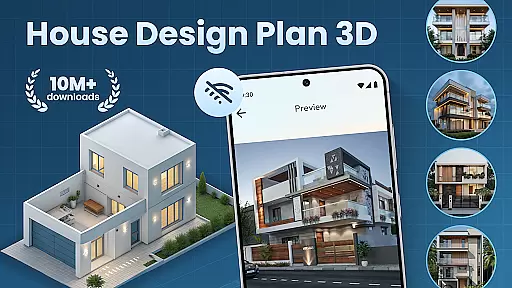
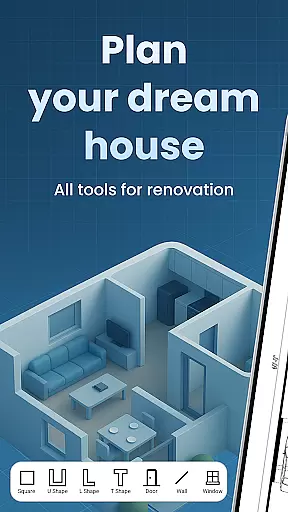
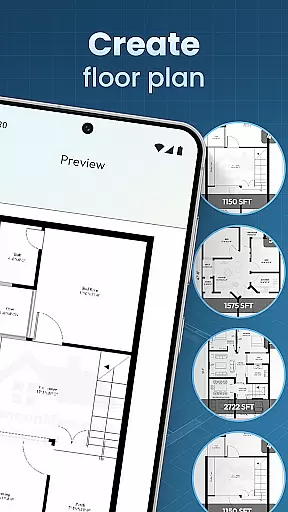
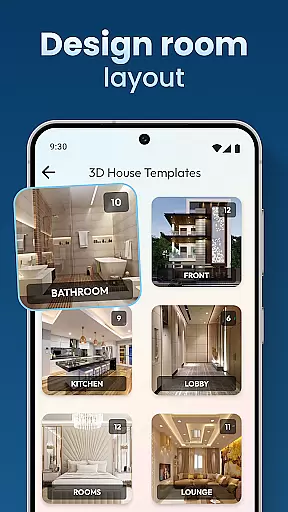
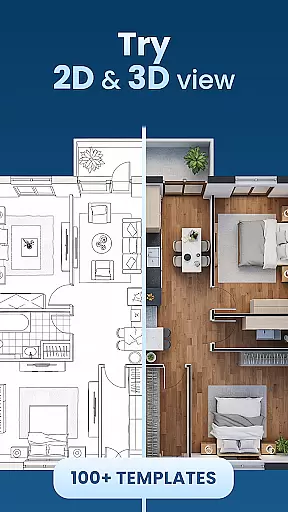
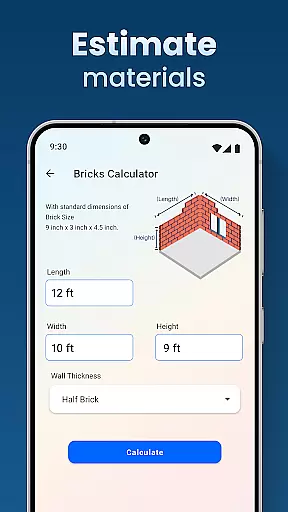
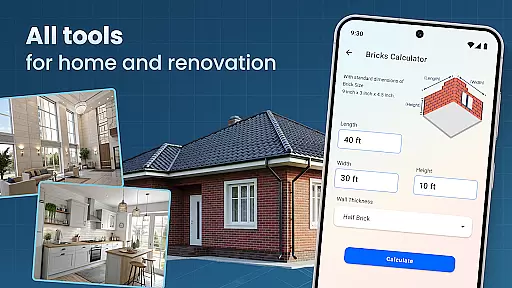
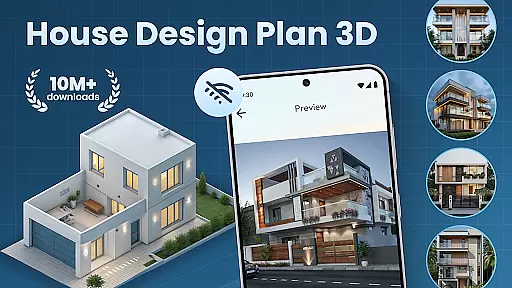
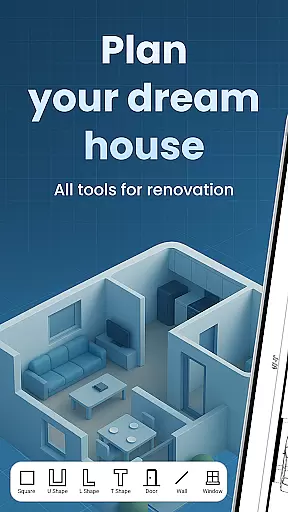
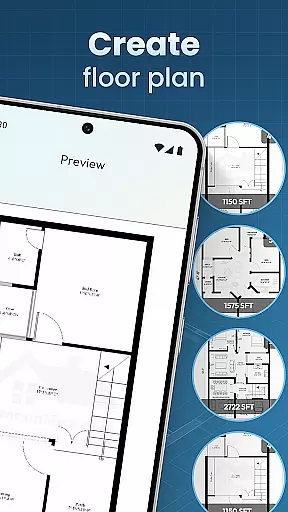
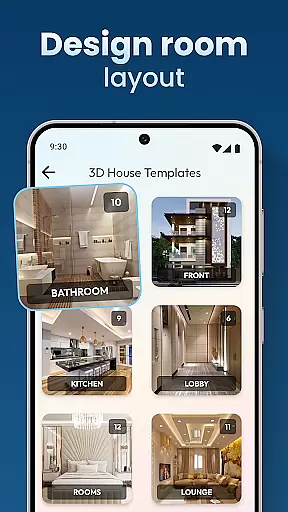
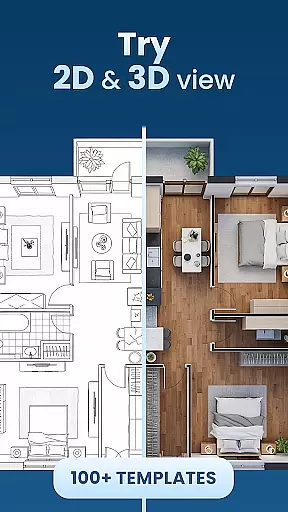
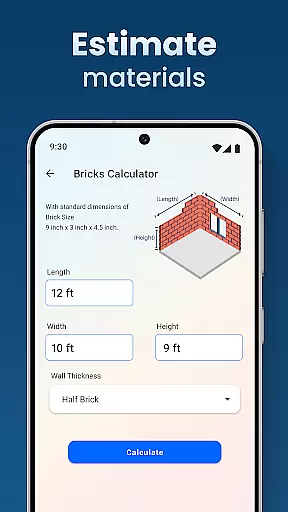
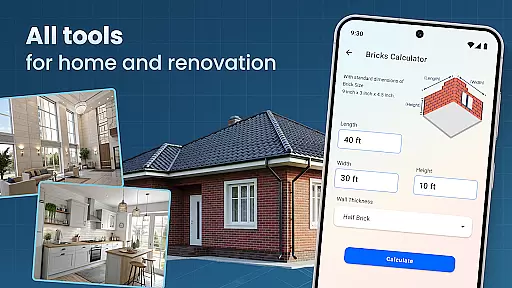
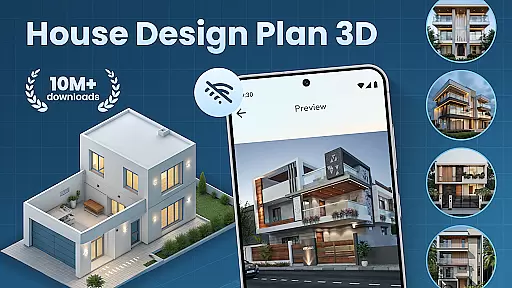
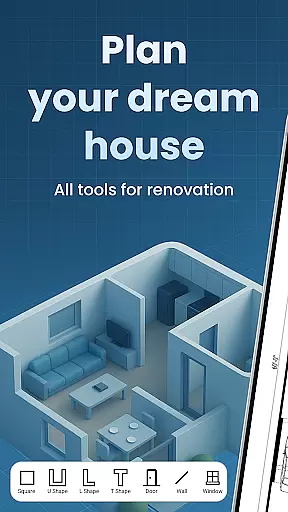
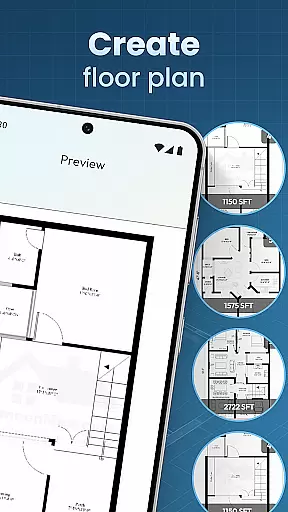
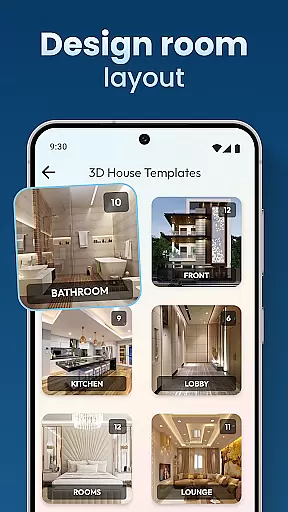
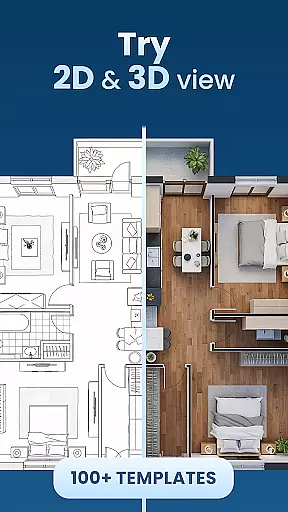
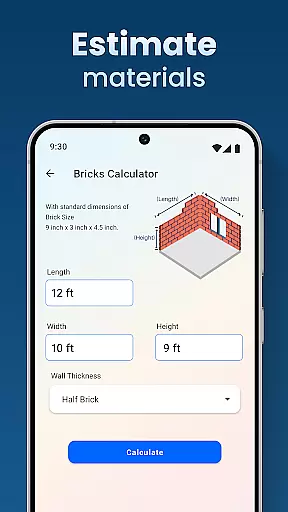
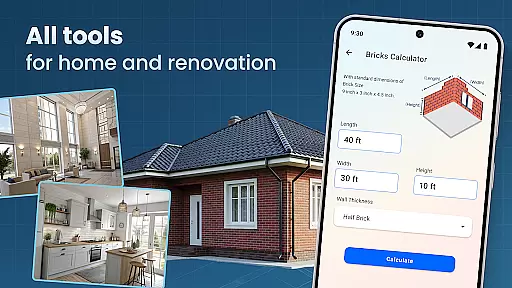
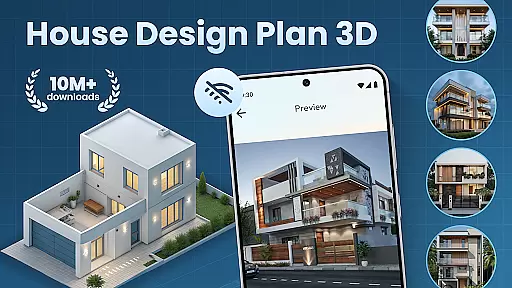
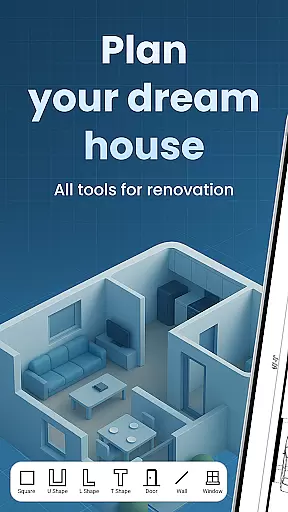
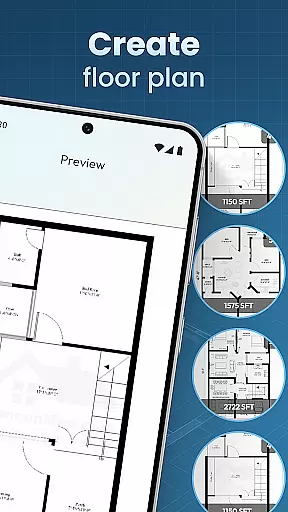
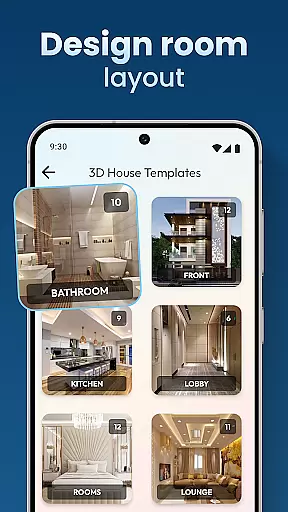
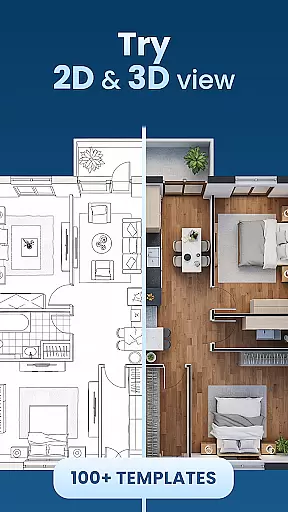
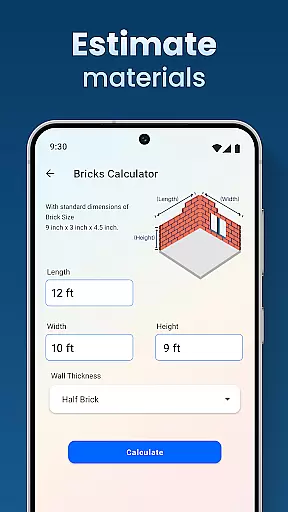
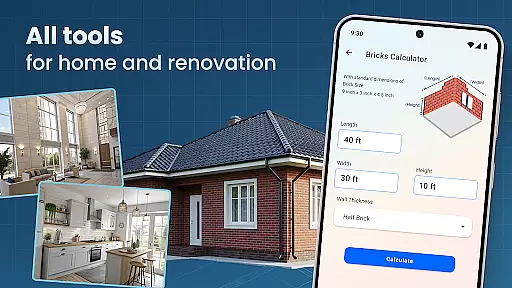
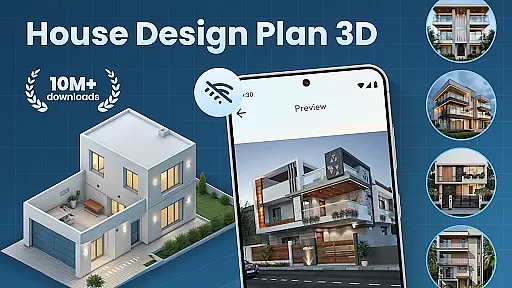
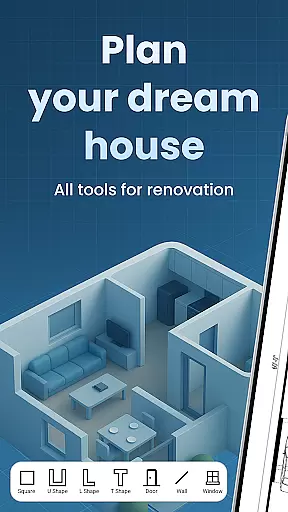
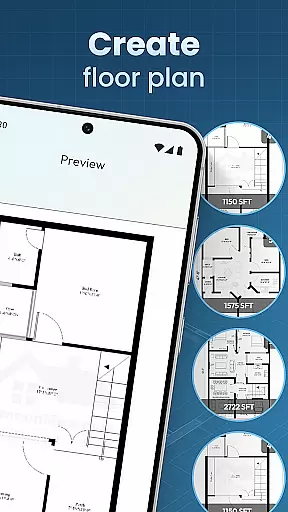
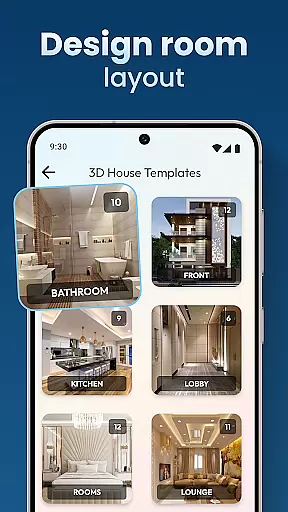
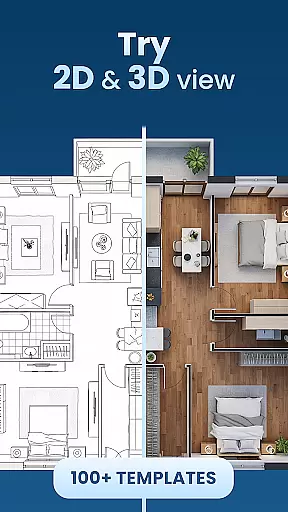
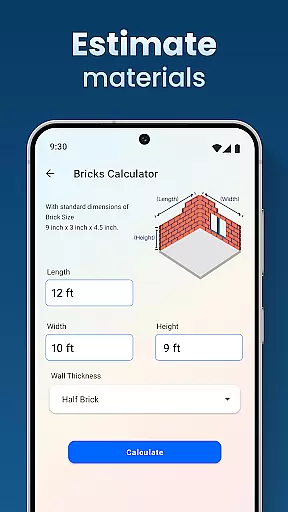
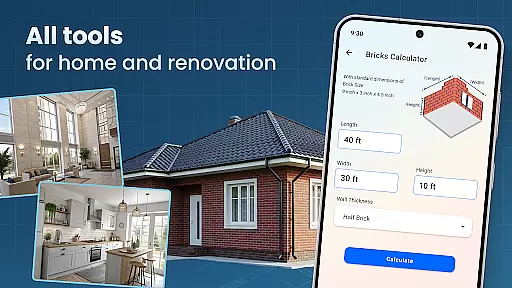
House Design Plan 3D App is a comprehensive home design tool that allows users to create detailed floor plans and visualize their dream spaces in fully-rendered 3D environments. The app provides an intuitive drag-and-drop interface for constructing room layouts, along with real-time 3D rendering capabilities that bring your designs to life. Whether you're a beginner or an experienced designer, this application offers the tools needed to craft professional-quality home plans.
The app includes advanced features such as customizable room furnishings, guided step-by-step design assistance, and a complete set of interior design tools. Users can experiment with different furniture arrangements, color schemes, and decorative elements while viewing changes instantly in 3D. This powerful combination of planning and visualization tools makes it easy to optimize both the functionality and aesthetics of any living space.
Ideal for homeowners, interior designers, and architecture enthusiasts, House Design Plan 3D App bridges the gap between professional-grade design software and user-friendly mobile applications. Its precise measurement tools and extensive library of design templates enable users to create accurate, professional-looking plans while maintaining an accessible learning curve. From simple room redesigns to complex multi-level homes, this app provides everything needed to turn creative ideas into realistic 3D models.
House Design Plan 3D App distinguishes itself through its robust feature set tailored specifically for home design enthusiasts. At its core, the application provides a sophisticated drag-and-drop floor plan creator that enables users to quickly sketch out room layouts with precision. The real-time 3D rendering engine automatically generates three-dimensional views of your designs, allowing you to visualize every aspect of your space from multiple angles.
Advanced customization options include detailed furniture placement tools, material selectors for walls and floors, and comprehensive lighting controls. The app's guided design system walks users through each step of the planning process, from initial wall construction to final decorative touches. Professional-grade features like accurate measurement tools and structural element customization ensure that even complex architectural details can be incorporated into your designs.
Additional notable features include project saving and preview capabilities, extensive design template libraries, and specialized tools for multi-level home planning. The integration of both functional and aesthetic design elements makes this app particularly valuable for users who want to explore different design possibilities while maintaining professional standards. With its combination of powerful technical capabilities and user-friendly interface, House Design Plan 3D App stands out as a versatile solution for all types of home design projects.
In the realm of house and home design, ensuring the authenticity of property listings is paramount. The House Design Plan 3D App addresses this by providing users with tools to create accurate and realistic 3D models of their home plans. This feature allows for a vivid visualization of every detail in fully 3D, ensuring that what is being presented is a true representation of the intended design.
The app's ability to craft detailed floor plans and structured layouts means that users can trust the authenticity of their creations. With features such as guided help in building a house and offering design templates, it supports both novice and experienced designers in realizing their visions accurately. These capabilities ensure that each room, piece of furniture, and design element is depicted as it would be in reality.
For users, this translates into confidence when planning their spaces. They can experiment with different arrangements, color schemes, and styles, optimizing their designs with the assurance that their final plan will reflect their true intentions. This level of precision and realism provides peace of mind and saves time and resources by avoiding costly mistakes during actual construction.
Effective home management features are crucial for overseeing various aspects of home design and maintenance. The House Design Plan 3D App excels in this area by integrating functionalities that allow users to manage their projects seamlessly. From creating floor plans using drag-and-drop to customizing room furnishings' interiors, the app offers a comprehensive suite of tools for managing your home design process efficiently.
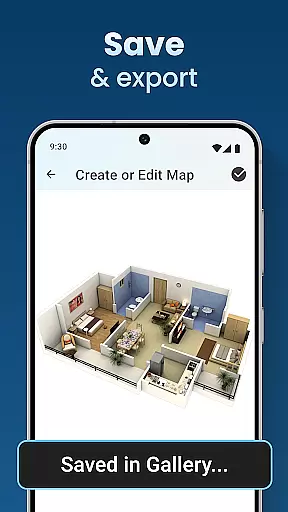
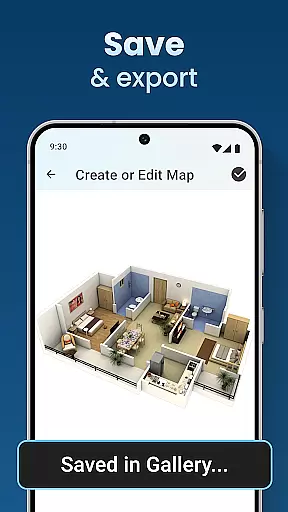
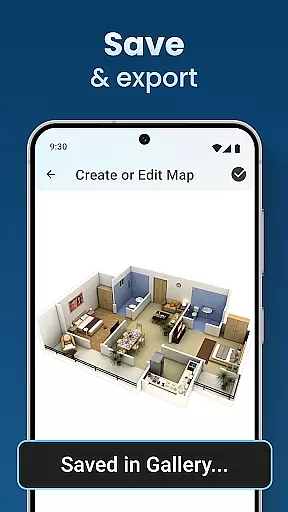
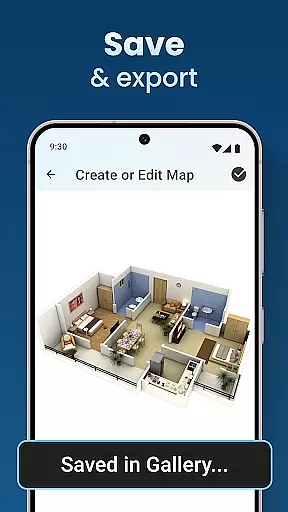
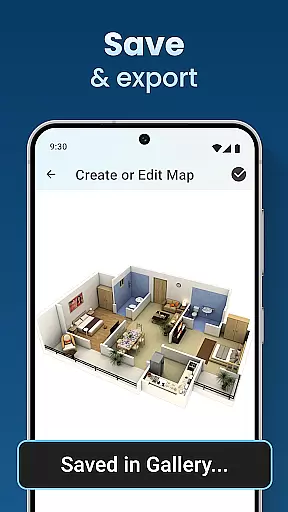
One standout feature is the ability to save and preview projects, which enhances project oversight and control. Users can view their design choices in three dimensions, making it easier to make informed decisions about furniture selection, wall textures, flooring, and lighting. Whether redesigning a single room or planning a multi-level home, these capabilities ensure that every choice is well-considered and aligned with the overall vision.
Ultimately, these home management features empower users to take full control of their design projects. By providing step-by-step guidance and professional-grade tools, the app ensures that every project meets high standards of quality and precision. This not only elevates the user experience but also brings dreams closer to reality, making the design process both enjoyable and rewarding.
User-friendly interface
Real-time 3D rendering
Extensive template library
Precise measurement tools
Cross-platform compatibility
Steep learning curve
Occasional performance lag
Limited free features
Subscription required
Complex UI elements

Use Home by ShowingTime to easily manage showings, tours, feedback and more
 3.60
3.60
Draw house plans, floor plans 3d & house design with house plan drawing 3d app
3.60
Unlock AI-based barcode scanning and support the development of Grocy Android
4.4
Calculate baluster spacing with ease and precision.
4.3
Control the scent and ambiance of your home and car, right from your phone.
4.50
Your guide to apartments & rental homes. Find your next place to rent with AG.
4.60
Real estate app to find homes for sale or rent in the right neighborhood for you
4.70
Security App with HD Video, 2-way Audio, and event detection for Home monitoring
4.40
Make your phone a surveillance camera remote with a home camera app for Android!
4.40
Houses for Sale & Homes for Rent: Buy Homes, Rent Apartments & Sell Real Estate
4.80
Home Ideas | Renovation Advice | Local Pros. Go From Dream to Home with Houzz.
4.70
Download today to join the community to help bring lost pets home faster.
4.70
A Smarter Home in Seconds
4.70
Find homes for sale and apartments for rent in the best neighborhood.
4.70
Looking for the perfect apartment finder app? Find beautiful rental homes here!
4.60
The only mappable smart lights for custom decoration.
4.50
Fire & Power Safety
4.50
Design house plans in 2D & 3D, style furniture, and preview renovation layouts
3.70
An easier way to make payments and maintenance requests from anywhere.
3.50


User Reviews