
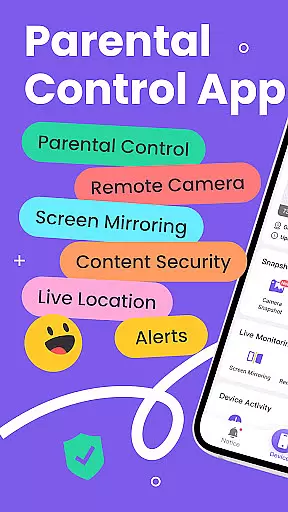
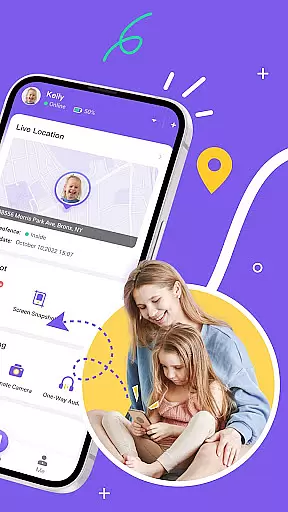
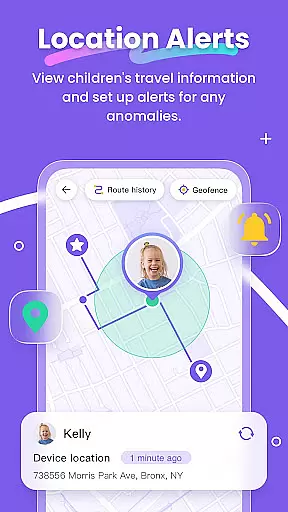
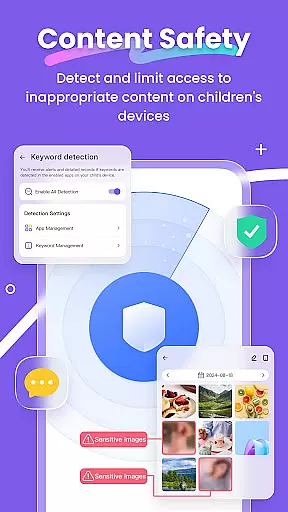
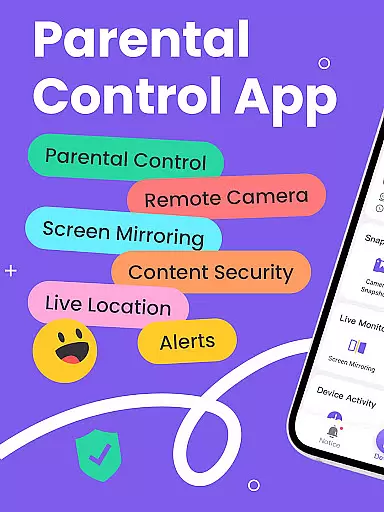
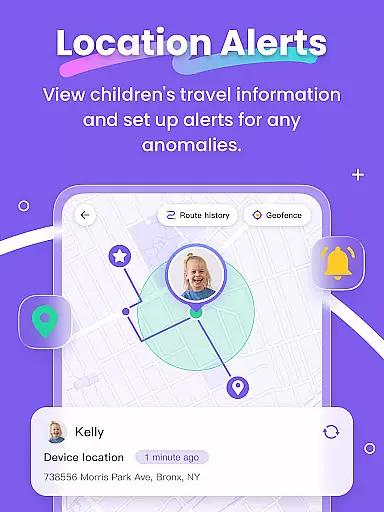
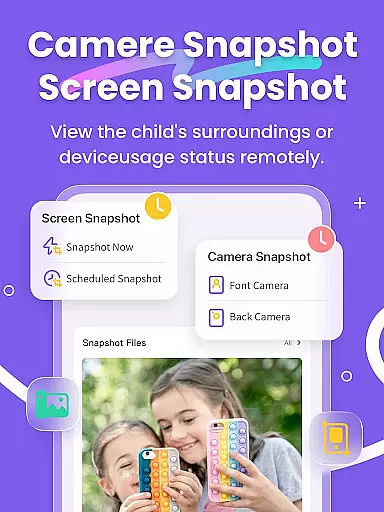
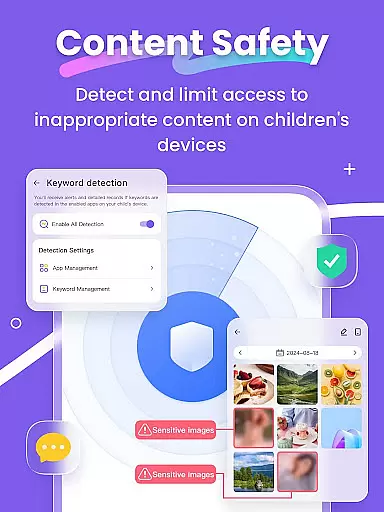
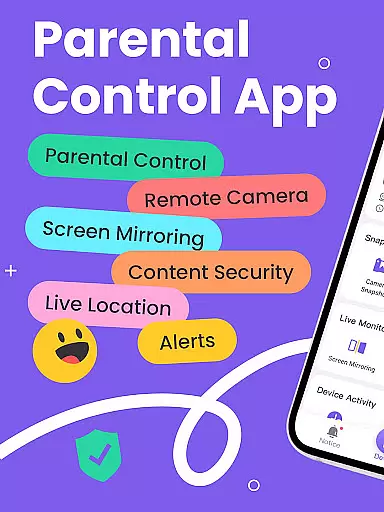
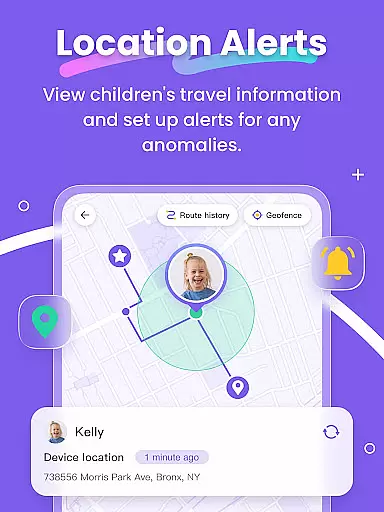
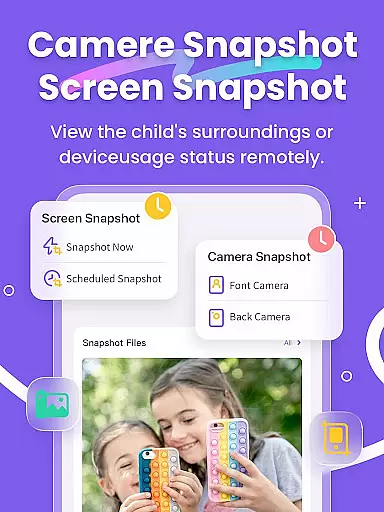
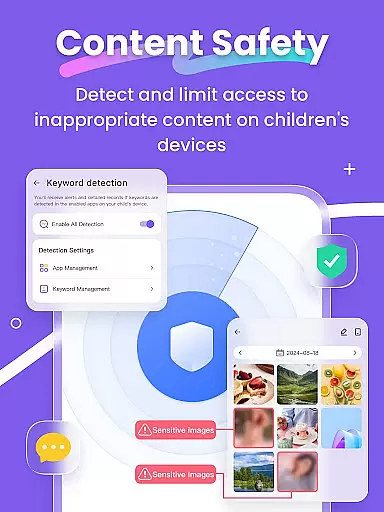
FlashGet Kids is a comprehensive parental control application designed to help parents ensure their children's safety and develop healthy digital habits. The app offers real-time location tracking, allowing parents to monitor their child's whereabouts with high-precision GPS. It also includes features like Live Monitoring, which enables parents to view their child's device screen in real-time, and Sensitive Content Detection to protect against inappropriate material.
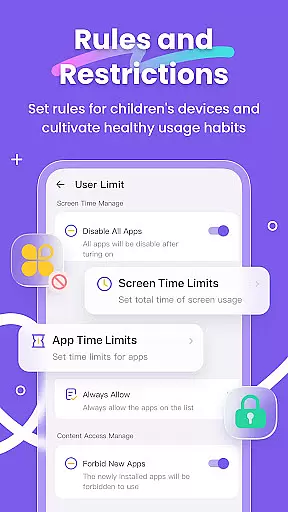
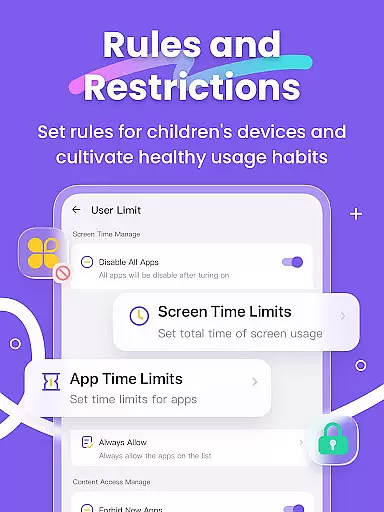
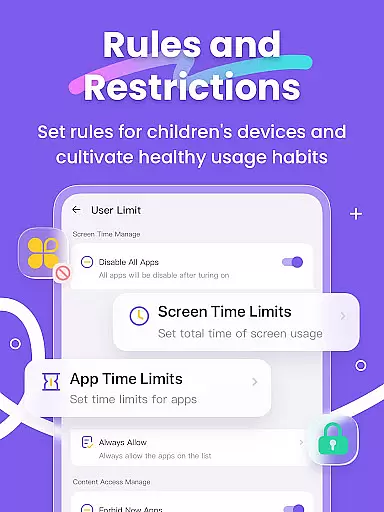
In addition to safety features, FlashGet Kids helps parents manage their children's screen time and app usage. With functions such as Screen Time Limits and App Rules, parents can set dedicated schedules and restrictions for app usage. This ensures that children are not distracted by their devices during important activities like school hours. The app also fosters better communication between parents and children through unique features like Live Painting, where parents can send handwritten notes or doodles to their child's phone.
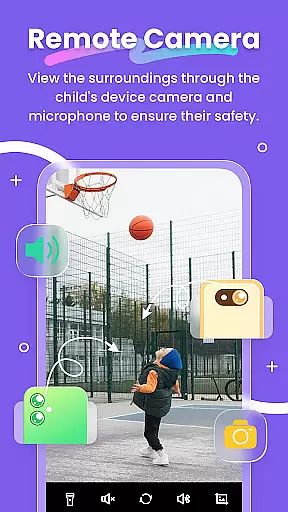
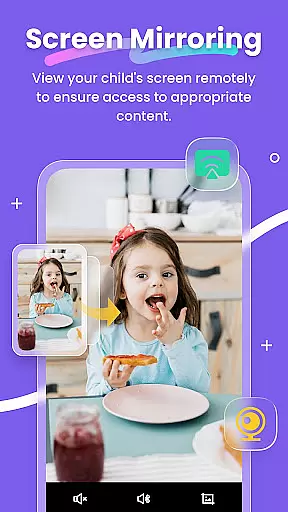
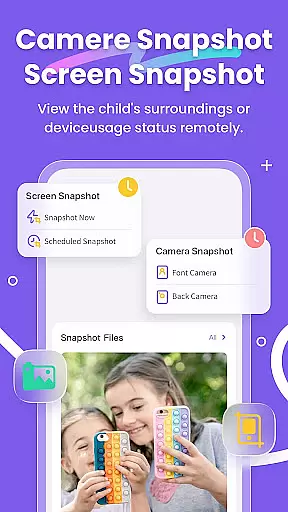
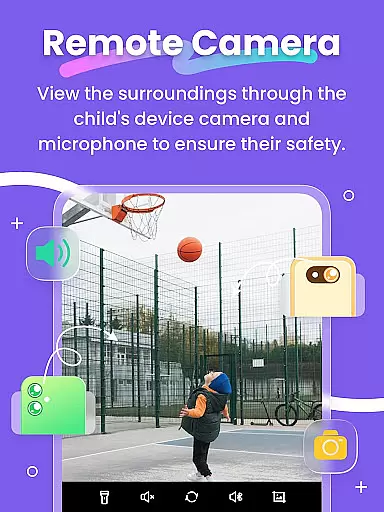
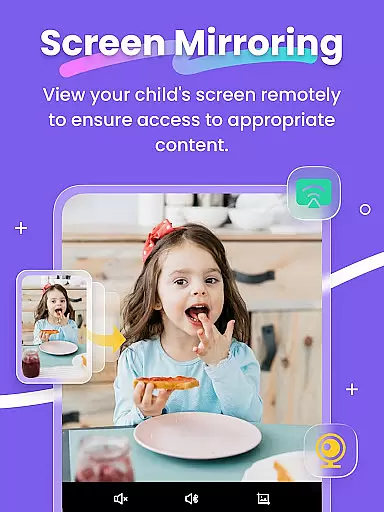
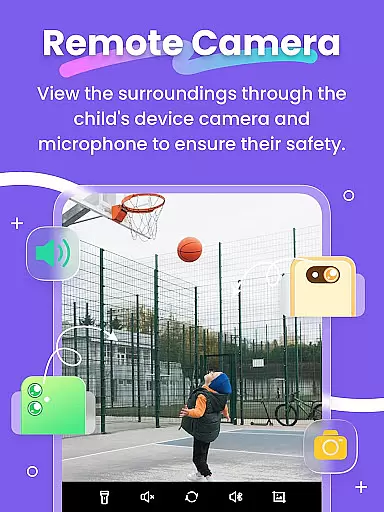
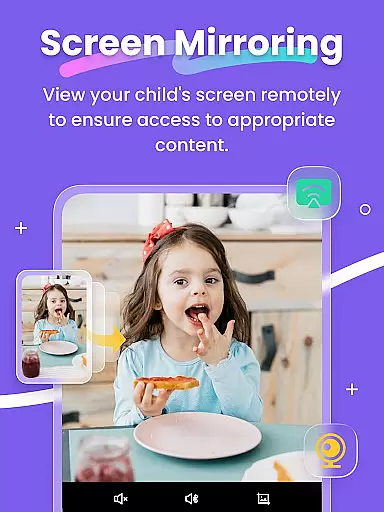
FlashGet Kids stands out with its robust feature set tailored for parental control. One of the key functionalities is Remote Camera and One-Way Audio, which allows parents to understand emergency events around their children in real-time. Another significant feature is Screen Mirroring, which projects the child's device screen onto the parent's phone, providing insights into app usage and frequency.
The app also includes Screen Snapshot and Recordings, supporting Scheduled Record to detect inappropriate content. Sync App Notifications keep parents informed about their child's social media activities, protecting them from cyberbullying. Additionally, Social App and Sensitive Content Detection help manage access to sensitive content on platforms like TikTok and YouTube. These features collectively ensure a safer digital environment for children while helping parents stay connected and informed.
When it comes to parenting apps, the credibility of the content and expert validation are paramount. FlashGet Kids stands out by offering features that are not only designed by tech experts but also align with child psychology and digital safety standards. The app includes functionalities such as Live Monitoring, App Block, and Sensitive Content Detection, which are developed based on thorough research and recommendations from child safety advocates.
The app's features like Remote Camera/One-Way Audio and Screen Mirroring provide parents with tools to monitor their children's environment and digital habits effectively. These features have been refined through rigorous testing and feedback from both parents and child development experts, ensuring they serve their purpose without being intrusive.
Furthermore, FlashGet Kids goes beyond just providing monitoring tools; it fosters healthy device usage habits among children. With features like Screen Time Limits and App Rules, the app encourages a balanced approach to digital consumption. This dual focus on safety and habit-forming is endorsed by parenting experts, making FlashGet Kids a trustworthy companion for modern parents.
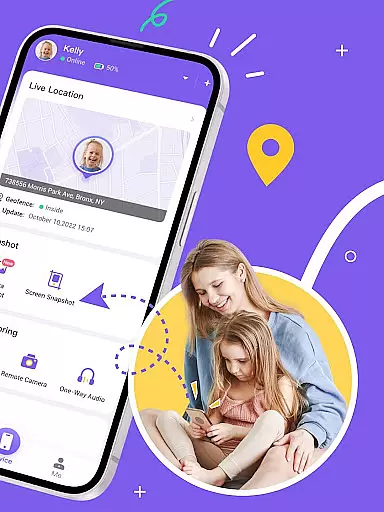
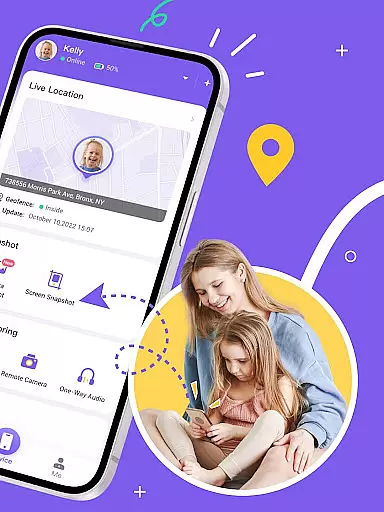
Growth tracking in the digital age isn't just about physical development but also encompasses a child's digital footprint and habits. FlashGet Kids excels in this area by providing precise tracking of a child's online activities and location. The Live Location feature uses high-precision GPS to offer real-time tracking, allowing parents to understand their child's movements and set up geofencing rules that trigger alerts when boundaries are crossed.
In addition to location tracking, the app offers Sync App Notifications and Social App and Sensitive Content Detection. These features ensure parents are aware of their child's interactions on social media platforms and can guide them away from inappropriate content or cyberbullying. The data collected is accurate and aids parents in having informed discussions with their children about their digital choices.
FlashGet Kids also supports the developmental aspect of growth tracking by enabling parents to set dedicated schedules and time restrictions on app usage. This helps in nurturing disciplined digital habits and ensures that children are not neglecting their studies or other essential activities for screen time. By combining these comprehensive tracking features, FlashGet Kids delivers an accurate and holistic approach to monitoring a child's growth in today's connected world.
Real-time location tracking
Comprehensive app monitoring
Parent-child communication tools
Customizable usage rules
Sensitive content filtering
Premium features require subscription
Initial setup can be complex
Limited free version capabilities
Device compatibility issues
Privacy concerns with extensive monitoring

Free symptom & med tracker with expert-reviewed tips.
 4.30
4.30
GPS phone tracker: find kids on map. Location tracking and parental control.
4.50
Fake call application designed for parents and adults to discipline their children through the children's police.
4.20
Cherish every beat - capture your baby's heart sounds with our app
4.30
Findnumber: Real-time location tracker for ultimate family security
4.20
Screen Time, App and Web Block & Monitoring, Location Tracker
3.60
GPS tracker app: Simple GPS phone tracker for fast family location tracking
4.60
Track baby’s development & growth week by week with BabyCenter’s pregnancy app!
4.90
FamilyAlbum helps you share, save, and remember your child's special moments.
4.80
Pregnancy+ App has helped 80m moms track their pregnancy with info & support!
4.80
Reliable phone tracker by number & locate phone app. Protect your family.
4.50
All-in-one pregnancy app, contraction timer, kick counter & due date calculator
4.40
GeoLog - Real-Time Location Tracker
4.40
Magic chalkboard coloring and drawing!
4.20
Keep Your Family Safe with Pollog Family Assistants
4.10
A Coloring for the Whole Family! Discover the Joy of Family Love Through Colors!
3.60
SemLog aims to raise awareness among families and their children
3.40
AI Motion Video Maker & Ideas
4.1
Lullabies, Night Light & Age-based Routines to help your baby fall asleep
4.3


User Reviews