

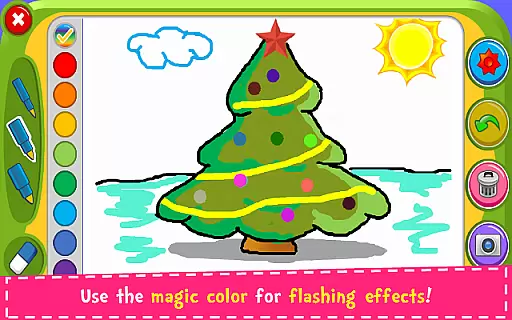
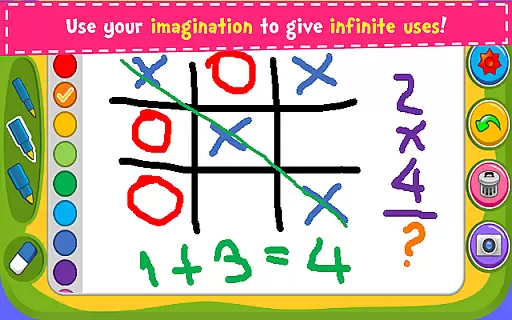
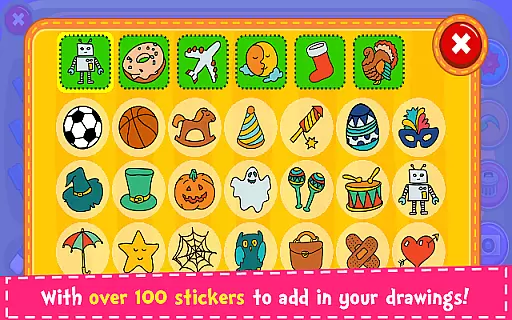
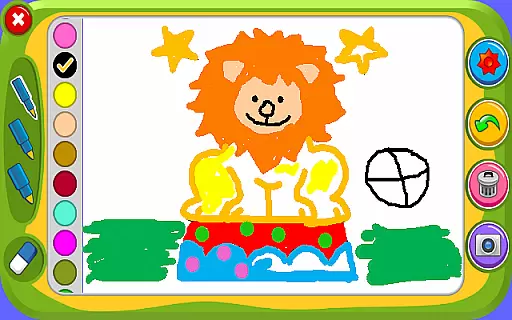


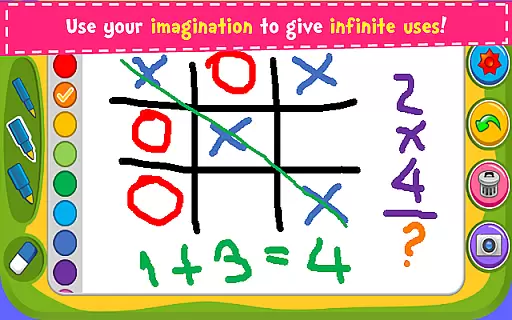
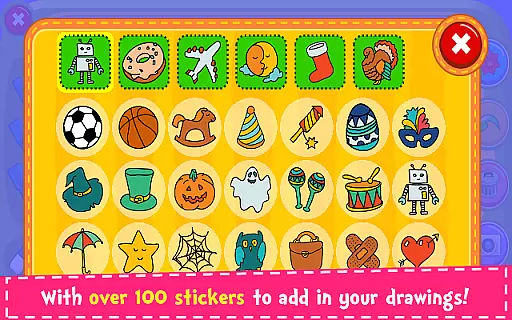
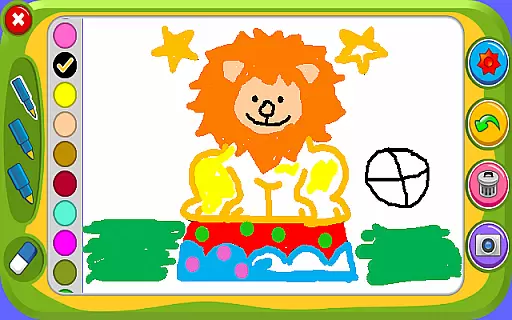


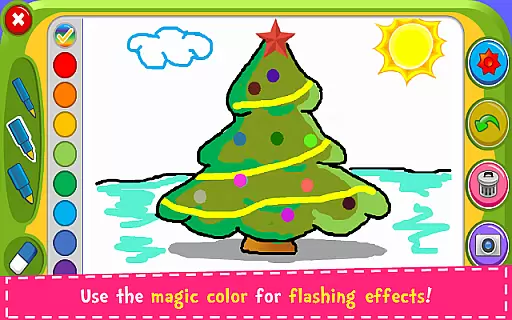
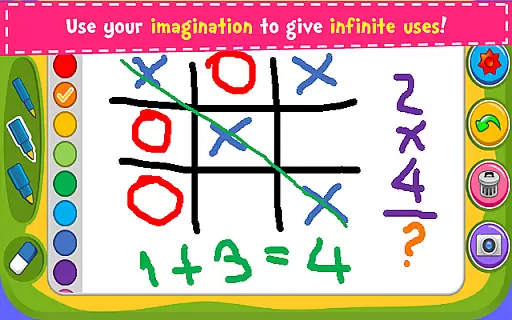
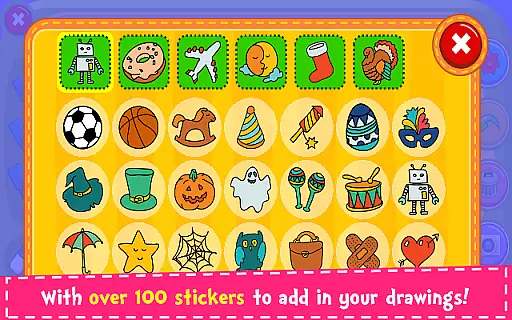
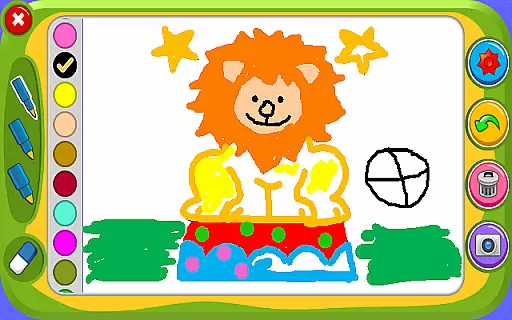

Magic Board is an engaging drawing and coloring application designed for users of all ages. This app provides a realistic canvas where you can unleash your artistic skills with various drawing tools and colors. It features over 100 stickers to enhance your creations, making it not just a drawing tool but also a platform for storytelling and creative expression.
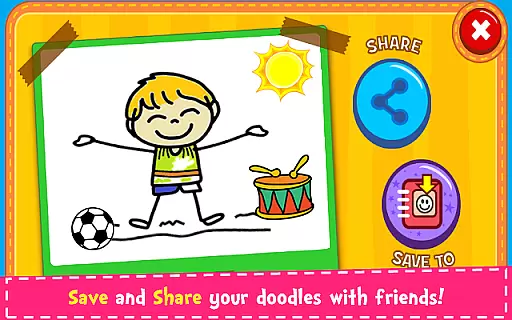
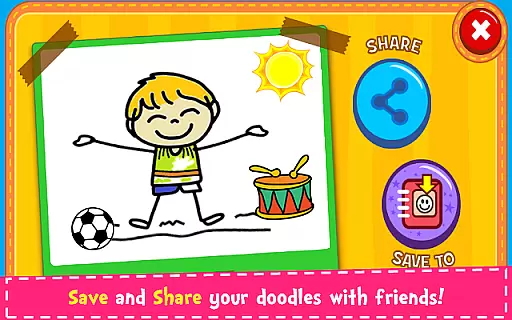
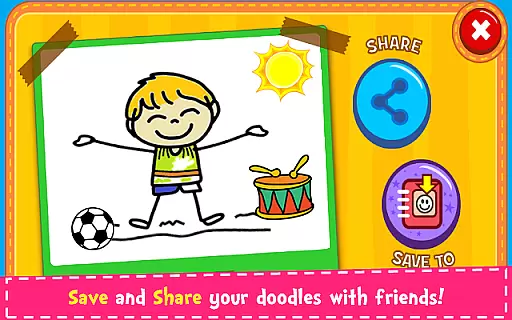
Designed with simplicity in mind, Magic Board offers an intuitive interface that promotes the development of imagination, fine motor skills, and concentration—especially beneficial for children. The ability to save artwork in-app and share it across multiple platforms adds a social dimension to this creative process, allowing families and friends to celebrate artistic achievements together.
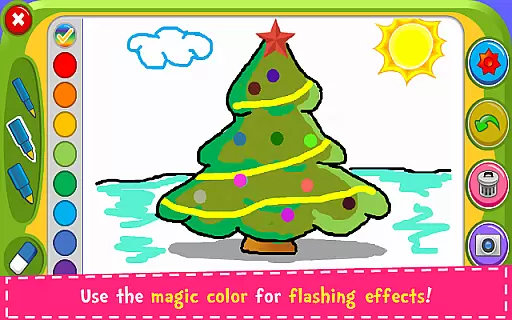
Magic Board stands out with its comprehensive set of features tailored for creativity. The app supports multiple languages including English and Spanish, ensuring accessibility for a wide audience. Users can choose from different pencil strokes and colors, including a unique flash effect option that generates dynamic random colors for endless possibilities.
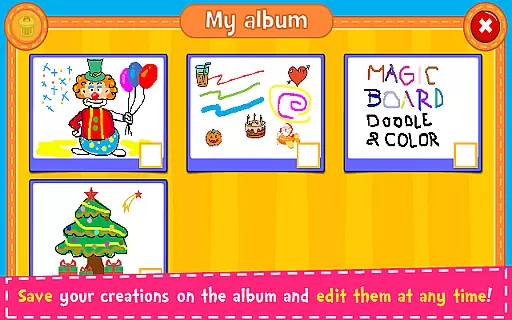
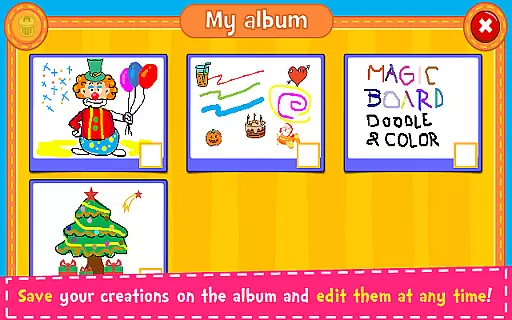
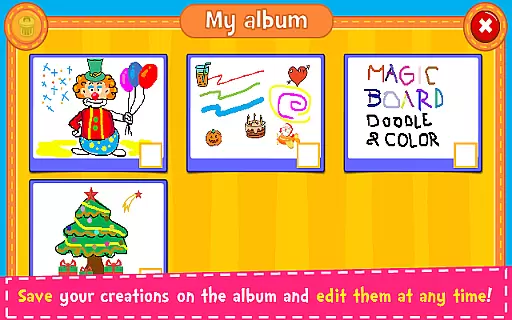
In addition to its drawing capabilities, Magic Board includes practical functions such as an eraser, undo, and clear all options, which are essential for any digital art platform. The inclusion of an album feature allows users to save, edit, and revisit their artwork at any time, fostering a continuous creative process. These features collectively create an enriching experience that caters to both casual doodlers and serious artists alike.
When it comes to parenting applications, the credibility of the content is paramount. Magic Board ensures that its features are not only engaging but also beneficial for child development. The app promotes imagination, art skills, and fine motor skills, which are crucial aspects of childhood growth.
The application offers a variety of drawing tools and stickers that are designed to be both fun and educational. With support for multiple languages including English and Spanish, it caters to a diverse audience. The simplicity of the design ensures that children can easily understand and interact with the app without frustration.
Magic Board stands out by providing 100% free content, ensuring that all users have access to the full range of features without any hidden costs. This approach aligns with expert recommendations for educational apps, which emphasize accessibility and transparency.
Growth tracking in parenting apps often refers to monitoring a child's developmental progress. While Magic Board is primarily a creative tool, it indirectly supports growth tracking through its features that enhance concentration and artistic abilities.
By allowing children to save their artworks in an album, the app enables parents to observe improvements over time. This feature provides a chronological view of a childu2019s artistic journey, showcasing how their skills and preferences evolve.
Moreover, the ability to share creations on social media platforms means that family and friends can also engage with the child's progress. This external validation can be highly motivating and offers another layer of tracking growth through community interaction.
User-friendly interface
Variety of drawing tools
Supports multiple languages
Encourages creativity and learning
Free with no in-app purchases
Limited advanced features
No cloud backup option
Basic sharing capabilities
Occasional performance lags
Ads may interrupt workflow

Free symptom & med tracker with expert-reviewed tips.
 4.30
4.30
SENSORYSOOTHE and SENSORSAFE: Making car seats smarter and families safer.
4.70
Track your pregnancy & your baby's growth in 3D. Get support from our community
4.60
Track Pregnancy, Baby Feeding, Sleep, Diaper Changes, Postpartum Health & More!
4.80
A simple way to track your baby’s breastfeeding, diaper changes, sleep patterns.
4.90
Learn according to the age of your child and consult with other moms.
4.20
Live Location, Alerts & 2-Way Voice for Kids and Adults with Special Needs
4.60
Babysitting video camera - Turn your two phones or tablets into a single nanny.
4.40
The Most Trusted Co-Parenting App.
4.60
Track your labor contractions
4.90
Pregnancy+ App has helped 80m moms track their pregnancy with info & support!
4.80
Advanced baby tracking, expert sleep help & parenting support for every stage.
4.80
GPS tracker app: Simple GPS phone tracker for fast family location tracking
4.60
GeoLog - Real-Time Location Tracker
4.40
Find unique + popular baby names for your little peanut.
4.30
Limit screen time, Block Apps & Games, Monitor with Parental control app
4.20
Findnumber: Real-time location tracker for ultimate family security
4.20
Monitor screen time and build healthy habits with Family Safety
3.90
A Coloring for the Whole Family! Discover the Joy of Family Love Through Colors!
3.60


User Reviews