
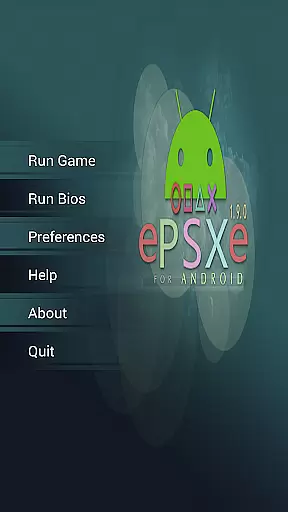
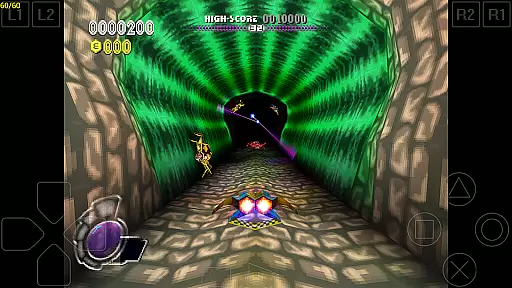
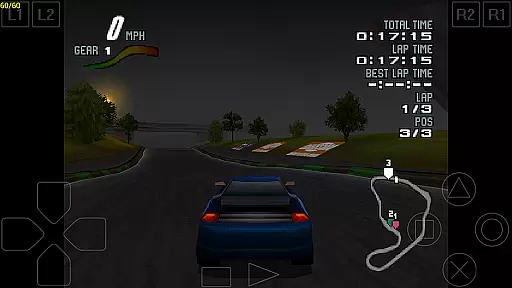
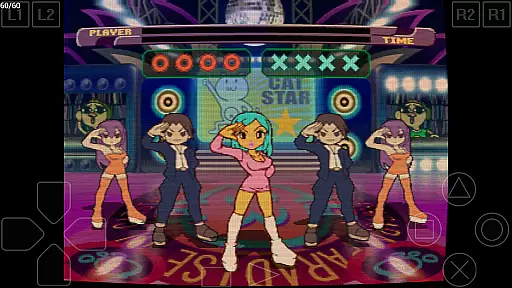
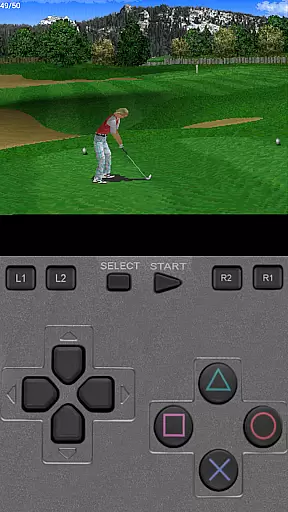
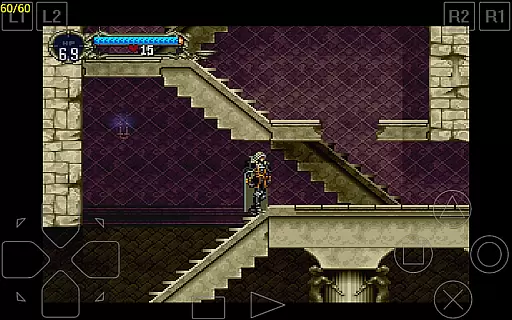
ePSXe for Android is a high-performance PlayStation emulator that brings PSX and PSOne gaming to modern smartphones and tablets. With compatibility exceeding 99%, it ensures smooth gameplay, accurate sound, and support for HD-enhanced graphics. Designed for both casual and hardcore gamers, the app supports multiple control options including virtual touchscreen controls, hardware button mapping, and external Bluetooth or USB gamepads like Xbox 360, WiiMote, and Moga.
One standout feature is its split-screen mode, which allows two players to enjoy games together on the same device. Additionally, ePSXe offers advanced functionalities such as cheat codes, savestates, and compatibility with memcards from the PC version. Whether you're reliving classic PlayStation memories or discovering these iconic games for the first time, ePSXe delivers an immersive experience tailored for mobile devices.
ePSXe stands out with its robust feature set designed to maximize user experience. The app supports multiple rendering modes, including 2x/4x software rendering and OpenGL renderers, ensuring enhanced graphics quality. It also provides native support for ARM and Intel Atom X86 processors, delivering optimal performance across a wide range of devices. Users can customize their gaming setup by mapping hardware buttons, connecting external controllers, or using the intuitive touchscreen interface.
The emulator's compatibility with savestates and memcards makes it easy to save progress and transfer data between devices. Furthermore, ePSXe includes unique features like split-screen multiplayer, allowing two players to enjoy games simultaneously. These technical capabilities, combined with its user-friendly design, make ePSXe a versatile tool for anyone looking to play PlayStation classics on their mobile device.
Arcade authenticity and nostalgia are crucial elements for any arcade-style game or emulator. ePSXe for Android brings the classic Playstation gaming experience to modern devices, ensuring that the original gameplay, graphics, and sound effects remain true to their roots.
This emulator achieves high compatibility with a vast library of PSX and PSOne games, preserving the nostalgic feel of the original console. By supporting both single-player and multiplayer modes, including a split-screen option, it recreates the authentic arcade experience that many users cherish.
Players can relive their favorite gaming moments with accurate sound and enhanced graphics, making it an ideal choice for those who want to revisit the golden age of arcade gaming on their smartphones or tablets.
Control responsiveness is essential for an immersive gaming experience. ePSXe for Android offers highly responsive controls through its support for virtual touchscreen pads, hardware button mapping, and external gamepads.
The emulator supports a wide range of input methods, including Xperia Play, phones with keyboards, and external Bluetooth or USB gamepads like WiiMote, Sixaxis, Xbox 360, Moga, and Ipega. This ensures that players can choose their preferred control scheme, enhancing the overall responsiveness and precision during gameplay.
With native support for ARM and Intel Atom X86, ePSXe delivers smooth and accurate control feedback, allowing gamers to enjoy their favorite titles with minimal latency and maximum enjoyment.
High compatibility rate
HD graphics support
Multiplayer options
External controller support
Advanced customization
No included games
Requires manual setup
Large file size
Limited free features
Device-specific issues

PC Engine/TurboGrafx-16 Emulator
 4.50
4.50
Running game: dance in a twerk battle and become the twerk hero in our fun race!
4.30
Genesis/Mega Drive/CD & Master System/Mark III Emulator
4.30
Absorb, or be absorbed...
4.70
Join the breathtaking chase!
4.80
You are a Black Hole, escaping the darkness trying to swallow you!
3.60
Millions of crafters have smashed billions of blocks! Now you can join the fun!
4.40
Merge bowmasters to win the bow and arrow war! Play the fun archery game!
4.60
Challenge your friends in this game! Two players on one device!
4.70
Master the skies in this epic airplane shooting game! Join the air force now!
4.80
Ready… Set… DASH! Play now!
4.70
Use superpower in your magic hands. Defeat the enemies in a fun elemental game.
4.50
GBA Emulator
4.40
Genesis, Mega Drive, Mega CD, Master System, Game Gear Emulator!
4.20
Join the art challenge: Guess the word and draw fast before the timer runs out!
4.20
Mine planets, upgrade your space ship, battle others, and dominate the galaxy!
3.90
Protect the balloon! Only 1% of players can reach lvl 100 with all the balloons!
3.70
BallStack is a vibrant match-3 game where you stack and match colorful balls!
4.5
Divine powers at your fingertips! An innovative and frantic shoot-'em-up!
4.0


User Reviews