
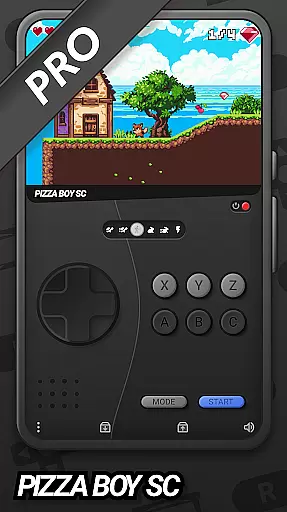
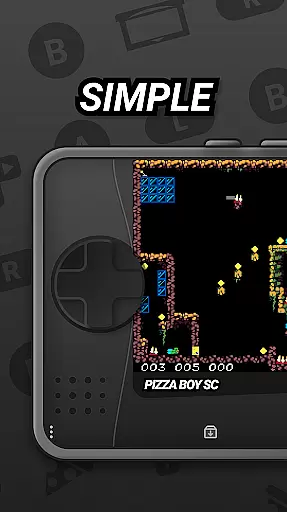
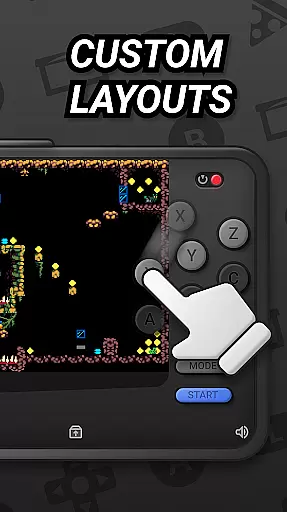
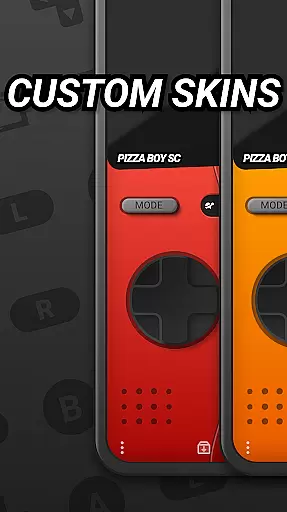
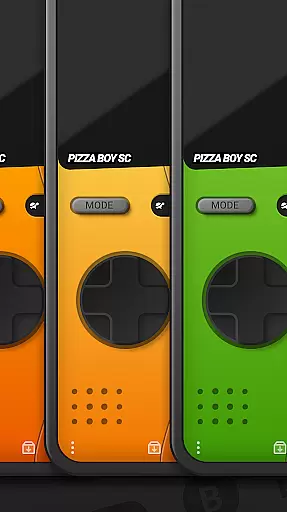
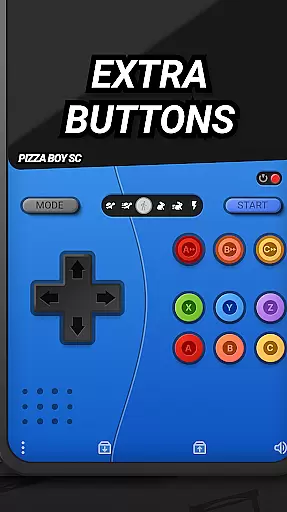

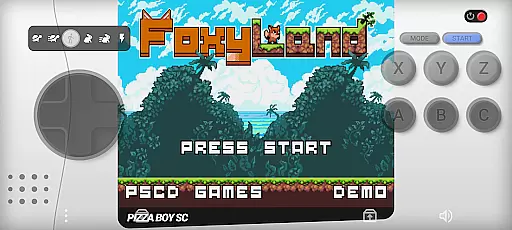
Pizza Boy SC Pro Genesis Emu is a powerful emulator that brings classic '90s console gaming to your mobile device. This app supports multiple systems including Genesis, Mega Drive, and more, offering users an authentic retro gaming experience with modern enhancements.
With its high-performance emulation engine built in Rust, the app ensures smooth gameplay while providing advanced features like rewind function, customizable skins, and RetroAchievements. Whether you're reliving childhood memories or discovering these classics for the first time, Pizza Boy SC Pro delivers exceptional performance and stability.
The emulator's support for gamepads and multiplayer functionality makes it perfect for both solo play and gaming sessions with friends. Rediscover your favorite games with added convenience and functionality that enhances the original experience.
This emulator stands out through its comprehensive feature set designed to enhance the retro gaming experience. The high-performance emulation core ensures fast and seamless gameplay, while the customizable skins allow users to personalize their interface.
Innovative features like the rewind function and cheat support provide modern conveniences that make gameplay more enjoyable and accessible. The app's boxart support and RetroAchievements system add extra layers of authenticity and engagement to the classic titles.
Additional notable features include full gamepad support for authentic controller experiences and robust multiplayer capabilities. With upcoming 32-bit expansions on the horizon, Pizza Boy SC Pro continues to push the boundaries of what mobile emulation can achieve.
Arcade authenticity and nostalgia are at the heart of Pizza Boy SC Pro Genesis Emu, offering users a genuine trip down memory lane. This emulator meticulously recreates the gaming experience of classic '90s consoles such as Genesis, Mega Drive, and more, ensuring that every pixel and sound resonates with the era's charm.
The app goes beyond mere emulation by incorporating modern features that enhance the nostalgic experience without compromising the original gameplay. With support for boxart and customizable skins, users can personalize their interface to mirror the authentic feel of their cherished gaming past.
By providing high-performance emulation and supporting both gamepad controls and multiplayer options, Pizza Boy SC Pro delivers an immersive experience that captures the essence of arcade gaming. These elements combine to offer not just a play but a revisit to the golden days of console gaming.
Control responsiveness is a pivotal feature in ensuring an optimal gaming experience, and Pizza Boy SC Pro Genesis Emu excels in this aspect. The emulator supports a wide array of gamepads, allowing players to engage with their favorite retro games using controllers that mimic the tactile feedback of original hardware.
Built entirely in Rust, the emulator guarantees exceptional performance and stability, translating to seamless control responsiveness during gameplay. Players can execute complex maneuvers and combos without experiencing input lag, making each gaming session fluid and enjoyable.
Additionally, the inclusion of a rewind function empowers gamers to correct mistakes instantaneously, enhancing the overall control precision. This blend of responsive controls and modern convenience ensures that users enjoy a refined yet faithful classic gaming experience.
High-speed emulation
Customizable interface
Rewind functionality
Gamepad compatibility
Achievement system
No official SEGA license
Mega CD support beta
Complex setup process
Large file storage needs
Occasional bugs

Spaceship racing on a rocky planet — pure action and challenge.
 4.2
4.2
Machine Gun Fire Rumbles in the Jungle
4.2
A retro-flavoured infinite scroller Glyph toy for the Nothing Phone (3)
4.4
Protect the balloon! Only 1% of players can reach lvl 100 with all the balloons!
3.70
Create your restaurant story & make food on a crazy kitchen in this cooking game
4.70
Absorb, or be absorbed...
4.70
Train your Champ. Compete. Get rewards.
4.50
Save the galaxy from alien shooter in classic galaxy shooter-classic arcade game
4.80
Challenge your friends in this game! Two players on one device!
4.70
Ready… Set… DASH! Play now!
4.70
Jump and fly your way through danger in this rythm-based action platformer!
4.70
Cool car builder & racing simulator: make a car to win the obstacle course race!
4.60
Local offline 2 3 4 player multiplayer minigames - race, tanks, football
4.60
Hit as hard as you can and make the penguin learn to fly! Arcade jumping game
4.50
Nostalgia.GBA Pro is a high quality GBA emulator.
4.40
The only Sega Saturn emulator for Android
4.40
Mine & Craft Block Mini World! Survival Crafting and Building & Creative Online.
4.30
A Ball Bouncer With Depth
4.00
Snake Legacy, sans pub, repensé pour une expérience fluide et élégante.
4.0


User Reviews