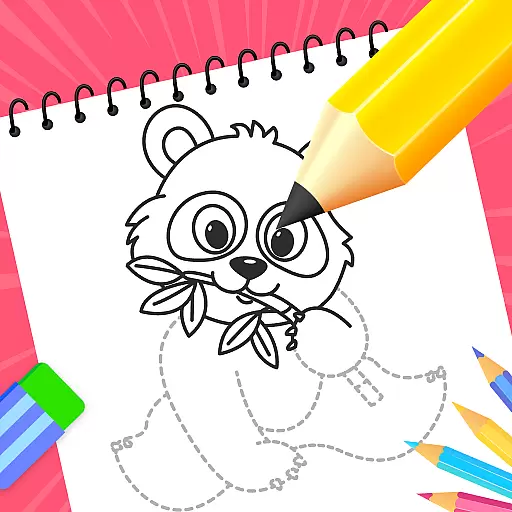
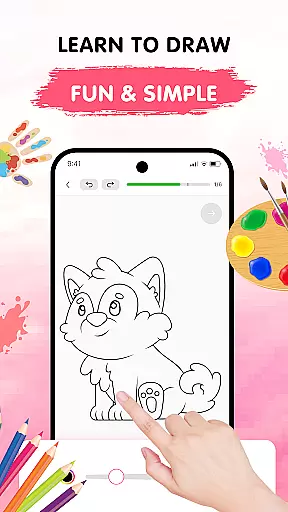
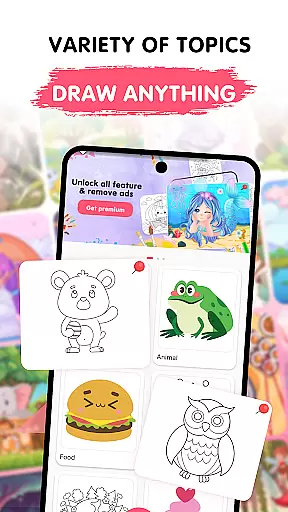
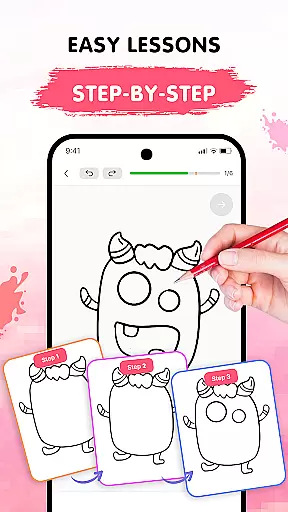
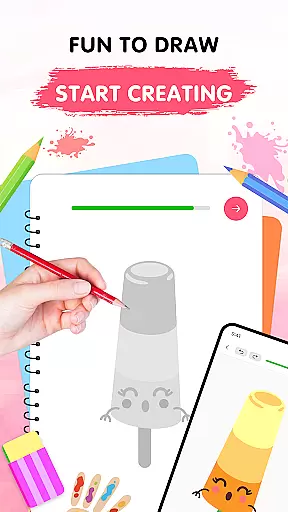
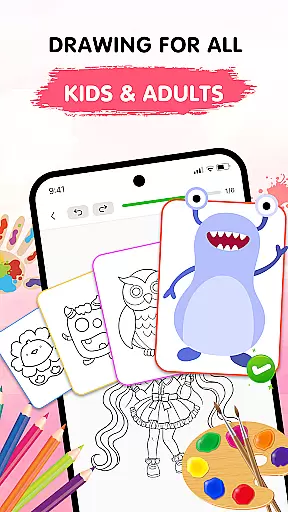
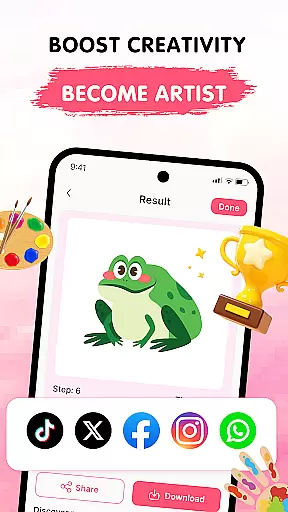
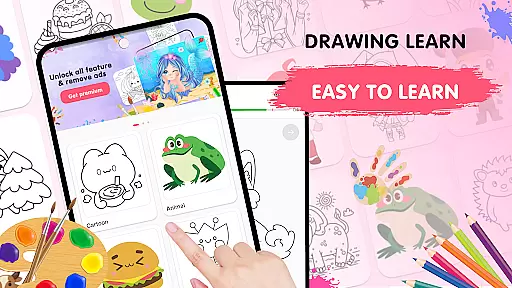
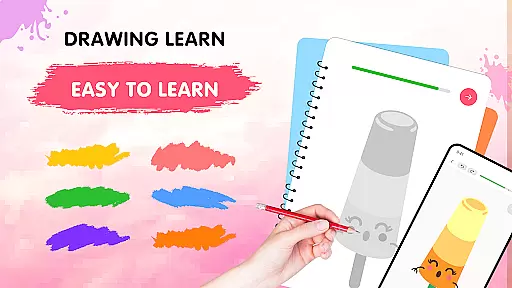
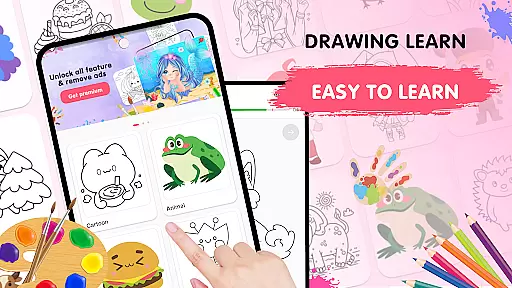
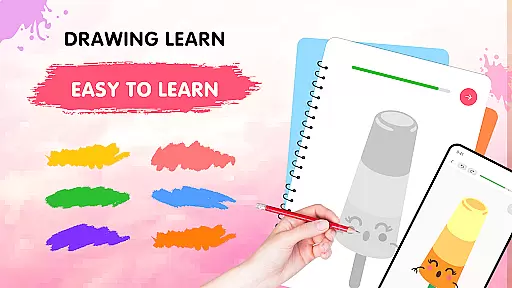
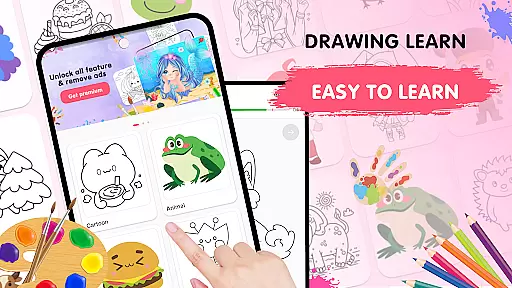
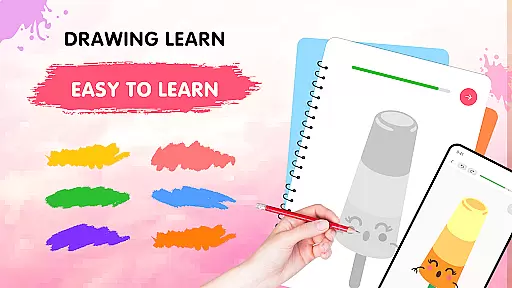
Easy Draw: Learn How to Draw is an innovative educational app designed to help users develop their artistic skills. This personal art tutor offers a structured yet relaxed learning environment, making it suitable for both beginners and experienced artists looking to refine their techniques.
The app features a comprehensive library of drawing tutorials covering various themes like animals, cartoons, food, and more. Each lesson is broken down into manageable steps, allowing users to progress at their own pace. With intuitive drawing tools, adjustable brush settings, and a vibrant color palette, Easy Draw ensures a smooth and enjoyable creative process.
Users can save their artwork and share it with others, making it an excellent tool for building confidence and receiving feedback. Whether you're looking to learn basic drawing skills or experiment with new styles, Easy Draw provides the resources you need to express your creativity.
Easy Draw stands out with its diverse range of features tailored to enhance the drawing experience. The app offers a wide variety of topics, from animals to abstract concepts, ensuring there's something for every interest and skill level.
One of the key highlights is the guided drawing steps. Each tutorial is carefully divided into bite-sized instructions, making complex drawings easier to follow. The app also includes essential drawing tools such as undo, redo, erase, and reset functions, giving users the freedom to experiment without fear of mistakes.
Additionally, Easy Draw provides adjustable brush and eraser sizes, allowing for precise detailing and coloring. The expressive color palette enables users to personalize their creations, while the ability to save and share work encourages community engagement and feedback.
In the realm of digital learning, content accuracy is paramount, especially for an educational app like Easy Draw: Learn How to Draw. This application ensures that each drawing lesson is crafted with precision and care, adhering to realistic representations and artistic standards.
Easy Draw employs a team of experienced artists and educators who meticulously design every tutorial. They break down complex drawings into manageable steps, ensuring that users receive clear and accurate guidance throughout their creative journey.
The authority of Easy Draw's content also stems from its structured approach to teaching art. By offering a wide variety of themesu2014from animals to environmentsu2014the app caters to diverse interests while maintaining high educational value. Users can trust that they are learning techniques that are respected within the artistic community.
Ultimately, Easy Draw provides a reliable resource for aspiring artists. The combination of expertly designed lessons and an intuitive interface empowers users to build their skills confidently, knowing they are receiving quality instruction that will aid in their artistic development over time.
One of the standout features of Easy Draw: Learn How to Draw is its ability to create personalized learning paths for users. Recognizing that every artist has unique interests and skill levels, the app offers tailored experiences that adapt to individual preferences and progress.
Through its extensive library of themes, Easy Draw allows users to select subjects that inspire them most. Whether itu2019s drawing animals, cartoons, or intricate environmental scenes, learners can focus on areas they are passionate about, making the educational process more engaging and relevant.
The app further enhances personalization through adjustable tools and settings. Users can fine-tune brush sizes and choose from a vibrant color palette, allowing for customized artistic expression. These features not only accommodate different learning styles but also encourage experimentation and creativity.
By providing a flexible and adaptive learning environment, Easy Draw fosters a sense of ownership over one's artistic growth. Learners can advance at their own pace, revisiting lessons as needed and exploring new challenges when ready. This personalized approach ultimately leads to a more fulfilling and effective learning experience.
User-friendly interface
Step-by-step guidance
Vibrant color options
Save and share features
Diverse drawing themes
Limited advanced tools
Occasional ads
No offline mode
Basic brush settings
Few premium features

Turns you phone or tablet into TI graphing calculator (ROM required).
 4.20
4.20
Explore myths and gods across cultures with in-depth insights and stories.
5.00
Learn Words Daily in Just Minutes - Boost Your Language Skills Fast!
4.60
AI Language tutor: Speak fluently with Lucy’s personalized coaching
4.70
Perform physics experiments with your phone. (by the RWTH Aachen University)
4.70
Experience the sky, planet earth and the solar system like never before
4.90
Stack the Countries makes learning world geography fun!
4.50
Reading for kids has never been easier. Learn phonics, letter tracing & more!
4.70
Plant identifier: Identify plants, trees, weeds, flowers. Disease diagnosis.
4.30
The best way to study for your amateur radio license exam.
4.90
Learn & Speak New Languages
4.70
Universe simulator: Find & explore planets system, outer space, astronomy events
4.60
Practice Casino Roulette Payouts for Table Game Dealers and Croupiers
4.40
Professional Award-Winning Astronomy Star Map App With Telescope Control
4.40
Ignite curiosity, spark learning: All babybus videos &games
4.30
Learn math, step-by-step
4.30
Learn to make peaceful contact with extraterrestrial civilizations
4.10
Enrich the experience of your visit to the Pantheon with our audiotour.
1.60
Animals pop up and make sounds—learn names and noises in Peekaboo Barn!
4.1
Honest Duolingo review—energy system problems, hidden costs, what works for language learning, and whether the free version is still viable.



User Reviews