
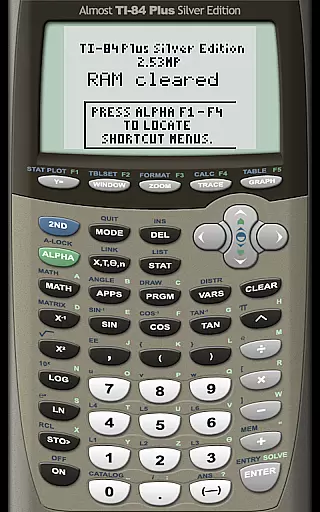
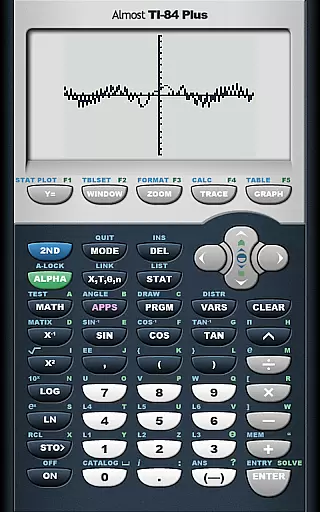
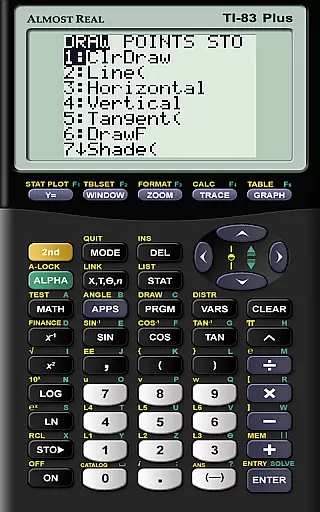
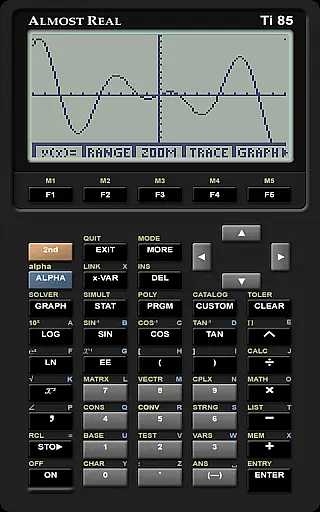
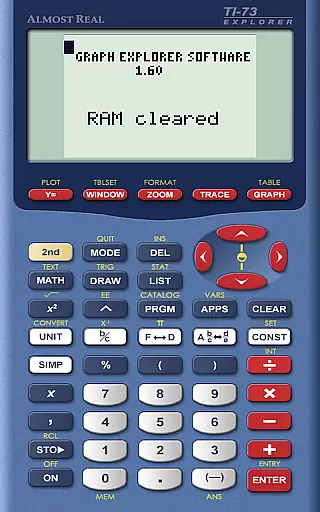
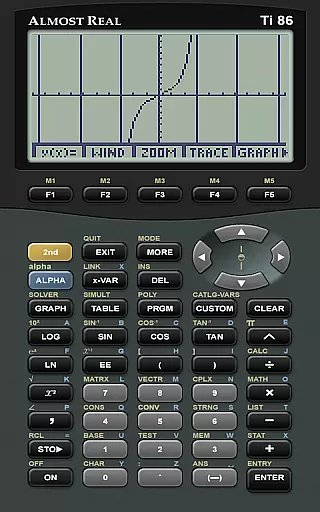
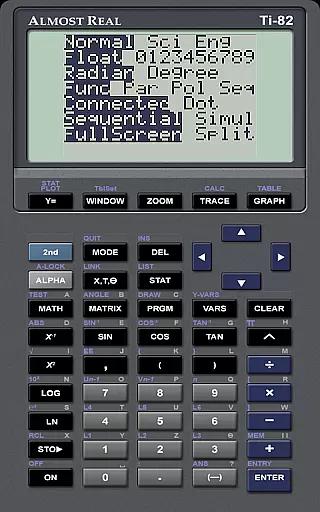
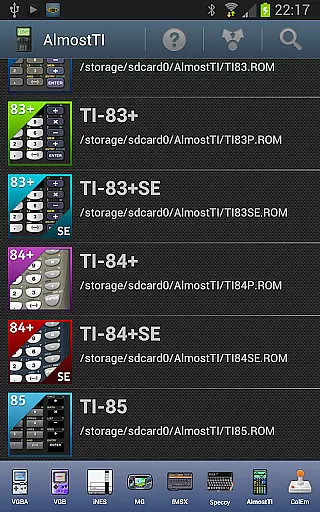
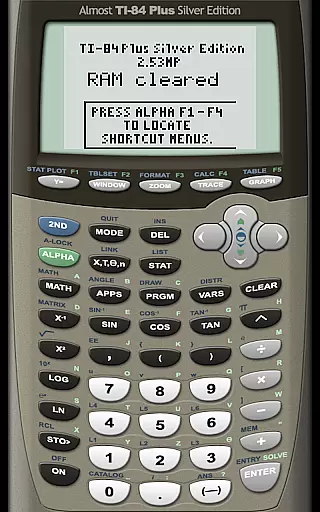
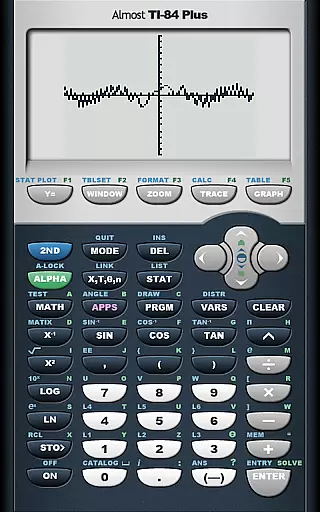
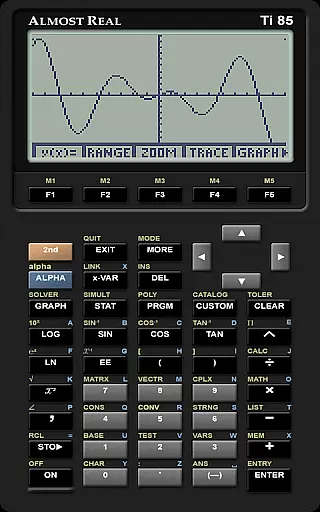
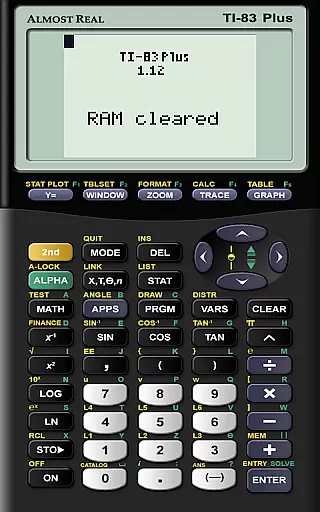
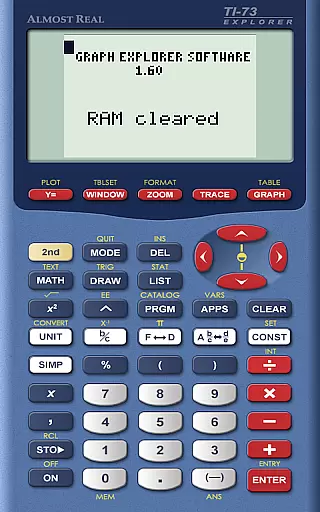
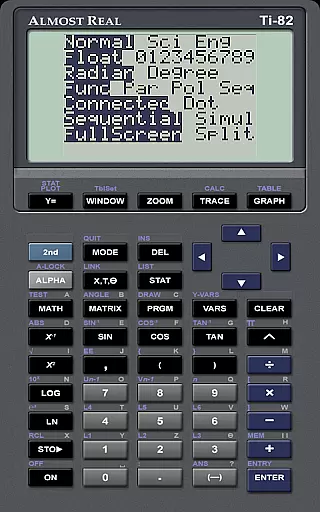
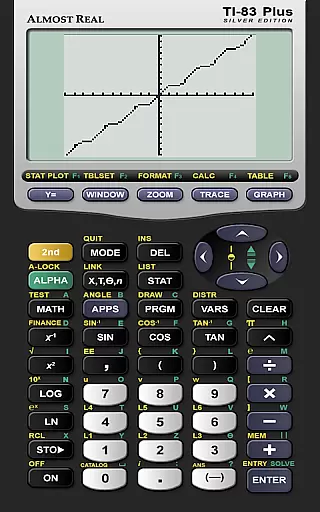
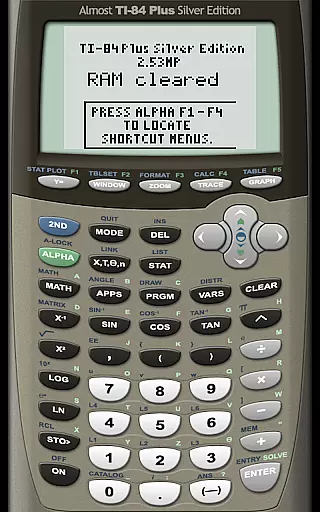
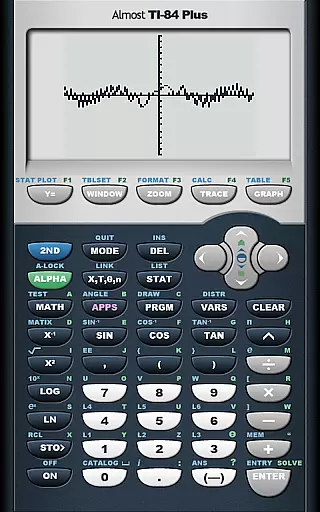
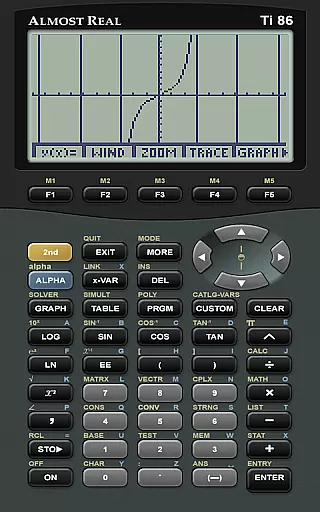
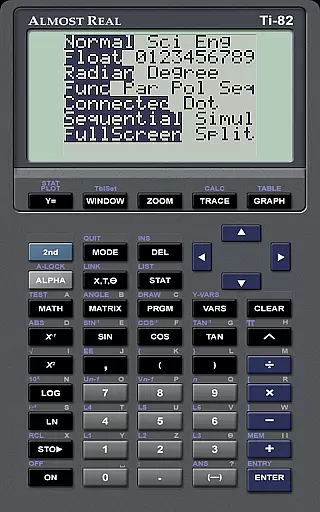
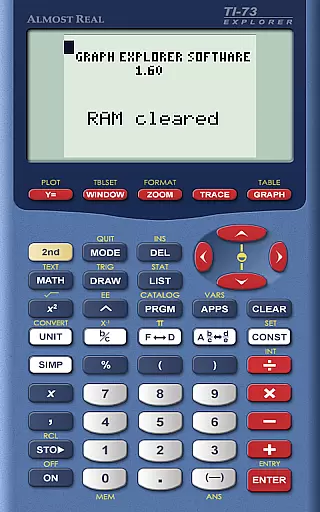
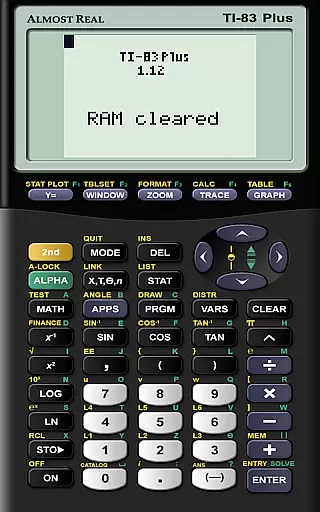
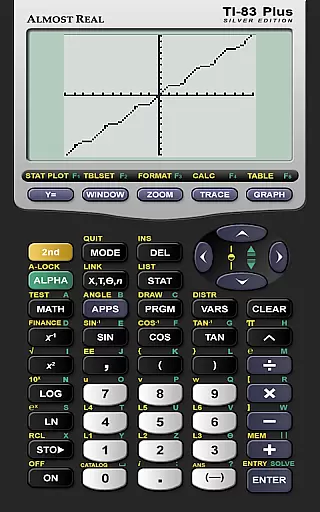
AlmostTI is an advanced educational application that transforms your Android device into a fully functional Texas Instruments graphing calculator. This app meticulously emulates a range of TI calculators including the TI-84+, TI-84+ Silver Edition, TI-83+, and more, offering users the exact experience of using a physical TI calculator. Whether you are a student or a professional, AlmostTI provides the convenience of carrying multiple calculators in one compact device. The app also supports saving calculations at any point, allowing users to switch between various tasks seamlessly.
The emulator's ability to work on tablets offers a unique advantage, as it effectively turns larger screens into oversized TI calculators. This feature enhances visibility and interaction, making complex calculations more manageable. With its precise emulation capabilities, AlmostTI ensures that all functions and operations mirror those of actual TI calculators, providing reliable and accurate results every time. Its utility in educational settings and technical fields makes it an invaluable tool for learning and professional use.
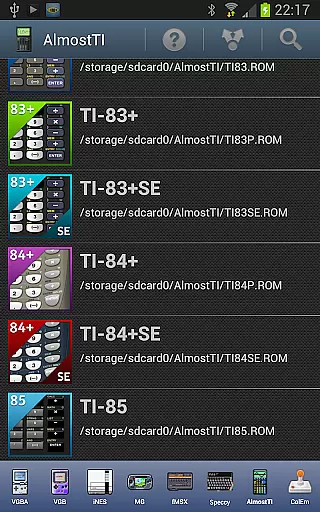
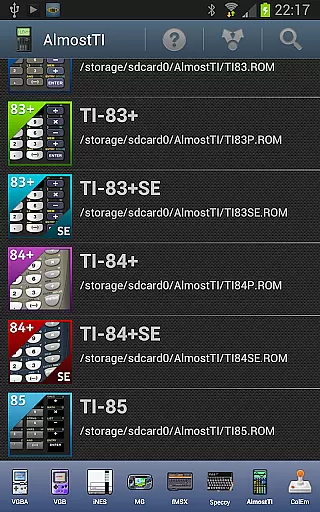
AlmostTI stands out with its comprehensive emulation of numerous Texas Instruments calculators, including models like the TI-84+, TI-83+, TI-82, and TI-81. Each emulation is crafted to deliver an authentic user experience, ensuring that every function and operation mirrors the original hardware. This meticulous attention to detail extends to supporting various calculator system ROMs, which users must provide based on their owned calculators. The app recognizes multiple ROM file formats, accommodating both uppercase and lowercase extensions, thus maximizing compatibility.
One of the key features of AlmostTI is its ability to save and retrieve calculation states. Users can store their progress at any point and later return to continue from where they left off. This functionality is particularly beneficial for tackling lengthy or complex mathematical problems. Additionally, AlmostTI's support for tablets enhances its usability by providing a larger interface, which is ideal for detailed work. The app also integrates resources for dumping ROMs and troubleshooting, ensuring users have access to necessary support and information.
When it comes to educational applications, content accuracy is paramount. AlmostTI ensures precision by emulating a wide range of Texas Instruments graphing calculators, from the TI-84+ series to the classic TI-81. This emulation includes not only basic calculations but also complex graphing functions, providing reliable and accurate results that match those of physical calculators.
The app's commitment to authenticity extends to its requirement for original calculator ROMs. Users must supply their own ROM files, which AlmostTI uses to replicate the exact functionality of the calculator model they own. This approach guarantees that the computations performed are true to the original device, maintaining the integrity and authority of educational content.
By allowing users to save their calculations and switch between tasks, AlmostTI supports methodical learning and problem-solving. Students can revisit their work, ensuring that each step of their calculations is correct before moving on to the next. This feature reinforces the importance of accuracy in education and helps learners develop rigorous mathematical practices.
AlmostTI offers a unique opportunity for personalized learning experiences through its emulation capabilities. By supporting multiple models of Texas Instruments calculators, the app caters to individual preferences and educational needs. Whether a student is beginning with a basic TI-81 or advancing with a sophisticated TI-84+ Silver Edition, AlmostTI adapts to provide the appropriate level of complexity and functionality.
The ability to use personal calculator ROMs enhances this customization. Learners can replicate the exact environment they are familiar with or explore new ones as they progress in their studies. This flexibility allows for tailored learning paths that evolve with the user's growing proficiency in mathematics and programming.
Moreover, the option to save and retrieve calculation states encourages self-paced learning. Students can pause their work, review concepts, and return to their calculations when ready. This fosters an independent learning process where users can set their own pace, focus on challenging areas, and build confidence in their mathematical abilities over time.
User-friendly interface
Accurate emulation
Supports multiple models
Save and resume tasks
Tablet optimization
Requires ROM files
No built-in ROMs
Complex setup
Limited free support
Device compatibility issues

An animated storybook app to help ease your child through toilet training.
 3.70
3.70
Astronomy app ? Discover the universe scope, explore solar system model in 3D.
4.20
2026 DVSA Driving Theory Test revision with Hazard Perception + Highway Code
4.60
Master the NRP with 700+ questions, rationales, and updated NREMT scenarios.
3.00
Listen, request and record pronunciations in more than 450 languages. Everywhere
3.90
Visit Daniel's house & make believe. Play doctor, make music, & feed fish.
3.20
An aviator’s preparation, study and test tool for FAA Knowledge Exams.
3.80
Memorize anything efficiently with AnkiDroid! Many pre-built decks available.
4.80
Adventures await with Spider-Man and other Marvel characters!
4.10
The best way to study for your amateur radio license exam.
4.90
Guitar chord finder, analyzer, smartly visualized theory, progressions, quizzes.
4.70
Engage in learning science and math with the award-winning PhET simulations!
4.70
Dinosaurs coloring book game. Drawing and painting dinos.
4.50
The Only Official DVSA Theory Test Kit App
4.50
Astronomy Guide to the Night Sky
4.40
SkyView®, an augmented reality space app, brings stargazing to everyone!
4.40
Break Language Barriers with AI—Learn Language Anytime, Anywhere!
4.00
FAR/AIM, FAR for Flight Crew and FAR for Aviation Maintenance Technicians
3.80
Deal Craps (Practice Craps Payouts)
3.80
Honest Duolingo review—energy system problems, hidden costs, what works for language learning, and whether the free version is still viable.



User Reviews