
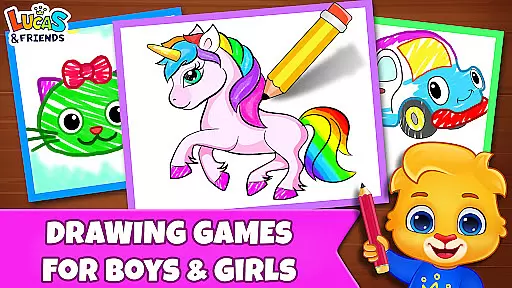
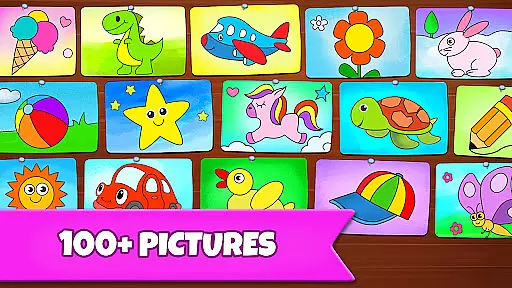
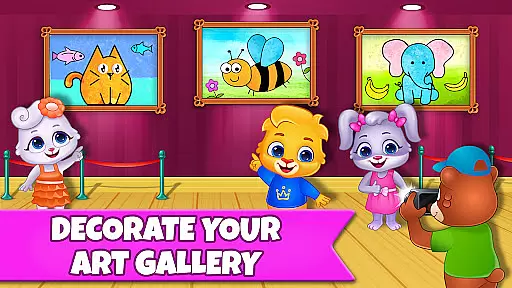
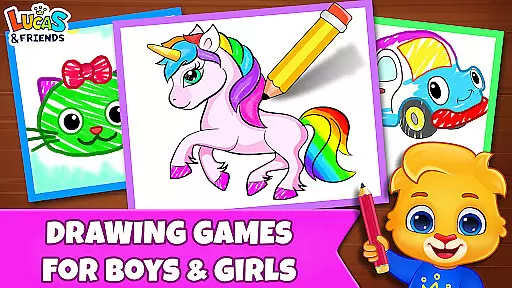
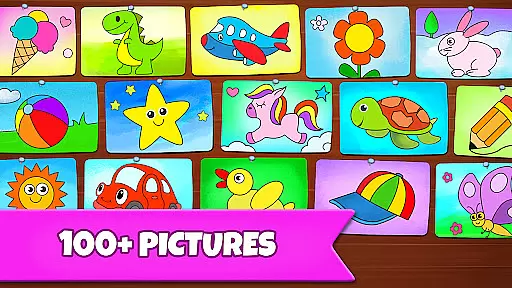
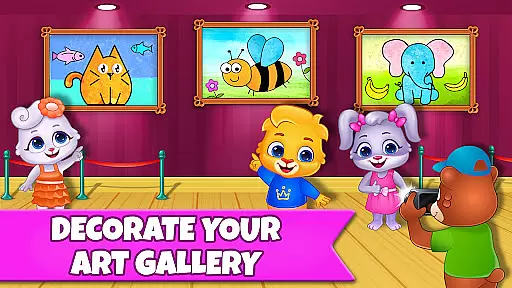
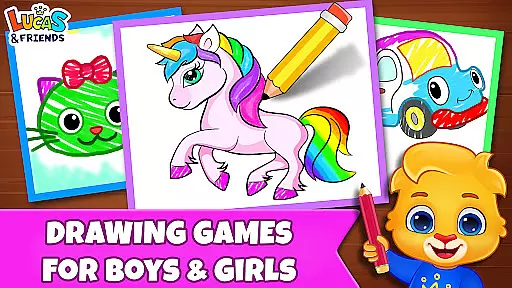
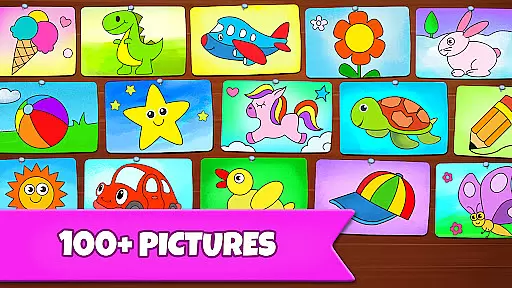
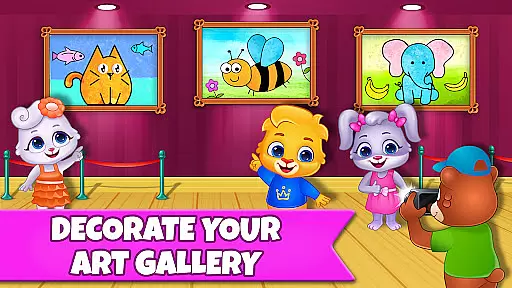
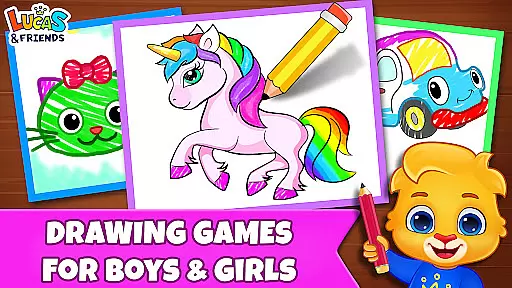
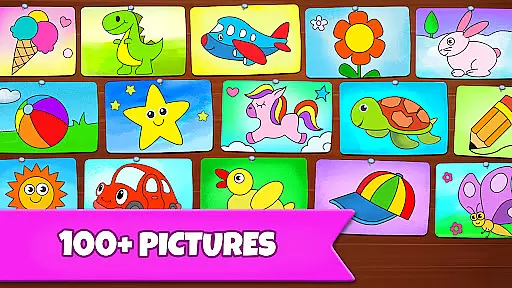
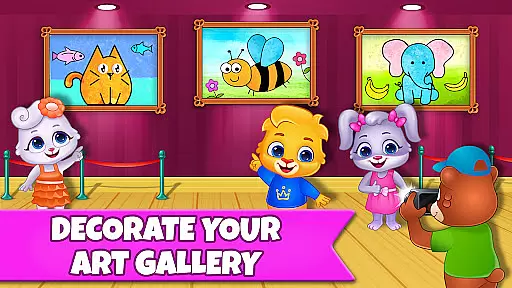
Drawing Games: Draw & Color is an educational app designed to engage children in creative drawing and coloring activities. The app offers multiple interactive modes that help kids learn shapes, numbers, and picture recognition while having fun. With features like Learn to Draw, Auto Draw, and Glow Paint, it provides a comprehensive artistic experience for young learners.
The app is suitable for toddlers, preschoolers, and kindergartners, offering varying difficulty levels to cater to different age groups. Children can express their emotions, build confidence through painting, and develop essential cognitive skills. Drawing Games ensures a safe and enjoyable environment with no in-app purchases or ads, making it an ideal choice for parents seeking quality educational content for their kids.
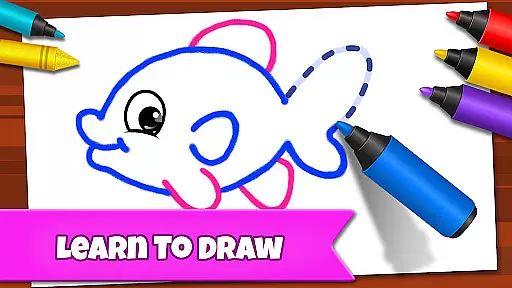
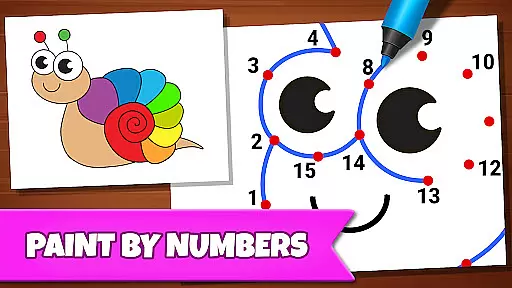
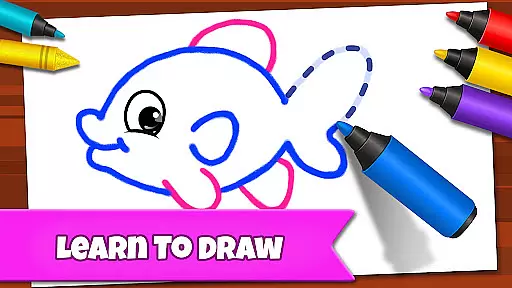
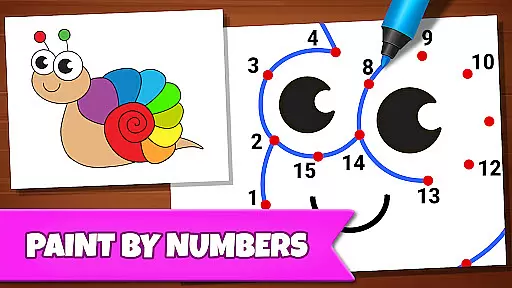
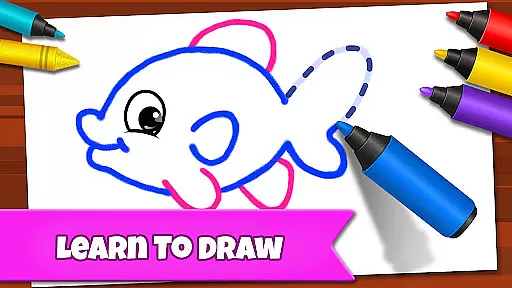
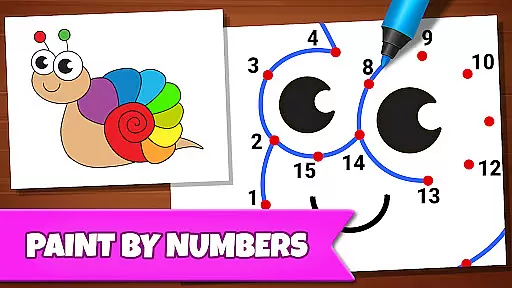
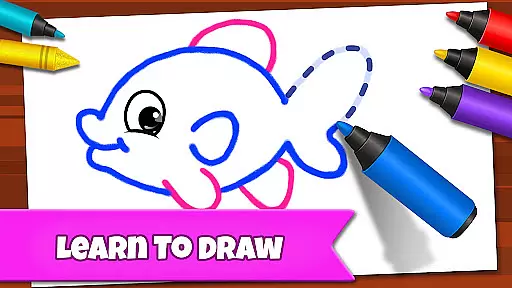
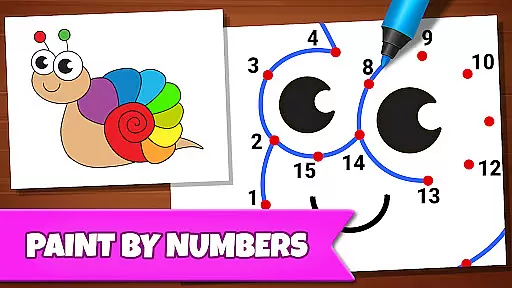
Drawing Games: Draw & Color comes packed with innovative features tailored for young artists. The app includes six distinct modes: Learn to Draw, which teaches step-by-step drawing; Auto Draw for toddlers to watch automated painting; Connect & Color, where kids connect dots to reveal colored pictures; Connect the Dots for line drawing practice; Memory Drawing to enhance memory retention; and Glow Paint for vibrant artwork.
Each mode is crafted to provide unique learning experiences. For instance, Connect the Dots helps improve hand-eye coordination, while Memory Drawing boosts cognitive abilities. The app also boasts beautiful stickers, crayons, and glowing pens to keep children engaged. With its focus on creativity and education, Drawing Games offers endless entertainment and developmental benefits without any distractions from ads or in-app purchases.
In educational apps, content authority and curriculum alignment are crucial for ensuring that children receive accurate and relevant learning experiences. Drawing Games: Draw & Color takes this responsibility seriously by offering a variety of modes that align with early childhood education goals.
The app's Learn to Draw mode teaches kids step-by-step how to draw pictures, which not only develops their artistic skills but also enhances their understanding of shapes and spatial relationshipsu2014a key component of many early learning curriculums. The Connect the Dots feature helps in developing number recognition and sequence understanding, which are fundamental math skills.
Moreover, the Memory Drawing mode aids in cognitive development by encouraging children to recall and replicate lines from memory, fostering both attention and memory retention abilities. By integrating these educational elements into an engaging and interactive format, Drawing Games ensures that its content is authoritative and well-aligned with educational standards.
Gamification in learning transforms traditional educational content into interactive and enjoyable experiences. Drawing Games: Draw & Color excels in this area by incorporating various gamified elements that captivate young learners' attention while imparting valuable skills.
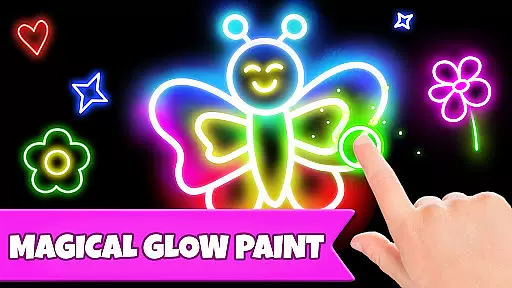
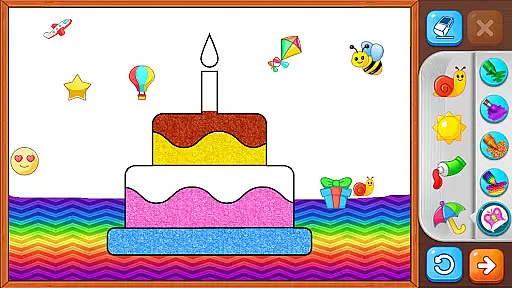
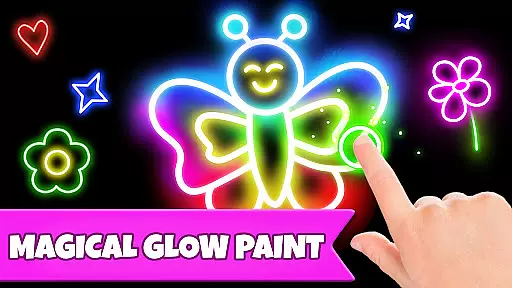
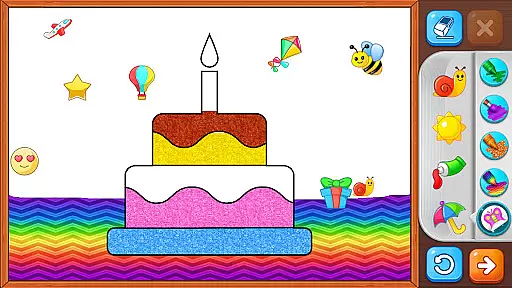
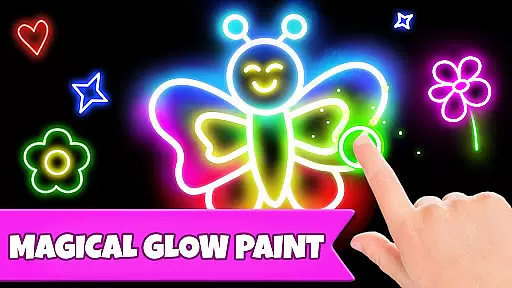
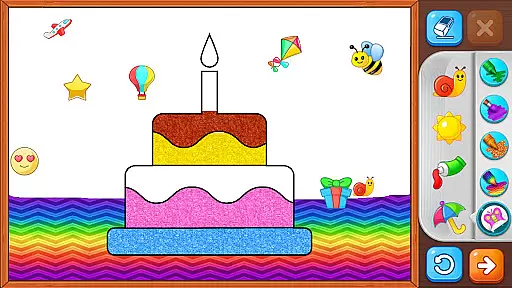
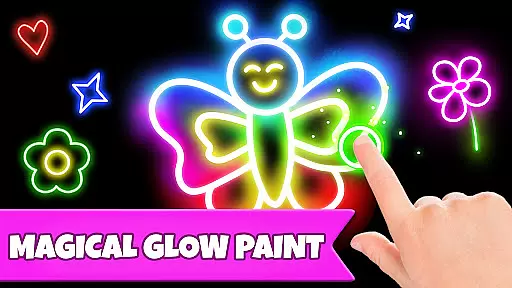
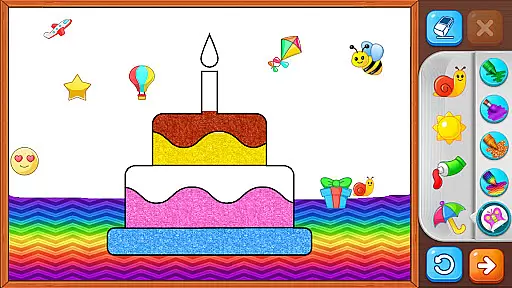
One standout feature is the Auto Draw mode, where toddlers can watch as paintings come to life automatically. This sparks curiosity and provides a gentle introduction to digital art forms without overwhelming the child. Additionally, the Glow Paint mode adds an element of excitement with glowing colors, making the painting process magical and memorable.
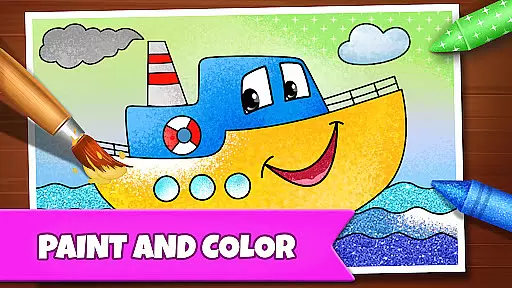
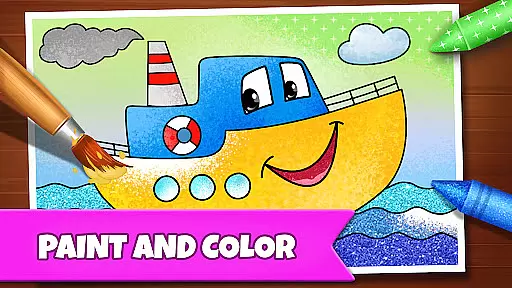
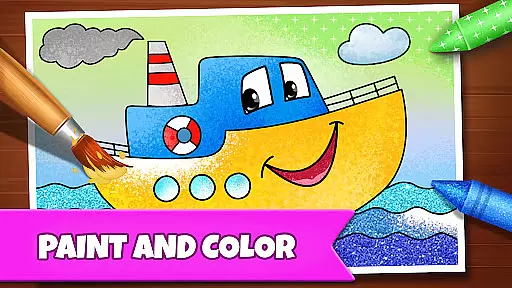
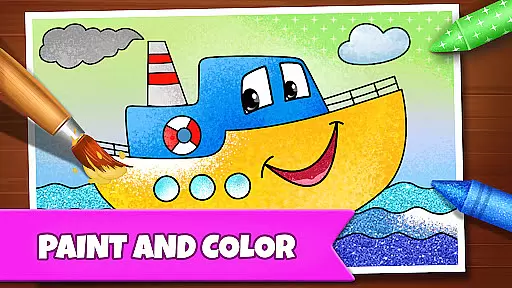
The app further integrates stickers, crayons, and glowing pens within its interface, keeping kids engaged for extended periods. These tools encourage creativity and self-expression while subtly teaching picture recognition through drawing, coloring, and painting activities. With no in-app purchases or ads, Drawing Games maintains a seamless learning environment, allowing children to focus on their creative journey uninterrupted.
User-friendly interface
Educational and fun
Multiple drawing modes
No in-app purchases
Engaging for all ages
Limited advanced features
Basic color options
Occasional bugs
Simple graphics
Offline only

Absorbing, highly visual, effective learning of multiplication, division
 4.2
4.2
Little Explorer – Garage, Kitchen and Bathroom
4.4
Pro Doctor Dentist for PetsGame
4.60
Enjoy the fun kid's hospital play game with Cocobi, the little dinosaurs!
4.00
Toddler Learning Games, Learn: Colors, Shapes, Puzzles, ABC ... ►NoAds!◄
4.50
Baby Phone Game for Kids & Toddlers to Learn Sounds, Numbers, ABCs, Phone Calls
3.80
Where Little Healers can Make a Big Difference!
4.00
Companion app for Cozmo, the educational toy robot who’s got a mind of his own.
3.30
Games, music, crafts and coloring with cats
4.10
Explore Dopples World, build your avatar life & create endless stories!
4.70
Preschool learning games: 123 numbers game for kids, abc learning for toddlers
4.70
A must-have sequel to our Learn Letter Sounds with Carnival Kids app
4.30
Cure the patients to create your hospital story!
3.90
Practice Early Literacy Skills and Build Vocabulary with Elmo & Cookie Monster!
3.90
Spark your little ones’ imagination!
3.80
Play pretend & explore at the doctor's & school in Daniel Tiger's Neighborhood.
3.30
Learn and practice multiplication and division
4.2
Discover the infinite cycles of the universe
4.2
Fun step-by-step drawing & coloring app to learn and create art!
4.5


User Reviews